Where to buy
Need advice? Our highly trained dealers are happy to help with questions, small or large.
Find a dealer near you
Firmware & Software

Beril Berkem • 31 July 2026
VictronConnect v6.40
This VictronConnect app update is all about convenience and connectivity. For installers, that might mean walking up to any installation with any type of laptop, and being able to connect and adjust product settings right away, without needing extra tools. It might also mean reviewing an older system’s configuration easily, or spotting an issue in a single battery in a battery bank without having to travel to the site. For end-users, it might mean checking in on their system from their phone, in whatever theme they prefer, and getting a more detailed picture of what’s happening, wherever they are. Released today, VictronConnect app v6.40 brings a range of updates designed to make system monitoring and management easier for end-users, as well as professionals. Let’s have a look at what’s new. Bluetooth connectivity now on Windows Many installers rely on a Windows laptop to configure, monitor, and troubleshoot Victron Energy products on site. Until now, this meant a wired connection, such as a VE.Direct USB cable for products like MPPTs and DC-DC chargers, or an MK3-USB cable for VE.Bus products like Multis and Quattros, regardless of whether the product was Smart (has built-in Bluetooth) or not. With this update, the VictronConnect app now also supports Bluetooth connectivity for Windows laptops, so installers can connect to Victron Energy Smart products wirelessly, just like Mac laptops, or iOS and Android phones, already do. One less cable to dig for in the toolbox, and one less thing that can go missing. A wireless connection also gives users the freedom to stand further away from the device while working. Access settings files, without needing the same app version The VictronConnect app has long had a “ Demo feature ” where, along with many things, a saved settings file can be loaded through the Settings file manager , and the app then displays it as though it were connected to the real product, with the full snapshot of settings, readings, and history available for inspection, with only an orange “DEMO PRODUCT” banner as a reminder that no physical device is actually connected. This has allowed installers and end-users to review a system’s configuration, without needing to be on-site or connected to the actual product. More on how this works can be found on the Settings files page of the manual. Until now, that inspection trick came with a catch : it only worked if the settings file had been saved with the exact same VictronConnect version currently installed on the device doing the inspecting. Since the VictronConnect app automatically updates itself , this sometimes made things a bit complicated. A file saved by a customer running whatever version had quietly updated onto their phone last week often simply wouldn’t open for an installer, even on a newer version of the very same app. With the new VictronConnect v6.40, any settings file created with VictronConnect v6.30 or later can now be opened for inspection regardless of which version is currently installed (as long as it’s v6.40 or later), helping speed up inspections. Seeing every battery in the bank, from anywhere Speaking of speedy inspections, wouldn’t it be convenient to see individual battery details in a battery bank remotely, without having to travel to the site? A battery bank is only as strong as its weakest battery, and finding that weak link has traditionally meant being physically present at the installation. With this release, individual battery details from the Lynx Smart BMS , including voltage, temperature, and status per unit, are now visible over remote connections, not just when locally connected. For fleets, remote installations, or any system where a service visit is expensive or slow to arrange, the outlier battery can now be spotted from a desk, with a clear picture of what’s going on before the installer has to pack up their van. SolarSense 750 data, now ready for further analysis We recently introduced the SolarSense 750 , a compact, wireless PV performance monitor designed to help optimise PV energy usage and monitor the health of a PV installation. It measures irradiance, available power, estimated daily min/max solar power (kW), and estimated daily yield (kWh), and logs its own history. Until now, though, that history stayed inside the app. With VictronConnect v6.40, that historical data can now be exported straight to CSV. For installers and integrators doing performance analysis, it is now easier to validate expected solar yield against what a system is actually producing, decide on the optimal position and angle for installing the panels, or put together a report for a client. Your app, your view While most of the features that we’ve mentioned so far will mainly be appreciated by professionals, VictronConnect v6.40 also comes with features for everyone using the app regularly, for example the new dark mode. The app can now follow the phone or laptop’s system theme automatically, or light or dark mode can be set independently, regardless. That same attention to everyday comfort carries over to checking in on a system remotely. VictronConnect’s VRM tab, the one that shows the full system dashboard without leaving the app, has had a round of usability improvements, including proper support for portrait mode for the GX remote console. Note that this particular improvement needs the latest Venus OS on the GX device, which is rolling out in the coming weeks. New product support Alongside all of the above, v6.40 also extends VictronConnect’s reach to new hardware, some available now, and some on the way. Looking ahead, VictronConnect is laying the groundwork for upcoming enhancements to the EV Charging Station (EVCS) . Once a future Venus OS release catches up on the GX side, the app will be able to show vehicle information mid-charge, including battery state of charge and estimated range, and pairing an EVCS to a GX device will become simpler, dropping the need to enter a password at all. Also on the way is support for the new Energy Meter VM-3P5A (more on this new energy meter soon!). Once the meter becomes available, the VictronConnect app will be ready to handle its monitoring and configuration, adding it to the growing list of compatible Victron products. Wrapping up VictronConnect v6.40 brings installers and distributors a faster way to connect on site, easier access to a system’s history and battery health from a distance, and a more flexible way to inspect settings files. For end-users, it means an app that looks the way it’s wanted and feels more at home on a phone, wherever it happens to be checked from. We hope everyone enjoys using these new features. And as always, we really appreciate your feedback as it shapes future improvements, so feel free to share your experience or suggestions in the Victron Community .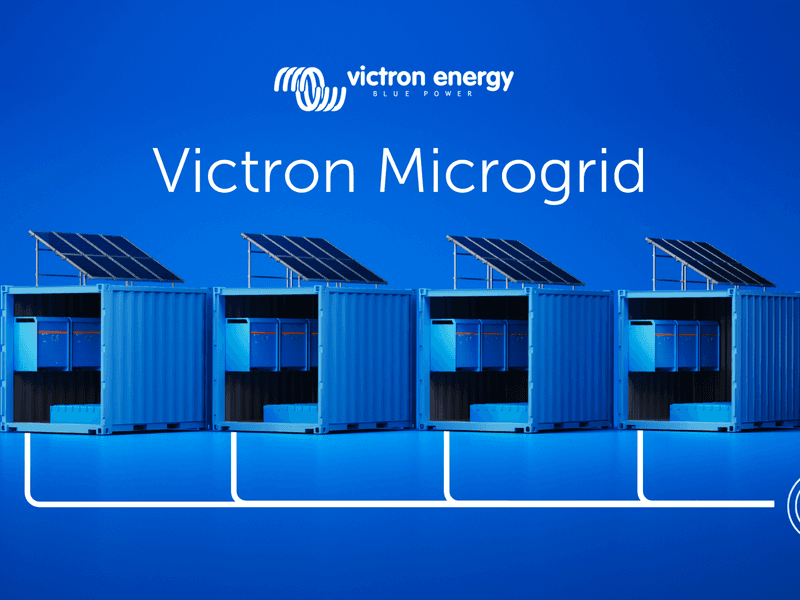
Guy Stewart • 13 April 2026
Introducing Victron Microgrid
What if you could build large off-grid systems with the same simplicity as small ones – just by adding more independent units, increasing reliability, and scaling total capacity as you grow? Large off-grid systems have traditionally been complex to build and difficult to change; Victron Microgrid takes a different approach. Victron Microgrid allows multiple independent Victron inverter/charger systems, named “Power Banks” to operate in parallel on a shared AC bus – even when Power Bank sizes vary – forming high-power off-grid systems that automatically share the load. Each Power Bank is a complete, independent Victron installation with its own inverter/chargers, batteries and monitoring. No central controller, and no data communication wiring between units. If you need more power you can just add another Power Bank, and scale the system – up to 400 kW. Why Victron Microgrid? Scale beyond a single system. Multiple Power Banks on a shared AC bus let you build off-grid systems much larger than a single VE.Bus system, without the complexity and risk of one big centralised inverter installation. Keep running when a unit goes down. Each Power Bank operates on its own. If one is taken offline for service or develops a fault, the rest continue supplying the AC bus uninterrupted. Removing any single point of failure. Add or remove capacity without downtime. Connect more Power Banks to the Microgrid as demand grows. Disconnect them when demand drops or maintenance is needed. No reprogramming required, and the AC bus stays live to loads the whole time. Build with what installers already know. No new hardware. Victron Microgrid uses the same inverter/chargers, batteries, charge controllers and GX devices that installers already work with. Each Power Bank is monitored through its own GX device and VRM. Move equipment between sites. Perfect for rental: containerised Power Banks can go from one project to the next. When a job is done, the same hardware returns to the depot and goes out again ready to join another Microgrid. A standard, efficient container build can be used to satisfy a broad range of applications by simply joining them together via AC wiring on site. Applications Because each Power Bank is self-contained, Victron Microgrid works well on sites where demand changes over time and equipment may need to move between projects. 1. Generator rental fleets Rental operators can treat Power Banks as modular fleet assets. Instead of maintaining many fixed-capacity systems for different jobs, stock standardised Power Banks and combine them to match each contract. A smaller deployment might use two Power Banks; a larger job may need six or more. When a contract ends, the same units return to the depot and go out again in a different combination. Power Banks can be grouped together as a Microgrid in VRM to provide remote monitoring, alarms and visibility across active sites. 2. Construction sites Construction sites often have a stable base-load with temporary spikes in demand. Site offices, lighting and tools may run for months at one level, then a crane, welding gear or other heavy equipment drives consumption up. Extra Power Banks can be brought to site, connected to the AC bus for the peak period, and removed when it’s over. Match capacity to the actual stage of the project and reduce dependence on generator runtime where silent, battery-based power is preferred or required. 3. Events and festivals Demand profiles shift across bump-in, live operation and bump-out. Peak power may only be needed for part of the schedule, but reliable supply is needed throughout. Deploy more Power Banks for peak periods, fewer for quieter ones with no need to redesign the system. If the programme changes, add capacity quickly by connecting another Power Bank to the AC bus. And if one unit has an issue, the rest keep running. 4. Expanding existing off-grid systems Victron Microgrid is also a practical way to upgrade an existing Victron off-grid installation. Instead of pulling a working system apart to make it bigger, install a second Power Bank alongside it and connect both to the same AC bus. The original system stays as it is and just becomes one of the Power Banks in the Microgrid. This is useful for containerised or remote installations where reworking what’s already there would be disruptive. Each Power Bank manages its own charging, so the new unit needs its own charging sources such as additional solar, a DC generator connection, or other DC charging. How Victron Microgrid works A Power Bank is a complete Victron off-grid system: one or more VE.Bus inverter/chargers, a battery bank, DC distribution, DC charging sources, and a GX device for monitoring. In a Victron Microgrid, multiple Power Banks connect to a shared AC bus and work together as one large power system. Load sharing between units happens automatically via AC voltage and frequency, without the need for a central controller, communication between power banks or complex configurations. This decentralised approach keeps the system simple and reliable. Three-phase and split-phase configurations are supported as well. Independent charging – no central controller needed Decentralised DC charging is what makes this controller-less approach work. Each Power Bank manages its own state of charge using its own charging sources. Victron supports a range of charging options: MPPT solar charge controllers for DC-coupled PV AC chargers (such as MultiPlus, Quattro or Multi RS) connected to an AC generator or other AC supply, independent of the Microgrid AC bus. DC generator integration (including start/stop automation) Getting started Victron Microgrid is available via a dedicated VE.Bus firmware for MultiPlus, MultiPlus-II, Quattro and Quattro-II. Walk through the concept, configuration and commissioning with these training videos: Introduction Programming Demonstration The Technical manual covers installation and configuration in detail. See this Slide deck for a more visual overview. Contact a Victron distributor to discuss whether Victron Microgrid fits your application.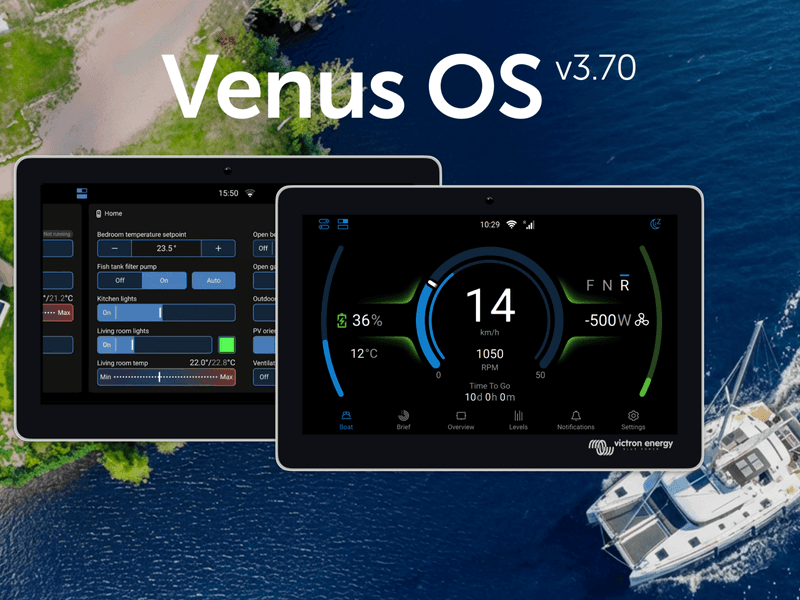
Matthijs Vader • 25 February 2026
Introducing Venus OS 3.70
Victron GX device firmware v3.70 is now available. This release brings a greatly expanded switch pane with Node-RED virtual switches, improvements to GX Boat Page and E-drive integrations, cell level monitoring for Lynx Smart BMS NG, Garmin EmpirBus digital switching, Shelly smart device integration, and much more. The switch pane gets even better The switch pane was introduced in Venus OS v3.60 with support for the Energy Solutions SmartSwitch . In v3.70, it’s grown to become a central point for an entire digital control system. GX relays join the switch pane. The built-in relays on the GX device can now be controlled from the switch pane. Set a relay’s function to Manual under Settings → Integrations → Relays, and it appears as a controllable output. Node-RED virtual switches and supported 3rd party digital switches (such as Garmin, Shelly & Safiery) now also appear in the switch pane, enabling customisable controls. Marine MFD App now includes switch pane support. GX relays, digital switches, and Node-RED virtual switches can be viewed and controlled directly from an MFD display. GX Boat Page: Various enhancements and new CANopen integration Venus OS v3.70 introduces new CANopen profiles, expanding integration options for electric propulsion systems, including Sevcon and Curtis motor controllers. This CANopen integration path is an addition to the already existing NMEA2000 integration. Together, these options enable electric propulsion monitoring on the GX device for an even wider range of setups, displaying motor RPM, power, current, temperature, and direction. Enhancements for the GX Boat Page apply to both CANopen and NMEA2000 integrations and include: Support for dual motor setups Visualisation of regeneration Smoother RPM gauge animations Option to adjust for inverted motor direction To learn all features and details about E-Drive integration and the GX Boat Page, see this slide deck. Lynx Smart BMS NG individual battery and cell monitoring Detailed information about each specific battery connected to a Lynx Smart BMS NG, including individual cell voltages, and cell temperatures for each battery can now been seen on the GX. Node-RED: virtual switches and smarter workflows Building on the virtual devices introduced in v3.60, Node-RED now offers a powerful set of virtual switch types. These create interactive controls in the switch pane that can be linked to any automation logic in Node-RED flows. This bridges Node-RED programming and the normal GX user interface. A significant workflow improvement is the ability to set multiple properties of a virtual device in a single message , reducing both CPU usage and flow complexity. Where previously you might have needed four or five separate inject nodes to configure a virtual device, it can now be done with one. Input nodes have a new feature called “ conditional evaluation ” which is useful for triggering actions when values cross thresholds (e.g., “battery SOC below 20%“). Victron nodes configured to evaluate conditions can now output TRUE/FALSE on a second output, including combining two conditions (eg. SOC% and PV power) with AND/OR logic. A brief snippet of documentation has been added to each Victron node to make it quicker and easier to understand how to use them. Garmin EmpirBus digital switching A welcome addition for RV builders, boatbuilders, and OEMs, Garmin EmpirBus digital switching is now supported in the switch pane on both the GX display, and via remote console on VRM. New features also improve integration with Garmin and other NMEA 2000-equipped marine displays. Alarms from the GX device are now transmitted onto the NMEA 2000 network . Garmin MFDs will visualise these alerts, giving crew immediate awareness of system warnings from the helm. Allow for Internet access. In systems where the GX device is connected to a Garmin system using ethernet, and then want to use WiFi for internet, it is now possible to select which network interface is internet enabled. Shelly integration Venus OS now natively supports Shelly Gen2 (and newer) smart switches, energy meters and RGB light controllers. This brings better integration for the affordable and widely available range of Shelly smart home hardware to the Victron ecosystem. These are useful for controlling and monitoring AC loads such as water heaters, pool pumps, or lighting circuits. Shelly devices on the same network are discovered automatically, though disabled by default. Once enabled in the Settings -> Integrations menu, Shelly devices appear in the switch pane. Supported device types include on/off switches, dimmable outputs with slider control, and energy meters. It’s also possible to set the RGB controller color in the UI using presets. Safiery STAR Digital Switching Integration Venus OS now includes support for the Safiery STAR-Power, STAR-Light, and STAR-Rover digital switching controllers. Connected via VE.Can, they offer control of 12V or 24V switching circuits directly from the GX switch pane. New sensor and device support Several new device integrations round out this release: Gobius tank sensors are now supported via Bluetooth, as well as Ruuvi Air sensors. Pylontech batteries can now have their firmware updated remotely through the VRM Portal. A significant timesaver for installers with large system fleets connected via VRM. Navigate to the Device List on VRM, where updateable Pylontech batteries will be discovered. You’ll need to obtain Pylontech firmware files, and advice for when updates are needed from Pylontech battery dealers as VRM does not host these files. SSS batteries have passed Victron BMS-Can compliance testing and are now supported. Orion XS is now supported for NMEA 2000-out. Tank sensor improvements include tank shape configuration and high/low alarm settings for Mopeka wireless sensors, as well as improved multi-device tank level handling for MFD displays over VE.Can. New UI improvements The New UI received many refinements: A new Watts/Amps display preference called “Mixed” shows AC values in Watts and DC values in Amps. An option to disable all animations can save up to 40% CPU on a Cerbo GX, making the interface noticeably more responsive. Keyboard navigation has been added throughout the interface. Portuguese and Afrikaans have been added as new language options. Notification handling has been improved across the board. Alarm silencing is clearer, and the overall experience is more intuitive. The phase rotation alarm can now be enabled or disabled from the settings. Fixes and improvements This release includes important fixes across several areas: Dynamic ESS: Fixed precision issues arising from the change to 15-minute windows, particularly for systems with decimal SOC values. Also fixed false battery discharge during scheduled charging with grid-to-battery restrictions, and a bug with negative grid set-points. DVCC: Fixed charge current division between Multi-RS and external solar chargers in systems with PV inverters. Fixed CCL not being applied after turning a Multi off and back on. Added limited CCL control for a second VE.Bus system via MK3-USB. Peak shaving: Fixed bugs where peak shaving was insufficient under some conditions, when Self-consumption from battery was set to “Only critical loads”. PV Inverters: Fixed Enphase limiting issues, and SolarEdge limiter setup repeating on reconnections Security: Brute force protection has been added to MQTT and HTTP(S) login. A new read-only mode for Modbus-TCP provides a more secure option. Raspberry Pi: Raspberry Pi 5 is now supported and includes the new UI. Please note: The New UI cannot render portrait orientation yet. Use the Classic UI if you have the Raspberry Pi Touch Display 2, or other portrait display. Before you go You can find the full list of changes in the changelog here . Information on how to install the firmware is available in the GX Device manual. A quick link to the relevant page can be found here . And as always, a huge thank you to our community for their invaluable help in testing and preparing this release. The detailed bug reports and feedback from the beta testing period have made v3.70 possible.
Beril Berkem • 23 February 2026
VictronConnect App v6.30
VictronConnect app v6.30 brings a range of new features designed to make system monitoring and management easier for both professionals and end-users. These include VRM integration, new tools for system monitoring, more insight during firmware updates, and a Batch Programming feature aimed at simplifying work for professionals. In the next sections, we take a closer look at what’s new in VictronConnect v6.30. VRM integration The VictronConnect app has been the go-to app for direct access to Victron products and system monitoring, allowing configuration, firmware updates, and real-time monitoring via Bluetooth with quick access from your phone. The VRM Portal , on the other hand, gives full remote system monitoring from anywhere in the world with internet connection, providing full system overview, detailed performance analysis, remote support, and tools for fleet and multi-system management. VictronConnect v6.30 brings these two worlds closer together. VRM dashboard access is now built directly into the VictronConnect app. Previously, when accessing a system remotely via the VRM tab, the app redirected you to the VRM Portal for full system information. You can now see the system dashboard directly in VictronConnect, including control switching, overview data, and Dynamic ESS information such as costings and schedules, making it easier to understand what is happening across your system from one place. VictronConnect on Android Auto If your vehicle supports Android Auto, you can now view key system information directly on your car’s display while driving through the VictronConnect app on your phone. After updating to VictronConnect v6.30, a VictronConnect icon will automatically appear in Android Auto once a phone is connected. The feature uses Bluetooth Instant Readout and requires no additional configuration or GX device. If Instant Readout data is available for a product in the VictronConnect app (for example, the Smart range), it will also be shown in Android Auto, creating a simple plug-and-play experience. This makes it easy to monitor system status safely while driving, especially in campervans, motorhomes, and professional vehicles. Android widgets and notifications Android users can place widgets on their phone home screen to quickly see important system information without opening the app. It is also now possible to enable notifications so your phone alerts you if something needs attention, giving you peace of mind that your system is running as expected without needing to constantly check it. Notifications and Widgets use Bluetooth Instant Readout and work when your phone is within range of supported products. Improved Trends Trends data is now clearer and more detailed, making it easier to see how your system has been performing over time. Updated graphs are easier to read and interpret, while also giving access to deeper system information, helping build a clearer picture of energy production, consumption, and battery behaviour. Trends data is now also included when exporting product settings, making it easier to keep records or share data for support or analysis. This feature is available for all products that support stored Trends. Smarter firmware updates With VictronConnect v6.30, firmware updates now show release notes directly in the update screen, making it easier to see what has changed before updating. The release notes remain visible during the update process, giving clearer insight into each firmware version. The built-in firmware library can now also update itself automatically when an internet connection is available, keeping the latest firmware versions ready even between app updates. Firmware updates can still be carried out without an internet connection, just like before. Batch programming And finally, a feature many installers will appreciate: Batch Programming. You can now apply setting files and firmware updates across multiple devices at the same time. The feature supports both VE.Direct (wired) and Smart (Bluetooth) products, making it easier to manage mixed systems. The short video below gives a quick overview of how it works. Wrapping up VictronConnect v6.30 makes it easier to stay connected to your system, whether you are standing next to it, travelling, or checking it remotely. By bringing VictronConnect and VRM closer together, and adding practical tools for daily use, this update helps make system monitoring, control, and maintenance simpler for everyone using Victron systems. We hope you enjoy using these new features. Your feedback helps shape future updates, so feel free to share your experience or suggestions in the Victron Community .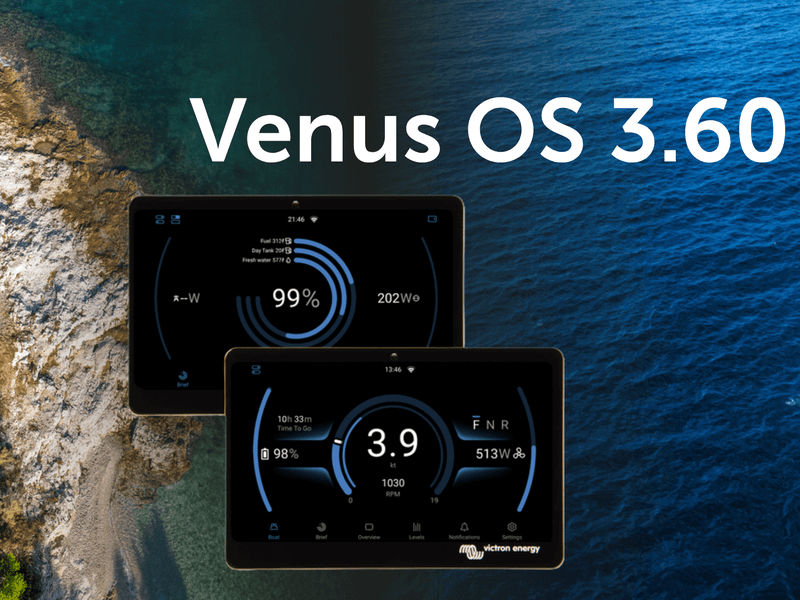
Matthijs Vader • 10 June 2025
Introducing Venus OS 3.60
Venus OS for Victron GX devices has been updated today to v3.60 with exciting new user interface features, some much needed fixes and a few great new features under the hood. Before we dive into this blog post, take a moment to look through this slide deck for a visual walkthrough of what’s new. Introducing the new switch pane The new switch pane The new switch pane offers quick access to switching functions in vehicles, boats, or stationary systems, either via touchscreen or through VRM. A button at the top left of the New UI opens the pane, giving users fast access to controls for loads and key systems. Currently, the Energy Solutions DC4 four-channel SmartSwitch is supported. Devices from other digital switching partners will follow soon. Marine-specific updates This release includes a significant update to the Marine MFD HTML5 App, greatly improving display quality on high-definition MFDs such as the Garmin 9000. A night mode has also been introduced, applying a soft red overlay that’s easier on the eyes in low-light conditions. The new night mode in the updated high-resolution layout on a Garmin 9000. This update also introduces a dedicated Electric Boat page, accessible via a new icon at the bottom of the New UI. It’s designed for small craft with electric propulsion systems and displays key information such as speed, RPM, electric motor power consumption, and battery state of charge. The new electric boat page Lastly, the Brief Page in the UI now allows individual tanks to be selected for display as ring gauges, rather than being limited to selection by tank type. This gives users—particularly in the marine and camper sectors—the flexibility to, for example, show total fuel alongside a day tank for quick reference to key values. Updated brief page displaying tank information VE.Bus settings backup and restore This update to the GX device firmware introduces a backup and restore feature for VE.Bus configuration and settings. It allows a multi-unit system to be quickly restored after the failure of a single unit. The restore process automatically identifies the replacement device and applies the correct configuration. This feature also makes it possible to quickly switch between different configurations in applications where regular configuration changes are needed. Restore and backup tabs Added compatibility with Sunwoda and Soluna batteries Support for automatic DVCC configuration has now been added for Sunwoda and Soluna batteries. Integration testing is complete, and both are now officially compatible. You can find more details on the battery compatibility page. Heating & cooling control for NG batteries This release also introduces a new feature that will be especially appreciated by campervan owners spending winters in the mountains or boats sailing in high latitudes. When used with Victron NG batteries, the GX device can now control a relay to manage battery heating in cold conditions and cooling if needed in hot environments. To use this feature, your system needs a CAN-connected battery and a relay configured for temperature control, along with heating pads or cooling equipment installed. Please note that it requires the Lynx Smart BMS NG, and isn’t compatible with the Small BMS NG or VE.Bus BMS NG. The feature also works with other managed batteries, as long as they send cell temperature data to the GX device. PV Inverter limiter support Support for managed PV inverters on GX devices has been expanded to include zero feed-in and dynamic ESS power control on any PV inverter that supports Sunspec™ information models 123 or 704. Equipment from SMA, SolarEdge, Kostal and Enphase has already been confirmed, and we encourage users to test other inverters that state support for Sunspec™ 123 or 704 in their firmware. Redesigned settings menu The GX device was launched well over a decade ago, and since then the range of features and supported devices has grown rapidly. The settings menu was due for an update to improve navigation and make better use of the higher-resolution layout in the New UI. Alongside new high-level categories, the updated menu now includes ‘breadcrumbs’ at the top of the screen, helping users see where they are and easily navigate back to a specific section with a single tap. Settings menu Modification checks page A new ‘Modification Checks’ page has been added under Settings > General, offering a quick overview of the software status on a GX device. More importantly, it gives installers and distributors a clear indication of whether a system has been modified, which can be helpful when diagnosing or providing support. If the startup configuration has been changed, for example to load a custom battery driver, or if an SSH key has been added, this will be shown at a glance. The page also allows users to disable modifications, reinstall the latest firmware, or run an online update, all from one place. Modification checks page Node-RED automation improvements This release brings exciting new updates to Node-RED and support for Victron’s new GX IO-Extender 150. The new version of Victron’s Node-RED support introduces ‘virtual devices’, making it possible to create virtual equivalents of the following devices on the GX: Batteries PV inverters Temperature sensors Tanks Grid meters Meteo/irradiance sensors (irradiance, wind speed, wind direction) GPS Electric motor drive (see boat page) Virtual devices allow data from external systems, such as those using MQTT or Modbus-TCP, to be made available within the GX device and on the VRM Portal. This means the information appears just like data from a fully supported Victron product. For example, it can be used to read or import data from a custom or specialised tank monitor. Another useful update is the ability to control the relay on an MPPT via Node-RED. This version also reduces CPU usage by communicating more efficiently with the GX device. GX IO – Extender 150 The new GX IO-Extender 150 is introduced with this release to give integrators more options to control and integrate devices and systems. It provides the following additional USB-connected I/O to GX devices: 2 x bi-stable relays 1 x solid-state relay 2 x 4 input/output digital IOs 4 x adjustable level outputs (PWM) Fixes and improvements This release brings important fixes to the Cerbo GX MK2 and the GX LTE, which have fixes to the stability of VE.Can port 2 and use with IPv6 respectively. Other improvements include: Systems with a second VE.Bus device connected via an MK3 can now be controlled by the BMS, thanks to a new option in the DVCC menu. The Orion XS can now be configured as a standard DC-DC converter instead of a charger, and in that case will not be controlled by DVCC. ESS no longer throttles PV production when a user selects Optimised together with 100% Minimum SOC. Multi RS now includes better support for generators and can be used in three-phase systems without batteries. The New UI now offers a button in the remote console to add a GX device to VRM without needing the portal ID from the device sticker. Generator control has been improved. It is now possible to stop a generator based on tank level, helping to avoid airlocks when the tank runs empty. DC generators are now detected at input. The ESS feed-in limit has been increased from 32 kW to allow import and export at higher power levels. Dynamic ESS now responds more accurately when actual consumption or solar production differs from the forecast. How to install You can see the information on how to install the firmware in your GX Device manual. Quick links to the relevant pages can be found here: Ekrano GX , Cerbo GX , Color Control GX and for the Venus GX . Before you go We’ve had a huge amount of support from our testing community in preparing this update for release, and I would like to thank everyone, both developers and testers, for helping us get this exciting release out! For more information, you can see the slide show here . Enjoy this new version, Matthijs Vader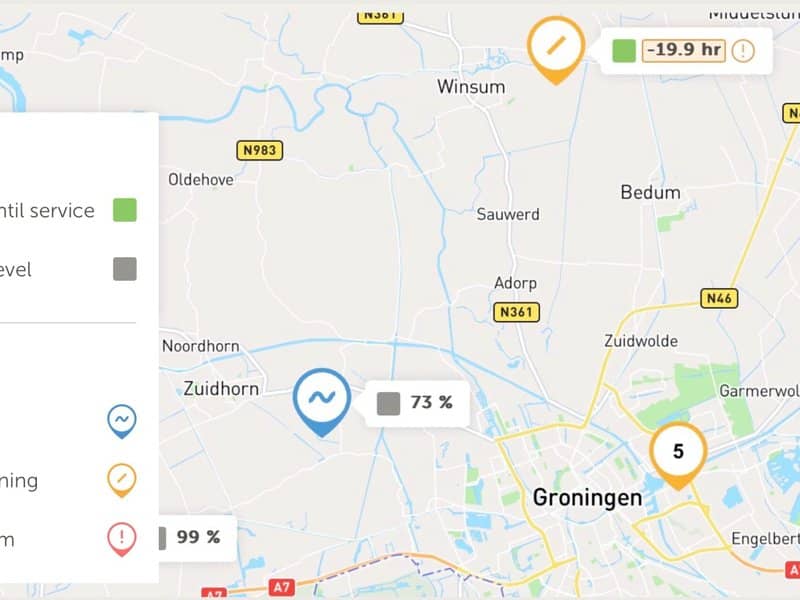
Matthijs Vader • 24 January 2025
New VRM fleet management features launched
We’ve introduced several improvements to VRM for installers and fleet managers overseeing multiple Victron systems. These enhancements build on the updates released last year , including the introduction of groups and teams features. These changes are a result of our ongoing discussions with operators, helping us identify ways to save them time and provide superior service to their customers. Overview of the New Additions: Map Details: Preview multiple sites in close proximity, including fuel tank levels and generator run time until the next service Mini Graphs: View maximum load and other key metrics from the installations overview Prominent Warnings and Alarms: Improved visibility of warnings and alarms in the installation overview New Access Control Role: ‘Technician’ added for enhanced access management Remote Generator Service Reset: Ability to remotely reset the generator service interval clock Overall Speed Improvements: 8x faster load time of side navigation list, very noticeable for 100 sites or more 1. Map Details The map has been updated and improved to help manage large numbers of systems more efficiently. You can now filter systems and view actionable information such as: Runtime Until Service: Displayed along with fuel tank levels. Warning and Alarm Information: Icons provide details about warnings and alarms, and filter options to view sites based on the site status. Expandable Site Clusters: Clusters of sites in the same location can now be expanded to reveal more details. You can access the map by clicking the globe icon in the top-right corner of the installation overview. This will display all your systems around the world. The map also functions as a filter for the installation overview list. Zooming into a specific area will update the displayed systems accordingly. The map’s display coordinates and selected tags are added to the URL, allowing you to bookmark specific regions. For example, you can create a bookmark to show only systems with an active alarm located in Amsterdam. This feature is particularly useful for displaying various regions on fleet management screens in a control room or during routine inspections. We’ve received feedback from users requesting additional information, such as battery state of charge, and plan to continue rolling out new details. 2. Mini Graphs on VRM Installation Overview This update is designed to help you monitor your fleet at a glance without needing to open each installation separately. You can view the following metrics for 24 hours: Battery state of charge Solar production Maximum load Grid supply Generator supply This feature helps quickly identify and addresses potential issues. For example, spikes in maximum load can indicate that a system may be undersized for a particular application, even before warnings or alarms are triggered. This allows fleet operators of hybrid generator systems to ensure their customers have correctly sized equipment. How to Access the Mini Graphs The mini graphs are hidden by default. To enable them, log in to VRM, select the table settings button in the installation overview, and activate detailed mode. This may take a few moments to load, depending on the number of systems in your fleet. Once loaded, you can begin exploring the enhanced data insights. Note: This feature is optimised for desktop use. On a mobile phone, you need to use landscape mode. 3. Prominant Warnings and Alarms We’ve improved the warnings and alarms in the installation overview. You no longer need to click into a site to identify issues. Simply hover your mouse over an alert to view a pop-up message with more details. Clicking on the alarm will take you to the alarm log for further information. 4. New Access Control Role: ‘Technician’ The new ‘Technician’ access control role provides similar control to full access users, including access to a site’s diagnostics data, firmware updates, and the ability to control devices linked to the site. Key differences between Technicians and Site Admins include three restrictions: Technicians cannot delete a site, replace the GX device linked to a site, or remove other users’ access to the site. The ‘Technician’ role is perfect for sharing a site with users who can troubleshoot and perform maintenance on a system, without the risk of making administrative changes that cannot be easily reversed (such as removing access for others). The previous ‘non-full access’ role has been renamed to ‘User’. Aside from the name change, the access rights of this role remain unchanged. A User and Technician access level account are able to invite other users (equal to their access level) to the site as well, but they are not allowed to remove other users from the site. To change a user’s access to ‘Technician’, go to the user settings of your site in VRM. You will find a dropdown next to each user with the choices ‘User’, ‘Technician’, and ‘Admin’. At the top of the user table, click on the ‘i’ icon to refer to a list of actions and see which user roles are permitted in VRM. A site must always have at least one Admin and will block the last Admin from changing their role to ‘Technician’. However, if there is more than one Admin, an Admin can change their own role to ‘Technician’. This change is immediate, and the Admin will then not be able to change it back without the help of another Admin of the site. Therefore, it is recommended to create another test account until you are confident in the changes. This role is available for individual sites as well as for Groups and Teams. 5. Remote Generator Service Reset If your installation has an autostart generator that is activated by the GX device, one of the useful features of VenusOS is the ability to track the runtime hours and count down to a service interval. This is originally set up in the auto-start generator controls menu on the GX device itself. When managing multiple sites, the maintenance process might be automated with a service crew in the field. In such cases, having a central operator monitor and resetting the service clock remotely can save time. While this was previously possible, it required going in via the remote console. This improvement brings the service interval reset button to the control centre in VRM alongside the other generator controls, making it faster to access and easier to use. If you’d like to see these new features in action, they are demonstrated in this short introductory training. Closing Remarks VRM is a core component of the Victron ecosystem of products and services, supported by a dedicated team committed to continuous improvement. Updates are pushed weekly and have been for over nine years! You can view a full list of changes in our public VRM change log. If you have any feature requests, suggestions for improvements, or issues, please share them with your Victron Dealer , Victron Sales Manager , or via the Victron Community with the topic tag VRM.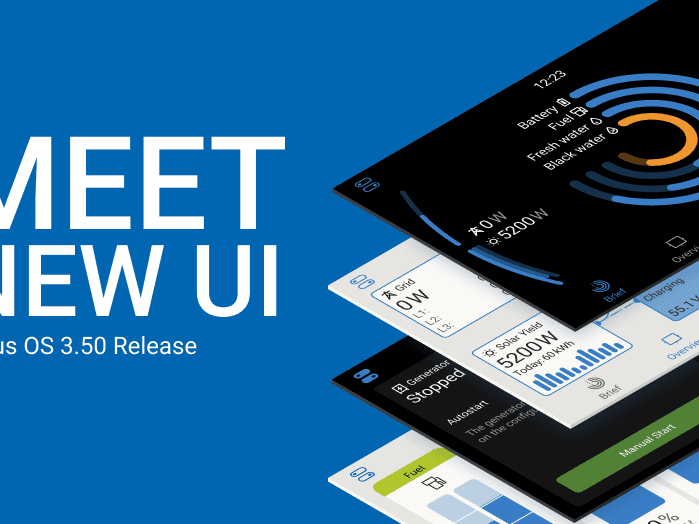
Matthijs Vader • 30 October 2024
Venus OS v3.50 – New User Interface, Security and Generator Improvements
We are excited to announce the release of Venus OS v3.50. A massive milestone and improvement for our range of GX control and monitoring solutions . Whether you’re managing a system at home, in a marine environment, or on an industrial site, this release has something for you. The new user interface The most significant change in the new release is the new graphical user interface. The new UI brings a modern look, improved functionality, and a faster, more responsive experience. The best introduction is through watching this video: To discover the full details and benefits of the new UI, explore our detailed slides covering this release . Marine-specific updates The Marine MFD HTML5 App now supports Watts units for real time monitoring on multifunction displays and chart plotters. To see power/Watts instead of current/Amps, change the preference in the new UI. The integration with the ARGO Zeus Alternator controller now features DVCC integration, where the GX controls and optimises the total system – including limiting charge current to be within the max allowed charge current by the batteries. The MG Energy Systems AFC 300 is now supported as an alternator controller The Fischer Panda AGT series of DC gensets can now be integrated over CAN-bus, providing (remote) read-out of all parameters. Wind turbine energy production, as well as the alternator outputs, can now be displayed on-screen, using a SmartShunt as a DC energy meter. Support has been added for the soon-to-be-launched Safiery STAR-tank sensors, which connect wirelessly to the GX via Bluetooth. These long-range Bluetooth radar tank level sensors, which are part of the Safiery STARSHIP product range , to be released at the METSTRADE Amsterdam next month. For yachts with multiple tanks, the new UI features some nice functions where it will display the total available fresh water, summarised across all tanks, and same for fuel or any other fluid type. Improved security The new release brings improved local network security to Venus OS, by adding HTTPS security to the Remote Console on LAN. Additionally, the related settings have been simplified into a single new setting: the “Network Security Profile”. Password protection for MQTT provides additional security for third-party integrations, such as Home Assistant and Node-RED. The VRM Portal-related settings have been simplified into a single option, allowing the system to be either completely disconnected from the VRM Portal, connected in read-only mode (which does not permit remote access for settings changes or firmware updates), or to have full control. This change removes the former “VRM Two way communication on/off” setting. See the Security section of the slides for this release for more details. Enhanced Genset integration & start/stop Support has been added for five new genset controllers, including the popular Deep Sea DSE4520 MKII, as well as support for DSE over RTU. The new option to connect to DSE controllers using RTU instead of Ethernet is a significant enhancement. For the middle tier DSE controllers, it is now no longer required to add a DSE ethernet gateway. The other advantage of using RTU is that it simplifies installation, and does not require networking knowledge. Please do note the requirement for an isolated USB to RS485 interface; see genset features slides linked below for more information. DC generators are now also supported in the form of Hatz and Fischer Panda. Improvements have been made to the accuracy of reporting on generator runtime for both controller connected gensets and relay-controlled generators. To see the full details on these updates, please refer to the genset features slides . Node-RED This release makes it possible to factory reset Node-RED on a GX device from the Venus OS Large submenu. This removes all flows and settings, allowing for a fresh start without the need for physical access to the device to factory reset its Node-RED settings, or completely. Additionally, various new nodes have been added and existing nodes are improved, especially for Dynamic ESS, Peak Shaving, VRM and genset. For details, see its change log , starting from v1.5.18 up to and including v1.5.23. Managed battery improvements Various improvements have been made, including: Venus OS 3.50 now better handles Pylontech batteries experiencing cell voltage imbalance. For this improvement to be active, the GX needs to have access to the cell voltages from the Pylontech BMS. To check if a system has this capability, navigate to the Battery, then Details, and check for Lowest cell and Highest cell voltage readings. If not, it might indicate that the BMS doesn’t support it or needs a firmware update. Leoch-, new on the compatibility list, and Pytes battery integration now features auto configuration, DVCC force enabled, SVS and STS off. ZYC batteries integration also features auto configuration now, and moreover can now receive firmware updates directly through the GX device and the VRM Portal, marking a significant step in expanding remote management capabilities for supported batteries. Lithium Batteries South Africa, LBSA, has been added to our battery compatibility list earlier this week. Please note that there is no auto-configuration in the GX for LBSA yet: ensure that DVCC and other settings are enabled as recommended in the LBSA / Victron manual . How to install and the complete change log Aside from the highlighted improvements above, there are additional enhancements and changes. To read the details, please refer to the full change log by logging into Victron Professional and selecting ‘Firmware’ -> ‘Venus OS’ -> ‘firmware changelog’. Information about how to install the firmware is in the manual of your GX Device. Quick links to the relevant pages can be found here: Ekrano GX , Cerbo GX , Color Control GX and for the Venus GX . Conclusion A big thank you to all the developers, designers as well as all users and professionals that helped to test this massive project. Re-implementing and improving such a large part of Venus OS is no piece of cake – and the result shows! Enjoy the new version, Matthijs Vader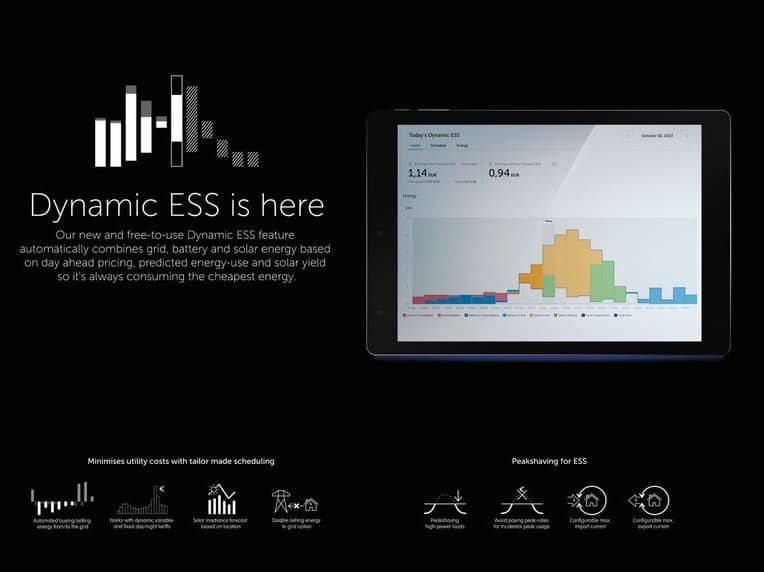
Justin Tyers • 23 April 2024
Dynamic Energy Storage System: save energy costs – automatically
Dynamic Energy Storage System is a powerful new feature available for grid-connected Victron Energy installations. It is particularly effective in Europe, for example, where it will save money if your energy provider publishes energy prices for the day ahead – as often happens in Germany and the Netherlands, for example – and it will also save money for those on day/night/weekend and fixed tariffs. Who is Dynamic ESS for? It can be used by owners of home Energy Storage Systems – Solar energy systems which include battery storage, and a grid connection – which are controlled by a GX device. A supported grid energy meter will further enhance the feature accuracy and cost savings. (The home installation can include a generator as long as it is only normally used for emergency back-up power.) Read on for more information or view this short video presentation: What does the Dynamic ESS feature do? Dynamic ESS intelligently switches between battery storage, solar energy, and the electricity grid. Based on ‘input data’ and ‘learning’ it optimally stores low-cost energy for use when prices are high. How does it work? An algorithm takes into account information such as the cost of energy right now, battery type (and therefor cycle-life and cost), capacity, SoC, maximum charge/discharge rates; your typical energy use based on a four-week history; and a weather-related solar yield forecast – for which your location must be known. Dynamic ESS plans ahead to ensure that energy you are predicted to use later in the day has already been stored – and at the most economical price. How do I implement Dynamic ESS? Dynamic Energy Storage System (Dynamic ESS) is one of the most exciting features made available by software release v3.30 of our Venus OS – the operating system which drives all our GX communication centre devices, such as the Cerbo GX . Dynamic ESS can be set up through your GX device’s user-interface, or remotely via the Victron Remote Management ( VRM ) platform. Go to ‘Settings/Firmware’ to ensure you are running v3.30 or later – or visit the VRM portal, go to device list, click Firmware Update. The firmware can also be updated with an SD-card or USB memory stick. When you are running v3.30 or later which has an ESS assistant installed you will find Dynamic ESS as a menu option within Settings . You will be asked to provide a range of information which may take fifteen minutes. Your cost savings will begin immediately, improve over the next 28 days, and go on for life! And you can read more about Energy Storage Systems on our Energy Storage Market page.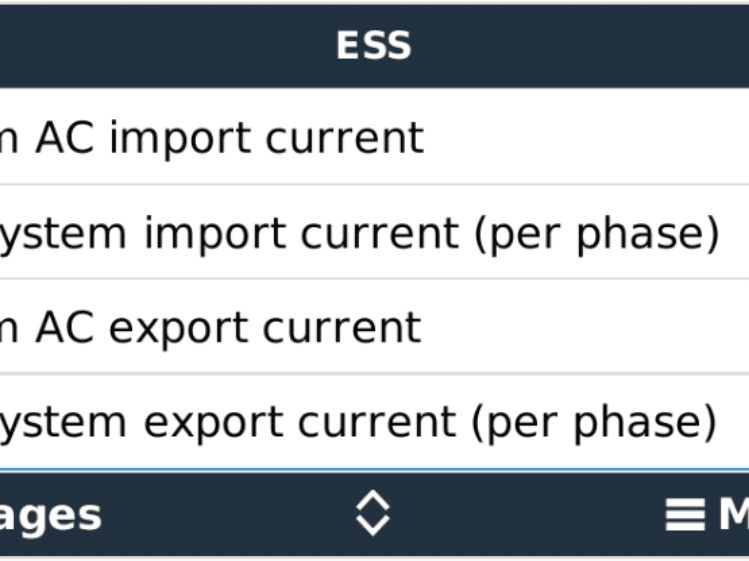
Matthijs Vader • 19 March 2024
Venus OS v3.30 – Peak shaving for ESS
Today we’re releasing version 3.30 of Venus OS, the software on our GX monitoring product range such as the Cerbo GX , and the recently launched Ekrano GX . Let’s get into the highlights: ESS Peak shaving A while ago, we added peak shaving for ESS systems built without an Energy Meter. Today we add the same, but then for ESS systems that do include an energy meter. There are two new AC current-limit settings, and those limits will apply to the complete system. Therefore they now include any high-power loads which are usually installed in parallel to the inverter/charger system such as EV Chargers and Heat pumps. How does it work? The system monitors the current at the meter, and when needed engages to keep that within the configured limits: to prevent overcurrent during export, system limits solar production and battery discharge. to prevent overcurrent during import, system limits battery charging. to prevent overcurrent during import because of loads, system will assist using battery power. (As long as battery permits this, of course). when the SOC has dropped more than 5% below the configured ESS minimum SOC, the battery will be recharged from the grid as soon as the loads drop sufficiently to allow for charging. Requirements and other details The feature is part of ESS; and applies to MultiPlus, Quattro, MultiPlus-II and EasySolar inverter/chargers. The Multi RS will have the same feature when we release Energy Meter and ESS support for that, but that’s a different project and implementation. The inverter/chargers require an updated ESS Assistant – for which you’ll need VEConfigure. The required version of the ESS Assistant is 018C. Note that this software configuration change requires a trained installer. Making such changes is not for end-users About the existing “Limit system feed-in” option in the ESS menu, in watts: if you have both set, the lower of the two is followed for feeding in DC-coupled PV. The GX does not limit PV-inverters in relation to the new export current-limit. To illustrate: in case of major solar production, at the same time as a high-tariff for selling energy to the utility, the new mechanism will limit feed-in power from the battery to zero. So, as long as the installed PV Inverter system is configured in such a way that it can’t by itself blow the fuse – then it’s fine. The feature works with all ESS supported energy meters. Three phase operation details When the import/export limit is not being exceeded on any phase, the system operates normally, according to the “Multiphase regulation” setting. If the current-limit is exceeded on any one phase, in either direction, power will be moved to other phases in equal measures. If all phases are maxed-out and more power is needed to run the loads without exceeding the BMS limits, all phases are overloaded equally – resulting in the lowest probability of tripping a breaker or blowing a fuse. Power will be passed through the DC bus to accomplish this goal, even if Multiphase regulation is set to “total of phases”. Comparison of the two features It’s important to understand when to use which AC current-limit settings: ESS systems with an energy meter: use the new feature as explained in this post. ESS systems without an energy meter: use the settings explained in the v3.00 release blog. This includes systems using our AC current sensors that plug directly into the inverter/charger. Marine MFD App improvements Last month, we launched the renewed Marine MFD App, with a complete new look as well as various new features: This release includes various improvements, and one very welcome one – at least for me when sailing – is the improved load time. When clicking the Victron icon, the app now loads much faster. Generator start/stop controller integration DSE: Add support for the SE 8620-MKII and the DSE 6120 models ComAp: Fix coolant temperature and oil pressure register decimals How to install and complete change log Aside from the above highlighted explanations, there are additional improvements and changes. To read the details, see the full change log by logging into Victron Professional and selecting ‘Firmware’ -> ‘Venus OS’ -> ‘firmware changelog’. Information about how to install the firmware is in the manual of your GX Device. Quick links to the relevant pages can be found here: Ekrano GX , Cerbo GX , Color Control GX and for the Venus GX .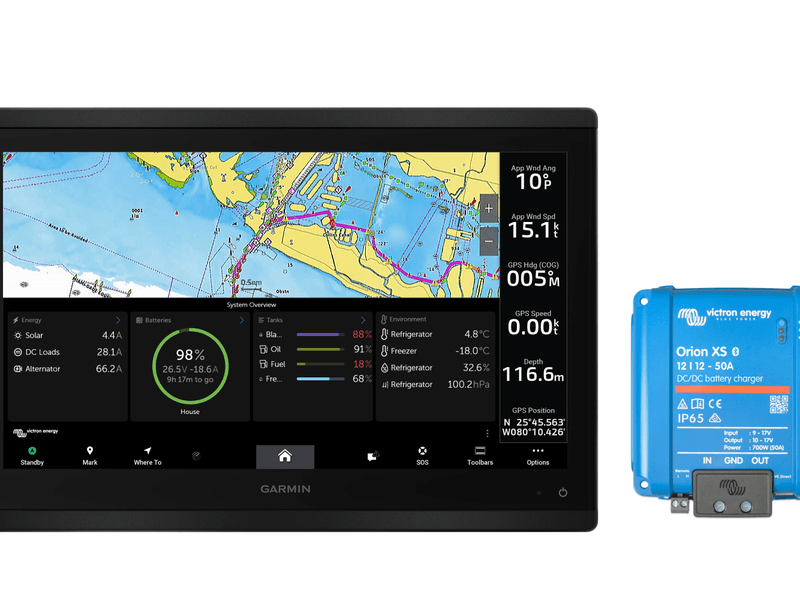
Matthijs Vader • 16 February 2024
Venus OS v3.20 – Orion XS, new Marine MFD app and more
We’ve just released a new version of Venus OS, the software on our GX monitoring product range such as the Cerbo GX , and the recently launched Ekrano GX . Let’s get into the highlights of the v3.20 release: Completely renewed Marine MFD App We have completely revamped the Victron App that works on all popular chart plotters and MFDs. A great deal of work has gone into bringing the range of Victron products into this new interface. We’ve made it clear and easy to read at a glance, while also being much more responsive. Overall a big improvement for people with Victron powered boats. Here is an example of the new interface showing the new tank levels, and multiple battery state of charge gauges. It’s available in a dark and light mode to suit the style of your bridge. This example also shows the temperature sensors. This fast new interface fits right in on our supported MFD glass bridge partner products. The layout will dynamically adjust to fit around your display preferences, so you can keep an eye on bow thruster load while using your boats GPS to navigate out of the harbour. On high resolution screens, the Remote Console pane is now much larger, making it much easier to read and use. Support for our new Orion XS 12/12 50A DC-DC battery charger This update adds support for the new Orion XS 12/12 50A DC-DC battery charger, allowing for both local and remote monitoring via the VRM Portal. The new Orion XS can be set up in either DC to DC converter, or charger mode. This will determine what settings are available and its behaviour in relation to the GX device. In DC to DC converter mode: you will see the Orion displayed as an entry in the device list, and can see the voltage read out, and on/off switch. In charger mode: the GX assumes an alternator source and shows alternator output Amps in the new marine MFD App view. Charger mode also enables DVCC features to optimise charging, including SVS, SCS and STS, as well as enabling a user setting for system wide charge current limit, and managed BMS support. See the GX manual and search for DVCC for a more detailed description of these acronyms, features and behaviour. Managed batteries This release adds auto-configuration profiles for WeCo and FinDreams batteries to force enable DVCC and SVS, and disable STS. Connection stability of the Cerbo GX BMS-Can 500kbps port has been improved. It is now no longer necessary to power cycle the GX after having connected a battery BMS with a different baudrate. We’ve made some changes internally to the process for how we work with managed lithium batteries . The market has matured a lot over the years since we started supporting BMS-Can and we now have a very robust and reliable protocol, with many partners, and 100,000’s of managed lithium battery systems installed in the field around the world. This has allowed us streamline auto-configuration profiles for adding new compatible batteries. Generator monitoring This update brings more detailed diagnostics for DSE generator controllers, including error code descriptions, engine start counts, and tank level monitoring (also now supported by ComAp controllers). For advanced users, we’ve added Modbus-TCP registers for setting the boost factor, PowerAssist & Inverter output voltage settings for VE.Bus devices (Multis, Quattros). These are used to optimise hybrid generator systems. Multi RS This release adds Multi RS support for 3 phase visualisation in the overview and VRM. Custom tracker names are also now supported by Multi RS. There is a new option to set the Multi RS to passthrough mode. In this mode the AC output is taken directly from the AC input and the inverter and AC charger are turned off, while the solar charger remains active. Additional Features and Developer Updates: We now have Ukrainian language support, improved compatibility with IMT Sensors (adding 2nd sensor support), and removed support for the Quby AC sensor. Temperature calibration parameters have been added to Ekrano GX and Cerbo GX, allowing an installer to manually offset the temperature readings of the Cerbo and Ekrano built-in temperature ports. Under the hood, we’ve transitioned to FlashMQ for MQTT brokering, enhancing performance and reducing CPU load. If you use the MQTT API there may be some changes required to your code. NMEA2000 & SignalK Support has been added for reading generic alternator data. See the release notes for the requirements. This is known to work with the Current monitor of Across Ocean Systems. Updated SignalK Server from v1.46.3 to v2.5.0 & updated signal-venus-plugin from v1.30.2 to v1.34.0 Many more changes: change log There are many more improvements, bug fixes and under-the-hood updates. To read the details, see the full change log by logging into Victron Professional and selecting ‘Firmware’ -> ‘Venus OS’ -> ‘firmware changelog’. Specifically for Node-RED, changes in this release are already itemised in the changelog, and are also covered in much more detail in this blog post. Note there were several interim releases of Venus OS between our last blog on v3.10 and V3.20 – you can find more details in these Victron Professional news links: 3.14 3.13 3.12 How to install Information about how to install the firmware is in the manual of your GX Device. Quick links to the relevant pages can be found here: Ekrano GX , Cerbo GX , Color Control GX and for the Venus GX . — Until next time, sincerely yours, Matthijs Vader Victron Energy BV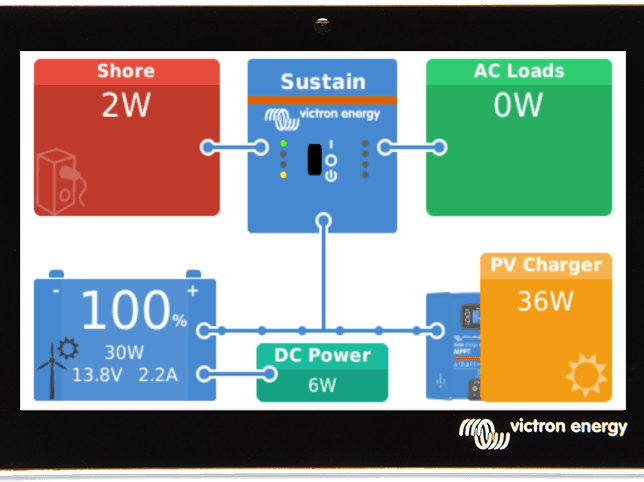
Matthijs Vader • 12 September 2023
Venus OS v3.10 – Solar and wind priority, Generator start/stop, ESS
Good morning! Per just now released, a new version of Venus OS, the software on our GX monitoring product range such as the Cerbo GX , and the recently launched Ekrano GX . Lets get into the highlights of the v3.10 release: Solar and wind priority This is a new feature, designed for boats, vans and other systems with a shore power connection. Solar & wind priority gets to work when plugged into shore. It then ensures that solar & wind power are used to charge the battery, while the shore power is used to prevent the battery from becoming too deeply discharged. Most of the feature resides in the inverter/charger itself, and the GX is only used for showing the user what the system is doing, as well as providing the option to overrule the system and make it charge the battery with full power. For further details, see the Solar and wind priority document . We’ll soon release further information, including a promotional and user instruction video. Generator service interval A new feature, configure a service interval in hours, and get an automatic notification when it’s time for service. Generator autostart-mode-alarm This new option helps to prevent an accidentally disabled autostart mode which in the end can result in a system shut down – empty batteries. Here is the new setting: When enabled, an alarm will be shown in case the auto-start has been disabled for more than 10 minutes: Integration with ComAp Generator Controllers ComAp is a renowned brand making generator controllers. Per Venus OS v3.10, the GX devices are compatible with the ComAp CM Ethernet Module . The data being read from the ComAp is: AC readings: voltage, current, power, frequency Motor readings: RPM, coolant temperature, oil pressure, load percentage, operating hours and starter battery voltage Status (init, stopped, error, preheat and so forth) Auto-start status (off, manual, auto, test) To enable this integration, go into Settings -> Modbus TCP Devices -> Devices, and there add the IP address. Automatic scanning should also detect it. Once detected, the generator will show up on the Device list. New ESS setting: “Self-consumption from battery” This setting allows for ESS to only use battery power for essential loads. It is relevant for ESS systems with (a) a grid meter, (b) quite significant non-essential loads, (c) Feed-in disabled. The setting allows battery banks to be sized to get critical loads through the night, without the battery being discharged into the non-essential loads. Here is the new setting, set to the default “All system loads”: Here is the new option, “Only critical loads”: Many more changes: change log There are many more improvements, bug fixes and under-the-hood updates. To read the details, see the full change log by logging into Victron Professional and selecting ‘Firmware’ -> ‘Venus OS’ -> ‘firmware changelog’. How to install Information about how to install the firmware is in the manual of your GX Device. Quick links to the relevant pages can be found here: Ekrano GX , Cerbo GX , Color Control GX and for the Venus GX . — Until next time, sincerely yours, Matthijs Vader Victron Energy BV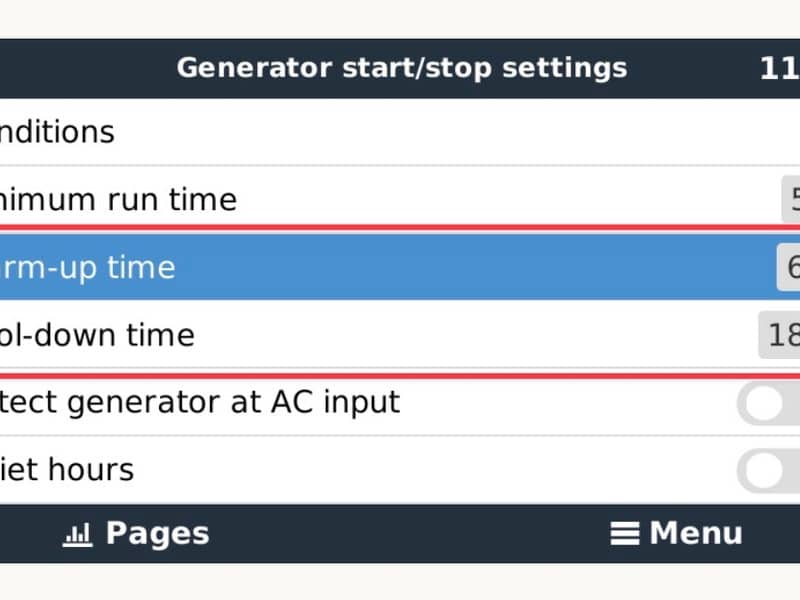
Matthijs Vader • 31 May 2023
Venus OS v3.00 – Generator start/stop improvements, ESS Peak shaving
Good day! Today we are releasing Venus OS v3.00. For those not familiar with Venus OS: it is the software running on our Cerbo GX monitoring system , as well as its predecessors the Color Control GX , Venus GX . Also, it is in the GX versions of our MultiPlus-II and EasySolar-II inverter/chargers. This new release has improvements in the following main areas: Several improvements to the GX Generator start/stop functionality Peak shaving, and improved control speed for ESS Disable the touch feature on a GX Touch Let’s go into the details: Improvements to Generator control There are several new generator start/stop related improvements. Firstly, warm-up and cool-down options have been added. This allows you to set a configurable time for the generator to run from the relay control, while the AC input relay is open and the inverter/charger is not connected to it. The warm up and cooldown settings are available in the Generator start/stop menu of the GX device when a relay is enabled for Generator start/stop, and the VE.Bus Inverter/Charger firmware has been updated to 502 or later. Secondly, we added an option to stop a back-up generator that is connected to either ACin 1 when the grid returns. Until now, that feature was only available for systems with the generator wired to ACin 2. More recent information on wiring systems that have both a generator as well as a connection to the utility grid is here . .. Note that for both features to be available, it is necessary to trigger the update the firmware of the built-in MK3. Doing that is really simple, see further below for instructions. Peak Shaving for ESS There is a new Peak shaving option for ESS systems set to Optimised modes. Previously once an ESS system had discharged to the minimum state of charge it would no longer assist the loads to shave the peaks. This is now improved: the new peak shaving feature will make the system keep PowerAssisting when the loads exceed the AC input current limit. Thereafter, as soon as the peak is over, it will recharge the battery using power from the grid, while still prioritising solar. Note that there is a 5% hysteresis on the recharge: when for example the Minimum SOC is configured to 50%, it will then start recharging only once (by peak shaving) the battery has dropped to 45%. It will then recharge back to 50% SOC, whereafter it continues its normal ESS operation: wait for solar power to further charge the battery. To enable, go to the Peak Shaving menu in the ESS setting on your GX device and change the setting to ‘Always’. Note – this works for the critical loads on the AC output only, not those connected to an energy meter. We also fixed some bugs where PV was not used for loads when scheduled charging to 100% during the daytime, and where an AC PV-inverter on AC-in-2 would not be shown in the ESS overview. Scheduled Charging Scheduled charging is a feature that allows additional control over charging and discharging your ESS system based around time of use. Previously you could set up a scheduled charging window, and once the battery was charged to the target, it would stop charging, and also disable discharging remaining at that state of charge, waiting until the scheduled charging mode finished before it would begin discharging again. In Venus v3.00 there is a new ‘Self-consumption above limit’ option that allows an ESS system to discharge during a scheduled charging period as long as the SOC remains above the programmed SOC limit. This new setting can be useful if a scheduled charge slot with a lower SOC limit setting follows another slot with a higher target. This means you can now choose how much of your battery is allowed to discharge during certain periods of the day. This allows you to balance how much and when you charge from the grid, how much battery backup you maintain, ensure your batteries get a good regular recharge, and have some spare capacity to recharge from solar. More flexibility to optimise for the many different grid tariffs, times and conditions around the world. Disable the touch feature on a GX Touch There are many situations where you want to have the Cerbo GX screen visible to show what the system is doing, but disable any kind of touch interaction or control. We’ve now added a new feature to disable the touch input. This additional control restriction should be considered anywhere the touch screen is accessible to the public or an untrained end-user, such as someone renting a hybrid generator system. This is done by installing a small push button switch, and programming one of the digital inputs. When pressed the switch will make a momentary connection of the programmable digital input, enabling or disabling the touch control. More details and information about “Hardening a GX device” is available here . Node-RED We continue to see innovative solutions from system designers who are exploring the potential and control that Node-RED offers them over their Victron equipment. Many solutions that previously depended on Victron engineers, or 3rd party hardware, can now be done completely by their own teams with the Victron equipment they already have today. Given the success we will continue to improve the platform, to make it easier to get started, and more reliable for the long run. This screenshot shows what the Node-RED editor looks like: More details on that example for are in a video shared by ENERP . These are the Node-RED related changes in Venus OS 3.00: Change how the Node-RED nodes identify which Victron device they configured for. This now uses the dbus /DeviceInstance path, instead of the the full service path. To use that, all existing flows will need to be manually migrated. But until you migrate, your flows will remain functional. More details on this specific change here: https://github.com/victronenergy/node-red-contrib-victron/releases/tag/v1.4.25 . A few extra nodes have been added (input-pump, output-pump, output-battery), and several existing nodes got extra paths. Added two options to output nodes: (1) rounding of values, and (2) output only on value changes. Several importable examples have been added and the documentation has been updated. Note that Victron cannot offer support for Node-RED flows. If you think you’ve found a bug, or have a feature request, the correct channel to get in touch is via the Victron Commmunity Modifications space . To learn more about Node-RED, see our manual for it , as well as our library of documented example flows . Bluetooth improvements for Cerbo GX There was an unfortunate issue that affected Cerbo GX units with serial number HQ2207 and earlier where the built in Bluetooth was limited by internal temperature. The good news is that as of HQ2208 and later, and all Cerbo-S GX, we’ve added an additional improved Bluetooth radio. This v3.00 firmware release will use that one. Note for Ruuvi temperature sensing, it is still fine to have additional external long range USB bluetooth radios to even further improve coverage. All connected Bluetooth radios will be used for reading Ruuvi data. Other i mprovements since v2.90 The last blog post about a Venus release was version v2.90 . We released a few smaller point release bug fixes so they didn’t need to wait for this full release of v3.00. For more details about these and other smaller changes, please also check the v2.90-2.93 change-log: Fixed a problem where sometimes the Remote Console wouldn’t work, and required a factory reset to recover. Any system that was having this issue will be fixed automatically once updated to v2.93 or v3.00. The EV Charging Station added the new Scheduled mode, and more. Fixed a timezone bug related to ESS Scheduled Charging: after changing the time zone, a reboot was required to make that use the new time zone. Restore Modbus-TCP register 31, VE.Bus State. Fixed Zigbee (DRF2685C) detection. Add support for ABB B-series meters for use in ESS (see release notes for exact models) Fixed a bug in Fronius PV Inverter integration that very seldomly caused spikes of PV power to be logged on the VRM Portal. DVCC for Freedom WON batteries changed SVS to no longer be forced off. Instead, the installer can choose between On and Off. For most systems, we recommend keeping it off. Contact FreedomWON for more information. More Energy Meters as well as 3rd party lithium batteries We added support for the full EM300 range of energy meters from Carlo Gavazzi, and in addition significant performance improvements have been made to the control loop when using the EM540 meter. It is now preferable to use the EM540 meter where suitable. Pylontech and Hubble BMS batteries Support was added for Pylontech batteries with 16 cells in series (rather than usual 15 cells), and we now force know-good settings for Hubble batteries (DVCC on, STS off, SVS off). Manual step for MK3 update For Venus OS v3.00 to be complete, one manual step is required: updating the MK3 controller that is embedded into the GX device. There is a small chance, our statistics show approx. 5%, that that update triggers a short system restart, i.e your inverter/charger might turn off and on again. Which is also why we have made it such that it needs to be triggered manually. On systems not updated yet, you’ll see this (after going to the Device list, and then into the MultiPlus, Quattro or EasySolar listing): If you don’t see this message, it means you’re already up to date. Note that this additional manual step is only necessary only for this one update. Hereafter, MK3 updates will be silent again, like they used to be; since normally there is no risk of a short system outage. Many more changes: change log There are many more improvements, specific bug fixes and under-the-hood updates (notably for Modbus-TCP, Venus OS large (Node-RED & Signal K), DVCC, developers, VE.Bus BMS). To read the details, see the full change log by logging into Victron Professional and selecting ‘Firmware’ -> ‘Venus OS’ -> ‘firmware changelog’. Information about how to install the firmware is in the manual of your GX Device. Quick links to the relevant pages can be found here: Cerbo GX , Color Control GX and for the Venus GX . Until next time, sincerely yours, Matthijs Vader Victron Energy BV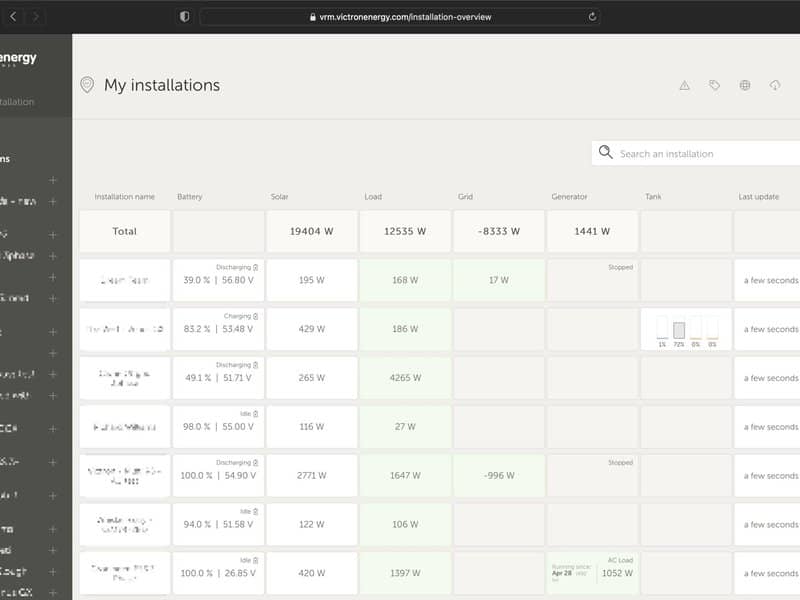
• 18 May 2023
Enhanced Fleet Management Features for VRM
Victron dealers and installers are growing their install fleets and we’re seeing an impressive rise in the number of VRM users who are now in control of not just hundreds, but THOUSANDS of systems. VRM has just added some new features and improvements specifically in response to feedback we have received from these large system fleet operators. The majority of these updates are concentrated in the installation overview section of VRM, where all the sites linked to your VRM user account are displayed. For users managing a single or a few sites, the installation overview might not be a heavily used section. Typically, they would click through to a specific site to view the dashboard, advanced data widgets, or device list. However, for fleet operators, the installation overview becomes the nerve center of their operations. The ability to swiftly locate the sites you want and access the data you need is paramount. New Additions Even small user interface improvements can significantly enhance the installer’s experience when managing these large fleets. We’ve introduced a new ‘Add’ button at the top of the installation overview. This eliminates the need to scroll through hundreds or thousands of installations when adding a new one. We’ve also made the search bar more prominent, requiring fewer clicks and making it faster to use. The fleet totals have been relocated to the top of the installation list, preventing them from getting lost at the bottom. This feature now also displays the total number of systems and the number of active alarms (if any). The quick pull-down alarm menu allows you to view all the active alarms for your fleet and then click to go directly to the advanced data for that site for further investigation. If the alarm comes with specific documentation (such as the MPPT and VE.Bus Error codes), you can click through for the description to see exactly what the alarm code means and find troubleshooting suggestions for clearing it. Map Enhancements The systems visible on the map now filter the visible systems shown in the installation list below. This can be combined with another new feature: the visible map coordinates are now displayed in the URL bar of your browser. This means you can customize the visible system views to your preference, then bookmark the page in your browser for quick access. This feature becomes even more powerful for systems with a dynamic location set by a GPS. For instance, if you operate a fleet of vehicles with Victron systems containing a GX device and GPS module, you could create a location bookmark and filter view to only show systems in your service workshop. Please note, the filter’s visibility may vary depending on the width of your browser window. Different devices may display a different list of systems from the same link if the screen resolution varies. We’ve added a button on the map to reset the zoom level to see all your installations. Tags The clarity and ease of use of the tag selection area has been significantly improved. VRM automatically generates tags for a site when it is added to an installation group, and also when a linked installation is part of a team group. VRM also automatically applies tags if a site has an active alarm. Alarm tags are specially color-coded for increased visibility. Some installers also add dozens of custom tags to help manage their fleets of thousands of systems. Tag visibility can now be toggled on or off by type to reduce clutter, and tags are now also sorted alphabetically. The tags you’ve actively selected are now visible in the URL bar of your browser. This allows you to create browser bookmarks of your specific tag groups, saving time if there are some you want to see regularly or wish to share with another user who has access to the same installations. Tags are an indispensable tool when managing large groups of systems. They are flexible and can be added to filter your installations in any way you prefer. The ways to use them are virtually limitless and depend entirely on your team’s needs. Some examples of tags we’ve seen include: Service contract sites: Multiple systems might appear offline due to onsite networking issues, but you only want to filter to show the ones where the customer has paid extra as part of a service contract with the installer for high level active system monitoring and service for that kind of fault. Different types of equipment: Such as a particular generator type, or managed lithium battery. Special customers with multiple sites : Tags are more flexible than just a prefix to the system name. A particular type of installation: Solar pumps, different models of hybrid generator units, or container systems. System sizes: Only show systems with solar arrays larger than 10 kW. Installation year: Filter to show which systems might be approaching end of life, or need a time-based service call. There are thousands of actively used system tags in VRM, so this only begins to cover their potential. Please note that users will still only see the installations they have access to. Therefore, when sharing a tag view, the installations displayed may vary between different logged-in users. Do you have ideas for further improvements? VRM is a project of continuous improvement. The team pushes updates daily and have been for over eight years! You can see a full list of changes in our public VRM change log. If you have any feature requests or suggestions for improvements, please forward them to your Victron Dealer , Victron Sales Manager , or via the Victron Community with the topic tag VRM.
Matthijs Vader • 13 September 2022
Venus OS v2.90 – Generator controls in VRM, Remote VE.Can, RV-C, Venus OS Large, and more
Good day! Today we are releasing Venus OS v2.90, a major new release. For those not familiar with Venus OS: it is the software running on our Cerbo GX monitoring system , as well as its predecessors the Color Control GX , Venus GX . Also, it is in the GX versions of our MultiPlus-II and EasySolar-II inverter/chargers. This new release has three main areas of improvements: Victron products – Generator controls on VRM, Remote VE.Can settings Protocol support – RV-C Accessory support – Wakespeed alternators, more Energy Meters, Mopeka wireless water and LPG level sensors And lastly, there is news that is in a category of its own: Venus OS Large. More on that later in the blog. Let’s go into the details: Improvements to Victron products This new version enables a new generator control pane in the VRM Portal. This feature builds on the existing controls that were recently introduced . You no longer need to get into Remote Console, wait for that to load, and so forth. This screenshot shows the new control pane. It shows that the automatic generator start/stop feature is enabled, and that the generator is currently running due to a manually initiated timed run. It is now possible to remote configure products , such as our Solar Chargers, also when connected on a VE.Can port. This completes our work: all commonly used Victron products can now be remotely configured, no matter how they are connected to the GX device. This includes the Multi RS as well as MPPT RS series. Remote Configuration is accessed using our VictronConnect app . Here is a screenshot showing a few VE.Can solar chargers being listed in the App, remotely. Tapping a device will open it and allow settings adjustments. For more information, see the documentation . We continue to add regionalisation improvements, including the option to configure the UI to show all temperatures in Fahrenheit. Of course, that feature was added to VRM a while ago: we recommend all Americans, Caymanians as well as Liberians to go to VRM and then into the Preferences -> Display preferences menu. Next, a small change, but one that is good for everyone to know: after the upgrade, Multis and Quattros in a DVCC enabled BMS systems now report their state as External-control- instead of Bulk or Absorption. There is no bulk -> absorption -> float charge algorithm when controlled by BMS, and there never has been. This cosmetic adjustment more accurately displays what is actually happening with the battery charge profile when controlled by a BMS. This change will reduce questions like “Why does my system never go to float …is there something wrong?” The new Victron EV Charging station continues to attract a lot of interest, and we’ve added additional menu options; improved connection stability; and added VRM controls, and support for new models. There is a fix if you had an issue with a white screen in the HTML5 app of your Simrad MFD models NSX 3007, 3009 & 3012. We’ve also improved reliability of generator handling when using an MFD. A new low SOC alarm has been added to the Inverter RS and Multi RS. This can be configured on the GX in the device menu (disabled, alarm only, alarms + warnings). Protocol support: added RV-C and small NMEA2000-out addition RV-C is to RVs what the NMEA2000 protocol is to yachts: a communication network that connects devices from different manufacturers. It’s used mainly in the US RV industry. Per Venus OS v2.90 we’ve added support for RV-C, as a new configurable CAN-bus profile. When this feature is enabled with the GX device connected to an RV-C network, an RV-C control panel can read Victron data – for example from a BMV, or an inverter/charger – display it to the user, and sometimes even offer device control. Compatible RV-C devices are displayed on the GX unit at the same time. Besides making Victron information available to RV-C connected displays, the GX device can also read information from the RV-C network. More specifically it reads tank levels, very popular tank-senders are the ‘Garnett SeeLevels’. It also supports the Lithionics battery brand, including DVCC. Here is where to configure it: More information about our RV-C protocol has been added to the GX manuals, for example here in the Cerbo GX manual . NMEA2000-out now has support for AC chargers, such as the Phoenix Smart IP43 charger. Monitoring of Wakespeed alternator regulators The GX device continues to evolve from just a power system monitor into something that is increasingly becoming central to entire systems. Renewable energy users will often also have other important systems to support their lifestyles, such as water tanks, engines, grid, as well as mobile phones, computers and the internet. While our focus remains on the core power electronics that have grown the Victron reputation for over 40 years, we continue to improve our support for other accessory integrations where it makes sense to view all of these in one place, and have their data available via VRM to monitor them remotely. This release adds monitoring of the Wakespeed WS500 alternator regulators. For details, please read the new Wakespeed chapter in the GX manual . More Energy Meters as well as 3rd party lithium batteries The range of supported energy meters has been extended, now including the new Carlo Gavazzi EM530, EM540, as well as some specific EM330 and EM340 meters: Carlo Gavazzi EM530 and EM540 meter now have their sub-gamily X and PFC supported. Part numbers: EM530DINAV53XS1X EM530DINAV53XS1PFC EM540DINAV23XS1X EM540DINAV23XS1PFC Certain Carlo Gavazzi EM330 and EM340 meter types are now supported. Note that these meters count kWh like the ET340, which is unlike the EM24 and unlike most utility meters do. For more info on that, refer to our energy meter manuals. It can nevertheless be interesting due to shortages on the EM24. Meter model numbers (note the 27 suffix): EM330DINAV53HS1X27 EM330DINAV53HS1PFB27 EM340DINAV23XS1X27 EM340DINAV23XS1PFB27 Cegasa eBick, eNerlit, FreedomWON eTower and Lithionics batteries Official support is now available for the Cegasa eBick and eNerlit batteries. We now also force known optimal settings for FreedomWON eTower batteries. Also Lithionics batteries is now supported with a direct connection, over RV-C. Which eliminates the need for an intermediate box that converts from Lithionics RV-C to Victron VE.Can. More tank monitoring with Garnet Seelevel and Mopeka The GX devices can now work with the wireless Mopeka Pro LPG and Mopeka Pro Water level sensors. These are very nice as a retrofit in a camper van for example. When using a Cerbo GX, note the requirement for installing an external USB dongle. Another tank-level sender now compatible for camper vans and RVs is the Garnet Seelevel II 709. Here are a few screenshots showing data from the Mopeka sensors: Improvements to the Bluetooth menu Based on feedback from the recent addition of Ruuvi connectivity and the (unfortunate) requirement to use an external Bluetooth dongle when having a Cerbo GX , we’ve improved the Bluetooth sensor menu and features. It now displays all the inserted adapters. And it supports installing more than one Bluetooth adaptor allowing increased coverage – for example one such adapter stick straight into the GX, and adding a second one on a USB extension cable can help cover the entire RV or yacht. These additional options are accessible in the I/O sub-menu of the GX device. Lastly, the GX device can now be set to continuously scan the Bluetooth network. This can slightly increase the range as well as stability in case of Ruuvi sensors being further away. Note that this will (in some – or even most cases) come at the cost of the WiFi signal strength / throughput, as shown in the menu when enabled: Venus OS Large Lastly, there is something completely different. Venus OS Large adds two highly powerful and configurable features: Node-RED and Signal K. Before I get into the details, first a note: we are not offering support on these features. While we are very excited about all the new opportunities these extensions offer, Victron remains focused on ease-of-use and reliability for our customers. We are strictly not providing direct support for either Node-RED or Signal K. All enquiries, questions and contributions on these features should be made in our extremely active and enthusiastic modifications community . I hope everyone will understand and accept that it’s simply not viable for us to help and support customers – either pre-sales or after-sales – with these features. For some integrators, distributors, installers and DIY end-users it will be really valuable and great to have. But for others I can totally understand that they’ll decide that this is a major distraction and pitfall – and thus we decide to not get into this. Having that said, here are the details: Node-RED, a flow-based programming tool Node-RED offers PLC like programming without yourself having to be an experienced software developer. Node-RED is originally developed by IBM’s Emerging Technology Services team, and is now part of the OpenJS Foundation. Which to us means it is a solid and widely used piece of software; and I’m excited to make it part of Venus OS. Here is a simple example that controls a relay based on PV power: A more advanced example is to control the charge and discharge profiles of an ESS system by factoring in the actual 15-minute energy tariffs. Here a screenshot (click to open full screen): Besides programming automation, Node-RED also features customisable dashboards, like this one: Signal K Signal K is aimed for yachts, and multiplexes data from NMEA0183, NMEA 2000, Signal K and other sensor inputs. It’s an open source, community-driven project which makes all that data available for Apps, such as WilhelmSK , a highly customizable boat instrument display. For more information on Signal K, I recommend reading two blog posts. The first one being Sailing with Signal K , where Stefanie discusses the electronics and software on her sailing yacht Taku Moe. And secondly Signal K: Embracing connectivity with Victron Energy , which dates back to 2018, when John Rushworth was still writing blog posts on our website. The fact that, five years later, Signal K is still thriving and getting active development is a testament to its success. This screenshot shows the Dashboard offered by Signal K / WilhelmSK: Support and Venus OS Large documentation Please note: To learn the details as well as see more examples: Venus OS Large manual. Many more changes: change log There are many more improvements, specific fixes and under-the-hood updates. These include new registers in Modbus-TCP, a kernel update and Raspberry Pi4 fixes. To read the details, see the full change log by logging into Victron Professional and selecting ‘Firmware’ -> ‘Venus OS’ -> ‘firmware changelog’. Information about how to install the firmware is in the manual of your GX Device. Quick links to the relevant pages can be found here: Cerbo GX , Color Control GX and for the Venus GX . Webinar presenting the new features: Nov. 23rd For those that have made it this far, you might also be interested in joining a special live webinar coming up. Together with our lead VRM developer Alex – and Guy Stewart, Community Manager – I will present all recent highlights of both the VRM Portal as well as Venus OS/GX devices. Click here to register and reserve your place via Victron Professional. Until then, sincerely yours, Matthijs Vader Victron Energy BV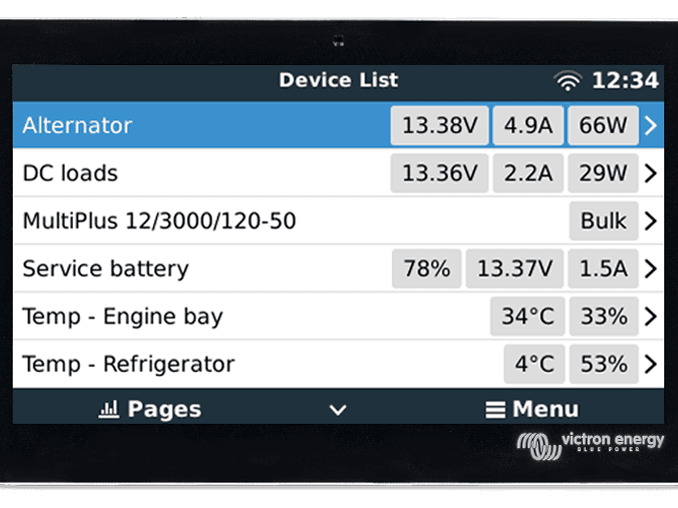
Matthijs Vader • 31 January 2022
Venus OS v2.80 – Ruuvi wireless sensors, Load monitoring, and more
UPDATE 2022-02-16 : Venus OS v2.81 till v2.84 has been released. Details in the change log on https://professional.victronenergy.com; those versions mostly contain fixes relating to v2.80 – no new features. It is recommended to update to v2.84. CORRECTION 2022-02-16: The Bluetooth Radio in the Cerbo GX is not reliable enough to work with the Ruuvi sensors. Therefore, when installing Ruuvi sensors, we recommend to install a Bluetooth USB adapter. More information in below text, which has been updated. — Good day! Today we are releasing Venus OS v2.80, a major new release full of new features and improvements. In this blog post I’ll go through the highlights. A link to the full changelog can be found at the end of this post, as well as instructions on how to update. For those not familiar with Venus OS: Venus OS is the software running on our Cerbo GX monitoring system , as well as its predecessors the Color Control GX , Venus GX and more. Also, it is in the GX versions of our MultiPlus-II and EasySolar-II inverter/chargers. The main new features are: Support for the wireless Ruuvi temperature sensors, which measure humidity and air pressure as well. Controlling a relay on temperature Monitoring of AC as well as DC loads Improved support for VRM overview details Complete support for Inverter RS, and add preliminary support for the new Multi RS. There is much more still, the official changelog entry consists of multiple pages, as well as this blog post – lets start with the first new feature. #1 – Wireless and battery powered temp sensors: the Ruuvi Something quite new, and far more popular then I anticipated to be honest: the support for the Ruuvi temperature sensors. Being powered by a small coin cell in the sensor, as well as wireless, they are super simple to install. And as such perfect to remotely keep an eye on your yacht or cabin in the winter. Or fridge or freezer temperatures, and so forth. I have installed and am using some myself as well, and they are great. Less stress about pipes freezing up, as well as mould growing: it also reports relative humidity. Here is a picture showing the sensor, and the reported data: Here is how the data looks on the VRM Portal: A few notes: Victron is not stocking the Ruuvi sensors. They are available for purchase directly from ruuvi.com . To read data from the Ruuvi sensor, a Bluetooth USB adapter is required. For CCGX, Venus GX, and also for the Cerbo GX. A list of suitable and tested Bluetooth USB adapters is available in this post on Victron Community . Per v2.82, multiple Bluetooth USB adapters can be installed and will all be used to read data from the Ruuvis. This is nice, as it allows expanding the range by using a USB extension cable. See the documentation for more details about this feature. #2 – Controlling a relay on temperature The relays on the GX device can now be controlled by temperature. For example to switch a fan, or heating pad. Here are two screenshots showing the configuration: In above example, the second relay will switch when the temperature in the engine bay rises above 45 degrees, starting the fan. And it will switch off once the temperature drops below 40 degrees C. Both the first and the second relay can be configured to be controlled by temperature. And two sets of conditions can be configured, also for the same relay. #3 – DC energy monitoring The next improvement is the ability to use the SmartShunt or BMV-712 for DC metering. Here are a few examples of what to use it for: Monitor the output of an alternator. Accurately measure and monitor the DC system on a boat, RV or coach. Independently measure the DC systems on the Port hull, and Starboard hull of a catamaran. Monitor a specific load or group of loads, such as a fridge. When the Shunt is configured as “DC Energy Meter” (in VictronConnect), and the GX is enabled with “has DC system”, the GX does more than just recording and visualisation: It uses that measurement for display in the DC system power box on the overview, rather than the calculated, and as such often inaccurate, difference between Shunt and connected inverters and chargers. When using DVCC, the GX device will automatically increase the chargers to compensate for that load. An example: maximum charge current configured at 50 Amps, and DC system shunt reports a draw of 25 Amps. Then the chargers are set to charge with 50 + 25 = 75 Amps. A welcome improvement for applications with heavy DC loads, such as yachts and coaches. Using the DC metering for anything else, not DC system, has no effect on the system behaviour. In that case it’s just measuring and making the data available to monitor. To use these features, use VictronConnect to configure the SmartShunt or BMV-712 to be a meter, in the Misc Settings menus. This screenshot shows an example system, a catamaran, having five shunts installed: one at the battery for state of charge, and one at each alternator, and one for the DC circuit in each of the hulls: #4 – AC energy metering AC meters, such as the supported Carlo Gavazzi meters , can now be used to measure a load, or a circuit having multiple loads. Once installed, configured to a new “role”: AC Load monitor. This is done in the GX menu where you also choose between Grid, PV Inverter and Generator. With AC Load monitor selected, the load will be shown in the Device list. Support for this new feature will also be coming to VRM shortly. We also increased the maximum possible power value for starting a generator, it was previously 100kW, and now has been increased to 1MW. #5 – VRM Dashboard improvements More information has been added to generator view (running/not running, last run, why it’s running, and more) on the VRM Portal Dashboard, when enabling the Detailed view. More detailed information about AC input (grid/shore) as well as AC Loads, including frequency has been added. #6 – MultiPlus-II 2x120V – 2 nd leg power and amps Support has been added to show output current & power on the second leg of the MultiPlus-II 2x120V. That model of inverter/charger was launched last year and aimed at the North American market – where docks and camping grounds sometimes offer a single phase supply, and sometimes a dual phase. These screenshots shows the data, in the Device list (left), Overview (right) as well as on the VRM Portal (bottom). #7 Marine MFD App improvements We have added a lock button that helps prevent accidental button presses like “Start generator” or “Multi Off”. There are several other MFD improvements to fix bugs, compatibility and additional languages – see the release notes for more specifics. #8 Inverter RS: DVCC and more – all done This version completes the support for the Inverter RS, including DVCC control by managed batteries, SOC sync and error codes. It is important to note that, as announced last year, this version also removes the option to connect an Inverter RS, and Multi RS, via VE.Direct. As of 2.80 onward, it is only possible to connect these products via a VE.Can network. We apologise to those systems already in the field connected via VE.Direct, they should be left at the previous version until they can be rewired to VE.Can. The wiring options for the MPPT RS are not changed: they can be connected using either the VE.Direct or the VE.Can ports. This is the first version of Venus OS that is compatible with the brand new Multi RS, which is now becoming available for order with very limited stock – however many significant limitations still apply. Complete support for Multi RS is expected to be completed in February or March 2022. #9 Connectivity improvements We are always working to make the connectivity with Victron products as simple and trouble free as possible. In this release we have: Improved WiFi recovery from ‘Failure’ status. Improved ET340 in combination with Zigbee link Fixed Bluetooth pincodes starting with a 0 (zero) Improved Bluetooth connections (keep-alive functionality, and “busy” indication in VictronConnect) Added confirmation before forgetting/disconnecting from a WiFi network, as well as before disabling the WiFi Access Point; to prevent accidental lock out, especially when remote. CPU load optimisations – especially when connected to AC PV inverters #10 ESS change for multi-phase systems configured to “Total of all phases” mode For split- and three-phase ESS systems, with their mode configured to “Total of all phases”, the behaviour has been optimised to be symmetrical. All phases are now adjusted to convert the same amount of power from, as well as to, DC. In the past, this option primarily avoided passing power through the DC-bus to avoid inefficiency, but didn’t take full advantage of the billing arrangement to use all the available power when there is a shortfall on another phase. Now it divides the work equally across the phases, thereby making the full inverter capacity available, and with no impact on billing. This change will mainly benefit systems having inverters that are smaller than the maximum per phase load. #11 – DVCC – Pylontech, BMZ, Lynx Smart BMS There are various small fixes and improvements, these are the highlights: DVCC is now force enabled for Pylontech and BMZ batteries, as well as Victron Lithium batteries installed using the Lynx Smart BMS . By force enabling this setting, fewer mistakes can be made in the configuration, and this change builds on the experience of doing the same with BYD, BSL Batteries, Freedomwon, Blue Nova and Discover AES in earlier releases. Automatically switch to charging when a grid connection is available and a managed battery requests charge. Currently only Pylontech and some BYD batteries support a charge request indication. More details are in the change log #12 – Still more changes and conclusion Besides the items above, there are many more changes. All rather minor and related to certain specific situations or systems. To read them, find the full change log by logging into Victron Professional and selecting ‘Firmware’ -> ‘Venus OS’ -> ‘firmware changelog’. Information about how to install the firmware is in the manual of your GX Device. Quick links to the relevant pages: Cerbo GX , Color Control GX and for the Venus GX . That is it for now, sincerely yours, Matthijs Vader Victron Energy BV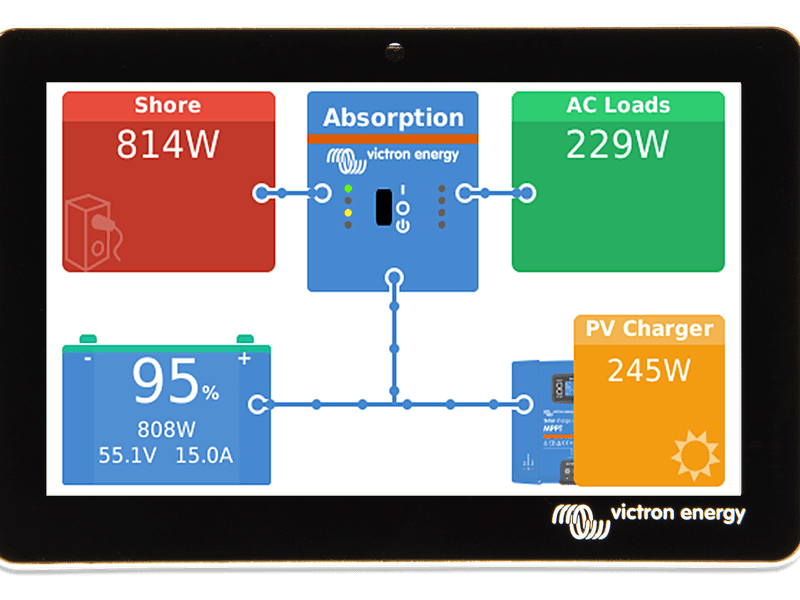
Matthijs Vader • 31 August 2021
Venus OS v2.73 – small varia
Good day! Today we released v2.73, a version containing a small handful of minor improvements. For those not familiar with Venus OS: Venus OS is the software running on our Cerbo GX monitoring system , as well as its predecessors the Color Control GX , Venus GX and more. Also, it is in the GX versions of our MultiPlus-II and EasySolar-II inverter/chargers. Changes 1) Fix issue causing Cerbo GXs with a serial number below HQ2026 to be incompatible with newer GX Touches . In such cases the GX Touch display would flash at powerup and then remain off. Not anymore. Thank you Matthias from SERVICE TEAM Döbeln in Germany for reporting and his effort in helping to fix this. I’m glad that this was found & fixed, as it was prone to make a bad situation even worse: considering an older installation with a Cerbo GX and a GX Touch. Then for some unlucky reason, the GX Touch fails and is replaced by a new one.. which also wouldn’t work. Not good; but solved now. 2) VRM: transmit power (watts) per tracker, right now needed for the VRM Dashboard, rather than current (amps). 3) Fix issue in the Venus GX auto-repartition script. That script was introduced in v2.70, and its purpose is to prepare the Venus GX for the installation of v2.80 and later versions. The script didn’t work on all Venus GXs, but is now fixed. Conclusion: on any Venus GX that doesn’t install v2.80, make sure to first install v2.73. 4) Fix I/O settings not visible on a CCGX even though GX Tank 140 is installed. In case you’re not familiar with our GX Tank 140: it’s a 4-input analog to digital converter, taking both 0-10V tank senders as 4-20mA tank senders. The connection to the GX device is a USB cable. More information on the GX Tank 140 on its product page . Together with its introduction, we also improved the software features we offer around tank monitoring. A good introduction to that can be found in this earlier Venus OS release blogpost . 5) Fix GX device not being visible on a second phone when already connected to one. Now, as with other Victron products, Bluetooth is visible on the 2nd phone, but with an explanation that to connect, the other phone needs to actually disconnect first. This is now on par with how other Victron products work with Bluetooth. There are a few more changes, which are only relevant for Raspberry Pi and other developer/tinkerer/enthusiast/hobbyist applications. For those, please see the full change log in Victron Professional . Conclusion That is it already. Information about how to install the update is in the manual of your GX Device. Quick links to the relevant pages: Cerbo GX , Color Control GX and for the Venus GX . Best regards, Matthijs Vader / Victron.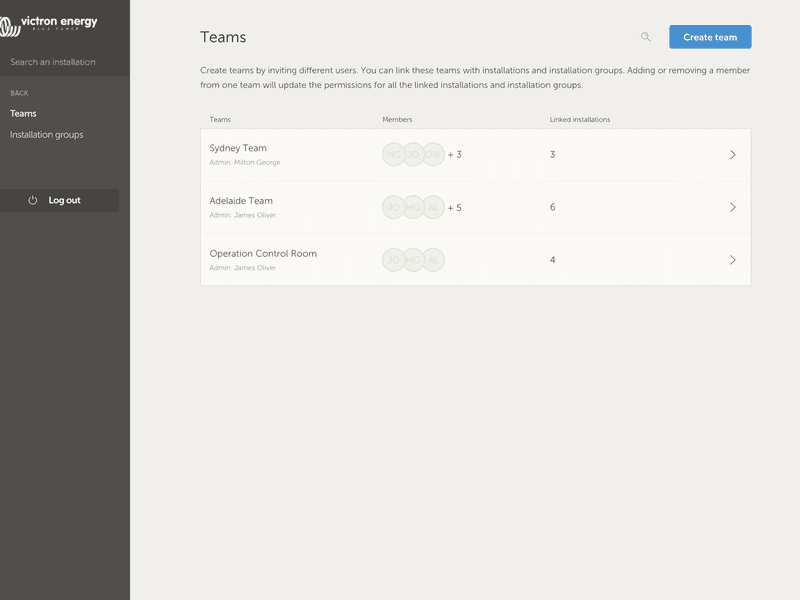
Matthijs Vader • 08 July 2021
VRM Portal improvements for managing multiple installations
Good morning! This week we launched several new features for our VRM Portal , improving its usability when managing multiple installations. The first new features are user teams and installations groups. And the other is the ability to copy the settings of the Advanced page from one installation to another. Together, both changes drastically reduce the amount of work needed in administering who has access to what, as well as setting up systems such that they are all the same. User teams and installation groups With user teams, you can put multiple users together in a team, and then give the team access to installations. With that, it’s easy to add a new colleague as well as remove access in case someone leaves the team or company. Installation groups are similar. Use that to group multiple installations together. And then manage user access on the level of that group rather than per individual installation. Also it is possible link a user team to an installation group. Still with me? It can be a bit confusing, it definitively was a challenge to add these powerful features without making everything less intuitive. Here is an example to help illustrate what can be done: Imagine a company renting out and maintaining hybrid generators throughout Australia. They also have teams of technicians taking care of those, some located on the Gold Coast, others near Perth and also a team around Sydney, one in Adelaide and so forth. So, as an example: first group the installations together by location. For example a group called Sydney, with all hybrid generators rented out from the Sydney branch. And another one called Adelaide, and so forth. Next make user teams, one for each area again. Then join those installation groups and the user teams together, ie. give the teams access to their installation groups. Lastly, perhaps there is a nation wide operation control room, make another team for them, give them the required access (read-only, or full) for all of the installation groups; costs only a few clicks. Now, with all that set-up, adding a newly commissioned hybrid generator is very simple, just add it to VRM and then add it to the right installation group. Similarly, when adding new technicians, they only need to be added to the right group. So in summary: less clicks, and more secure. Lastly, while speaking of security: all changes made to the source code have been audited for security by an external specialist company. Teams Groups Copying Advanced page settings The other area that currently requires a needless amount of clicking is the advanced page. And here we also have a new feature. After adding a new installation, you can now copy the set up from an already existing installation with a few clicks. This will enable and position all graphs and information boxes in the exact same way that they’re set up on the source. Copy Advanced Widget Layout Conclusion I hope above helps to get the best possible out of our monitoring tools. And be informed that we are continuously improving the VRM Portal. Unlike this blogpost, most improvements are launched without too much announcement and marketing. For a full list of changes, see the VRM change log . Yours sincerely, Matthijs Vader Victron Energy BV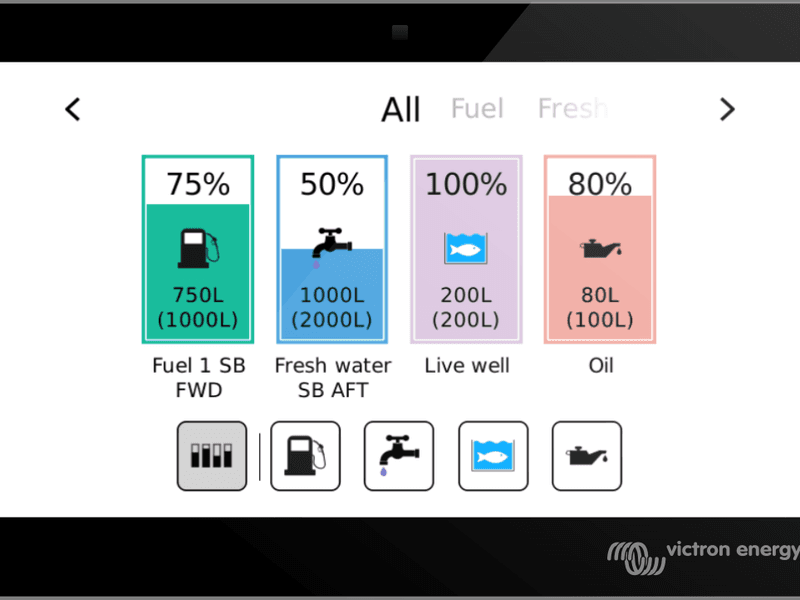
Matthijs Vader • 22 June 2021
Venus OS v2.71 – new tank page and various other improvements
Good day! Venus OS development continues and this new version 2.71 brings some more anticipated features. In this blog post I’ll go through the highlights. A link to the full changelog can be found at the end of this post, as well as instructions on how to update. For those not familiar with Venus OS: Venus OS is the software running on our Cerbo GX monitoring system , as well as its predecessors the Color Control GX , Venus GX and more. Also, it is in the GX versions of our MultiPlus-II and EasySolar-II inverter/chargers. Note that this blogpost includes all changes made in version v2.70. That version was never released publicly, therefore today is the first time its changes are available in an official release. #1 – Tanks Various improvements have been made related to tank level monitoring. And the most significant is the new tank overview screen. This is the overview page that some might have already seen in the GX Tank 140 manual, and other pre-announcements, and it is now available. Once enabled on the GX device in Settings -> Display & language -> Show tanks overview, it is accessible via the carousel, by swiping the overview screen on a GX touch 50. The tank overview works for all tank levels: when measured using the recently introduced GX Tank 140 accessory . But also for tank levels measured using the resistive tank level inputs on the Cerbo GX, as well as when measured using other compatible tank senders . Other improvements for tank management include configurable tank high and low alarms: #2 – Various user-interface improvements Some minor changes have been made the menus to make them more intuitive. These include some text labels, error coding, firmware version reporting, hiding some ESS options when they are not relevant, and AC-PV power monitoring. See the change log for the specific details. A bug was fixed that could cause issues using the Marine MFD App on a Garmin MFD . So if you have a Garmin MFD with issues, please update your GX and try this function again. #3 – Inverter RS, REC Battery, Fronius AC PV Some new improvements with regard to how the GX device interfaces with other services. Improved support for the Inverter RS Smart Solar including AC-out power, energy values, AC frequency display and some history data for solar. Modbus-TCP registers have also been added for Inverter RS. We now recognise REC BMS, and show only the supported alarms. Hiding all alarm types for which the REC does not send any status. For now this is only available for REC BMS, though we hope to see it with other batteries also. Further improved support for Fronius PV monitoring for large systems with multiple Fronius AC PV inverters. Also improved is the addition of a phase configuration setting for the EM24 Ethernet meter. New: Factory reset a GX Device While not part of this new Venus OS version, this feature is now available: you can now factory reset a GX Device. It’s done by putting a special set of files on the sdcard or usb stick, inserting the card in the device, and then powering / power-cycling it. Details in the manual . How to update, and conclusion Besides the items above, there are many more changes. All rather minor and related to certain specific situations or systems. To read them, find the full change log by logging into Victron Professional and selecting ‘Firmware’. Information about how to install the firmware is in the manual of your GX Device. Quick links to the relevant pages: Cerbo GX , Color Control GX and for the Venus GX . That’s it for now, all the best! Matthijs Vader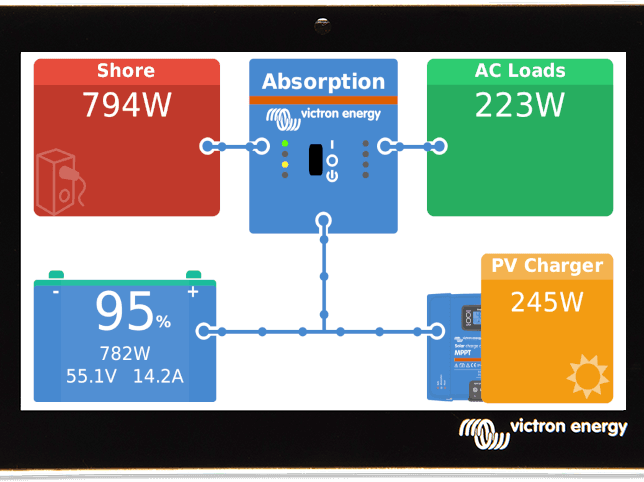
Matthijs Vader • 08 February 2021
Venus OS v2.62 – Inverter & MPPT RS
UPDATE Feb 16th 2021: Venus OS v2.63 was released today; but changes are so small that it doesn’t warrant its own post nor pushing the Wind Cargo post off the front page. The new version adds the VE.Direct connected Inverters to the list of products that are supported by the NMEA2000 out feature , as well as a few fixes. Details of those are in the change log, see link at the bottom of this post. Good morning! Today is the day for releasing Venus OS v2.62. For those not familiar, Venus OS is the software running on our Cerbo GX monitoring system , as well as its predecessors the Color Control GX , Venus GX and others. Aside from various minor stability improvements, there are two changes to highlight: Inverter RS and MPPT RS The Inverter RS Smart Solar , and the SmartSolar MPPT RS are two recently launched new products; and with this new version they are much better supported. Both can now also be connected using their VE.Can port, rather than only through their other communication port. Also, the Inverter RS is fully integrated when it comes to its Battery Monitor function. There is still work to do, such as having all PV details of an Inverter RS on the VRM Portal, as well as seeing the daily history when connected on its VE.Can port. Here are two screenshots showing the history for each of the trackers. Note that these were taken on an MPPT RS 200A, having four trackers. This 200A model is not available to purchase yet but is planned for later this year. Remote VEConfigure: automatically detect a replaced unit This feature is directed towards installers and operators of large systems. In the unfortunate event that one inverter/charger module in a larger parallel-, split- or three-phase system needs replacing, this can now be done remotely. The steps involved are: Read the configuration of the whole system (or use an existing Remote VEConfigure file) Physically replace the failed unit Write the configuration. At this step the system will automatically detect that a previous device is missing, and it will discover a new device with an unknown serial number. It will assume that the new device is a replacement, and write the settings accordingly. (optionally) Read the new configuration file and store in your records. Note that before starting above, make sure to update the new unit to the same version of VE.Bus firmware, which unfortunately can’t be done remotely. How to update and conclusion Besides the two items above, there are many more changes. All rather minor and related to certain specific situations or systems. To read them, find the full change log by logging into Victron Professional and selecting ‘Firmware’. Information about how to install the firmware is in the manual of your GX Device. Quick links to the relevant pages: Cerbo GX , Color Control GX and for the Venus GX . That’s it for now, all the best! Matthijs Vader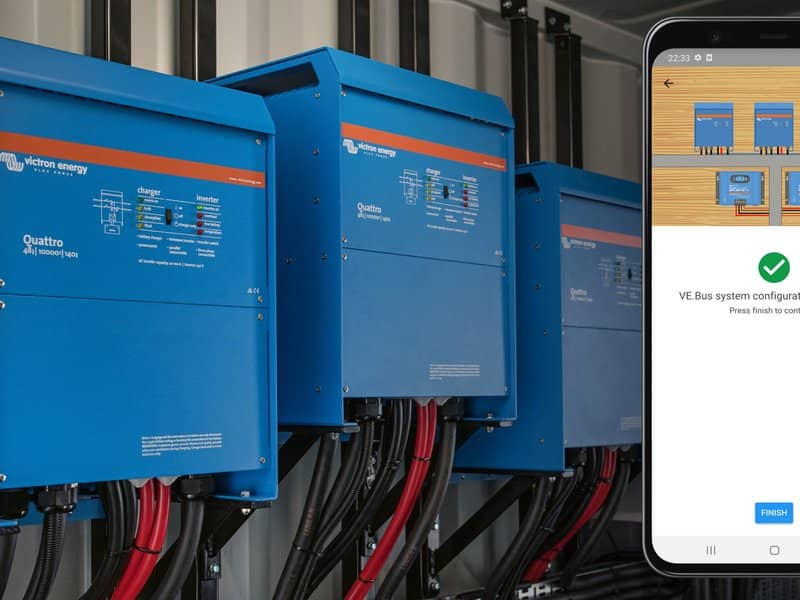
Matthijs Vader • 02 February 2021
VictronConnect: parallel, three/split-phase setup and more
Good day! Today we are releasing a new version of VictronConnect . It has quite a list of improvements as well as updated product firmware versions. The most significant change is that you can now set-up and configure parallel, three and split-phase systems, up to three units. Which makes it a lot simpler to set-up such a system; no longer requiring the -Windows only- VE Configuration tools. The next two highlights concern the VE.Bus Smart Dongle . First of all it now (finally!) allows setting the input current limit from your phone, for systems having a VE.Bus BMS. And secondly it can be configured to be a Voltage- and Temperature-sense input for Solar Chargers; so it now no longer needs an extra Smart Battery Sense to be installed alongside it. More details about this below. The last highlight is in the main Device List page: it’s been improved by showing Bluetooth signal strength. And also the app now scans for bluetooth products continuously; making it both faster and more straightforward. Let’s get into the details! VE.Bus System Configuration: Parallel- Three- and Split-phase Until now our VE.Bus Quick Configure software was required to set up a complex VE.Bus System. This is not the case anymore as VictronConnect can now be used to configure systems of up to three units. Which is a big improvement. There is no need to switch between applications – which saves time and makes it simpler. And updating the Inverter/Charger firmware is now part of the system configuration flow, VictronConnect will suggest that automatically when configuring a new system: also better and simpler. Watch this video where we demonstrate all steps involved in configuring a three phase system in just a few clicks: (Tip: click the full-screen button on the lower right to make it fit properly on your screen) https://www.victronenergy.com/blog/wp-content/uploads/sites/10/2021/02/VE.Bus_system_scaled_156117529.m4v VictronConnect now also allows you to change the settings of each individual MultiPlus/Quattro in an existing system. And to copy settings from one of the inverters to the rest; as well as saving the settings of all the units to a file. Please note that Assistants, such as the PV Inverter-, ESS- and VE.Bus BMS Assistant, are still not supported by VictronConnect. And Assistants are also not included in the ‘copy and save’ settings feature. Obviously we’re working hard on a solution for that, as that is now the next big step in making things simpler when it comes configuring our inverter/chargers. Supported features and limitations: Set up Parallel, Three phase and Split phase systems. (Limited to a max of three units) Configure existing systems of up to twelve or fifteen units – depending on the inverter/charger model. Copy settings from one unit to the rest. Save the complete system configuration to a file for future use on a similar system, and as a backup. Assistants are removed when setting up a new system. Firmware updating is proposed automatically when setting up a new VE.Bus system. Make sure to study the related VictronConnect VE.Bus Configuration guide. Bluetooth continuous scan & signal strength The next new feature in VictronConnect which deserves a special mention is Continuous Bluetooth scan . With this new functionality, VictronConnect will constantly scan for nearby products and add them to the Device list. When a product goes out of range, its unavailability is indicated by animating the product signal bars. After a certain amount of time it will be removed from the list. There are many physical reasons that can affect the Bluetooth signal strength: the quality of your phone antenna, the quality of the antenna in the product, walls and obstacles between the product and your phone and even the position in which the product is mounted. This simple but useful feature gives you real-time feedback of the quality of the Bluetooth signal received by a phone or laptop and can for example help to determine the best position in which to place a Bluetooth Victron product. VE.Bus: Why is the grid rejected? Diagnosing why the grid has been rejected is not something that can usually be done at-a-glance and requires checking a number of parameters, together with having a good knowledge of the installation. The reasons can be as simple as a grid blackout or, for example, that the inverter has been configured to ignore the AC input under certain conditions. In the latter case, the reason might go unnoticed, triggering unnecessary electrical checks. Now VictronConnect can help by providing the exact reason from the inverter/charger and showing it on the overview page. Once the grid is available again, or the cause of the problem has been solved, the inverter/charger makes some checks before connecting to the AC input. The time remaining before the AC input is reactivated is shown. In addition to the new features described above the recent VE.Bus Inverter/Charger firmware update 478 is included in VictronConnect. VE.Bus Smart Dongle improvements For this accessory dongle, this VictronConnect version has a firmware update, v1.08. Two highlights: Changing the AC input current limit is now (finally!) possible for systems which have a VE.Bus BMS. A long sought-for improvement. Note that this requires VE.Bus firmware 415 or newer to be installed on the inverter/charger. And note that the other limitation, switching between On/Off and Charger-only is unfortunately still not possible for systems that have a VE.Bus BMS. Added VE.Smart networking functionality : wirelessly sharing battery voltage and temperature sense with for example a Solar Charger. Other changes Improvements relating to the BLE connection. New firmware for all BMV models as well as the SmartShunt, containing various minor improvements. New firmware for the SmartBMS CL New firmware for the Inverter RS and MPPT RS. Added option to filter VRM installations by tag. BMS CL: Various user interface improvements. Inverter RS & MPPT RS: Configurable display backlight behaviour and selectable temperature unit. Various bug fixes and stability improvements. For the full list of changes see the VictronConnect changelog . The new version is v5.37 for Android, and v5.36 for all other platforms.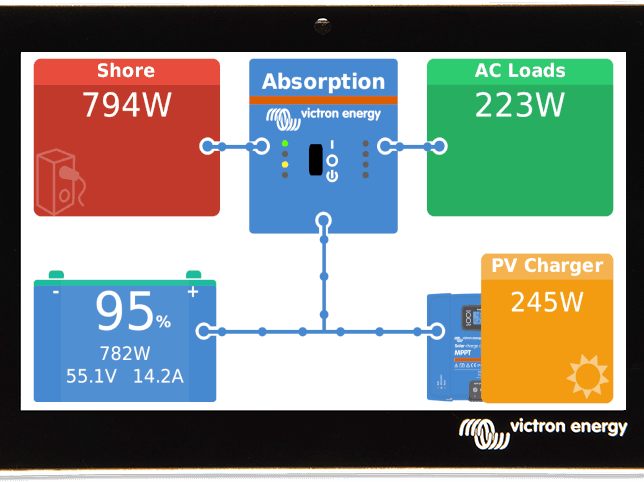
Matthijs Vader • 07 September 2020
Venus OS v2.60 – ESS, Tank monitoring, NMEA-2000 and more
Good afternoon! Today, after quite a long development & field testing cycle, we are releasing Venus OS version v2.60. Which marks a milestone. Unlike the minor updates of the previous months, ie. v2.51 up to and including v2.58, this new version adds a whole list of major improvements and new features. Besides the major changes it contains many smaller ones, more so than any previous release. In this blog post I’ll focus on the highlights. Let’s start with a somewhat complex one. 1) Fully featured NMEA2000-out function NMEA2000 (also known as N2K) is the Can-BUS protocol commonly used on yachts and vessels which allows devices to exchange information. In the Victron context, it is mainly used to transmit information from the energy system to the Multi Functional Displays on a ship. The NMEA2000-out function makes the GX Device act as a “bridge”: it makes information from all connected battery monitors, inverter/chargers and other devices available on the NMEA2000 network. The related changes in v2.60 include the addition of PGNs for Solar chargers & Tank levels. For the tank levels, the data instances are now numbered by default, rather than all set to 0; which simplifies configuration for Raymarine MFDs – it now works straight out of the box. Also, a page to configure N2K Device Instances has been added; the rest of the menu structure has been cleaned up to make it more intuitive; and the ability to read GPS (location, height, speed) from the N2K network has been added. For full details, read the NMEA2000-out chapter in the CCGX manual , which has been updated to the new version (1) . 2) Marine MFD HTML5 App improvements Various layout improvements have been made, including the use of pagination rather than hiding metrics when there is insufficient screen size to fit all available information. Support for Fischer Panda generators has been added, showing all information. And it has buttons to manually start and stop the generator – as well as to enable the GX Auto start/stop feature. Here is a screenshot showing the element: Similarly, also other generators can now be started-, stopped as well as configured to Auto start/stop control from within the App. More details regarding Fischer Panda integration can be found in the GX Fischer Panda manual . 3) ESS: new feed-in limiter and Ethernet connected Energy Meter Three significant changes, and many in the complete change log: addition of the much anticipated installer configurable Feed-in limit setting (Power / Watts). It works both for AC-Coupled PV (Fronius & ABB) and DC-Coupled PV – as well as a combination of both. For limiting feed-in of DC-Coupled PV, VE.Bus firmware 469 or newer is required. menu structure has been improved. It’s much easier to navigate, and better worded now. a new type of energy meter has been added: the Carlo Gavazzi EM24 with Ethernet connection. Already in stock and available through E-Order. More information, including when to choose which meter, is here in the Energy Meter manual . There are more changes, also to the DVCC features. Details are in the change log. 4) Tank level monitoring The tank level monitoring, available on the Venus GX and the Cerbo GX models (each having 4 analog tank level inputs) has been improved: Each tank can now be assigned its own name; helpful on larger yachts that, for example, may have starboard and port tanks. The ‘tank empty’ and ‘tank full’ resistance levels can be customised. The measurement can now be calibrated to any tank shape by configuring up to ten calibration points. And more changes, including an improvement whereby the ‘filtered’ as well as the raw and ‘unfiltered’ sensor readout has been added to the menu – helpful during installation or while troubleshooting. Screenshot showing the updated menu, including sensor readout: Screenshot showing the custom shape. In this case it would be tank which is wide at the bottom (10% of sensor reading equals to 20% of full capacity, 20% of sensor reading to 40%); and more narrow towards the top. 5) Adding the GX LTE 4G modem With 2G and 3G networks being phased out, and thereby the existing GX GSM becoming slowly outdated, a new version was required. This is now available. It is identical to its predecessor – including its enclosure, mounting and related menu structures. The only difference is on the inside: it has a 4G capable modem. Details on the GX LTE 4G product page is on our website . There are different models for different regions, and at the time of writing all are in stock. How to update and conclusion You can find information about how to install the new version of Venus OS here . For the full change log, including previous releases, login to Victron Professional and select Firmware. All developers as well as myself are very happy with v2.60 and that it’s now been released. And, while monitoring this release, we’re already working on combining the major changes that have been implemented but put aside pending the v2.60 release. I look forward to showing those, but that will be a while :-). All the best, Matthijs Vader Footnote: The manual in the link has been updated. Updates to the other versions of GX manuals, as well as their translations, are still in progress and expected to be completed in the coming weeks.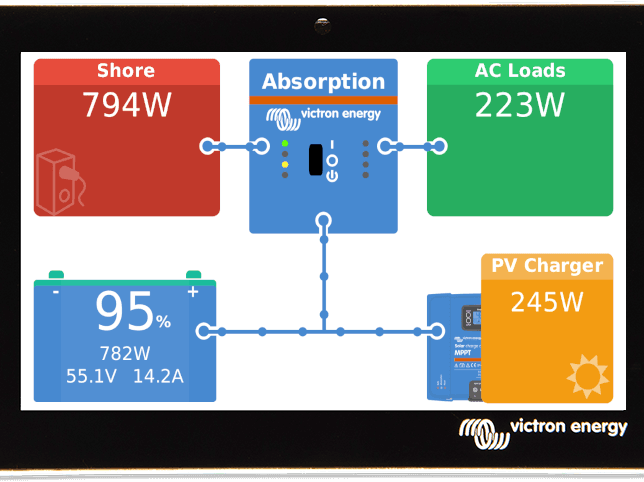
Matthijs Vader • 13 July 2020
Venus OS v2.57 – Cerbo GX
Good morning, Today we’re releasing a new version of Venus OS – the software at the heart of our GX Product range . This update concentrates around the Cerbo GX, fixing three issues. 1) One USB port is changed to be “power only” There are three USB ports in the Cerbo GX, and one has proven to be unreliable for use with a VE.Direct to USB cable or other data connections. We spent a lot of effort to make it work reliably, but that proved impossible – unfortunately. The other two do work properly. The USB port affected is the one closest to the HDMI port. This new firmware version changes its function to “power only”: to power the GX Touch. The Cerbo GX manual as well as the datasheet have been updated with this new specification. Newly produced units will have a different marking on the product, to make it clear that that USB port is different than the other two. Installations in which this port is now used, with for example a VE.Direct to USB Cable, will lose connection to that VE.Direct device. I fully understand how this can be very inconvenient, especially for remote installations. Temporary work around for installations using that USB port In case you prefer to change the wiring later, and keep a working system until then, here is what to do: Revert to the previous installed firmware in the Settings -> Firmware -> Stored backup firmware menu. Now the USB port will work again. Logging the VRM Portal won’t work yet. Normally, reverting to a prior firmware version does not cause an issue, but unfortunately this time it does. Only for Cerbo GX devices. Our support engineers will need to make a change in the VRM Portal after reverting to a version prior to v2.57. Without the change, no data will appear on the VRM Portal. To have that done, please contact your Dealer. They will need to contact our repairs department. Finally, at a more convenient time, rewire the system and update to the new version. When required, the number of USB ports can be extended with a USB hub, refer to the manual for more information. As the issue causing an unreliable data connection is extremely rare, chances that you’ll have an issue while still using the port for a short while are very slim. There is no need to contact us again when doing the upgrade – only during the downgrade as explained in step 2. Note that in general, we advise against enabling automatic firmware updates on remote systems. See Settings -> Firmware updates -> Online updates for the related setting. 2) GX Touch display freezing up – solved There was an issue that could cause the GX Touch display to freeze. The issue has been found and solved in this new version. 3) Change in VRM Portal ID Some Cerbo GX devices had an issue with their VRM Portal ID. This update solves that by changing the VRM Portal ID on all Cerbo GX devices. The new VRM Portal ID is visible in the Settings -> VRM Online Portal menu. For the installations that had an issue due to this problem, this update fixes it. For all other Cerbo GX devices, both already installed and/or still in stock, the change is seamless: New installations can be added to VRM by using both the old as well as the new VRM Portal id. Already installed installations will continue to log their data on VRM without data loss and without requiring any user interaction. Full change log and how to update You can find information about how to install the new version of Venus OS here . For the full change log, including previous releases, login to Victron Professional and select Firmware. Best regards, Matthijs Vader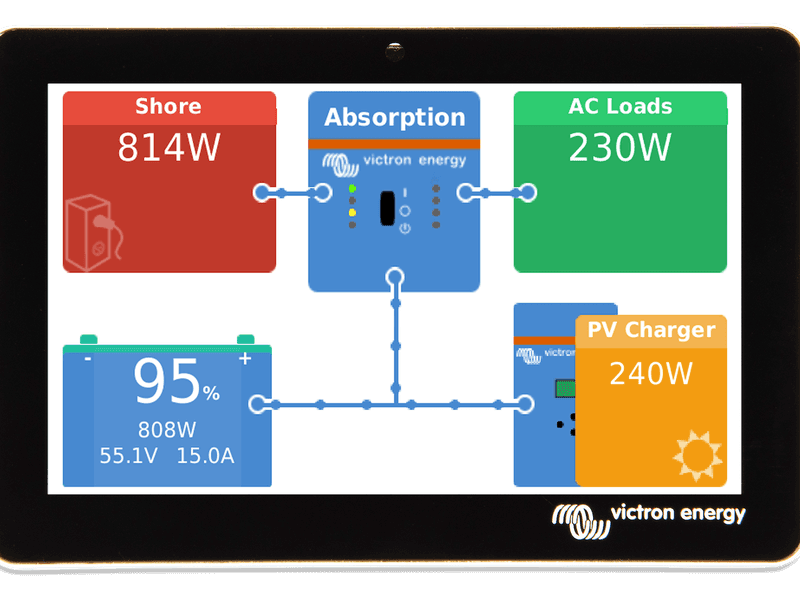
Matthijs Vader • 25 May 2020
Venus OS v2.54 – Adding the 24V Pylontech UP2500 battery and more
Good morning! Today we’re releasing a new version of Venus OS – the software at the heart of our GX Product range . This update adds compatibility with the Pylontech UP2500 module: a 24V managed lithium battery . More information can be found in the detailed instructions for Pylontech batteries . Other than that, this update contains bug fixes and small improvements: Fix “Could not connect to the MQTT server” bug in the Marine MFD App, aka Glass bridge integration. It worked well in most systems, but not when “VRM Two Way Communication” was enabled in a system without internet connection. Now, even when there is no internet, enabling that setting does not cause any issue. Fix a bug in relation to Fronius PV Inverters that caused some systems to read a false 0W output now and then. This issue caused downward spikes in graphs on VRM, and could also affect the Fronius Zero feed-in functionality: all works better now. Fix issue that (in quite rare cases) resulted in the maximum discharge current and voltage not being communicated to the inverter/charger. Thank you Wilco P. for reporting & helping to fix it. Fix bug that (in very specific circumstances) caused Assistants to fail to be updated with a new version when using Remote VEConfigure. This bug has been in Venus OS for quite a long time. Fix certain GPS’s not being recognised on the CANvu GX. Thank you Sturm Udrang for reporting this! Remove BYD Premium LV battery energy counters, there is a bug in its calculation which will be fixed by BYD soon. Full change log and how to update You can find information about how to install the new version of Venus OS here . For the full change log, including previous releases, login to Victron Professional and select Firmware. Best regards, Matthijs Vader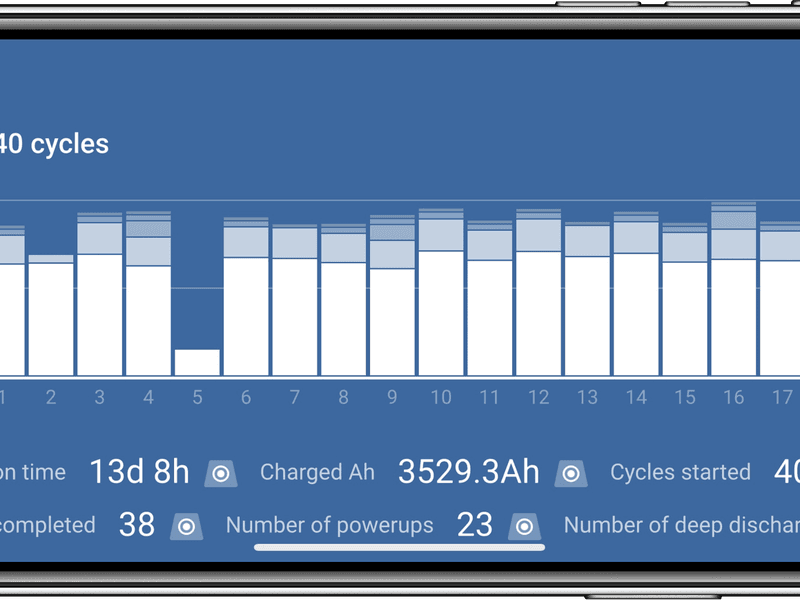
Matthijs Vader • 18 May 2020
VictronConnect v5.22 – New Blue Smart Charger features and more
UPDATE 2020-05-28: after v5.22, we have released a few more versions within a few days. The last one to be released is v5.25. (end) A new version of the VictronConnect App has just been released and includes a number of significant new features: History log of the last 40 charge-cycles for all Blue Smart Chargers; Customizable battery settings, also for all Blue Smart Chargers; Synchronised charging for MPPT Solar Chargers; Faster connection setup – when connecting to a product; Fix a (rather painful) bug that (sometimes) hid the 48V option from the Solar Charger battery selection option in VictronConnect. If you already use VictronConnect, it will update to the latest version automatically. If you’d like to download VictronConnect you will find a list of device/OS compatibility here . Watch this video to learn both new Blue Smart Charger features, or keep reading below the video. Blue Smart Charger improvements – added charge-cycle history In-depth historical data can now be viewed for the last 40 charge cycles by clicking on the new HISTORY tab. Clicking on any of the forty columns (seen in the image at the head of this article) will provide detailed information. The top of the graph shows how much time was spent in each charge cycle, as well as how many amp-hours were charged into the battery during that phase. Below the bars there is more information on each cycle: Status: Completed, AC disconnected, or other. Elapsed – the time it took from start to finish (reaching float phase or being interrupted – if sooner). Charge – the amount of amp-hours charged into the battery Maintain – the amount of amp-hours charged into the battery after the charger switched to the float-charge phase. And three more values: Type – the charge profile used during that cycle Vstart – the battery voltage when starting the cycle (a voltage well below 12V indicates that you might have discharged your battery too deeply – try and recharge it sooner next time) Vend – the battery voltage at the end of the cycle. In case interrupted, it will show two dashes (–) Error At the bottom, the tab shows the Totals. Here you can see how many charge cycles were started, and how many charge cycles were completed: a good indication to see if the battery is regularly achieving a full recharge. Important with lead batteries as commonly known, but also important for most lithium batteries since they need a full charge in order to balance the lithium cells. Click the image to view the new history features in detail: Blue Smart Chargers – Customizable charge profile These chargers have a six or seven-step charge algorithms which is optimal for all common Lead Acid and Lithium Batteries. There is no need to tweak or update settings – in fact in many cases tweaking could result in an inferior charge performance for the batteries than with the default settings. However, in some situations more specific settings are required, and these are now available. The new settings are configurable Absorption, Float and Storage voltages. As well as the Recondition setting and configurable temperature compensation value. For even further tweaking there is the Expert mode; once enabled, the app allows changing practically all parameters and time limits used by the charge algorithm. Such as Bulk time limit, maximum absorption time and more. The picture below shows the Advanced settings with the Expert mode enabled. There are more settings when scrolling up. To see all of them, download VictronConnect and use the demo mode. Blue Smart Chargers – how to update Both above new features require a firmware update of the Blue Smart Charger. To initiate that, first connect to the charger and then click the cog-wheel at the upper left. VictronConnect will now offer to update the charger. More details about the update procedure are in the manual – chapter 9 . Synchronised charging for SmartSolar MPPTs The next new feature in VictronConnect that I want to highlight is the firmware update for our SmartSolar MPPTs. This VictronConnect version carries firmware versions v1.50 and v1.06, which have various improvements and new features. The main improvement is the updated version of Synchronised Charging. Updated, you might wonder? Yes, updated. Already a while ago we released the initial version that added Synchronised charging over Bluetooth. It worked well for the vast majority of systems, but in some it had issues. For example Error 68 showing up when chargers were connected to an ESS system and at the same time configured for synchronised charging in a Bluetooth VE.Smart network. Those have now been fixed and rigorously tested, and therefor I’m happy to -finally!- be able to announce the Synchronised charging feature. No more Error 68. Here is a screenshot showing the VE.Smart Network configuration page. The Synchronised charging icon in the “This Device” section indicates that this charger is teamed up with one or more other solar chargers. And below that it shows which other devices are in range. Once configured for synchronised charging, the output power of all chargers can be seen when logged in to any one of them, as visible in this screenshot, see “Network total power – 3072W”: For details about why, how and when to enable Synchronised charging, see the VE.Smart Networking Manual . Faster connection setup The time required for VictronConnect to connect to a Victron product and load its first page has been significantly improved. Which is a nice improvement, especially for impatient people like I am myself. It’s our aim. Full change logs and conclusion For complete details, read the full change logs: VictronConnect change log BlueSmart Chargers: change-log is embedded in the VictronConnect change log . SmartSolar Chargers: login to Victron Professional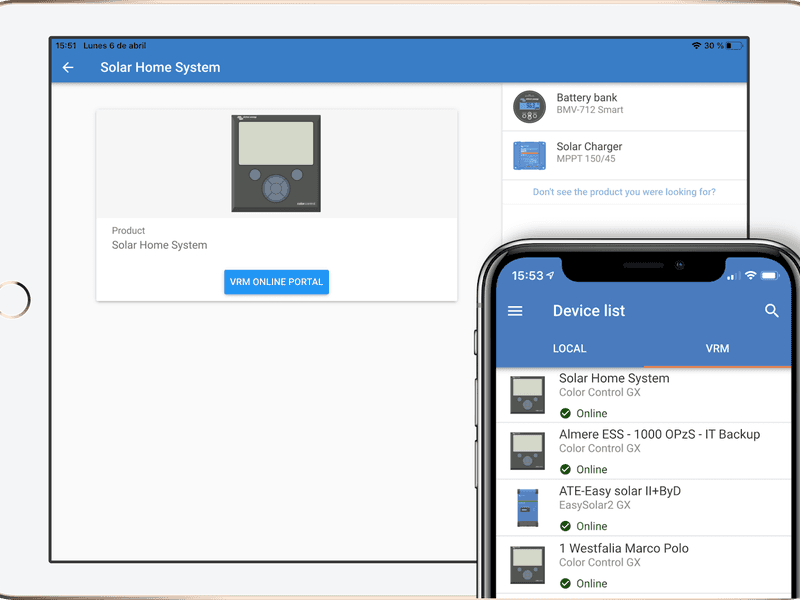
Matthijs Vader • 06 April 2020
VictronConnect v5.20 – Connect & Configure Remotely
Good day, Two posts in one day, that could be a first! With good reason: in addition to the Venus OS v2.53 release there is an updated VictronConnect as well. And not a small change this time as today we’re adding Remote connectivity to VictronConnect. It enables Victron devices – such as Solar Charge controllers and BMV Battery monitors – to be accessed remotely through an internet-connected GX device . This powerful new feature allows full device monitoring & configuration from practically anywhere in the world. The user interface experience is exactly the same as if the devices were connected locally using Bluetooth, or a wired VE.Direct to USB interface. Watch this new video by Jono to see how it all works: There is a chapter in the VictronConnect manual that explains it in detail. Here are the most important notes: The remote feature requires an internet connection and a GX device to be installed. We recommend updating the GX Device to Venus OS v2.53 when using this feature. The minimum required firmware version for the VictronConnect-Remote feature is v2.40. The latest version (v2.53) adds proper handling of custom names – useful, for example, when having multiple Solar Chargers installed. On the GX Device, enable Settings -> VRM Online Portal -> VRM two-way communication. VE.Direct only: the VictronConnect-Remote feature is only compatible with devices connected to a GX Device having a VE.Direct interface. This includes all MPPT SmartSolar and BlueSolar Chargers; all BMV Battery Monitors are included, as well as the SmartShunt; the Phoenix Smart Charger IP43; the Phoenix Inverter Smarts; and all the lower power “Phoenix Inverter VE.Direct” models. For all Victron inverter/chargers we have another method available for remote configuration, named Remote VEConfigure . For products connected using a VE.Can network, Remote Configuration is currently under development and will be added as soon as possible. The use of the VictronConnect-Remote feature will slightly increase the GX device CPU load. For the vast majority of systems everything will work well. But for systems which are already operating near their limits any additional CPU load could exceed its capability – this will typically be recognisable by slow user-interface response and/or unexpected system reboots. This especially concerns the CCGX as it is the most constrained of the GX devices. It is important to select a GX device that has sufficient performance capability in relation to the system design; for example a Cerbo GX has significantly more processing power than a Color Control GX, and is much better suited to large or complex systems. See the performance section in the GX product range comparison table. More changes Add Inverter RS Improve the alarm notification panel Add Smart BMS CL Add Smart Battery Protect firmware update v2.04. This prevents overheating when the product is installed in a manner (both incorrect and disallowed) that results in a reverse current. Add various SmartSolar MPPT VE.Can models Add Phoenix Inverter VE.Direct firmware update v1.21. This fixes an issue where, on some units, the inverter stopped working and showed a calibration error, visible by the red and green led blinking alternately. The actual calibration data is not lost, updating to this version will fix affected devices. Add MultiPlus-II firmware 471 Add a dialog explaining why there is a request, on Android, for ‘location permissions’ Add a Linux version . Conclusion The development team and myself are excited to release all these features today. It has taken a lot of effort to create and extensively test these remote features so that they work perfectly in all situations and on all types of phones, tablets and laptops. My thanks to all involved, including the test team, well done! If you see any issues, the first resource to check are the VictronConnect questions on the Community page . If you can’t find a solution there, then please add a post to the page, and select VictronConnect as the Topic in the form. We’ll be monitoring Community closely.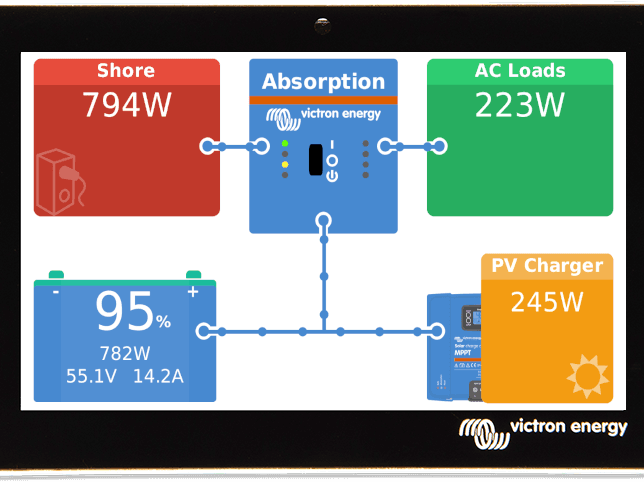
Matthijs Vader • 06 April 2020
Venus OS v2.53 – small improvements
Good morning! Today we’re releasing a new version of Venus OS – the software at the heart of our GX Product range . This update contains mostly small changes: Add EasySolar-II GX and MultiPlus-II GX ModbusTCP unit id mappings – the VE.Direct port mappings were missing. Fix bug affecting our new generation of VE.Can SmartSolar Chargers when used in systems with a CAN-bus Managed Battery: the maximum charge current limit wasn’t always communicated properly to the solar chargers when they were connected using their VE.Can port rather than their VE.Direct port. Note that (a) the practical effect of this issue is small or even negligible since all control of charging – including when a battery is full – is by voltage, not charge current. And (b) in order to get the charge current limit correctly communicated on the VE.Can network a firmware update will be required for these SmartSolar MPPTs. That update is expected within a few weeks. Fix the Cerbo GX not being recognised in the VRM Portal: it was appearing as “Generic Venus Device”. Not anymore. Improve handling of Sony aka Murata CAN-bus BMS batteries Fix issues related to Custom name handling when using the Remote feature (expected shortly) in VictronConnect. Full change log and how to update You can find information about how to install the new version of Venus OS here . For the full changelog, including previous releases, visit Victron Professional . Conclusion All the best, and stay safe in these unusual times. Matthijs Vader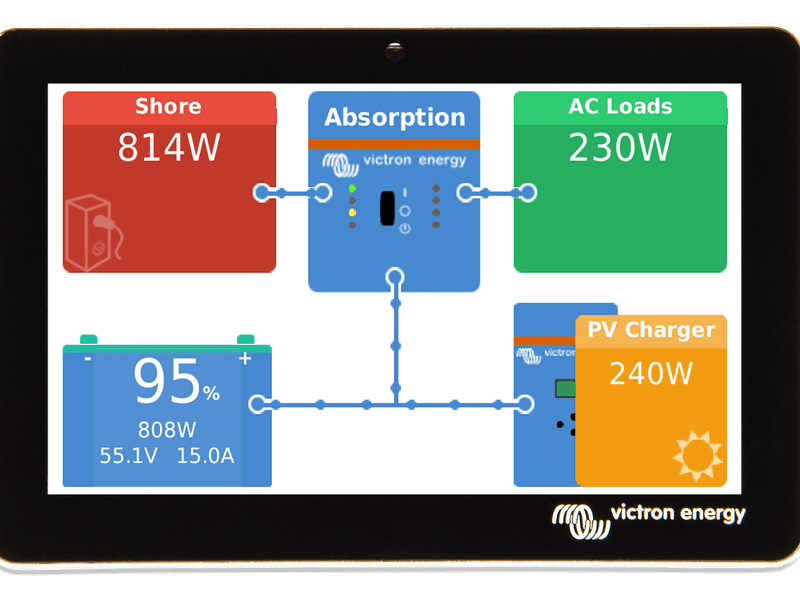
Matthijs Vader • 17 March 2020
Venus OS v2.52 – BYD Premium LV and more
Good morning! In the middle of the Coronavirus pandemic, normal things do continue and today we’re releasing a new version of Venus OS – the software at the heart of our GX Product range . A short note on the Coronavirus outbreak and Victron: so far so good – we always keep very high stock levels of finished goods to make life easy and smooth in our normal situation of growth. This is also good practice in case of difficulties with production or supply – which could happen in case of the Coronavirus outbreak, but so far all is well: production has been – and is still running smoothly; as are inbound and outbound logistics. Our office staff can, and are, working from home in isolation. That is a bit less efficient as well as awkward, but very do-able. With those reassuring thoughts in mind there are risks of course, for example in case an outbreak occurs amongst the staff in one of our warehouses. That event would have the highest impact on our customers and ourselves. There are many, many counter-measures in place to minimise that possibility, and other risks. In any case please stay safe, and I hope you and your families are doing well. Back to the news at hand: Venus OS v2.52 has one main change: BYD Premium LV batteries BYD has launched their new Premium LV batteries, suitable for both on- and off-grid applications. Premium LVS capacity ranges from 3.8kWh to 245 kWh, and the Premium LVL is scalable from 15.4 kWh to 983 kWh. Venus OS v2.52 contains the necessary changes to make these new models work well together with Victron equipment. We’ll be updating the BYD & Victron information manual shortly. Other changes & how to update The other change includes a fix for the Grid alarm which reduces the likelihood of an alarm being triggered temporarily when the user switches the Inverter/Charger off and on. Note that there are still situations where switching the Inverter/Charger off and then on will trigger the grid alarm. This relates to grid codes and mandatory waiting times of up to 60 seconds. We’ll fix that properly in a future release. You can find information about how to install the new version of Venus OS here . For the full changelog, including previous releases, visit Victron Professional . Have a good day, Matthijs Vader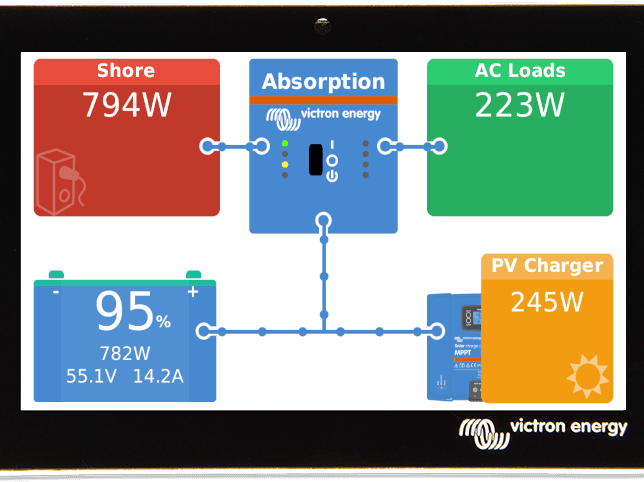
Matthijs Vader • 02 March 2020
Venus OS v2.51 – various small improvements
Good day! Today we have released version v2.51 of Venus OS – the software at the heart of our GX Product range . This release contains various fixes, the more important ones are: Fix Victron App icon blinking on Navico MFDs: Simrad, B&G and Lowrance. The same bug can cause more issues such as the plotter becoming unresponsive and communication errors, as well. Fix the Grid alarm not being triggered on some systems. Add Bluetooth menu for the Cerbo GX: there you can enable & disable Bluetooth as well as change the pin code. To see Bluetooth on a GX Device in action, check out our recent Cerbo GX unboxing video, by Jono . Remote VEConfigure is now 2 or 3 times faster. Various small improvements, all relating to instance numbering, in the relatively new NMEA2000-out function . And one that’s not super important – yet can catch you if you don’t know we did it: the VRM Two-way communication on/off setting has been moved to the VRM Portal menu. How to update? You can find information about how to install the new version of Venus OS here . For the full changelog, including previous releases, visit Victron Professional . Have a good day, Matthijs Vader
John Rushworth • 07 January 2020
Raymarine & Victron integration video
It’s that time of year in the UK, when many a boat is hauled out and their owners upgrade and maintain their systems. Victron video Victron video producer Jonathan Cecil recently took a trip to Whitehaven Boatyard in Cumbria to see what such owners, Victron dealers and installers get up to over the winter period – and in so doing produced the fascinating video embedded later in this blog. Upgrade brief In this instance the brief, to Victron specialist Chris Dobson of UK Marine Electronics Ltd., was a full Victron and Raymarine upgrade for sailing yacht Pilgrim, including a lithium battery system, upgrading Victron power systems and integrating them with a new Raymarine MFD. Pilgrim prepares for her winter haul-out Pilgrim was built on the Hamble in 2002, is 32′ LOA, planking construction and sheathed in epoxy – making for a heavy displacement, stable vessel. Raymarine integration This very useful upgrade with the advent of Victron’s latest Venus OS for their GX devices and the release of Raymarine’s latest Lighthouse software, means that users can view the status of Victron equipment on their Raymarine MFD. A Venus GX is device is able to communicate with the Raymarine Axiom Multi Functional Display (MFD) either directly or through a network router, via the Ethernet port and a RayNet adapter. Upgrade components Raymarine Equipment Raymarine Axiom 12 Display with RealVisio 3D Sonar Lighthouse 3 Software Update to Firmware: v3.11.42 i60 Wind Instrument i50 Speed and Depth Instruments Quantum Wireless Chirp Radar Click image to download PDF schematic The Raymarine Equipment is connected together with NMEA 2000 / SeaTalk ng . In this installation the Victron Venus GX is connected to the Axiom MFD via Ethernet with the Raymarine RayNet Female to RJ45 Male Cable adapter. It is also possible to connect all the Victron components to a Venus GX device, and have that connect to NMEA 2000 as well, providing yet another way to display your power system information on your boat’s Multi Functional Display/s. Victron Equipment Venus GX MultiPlus Compact 12 |1600 | 70 VE.Bus BMS 2 x 150Ah Victron Lithium LiFePO4 batteries BMV-712 Smart battery monitor and shunt SmartSolar charge controller MPPT 75 | 15 BatteryProtect 65A to disconnect solar charge BatteryProtect 220A to disconnect 12v load 50A Buck-Boost DC-DC Converter for engine alternator to control the power to the Lithiums Blue Smart IP65 Battery Charger 12v 15A Click image to download PDF schematic Video – Raymarine & Victron Integration Learn more – MFD integration for Raymarine and other brands For the full documentation about MFD and NMEA 2000 integration, please see the following. The main NMEA 2000 & MFD integration guide https://www.victronenergy.com/live/ve.can:nmea-2000:start Integrating with GX Devices For MFD App-type integration: https://www.victronenergy.com/live/ccgx:start#marine_mfd_integration_by_app For NMEA 2000 integration: https://www.victronenergy.com/live/ccgx:start#marine_mfd_integration_by_nmea_2000 Lithium cold charging issue Chris Dobson (seen in the video above) loves problems and is very keen to solve them, especially ones such as – lithium don’t like to be charged below 5C. This being an issue, Chris thought outside the box and used the resistance properties of a Venus GX to measure the temperature of the battery box, which in turn controlled a relay. Chris used a PT100 temperature probe inside the battery box, between the batteries, which is a resistance probe. As the Venus GX uses resistance for its tank levels, Chris used this to control one of the Venus GX relays. This, in turn, controlled a 12v Coil VF4 SPDT relay to turn a 12V 30W heat pad on/off, that was placed under the batteries. Whilst not included in the video, Chris also insulated the battery box and added some strips of ply to form an air gap between the heat pad, aluminium sheets and the batteries – so they weren’t just sitting on the heat source. Conclusion Apart from the innovative solution for ensuring lithium batteries are charged correctly when it’s cold outside, it’s great to see how well Victron GX devices now integrate with Raymarine MFDs. A winning combination for many boat owners, I suspect. For any technical discussions regarding this blog (rather than using Disqus below) please see this thread on the Victron Community: https://community.victronenergy.com/articles/38545/raymarine-victron-integration-aboard-a-32-foot-sai.html John Rushworth Credits Installer – Chris Dobson for UK Marine Electronics Ltd., who are a Victron Dealer in Whitehaven, Cumbria and offer marine, off-grid & backup, energy storage and support. Website – https://www.ukmel.co.uk Facebook – https://www.facebook.com/UKMEL/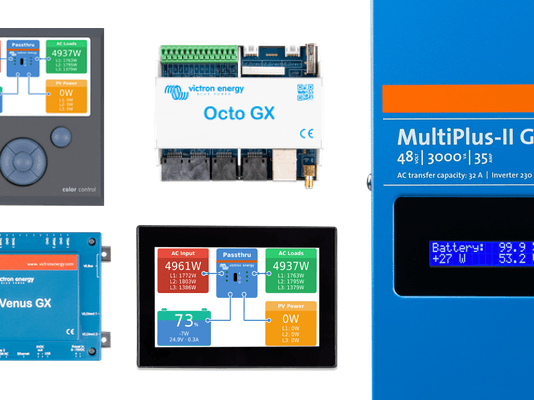
Matthijs Vader • 20 December 2019
Venus OS v2.41 & v2.42: Fixing BYD communications and more
UPDATE: Dec. 20th 2019, we made another new version today after discovering an easy to fix issue this morning. See last bullet point. Good morning, Today we have released Venus OS v2.41 & v2.42. For those not familiar with Venus OS, it is the software at the heart of our GX Product range . This new version brings a few bug fixes, most of them introduced with the release of v2.40, last week . I recommend installing this version on all systems now running v2.40. Fix intermittent BYD communication (only) on some systems. The connection to the BYD battery timed out, to then restore and later time out again. Besides showing ‘disconnected’, it could also cause the MultiPlus to go into passthrough, or even worse, shut down. This is now fixed. Our apologies for this bug and any problems that it caused; it shouldn’t have happened. And my thanks to the various customers that have reported this and helped in pinning it down. Fix setting the Tank capacity on the Venus GX no longer working. This problem was introduced with v2.40 too. Thank you Craig W for reporting this very cleanly, it helped in making an immediate fix. Improve enabling of Remote Console on LAN and VRM on the CCGX. A change several versions ago made it possible, but not likely, that setting (or disabling) the password wasn’t stored to disk properly, causing Remote Console to not work at all or not accept the newly set password. Fix the 12h and 24h interval setting in the VRM Portal menu. When 12h was selected, it used a 2 hour interval instead. And instead of a full day it used four hours. Note that we added the 2 hour and four hour intervals, and systems previously set to 12h and 1 day are now set to 2 hour and 4 hour; so as not to change their behaviour. To get 12h or 24h, change the setting. This bug was introduced a long time ago. Small fix in the LED handling of the Venus GX and Octo GX. It now fully matches the behaviour as documented in the manual , also when using the button to reset all network settings to default (a new feature, introduced in v2.40). Fix a bug in the VE.Bus Diagnostics menu, it could get stuck; to be fixed only by a reboot. This was broken in v2.40, solved in v2.42. Thank you Elvis R. for reporting! How to update? You can find information about how to install the new version of Venus OS here . In conclusion, I wish you a good day! Matthijs Vader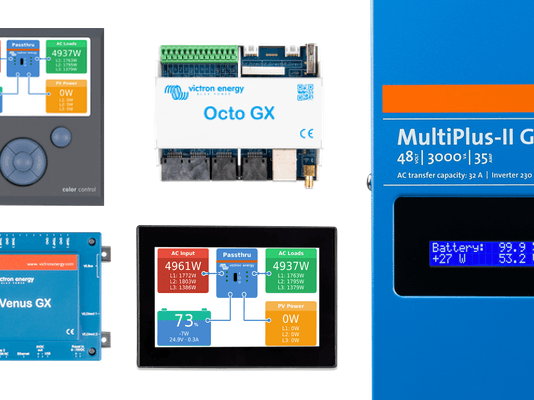
Matthijs Vader • 11 December 2019
Venus OS v2.40: NMEA 2000-out, Solar Irradiance, and more
Good day! This morning we have released Venus OS v2.40 – the software at the heart of our GX Product range . It brings lots of new features and various other improvements. The highlights: NMEA 2000-out function Solar Irradiation metering Multis and Quattro related improvements such as Inverter only mode, Alarm notification upon grid failure and setting the Input current limit for systems with a VE.Bus BMS. A new supported battery: Discover AES from Canada Simplified installation of BYD by automatically forcing the DVCC on and Shared Voltage Sense off. Other batteries to follow. Let me take you through some of the details. New: NMEA 2000-out function Long awaited, and already announced long ago (my apologies that this took forever!), the GX devices can now transmit battery monitor as well as inverter/charger data out on VE.Can and NMEA 2000 networks. Also, our Multis and Quattros can be controlled via NMEA 2000. Use our VE.Can to NMEA 2000 cable to connect a GX device to an NMEA 2000 network. To enable this feature, navigate to Settings -> Services -> CAN-bus, and there enable the “Send data to VE.Can” feature: Note that this is now the recommended way to integrate a Victron system into an NMEA 2000 network. The old VE.Bus to NMEA 2000 interface , as well as the VE.Direct to NMEA 2000 interface are now deprecated. In the coming days we’ll be updating the Marine NMEA 2000 and MFD integration documentation ; taking out the now deprecated interfaces as well as adding the earlier released MFD App Integration . New: Solar irradiance metering After searching and reviewing the options on how to add Solar Irradiance metering to our offering, we chose the IMT meters from Mencke and Tegtmeyer GmbH in Germany. The picture above shows their meter, mounted next to a Solar panel. The type of meters supported is their Si-RS485TC series. Besides solar irradiance, they also offer (optional) wind speed and ambient temperature sensors. Note that we’ll not be stocking these meters ourselves, consult the imt website for purchasing. The meter is connected using our USB to RS485 interface cables. Here is how the result looks in the menu pages: And here is how it looks on VRM: For more details, consult the new section in the manual . Improved control and monitoring of Inverter/Chargers The first change is that it’s now possible to switch the system into Inverter Only mode: Then there is a new feature, called Grid failure monitoring : For details, consult the manual . New supported battery: Discover AES from Canada After system integration testing has been completed, both by the Discover AES team as well as our own R&D team, we have now added this battery to our Battery compatibility pages . For more details, see the Integration manual, available on that page. DVCC menu cleaned up and expanded All DVCC settings are now brought together in their own menu, rather than added at the bottom of the Settings -> System setup menu. Thus making them easier to find and configure. Here is how the new menu looks: Those familiar with this menu will note that the Shared temperature sense feature has been expanded, and that there is a new feature, called Shared current sense. For details, please consult the manual . Many more changes and improvements So far, those are just -what I think- are the highlights. To learn about all changes and improvements, please read through the changelog, available on Victron Professional . How to update? You can find information about how to install the new version of Venus OS here . In conclusion, I wish you a good day! Matthijs Vader
Matthijs Vader • 11 September 2019
VictronConnect 5.9 – Solar Charger improvements and (much) more
UPDATE: v5.10 and v5.11 were released shortly after. See changelog for details . Good day! This release includes Solar Charger firmware v1.42, a major improvement. Also, VictronConnect no longer enforces firmware updates, it now warns when bluetooth is still configured with the default PIN code, plus it contains the latest VE.Bus firmware files and many more improvements. Before I start explaining the details, a fun fact: we’re closing in on the 100k active users on Android, only 646 more to go. (!) New Solar Charger settings and firmware VictronConnect now ships with the last available Solar Charger firmware: v1.42 / v1.43 for all BlueSolar- and SmartSolar models, and v1.02 for the SmartSolar VE.Can models. These updates contain improvements in the battery charge algorithm, fixes for the 30 day history recording as well as adds new installer configurable settings. We have put those settings behind an ‘Expert mode’ switch. This keeps the normal interface clean, as well as emphasises that changing them shouldn’t be done lightly. This screenshot shows all the settings now available, with Expert mode enabled: The new Expert mode settings are: Adjustable tail current (affects changeover from absorption to float). Adjustable re-bulk offset voltage (affects changeover from float to bulk). Adjustable automatic equalisation parameters (current / duration). Choose between adaptive- and fixed- absorption time. The adaptive mode is the method that has always been in the algorithm. It adapts the time to the battery voltage as seen in the morning. The fixed absorption time is what it says it is: a fixed time. No multipliers related to voltage in the morning. Setting the absorption time to fixed does not disable the tail current mechanism: disable that too to get a 100% fixed absorption time. Note that we advise to not use fixed absorption times for lead-acid batteries. For various settings, there are text explanations giving the setting details, such as this one: Then, the Lithium battery rotary switch preset has been changed. Absorption time for that preset is fixed to 2 hours, and it will not stop on low tail current. And the re-bulk voltage has been lowered from 13.7V to 13.4V (for all battery types). For more information about the changes in these new firmware versions, login to Victron Professional and navigate to the Solar Charger firmware. To conclude on the topic of Solar Chargers, I want to personally thank the many people that have helped raising issues, proposing new features, testing and working with us to improve it. And to let you know, there is one more significant improvement coming, Synchronised Charging for the SmartSolar range, over Bluetooth. Its implementation has been finished, and is currently being extensively tested. No longer enforcing firmware updates VictronConnect used to always install the latest firmware version on a product. It would not let you connect without doing so. This helped us a lot to maintain the quality of VictronConnect, and the speed of development, since we had only to test against the latest firmware version. And we did not have to add exceptions in the source code, like ‘if version is this and this, then don’t show item so and so’. But, that could also be very annoying when you simply want to connect to see what is going on, even more so in case something went wrong during the firmware update. Now, installing the latest update is no longer enforced upon connection, except for highly recommended updates. Installing the latest firmware version *is* required when accessing the Settings pages: To see if you have the latest firmware, do the same: open the Settings pages by clicking the cog-wheel in the upper right of the screen. Phoenix Inverters new setting: ECO mode search time The Phoenix Inverter firmware has been updated to v1.17, including a new feature: ECO search time. This helps make use of the ECO mode with loads that take a while to power up, such as certain LED lights or fridges. Other changes include adding PAYG lock feature, fix wrong AC output voltage being shown in some cases, add Bluetooth on/off setting and more changes: see changelog on Victron Professional for all details. The new setting is shown at the bottom of this screenshot: VE.Bus firmware 460 and 463, and DC Low Restart changes The latest VE.Bus firmware files have been included. Wondering what VictronConnect is doing with VE.Bus firmware files? Yes! VictronConnect can now do what you had to use VEFlash for in the past: firmware updating our inverter/chargers. And using VictronConnect for that is now the recommended method. VEFlash is being phased out. VictronConnect is both faster and easier to use, for details including a video see the previous blogpost . The minimum DC Low Restart has been lowered for 24V models from 21.8 to 20.6, and from 43.6 to 41.2 for 48V models. Not for 12V units, due to hardware limitations. This same change has been released in VEConfigure a few weeks ago. Unsecured access warning for Bluetooth PIN code That warning shows when the product is still using the factory default PIN code, 000000. More products have the Disable Bluetooth option In some cases, the installation type requires disabling Bluetooth. For security reasons for example: there is nothing more secure than simply disabling the feature. With this new version, Bluetooth can now also be disabled for SmartSolar Chargers, the Phoenix Inverter Smart family and the Impulse-II Smart Chargers. For other products, like the BMV-712, Phoenix Smart IP43 Charger and the Smart Battery Protect it was already possible to disable Bluetooth. There is only one last product family for which this is not possible yet, all the Blue Smart Chargers, i.e. the IP22, IP65 and IP67 models. It’s a top priority for us to finish this, you can expect more news soon. The Disable Bluetooth option is in the Product info page: Our Lithium Smart batteries do not feature any buttons or other physical means to re-enable Bluetooth once disabled. Therefore it’s not possible to enable Bluetooth ever again. The procedure for them looks like this: More changes Various improvements on guiding the user when they can’t connect using Bluetooth, including video tutorials. The framework used in VictronConnect has been updated, which was required to comply with the latest Google Play Store requirements. This improved the application performance but adds a drawback: we had to drop support for old OS versions such as Android 4 and iOS 10. For details, see the VictronConnect changelog. Fix the unwanted microphone and camera permissions which were shown under “May be requested” by the Google Play Store; those permission requests slipped in by mistake: the app doesn’t do anything with microphone nor camera. The Trends tab now remembers the last selected graphs and metrics. For the rest of the changes, refer to the VictronConnect changelog . So, to conclude, this is a large set of improvements of VictronConnect. My compliments to the team that worked on this, as well as everyone involved in testing. It’s a great update. Best regards, Matthijs Vader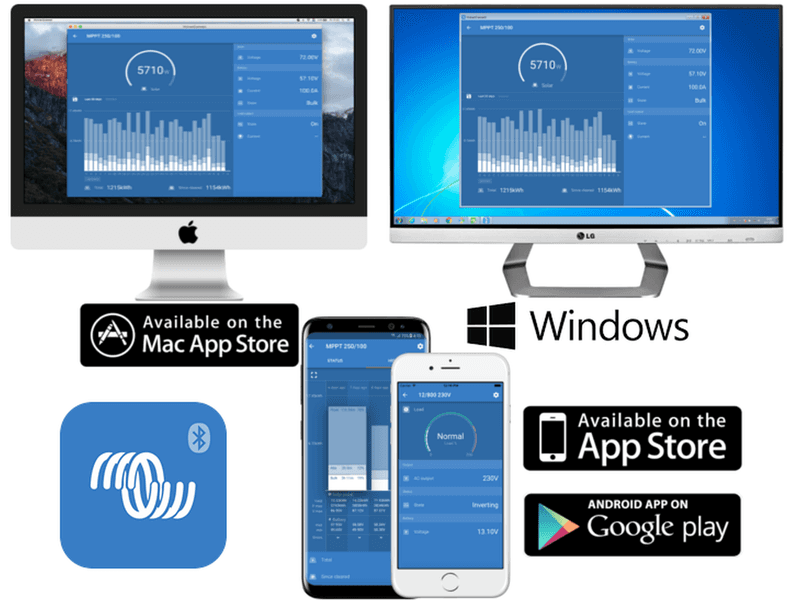
Matthijs Vader • 18 July 2019
VictronConnect 5.8 – adds inverter/charger settings and more
Good Day! Today is an important milestone in our ongoing quest to simplify working with Victron products; whilst not giving up versatility. VictronConnect can now be used to: Configure basic systems: consisting of a single inverter or inverter/charger without needing any Assistants, such as the ESS Assistant. Update firmware of our inverters and inverter/chargers that have a VE.Bus communication port, such as Multis and Quattros. Both features require the use of a MK3-USB. For the full list of requirements, such as minimal firmware versions, see the documentation here . Warning The features described in this post are powerful tools. They are intended for use by Victron Energy trained Engineers, Installers and Dealers. Their usage must not be attempted by system Owners and Users. Introduction Video Highlights All inverter and charger settings are available. Contextual help and explanations have been added. A detailed guide is available . In the app is a list of links to all related documentation. Such as the guide above, and also our MultiPlus Generator FAQ . From the Virtual Switch, only the Dedicated Ignore AC Input feature is available, and it’s been renamed to AC Input Control Firmware updating has become much easier: It can also be done with Mac laptops as well as Android phones, instead of just Windows. No need to download the firmware file from Victron Professional, as VictronConnect already contains all the latest firmware versions. In this case that’s version 459. No need to update units one by one manually: VictronConnect will update all inverter/chargers sequentially without interruption. This video shows a three phase firmware update . Other changes in VictronConnect 5.8 The other significant change is that you can now disable bluetooth for many devices; in case that’s wanted. This is possible for our SmartSolar chargers, the Phoenix Smart Charger, the Smart Battery Protect and the BMV Smart. This is a process: in a few months there will be a disable-bluetooth feature for all products, including the BlueSmart Battery Chargers. For the rest of the changes, refer to the VictronConnect changelog . Conclusion To conclude, we’re very excited about this update; and currently the developers are working hard to add setting up and configuring parallel, split and three phase systems. And later on the list is adding support for setting up ESS Systems. Best regards, Matthijs Vader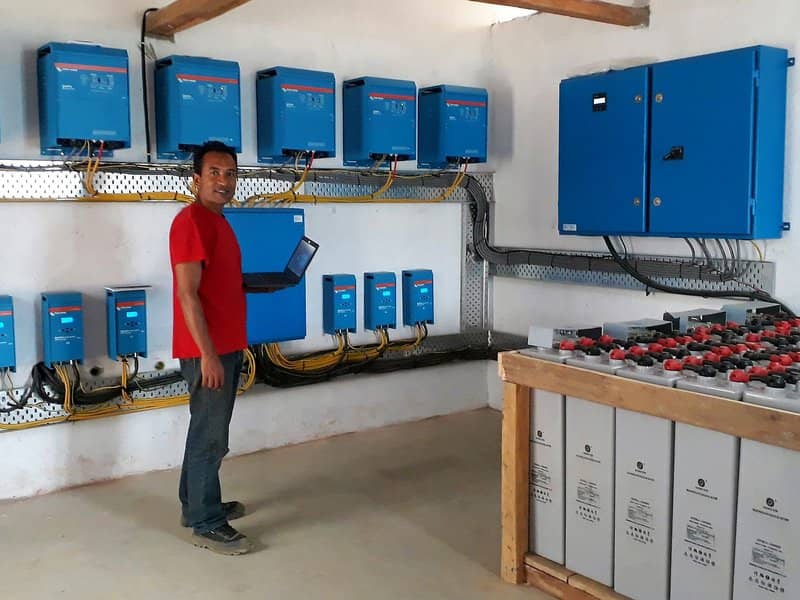
Matthijs Vader • 17 July 2019
VE.Bus firmware 460, VEConfigure and Venus OS v2.33
Good morning! Yes, this is a lot of releases in one post; Venus OS v2.33 is simple: it contains a change necessary for Remote VEConfigure to work properly with the latest version of VE.Bus firmware, version 460. For information on how to update your GX Device to Venus OS v2.33, see their respective update instructions . Now, let’s discuss the real changes. Last week we released the new version of the VE Configuration tools, and just now VE.Bus firmware 460 was released. Together they bring various welcome features; these are the highlights: Updated grid codes VDE 2018:11 – MultiPlus-II 48/3000 has been certified; certificate is expected on our website within a few days. UK G98/1 March 2019, G99/1 May 2018 – MultiPlus-II 48/3000 has been self-certified; certificate on our website. Chile Romania (based on TOR-D4) Configurable temperature compensation The temperature compensation, used for lead batteries, can now be configured. To use this feature, update the inverter/charger to firmware version 460. For more screenshots, see this answer by Mark on Victron Community . Reduced minimum DC Input low restart voltage The minimum DC Low Restart has been lowered for 24V models from 21.8 to 20.6, and from 43.6 to 41.2 for 48V models. Unfortunately, we have not been able to reduce this minimum for 12V units, due to hardware limitations. This change caters for lithium batteries, and especially second-life batteries such as re-used Tesla power packs. It’s not necessary to update the firmware of the inverter/charger to use this change. VEConfigure now indicates why grid/generator is rejected With Multi firmwares xxyy460 and up, VEConfig will now indicate why the AC Input is rejected and will also show an indication of the remaining waiting time. (After the waiting time the unit will connect to grid provided that there is no assistant which prevents the unit from connecting to grid and that the required relay test is performed.) For those wondering if this extra bit of intelligence will also become visible on a GX Device or VRM, the answer is yes. It’s on the to-do list. In a multi-phase system, the VE.Bus monitor in VEConfigure will now display for each phase if it is in phase with the mains input. This way it becomes easy to detect a ‘swapped phase’ installation error. Similar to the Phase rotation warning added to Venus OS recently . Conclusion That is all for now. There are a few more minor changes, see Victron Professional for those. Note that it is not required, nor advised, to keep our inverter/charger(s) updated to the latest firmware version. Stable systems should be left with their current firmware. Here is when to perform a firmware update: During commissioning / first install. When troubleshooting. To add a new feature that is required by the installation. And a warning: configuring our inverter/chargers, such as Multis and Quattros, requires both training and experience. Victron offers no direct support for untrained individuals carrying out configuration. Have a good day, Matthijs.
Matthijs Vader • 02 July 2019
Venus OS v2.32 – Various fixes
Good morning! Just now we have released version 2.32 of Venus OS – the software at the heart of our GX Product range . This release fixes VE.Bus communication errors in split, parallel and three-phase systems that contain a Color Control GX with part number BPP010300100R. Also recognisable by the country of origin: Hungary. All other CCGX part numbers, made in China and India, are not affected. CCGX-es with this part number were first shipped in 2017. These errors include VE.Bus Error 3, 4 and Error 17 . Also it can cause a false VE.Bus Error 24 , which is normally not related to communication. This fix has already been deployed to various systems that were having communication issues and system shutdowns; and that worked very well: all those systems are now running 100% stable. As they should be doing. I strongly recommend to install this update to any parallel, split and three phase systems that have a Color Control GX and were installed in the last two years. Background of the CCGX / VE.Bus Error fix The issue was that these CCGXs transmitted on the VE.Bus network even when they should not have, which caused collisions, i.e. errors in the communication. More units in a system (split or three phase, and especially with parallel units per phase as well) meant that it was more sensitive to this issue. Single system units are very unlikely to be affected by it; I’ve not yet seen that once. Not all parallel, split and three phase systems with this part number CCGX are having issues, on some it happens very reproducible and often; and others might run for a long time without any issue; having it only very sporadically. Thank you to all that have reported and helped to fix this. Rest of the changes Fix issue that made it impossible to turn a Multi back on, only sometimes, after a Venus OS update. This issue was introduced in v2.09. Thank you to Daniel Boekel for helping to get this fixed. Fix the System Setup -> DVCC -> Charge current setting not working, if the Venus booted whilst there was no PV on systems with normal batteries. Systems with intelligent can-bus connected batteries are not affected by the bug. Thank you John Hagtharp for all your effort in getting this fixed. This issue was introduced in v2.30 Fix the ModbusTCP register for the PV Inverter serial number(s) no longer working. The recently introduced 32-bit energy registers for PV-inverters overlapped with the serial number registers. This is fixed by moving the new energy registers from 1040 to 1046. The issue was introduced in v2.31. Thank you Jens M. for reporting this. How to update? You can find information about how to install the new version of Venus OS here . For the full changelog, including previous releases, visit Victron Professional . Matthijs Vader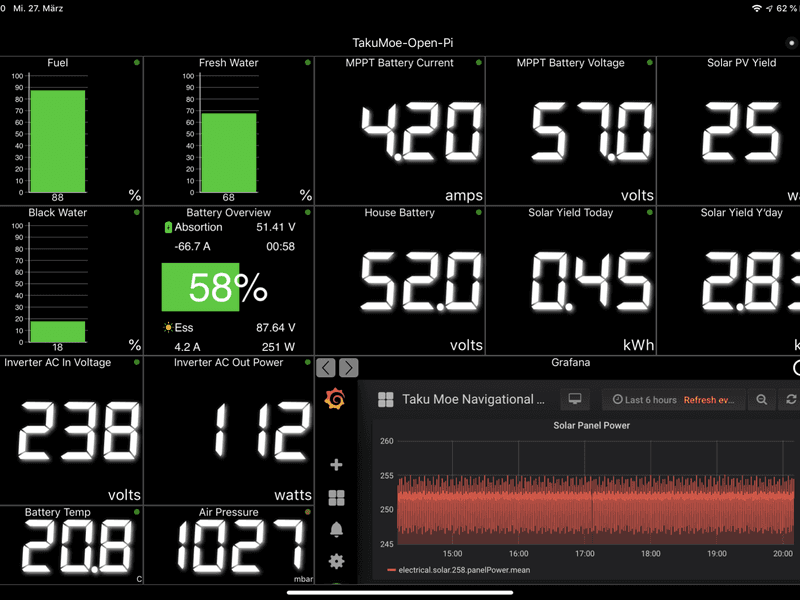
John Rushworth • 13 June 2019
Sailing with Signal K
Pictured above is a screenshot from WilhelmSK (a popular Signal K app) showing just some of the information that can be displayed onboard your boat, when using Signal K and Victron Energy products together with Victron’s Venus OS. Venus is the software operating system used by the Victron GX product range . As many of you will know Venus can also be used with Open Source projects too. Various examples can be found with a search on ‘Rasperberry Pi’ here on the Victron blog . If you are not familiar with Signal K and the plethora of information that can be integrated from onboard boat systems, then this blog I published a year ago will serve as a primer – Signal K: Embracing connectivity with Victron Energy . Since publishing that blog, Signal K due to the passage of time has evolved even further and created a great deal of interest in the marine world in its own right – plus as a further consequence of my blog – this has led others to integrate Signal K with Victron Energy products. One such project (which takes everything to another level) is Stefanie’s sailing vessel Taku Moe, with its fabulous onboard integrated systems display and management. Sailing Vessel Taku Moe Taku Moe is a Bavaria 390 Lagoon and has gone through an extensive refit in recent times. Her crew consists of co-owners Stefanie and Heike. Starting next week they set sail from northern Germany for a four week trip from Schleswig into the east Baltic and Poland – and then next Spring their avowed aim is to head for southern Spain. From there the plan is to commence a circumnavigation of the Mediterranean, next cross the Atlantic and visit the Caribbean – later to go wherever the wind takes them over the coming years. Taku Moe – Bavaria 390 Lagoon Stefanie and Heike are highly qualified, competent sailors and Stefanie (if she’ll forgive me for saying so) is the major geek of Taku Moe’s crew. Who better to implement Signal K onboard… Implementing Signal K From here on, I’ve edited Stefanie’s comprehensive description of her project. Not because her words were lacking, merely it’s my attempt to make the best sense of our communication between a German that speaks English (but not as a native language) and an Englishman that doesn’t speak German. Here then is what Stefanie has to say: Project Aims & Challenges To have a single iOS App displaying many different values such as navigation, power and environmental data – all such data taken from the instrumentation aboard Taku Moe. This singular app to be served from a Signal K Node Server over wired and/or wireless, to seamlessly integrate the many different display protocols. Implementing this, there would be no need to have dozens of different apps to display the boat information – as previously the multiple devices couldn’t even talk to each other. A few years ago such project aims were not possible, as each equipment vendor relied on their own proprietary protocols – and in fact still do. That situation makes for a very unfriendly user experience and a significantly expensive one too – when you want to keep your instrumentation and equipment up to date. Fortunately this awful situation changed when some nice guys came together and started to develop Signal K. What is Signal K? Without going into too many technical details, let me quote from the developers themselves: “Signal K is a modern and open data format for marine use. Built on standard web technologies including JSON, WebSockets and HTTP, Signal K provides a method for sharing information in a way that is friendly to WiFi, cellphones, tablets and the Internet.” The many different protocols and Bus systems aboard Taku Moe are: NMEA 0183 and SeaTalk 1 (Raymarine Wind, Speed, Depth, Water Temperature) NMEA 2000 and SeaTalk NG (Raymarine Evolution EV-200 Autopilot, MFDs, B&G VHF, AIS, Air Temperature, Air Pressure, GPS, Fusion Radio) Modbus TCP (Victron Venus OS running on a Raspberry Pi) VE.Direct (Victron BMV-700, Victron Blue Solar MPPT 150/35) VE.Bus/CAN+MK3 (Victron MultiPlus C 12/1600/70-16 230V) Simarine Pico (protocol needs to be reverse-engineered to get data interfaced with Signal K) 1-Wire (external so called 1-wire sensors i.e. for temperature, humidity, pressure, tank levels) CAN Bus (interface between Signal K and NMEA 2000, allowing bi-directional flow of data) MQTT (to talk to Sonoff smart switches to switch on several devices like Radar, Windlass, Bow Thruster, Lights through the same app) TCP/UDP/HTTP/WS (Teltonika RUT950 Router, 2 x Raspberry Pi, iPhones, iPads, MacBook). Note – both Pi can basically replace the router as they are able to serve as that too, but as I already had the Teltonika I’m using it. Teltonika RUT950 Router As one can see, all that above is a whole lot of different protocols and buses coming together. At first glance one can assume that wiring such a system ends up in a total mess. Not even close, because thankfully the router aboard makes it easy to connect most of the devices through a simple Ethernet cable. The rest is straightforward 12V DC wiring to sensors, or Plug and Play (PnP) between the different buses. DC to DC Converter How do I get there? Not easy to answer. In my view there are 3 solutions. 1. To default to commercial offerings and with that quite expensive solutions. It is possible but requires some engineering. I’m not an engineer nor do I want to spend a whole lot of money for a system whose half life period is less than a few years year (thinking of all the MFDs I have spent money on in the last years…). 2. To revert back to what sailing was a few decades ago and quit with all the smart things. Yes, that is possible, but I grew up right in time to experience how the internet seemingly came out of nowhere. Also I’d been playing with Arpanet through DIY modem/couplers and blue boxing (110 baud, can you imagine?!) when the phrase ‘computer network’ was not even familiar to most. As such I became addicted from the very first day, so no option to go back in time for me! 3. To do it the hard way even when you have no idea about all this stuff, which means: to grapple with at least the basics of protocols, interfaces, trying to remember what Linux is, read the ‘effin’ manuals and bring it all together. That saves money, a lot in fact and keeps the brain busy – which at a certain age helps! Luckily there are friendly communities at Victron, Signal K etc., all who are extremely helpful and patient to support you in this process if you don’t get it the first time around. Vital system components WilhelmSK – The Swiss Army Knife to achieve my goal. (WilhelmSK is a highly customisable boat instrument display that uses the Signal K protocol to show information from your boat’s sensors on your iPhone, iPad, Apple Watch or Apple TV. Scott Bender, the author of WilhelmSK, is also one of the main developers and contributors to the Signal K Node Server). Raspberry Pi – One Pi hosts OpenPlotter/Signal K/Homebridge/Node-Red, InfluxDB, Grafana and is the brain which brings it all together. The second Pi runs Victron Venus OS – the heart of the electrical system. 2 x Raspberry Pi Apple TV, HomePod or iPad/iPhone required for smart switches to become accessible via HomeKit into Signal K/WilhelmSK – and all this fancy stuff you can find under “protocols and bus systems”. Sonoff Smart Switch & tablet with WilhelmSK and OpenPlotter Advantages of Signal K, WilhelmSK, Node-Red and Venus OS Open Source except for WilhelmSK, which doesn’t cost a fortune (20 Euros I think). This all means a lot of support through a large community of developers and users. Plenty of updates and upgrades with the implementation of new features (if it makes sense) and bug reports from users. WilhelmSK is highly customisable, showing all the values one can think of. Be it electrical data from the Victron Product line, environmental data from sensors, switches from HomeKit or navigational data from the NMEA network – bi-directional. That means I can control my Victron devices or smart switches, the Raymarine Autopilot, my Fusion Radio, whatever. And if you have influxDB/Grafana setup, you can store all the data for history or real-time display all nicely presented. Have a new device or sensor? No problem as long as the protocol is known. Then simply define your own Signal K path and voila, it shows up on WilhelmSK. You’re completely free in setting up gauges, digital, analogue or as a bar. You hate digital numbers and love the new Venus HTML5 app from Victron? Again, no problem. Use a so called Web gauge within WilhelmSK and get the benefits of this beautifully designed app within another app. Remote Control. Have access to all your data and switches through the internet. Control your Victron devices whenever and wherever you want. Turn the Multiplus Charger on when the batteries run low. Check bilge sensors inside the boat for possible water ingress or get notified by SMS/Telegram/Messenger/Twitter whatever program you like to be notified in real time that your boat is possibly about to sink or gale force winds are pounding your mooring telling you to go and check it. This all requires access to a GSM network, which is setup in my case through the Teltonika router with SIM card via (and highly recommended) a VPN. Remote Console example Local Venus Console on Raspberry Pi System schematic The schematic above is how everything works together. Not yet marked is the NMEA 2000 network, which is connected to the signal K Node server via USB. Click image to enlarge. Some of the Victron products fitted to Taku Mo Is there anything lacking? As of yet, no, not really. When Victron decided to collaborate with the Signal K development team, a whole new world opened up making many things possible that I’d only dreamt of. And this collaboration is helping both, Victron and Signal K to benefit from it, not to mention the user. When talking about the Internet of Things (IoT), then a solo effort quickly becomes a one-way street. I’m really surprised how easy it was in the end to set this all up, although at times I had plenty of headaches. It took a long time to decide whether I wanted to go this route or leave it as is. But once started, it quickly developed. A no-brainer when the first Victron data appeared on the iPad screen. It makes me want more of it. Plenty of new ideas coming up. I think that is part of it and that keeps it all moving – the bread and butter for the developers. Additions 06/04/2019 – Added switches to WilhelmSK. Now I’m able to add switches (which are compatible but not certified with HomeKit) to WilhelmSK and can switch whatever I want – such as Windlass main switch, Bow Thruster main switch, Radar and a few others I have in mind. Switches are Sonoff Basic for 230V devices hooked up to the Multiplus and Sonoff 4ch Pro R2 (powered by 12V DC) for 12V devices. Sonoff are flashed with Tasmota firmware to make them compatible with Apple HomeKit through Homebridge . WilhelmSK recognises these switches as soon as they appear in HomeKit. Exciting stuff. Installation on Taku Moe – Day 1 29/04/2019 – Today I started with the installation. Both PI’s are now connected via Ethernet to the router. Next step was the firmware update on the MultiPlus to version 459. That was a flawless task. See Victron Professional . Then connected the Victron Interface MK3-USB to the Venus Pi as well as two VE.Direct to USB Interface . One for the BMV-702 and another one for the BlueSolar 150/35. Need another one for the new SmartSolar 75/15 (added a 4th Solar Panel, which unfortunately is only 135Wp. The 150Wp was out of stock and got replaced by a 165Wp panel, which cannot fit on the bimini). Booted into the Venus, setup the connection to the router and shutdown the demo mode. Without doing anything the system recognised the Multiplus, Blue Solar and BMV. Need to do some further adjustments for my specific system. But it basically works “out of the box(Pi)”. Installation finished! 27/05/2019 – That was more work than I thought, but in the end everything works as expected. Had some trouble understanding how DVCC affects the System but now the DVCC documentation has been improved, so I think I have got the hang of it. D-Bus data is now available via VRM, LAN, WiFi, wherever I want. System is accessible also through VPN from home. Can switch the Multi on/off from home and of course see and remotely control all available data, be it Victron stuff or boat related data. The most fun thing is the Water Heater, which I can switch on from home as well! That was lot of fun and a learning experience throughout the preparation and installation process – but I’m so totally excited to have it all running… Stefanie Click logo to take you to the Taku Moe Website – (in German but a good inline translation to English if using Google Chrome). Conclusion My thanks to Stefanie for all her hard work in communicating her project to me and in supplying the text and images for this blog. Whilst I can’t claim to have done the hard work – hopefully this blog (and my original – Signal K: Embracing connectivity with Victron Energy one) helps you see how collaboration between individuals and communities has a collective and quite profound effect in bringing people together and improving the breed – something that Matthijs Vader of Victron Energy had envisioned right from the start with Victron’s Signal K collaboration. Long may that continue… Why not visit the Victron Community ? In closing I wish Taku Moe and crew, all Set Fair! John Rushworth Resources & Links Taku Moe website – https://www.sailingtakumoe.de Taku Moe on Facebook – https://www.facebook.com/TakuMoe Taku Moe Signal K blog (inc more resource links) – https://www.sailingtakumoe.de/2019/06/05/signal-k-wilhelmsk-taku-moe-becomes-smart/ Taku Moe on Victron VRM – https://vrm.victronenergy.com/installation/35603/dashboard Signal K website – http://signalk.org Signal K on GitHub – https://github.com/SignalK Signal K on Google Groups – https://groups.google.com/forum/#!forum/signalk Signal K demo node server – http://signalk.org/demo.html Signal K on Facebook – https://www.facebook.com/signalk.org Applications & Solutions with Signal K support – http://signalk.org/solutions.html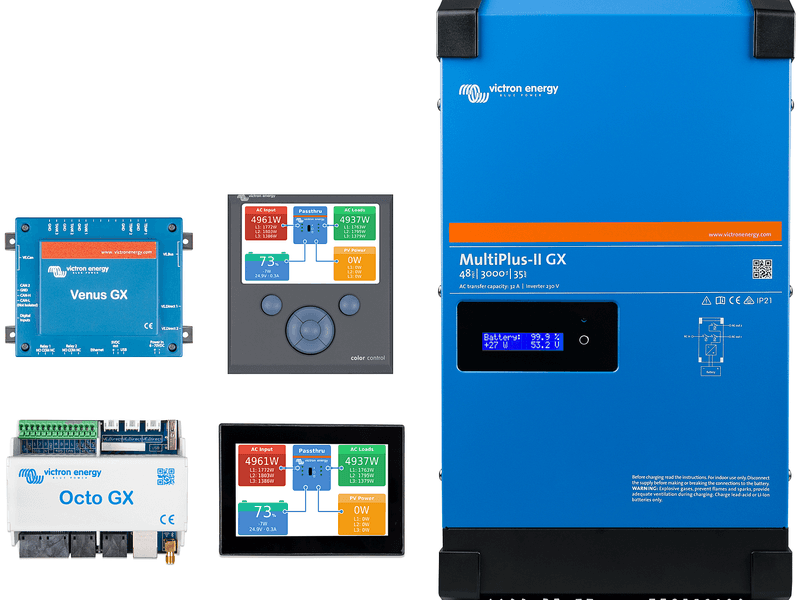
Matthijs Vader • 06 June 2019
Venus OS v2.31
Good afternoon! Just now we have released version 2.31 of Venus OS – the software which is at the heart of our GX Product range . This version contains bug fixes. Besides fixing them, we have also further improved our quality control processes to further reduce bugs in the future. Making for a robust connection to VRM and Remote Console Two of the bug fixes below relate to the stability of the internet connection. Both were what software developers call ‘edge cases’: a problem affecting only some very specific systems or situations. Obviously, being able to cope with intermittant and slow internet connections is very important for these products. Which is why, besides our continuous effort to improve that, I also want to highlight a new feature introduced recently: the auto-reboot function. The feature will automatically reboot the device when it has not been able to connect to the VRM Portal. Herewith a screenshot of the setting: Full changelog General: Fix digital inputs in Venus GX, Octo GX and Maxi GX not working properly (broken in v2.30) Fix summary of scheduled charging missing in the gui (broken in v2.30) Fix WiFi reconnect issue: in some cases; a disconnect/reconnect fails and then it ends up in Failure Mode. If at that same time the GUI menu was left on the WiFi menu; the system would not carry out further reconnect attempts. This is solved: the GUI automatically jumps out of the WiFi menu after 5 minutes of keyboard inactivity. (this issue has been in the software for a long time; it is not new) Fix DNS resolving issue (which lead to loss of Remote Console & VRM connections), that affected systems where one or more of the DHCP advertised (or manually configured) DNS servers didn’t work. Normally, the system would then switch to the other working one; and then -sometimes- did not. Not many computer networks have a non-working DNS server configured; so the good news is that this affected only a small number of installations. Thank you Paul S. & Chris S. for reporting. (broken in v2.30) Add new MultiPlus-II model names Add ModbusTCP registers , 32-bit registers for PV Inverter Energy measurements Fix Automatic system voltage detection not working properly for systems with a MultiPlus Compact that is switched off & has dipswitch 2 set to On. Thank you at Suavek for reporting. (broken in v2.30) Known issue: On some CANvu GX devices; the digital input & relay does not work. This is being worked on; and expected to be resolved quickly. This turned out to be a wrong report. There is no issue on the CANvu-s. Note that the full changelog is available at https://professional.victronenergy.com/ . How to update? You can find information about how to install the new version of Venus OS here . For the full changelog, including previous releases, visit Victron Professional . Matthijs Vader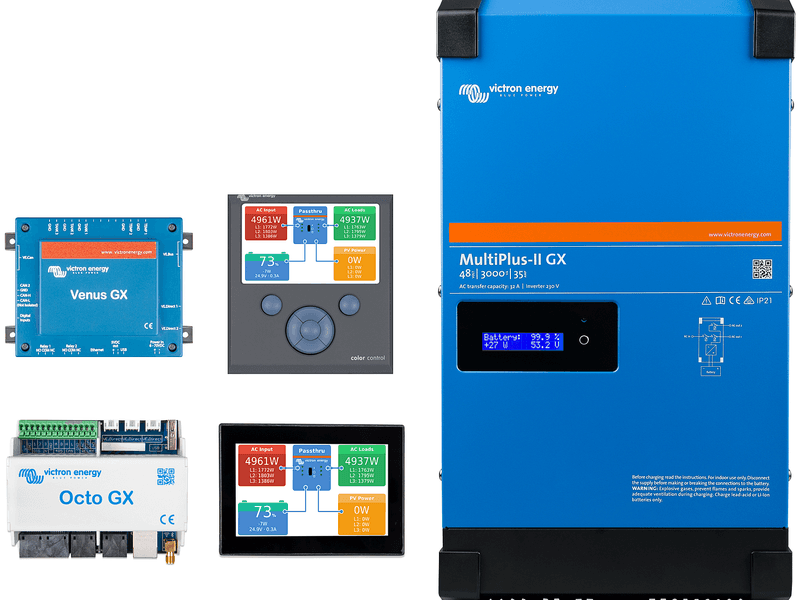
Matthijs Vader • 28 May 2019
Venus OS v2.30 – Marine MFD integration and more
Good morning! Just now we have released version 2.30 of Venus OS – the software which is at the heart of our GX Product range . I will first go through a few highlights of the updates, and then post a verbatim copy of the changelog; which as always is also available in the word file on Victron Professional . Marine MFD Chart plotter integration The main new feature here is the MFD Chart plotter, aka Glass bridge integration for the Marine market, as announced previously at METS. It has been tested to work now for both Garmin and Navico devices. Raymarine support is still pending. Here is a video, showing how it works: Improvements for large off-grid systems Having looked over the shoulder of system integrators, in this case off-grid containerised system experts Offgrid Europe and HID Europe – that led to further improvements: Adding a phase rotation alarm. What is that you might be thinking? Well, for a three phase system to connect to the supplied AC, either Generator or Utility, the phases need to be connected in the correct rotation, also known as sequence. If not, then the VE.Bus Inverter/chargers will ignore the AC supply and remain in Inverter mode. It use to do that silently, leaving the operator wondering what they did wrong. No longer, the GX-device as well as VRM will raise a warning now. Details in the GX manual . Logging the ‘run-reason’ of our Generator start/stop feature to VRM. Cleaning up the alarms. Inverter/charger overload, temperature and low battery alarms showed up twice for many configurations. And also led to VE.Bus Errors. All rather confusing; as you need to know the root cause. Now, only the root cause shows in the GUI and on VRM. Herewith an example: A bit off topic for this release, but I want to share this anyway: the VE.Bus Error 3 shown above actually had a reason, which wasn’t immediately clear to us: on the L2 unit, the battery fuse was broken. So, whilst connected to mains; all worked well. Or at least appeared to work well. And unplugging the mains obviously caused that unit to be powerless. We have now added this to the VE.Bus error documentation : when trouble shooting errors #3, #10 and #17 – make sure to check DC fuses. Full changelog General Add Marine MFD Chart plotter aka Glass bridge integration. More information in the GX Manual, chapter 4 . Add support for ABB PV Inverters; including Zero feed-in. For details & manual, see the PV Inverter chapter in the manual . First release for our new Maxi GX, a new member of the GX family. The Maxi GX allows up to 25 MPPT Solar Chargers connected with their VE.Direct port. See our GX Products page for more information. First release for the GX in our new MultiPlus-II GX and EasySolar-II GX inverter/chargers. CANvu GX: various fixes and improvements. Rename the “ESS” state to “External control” for solar chargers. This fixes the confusion around off-grid systems where no ESS was running; but still were reporting it. Thank you JohnC, Guy and others for reporting this. Firmware updates: allow downgrading (by USB stick and micro SD-card). Add so-called ‘Zeroconf discovery’: on iOS, macOS, and Windows, you can now find your GX Device in the local network by typing venus.local in a webbrowser. Unfortunately it was not possible to make that work on Android. But, on all mentioned platforms, you can always use the recently released VictronConnect feature to find GX Devices; see this video . Add an option in the menu to manually switch the second relay in the Venus GX. Add diagnostics page for the Fiam48TL Salt batteries. Report data partition errors on the GUI & and on VRM (Error #42). Change the “Solar Charger” -> “BMS Controlled switch” into a reset button. As that feature auto-enables itself when it sees a BMV, having an on/off switch was confusing. Use the reset when re-using the Solar Charger in another system with no BMS. Have multiple demo modes to choose from, rather than just one: one ESS demo, and two Marine/motorhome oriented demos. Further improve GX software stability & robustness. Remote Console Improve Remote Console on VRM. The IP-Address security check has been replaced by a more robust solution. This solves the problem that some customers where not able to use Remote Console on VRM, even though they had a stable and high quality connection to the internet. Improve the GUI in various areas for touch operation. Inverter/charger monitoring Add the phase rotation warning: For a three phase system to connect to the supplied AC, either Generator or Utility, the phases need to be connected in the correct rotation, also known as sequence. If not, then the VE.Bus Inverter/chargers will ignore the AC supply and remain in Inverter mode. It used to do that silently, leaving the operator wondering what he did wrong. No longer, the GX-device as well as VRM will raise a warning now. Details in the manual . Improve Inverter/charger Overload, Temperature, Low battery and High DC ripple warnings and alarms. Both in the notifications page on the device itself as on VRM, only one event will show. Not multiple duplicates, or other resulted errors, at the same time. Add the battery temperature as measured by the Inverter/chargers (Multis, Quattros, etc.) to the display and to VRM. Small improvements for systems monitoring a second system using an MK3-USB: store the (alarm) settings separately. Fix Phoenix VE.Bus Inverters being called MultiPlus. They are now properly recognised as an Inverter. Fix issue in Remote VEConfigure: changing battery capacity and a few other settings do not require a system reset; but that reset was carried out anyway. Now, those settings can be changed without a short, unannounced, blackout. VRM Portal uplink Show more error details in the GUI to help diagnosing connection problems to the VRM Portal. For details, see the VRM Portal chapter in the manual . Add a watchdog: automatically reboot the Venus-device in case it has not been able to sent data to VRM for a while. See Settings -> VRM online portal -> Reboot device when no contact. DVCC Fix a bug in the Limit Charge current feature, part of DVCC. For systems with multiple inverter/chargers on a phase, the limit wasn’t applied correctly, resulting in a twice too high max current when having two units per phase; three times too high limit when having three units per phase; and so forth. This same bug affected CAN-bus controlled batteries as well. This bug has been in the code since the introduction of DVCC. Thank you @John Hagtharp for finding it; and helping to fix this. Fix incorrect charge current limit remaining in a VE.Bus system after disabling the DVCC Limit Charge Current feature: the inverter/chargers would retain the last configured limit, until another limit was set, or a reset/restart of the inverter/chargers happened. Not anymore: now it correctly resets to the value set with VEConfigure as soon as the Limit Charge Current feature is disabled. CAN-Bus BMS batteries: hide the Time-to-go field from the GUI Menu; since it is not supported by the protocol and thus always empty and raising questions. Shared Voltage Sense: Always prefer the VE.Bus voltage over others when there is no suitable battery monitor. This avoids a confusing situation where in some cases a solarcharger is used for voltage even though a Multi is present. Make multiple BMSes in the same system work well by making the BMS selection deterministic: it will use the BMS with the lowest configured BMS instance for DVCC. Any others are just shown in the menus. This allows, for example, to add a second Lynx Ion BMS with battery pack used for (only) a large electric bow-thruster; besides another pack that is used as the boats main service battery which powers the inverter/chargers. ESS Don’t stop discharging when SOC indicates 0%. When Minimum SOC setting is configured to 0%; the system is now allowed to run until another threshold makes it stop; there is no more checking on SOC. Fix bug that caused the system to power the loads from the grid while in the scheduled charging window once the batteries were fully charged. Now; first the grid is used to fully charge the batteries, as it should when in a scheduled charging window, and once the batteries are full it prioritises PV over the grid, only using the latter in case there is not enough PV power. Fix ESS operation in systems with more than one VE.Bus system connected (second is then connected using a MK3-USB): ESS will always use the main VE.Bus system, selected by sorting on instance number. Add support for the next generation of Zigbee to USB Converters – DRF2658C, used for Energy Metering . Carlo Gavazzi Energy Meter power or current is now better handled, by skipping the records; instead of storing a very high value that distorted the graphs on VRM. Thank you Tilo Ritz for reporting. Generator start/stop Fix issue in saving the generator run time; thank you Paul B for reporting this one. Change ‘Periodic test run” wording into “Periodic run”; less confusing. Thank you Paul B. Generator start/stop: remove the battery monitor selection. It now always uses the same battery monitor as is used by the rest of the system. For systems that already had a different battery monitor configured the behaviour will not change by installing this update: it still shows and uses the selected battery monitor. Generator start/stop: log the condition that is causing the generator to be running to VRM so it is possible to analyse why the generator was started. For now only visible on the XLS and CSV download buttons on VRM. GX GSM GX GSM: Enable the GPS also when there is no simcard inserted. Thank you Jondal for raising this. ModbusTCP ( download the new Excelsheet from our website ) Add register for ESS Maximum inverter power Add register for DVCC Maximum system charge current Add register for AC-input Phase rotation warning for inverter/charger systems. Add register that shows MPPT solar charger operational state (0=Off;1=Voltage/current limited;2=MPPT active;255=Not available) Add register 2902 for ESS mode: 1: Enabled with phase compensation. 2: Enabled without phase compensation, 3: external control. Add registers for Generator manual start, runtime, and RunByConditionCode which shows why the generator is running. Add inverter/charger battery temperature measurement. Developers RaspberryPi 3B+: Fix the WiFi. Thanks to Per and others. Remove the /log symlink. From now on for non-volatile storing of logs, use /data/log. Add a feature to automatically install files to /data from an SD-card or USB stick on boot. Details in the Venus OS root access document . Enabling ssh is now a separate setting; no longer tied together with the Remote Support Setting. For this and some other changes; we’ve started using iptables firewalling. Fix a few bugs in vebus-updater. Direct driver: Add check that bidirectional communication is possible (except for BMV60x). In the support desk we have seen multipe self-made USB-VE.Direct cables now; of which only the RX signal works; rather than RX and TX. And that works somewhat; but not 100%; and nobody understands why: a waste of time. So; now the code tests if it is a properly working cable; and if not; hides the connected device completely. Enable tun/tap module for all kernels. Enable netfilter module for various kernels. CCGX Kernel updated from 3.7 to 4.19. v2.30 with CAN-bus battery and incompatible DVCC setting DVCC is only compatible with VE.Bus inverter/chargers running firmware above 422. There is a warning about that right next to the DVCC enable/disable setting in the menus. For systems with a CAN-bus connected battery, such as BYD, Pylontech, Freedomwon and others, a VE.Bus firmware version below 422, and DVCC enabled, the overview will become unstable: data is coming and going every few seconds. Watch this video to see how that looks. In case your system is affected by this, there are three options: Disable the DVCC feature. Also quick to do, see Settings -> System setup. It must not be enabled. Revert to v2.23. This is very quick to do. First disable the auto-updates in Settings -> Firmware update -> Online updates. Then switch back to the previous version in Settings -> Firmware update -> Stored backup firmware. Update the firmware in the Multi or Quattro inverter/charger(s). Note that this requires an installer, and reconfiguration. Details here . In short, to quickly fix your system, see 1 or 2. But do make sure to also contact your installer and make the update of the inverter/charger. See our Battery Compatibility page with required configurations and minimum firmware versions for all supported CAN-bus connected batteries. How to update? You can find information about how to install the new version of Venus OS here . For the full changelog, including previous releases, visit Victron Professional . In conclusion, I wish you a good day! Matthijs Vader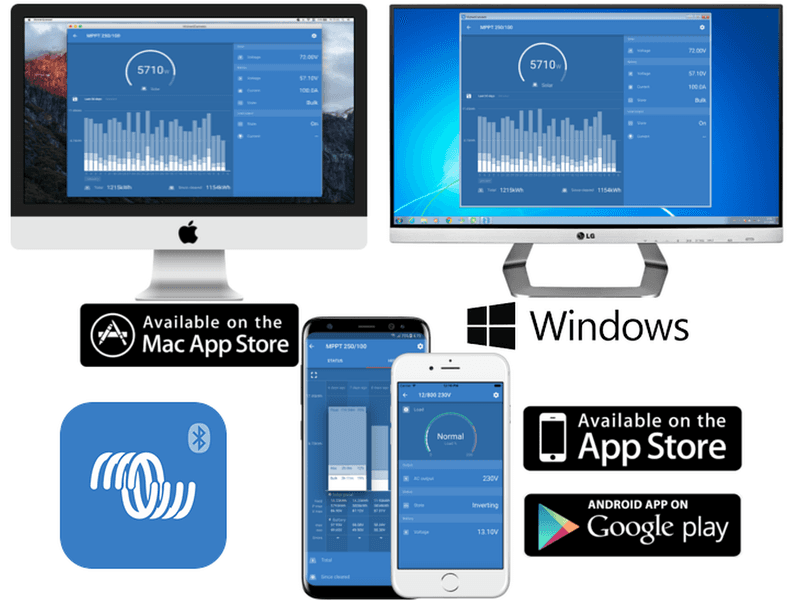
John Rushworth • 14 May 2019
VictronConnect: Now with Fahrenheit and Trends
Good news for Americans! And maybe others who, like me, were brought up on Fahrenheit long before Centigrade (or rather Celsius as it is known these days) became the norm in the UK. Regardless of which country you hail from, some of us still think in Fahrenheit – so it is welcome news that VictronConnect (from v5.5) now includes both Celsius and Fahrenheit. In addition there’s also a Trends tab. More on that and other features in the video and images that follow. VictronConnect versions As I type this I’m using v5.6, as the iPhone version of v5.7 was awaiting Apple approval. To keep informed with official and beta release versions see this page . Full changelogs and details of the various operating systems, with download links, are also detailed in that page. Key new features The easy way is to watch this video: Some sample screenshots (Click to enlarge images) Change to Fahrenheit option Note new Trends tab The Trends tab Conclusion We hope you enjoy the new features, and my thanks to Jono of Journey with Jono fame for the video and images used in this blog. John Rushworth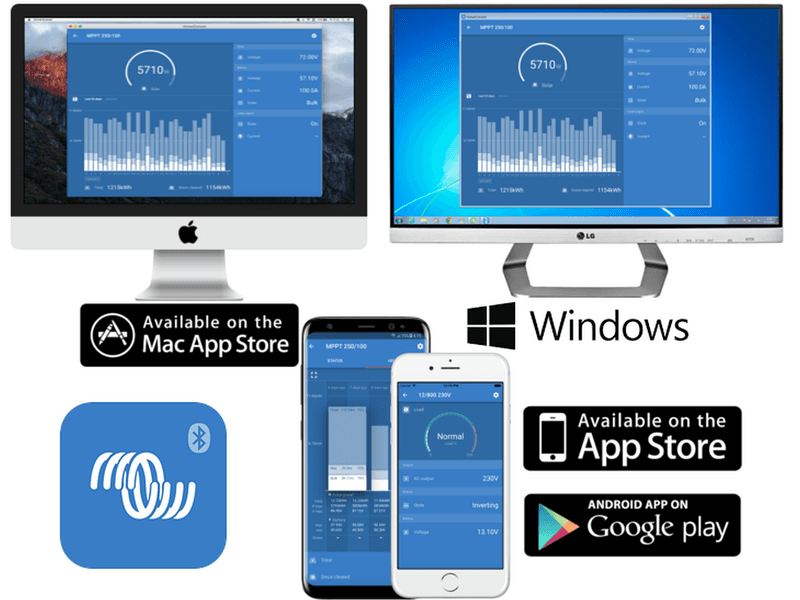
John Rushworth • 18 April 2019
Tech Tip: Firmware updates with VictronConnect
If you use VictronConnect, we have noticed some people assume you need an internet connection to update compatible products. To reassure those that have asked about this – it is not the case and here is why. All firmware files are already bundled with the app, so as long as you have the latest version of the app – you have the latest firmware. In other words, let’s assume you have not visited an installation for some time and that location does not have internet access on-site. As long as you ensure you have the latest version of the app whilst still in range of an internet connection, you can then go to site and if a product needs updating VictronConnect will tell you that. This applies to Wired and Bluetooth products (be they Smart tech built in or if using the VE.Direct Bluetooth Smart dongle ). Here is the list of VictronConnect compatible products in the VictronConnect manual . All firmware files for all products, with changelogs, are available at Victron Professional VictronConnect App downloads Do keep your products up to date, as this ensures the latest fixes and features. Firmware update example Just one example of the many products whose firmware can be updated with VictronConnect – in this instance using an iPhone XS Max over Bluetooth to a SmartSolar MPPT charge controller. Note: if for some unlikely reason you have any issues updating your firmware using VictronConnect, it can usually be resolved by following the steps in the firmware update and troubleshooting section of the VictronConnect manual , or by contacting your distributor. John Rushworth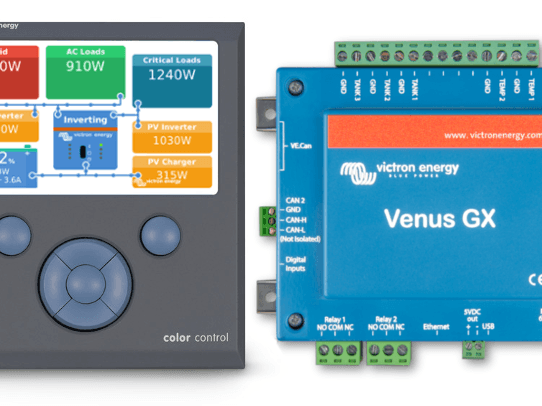
Matthijs Vader • 19 February 2019
Venus OS v2.23 – VE.Bus error 11 details & more
Good morning, Today we are releasing version 2.23 of Venus OS – the software which is at the heart of the Color Control GX, Venus GX, Octo GX and the CANvu GX. A nice page outlining those products and comparing them is available here . Also we will release VE.Bus version 455 today, for the MultiGrid and MultiPlus-II inverter/charger models. Included in this update are various improvements; including that the user interface will not show details of VE.Bus Error 11. VE.Bus Error 11 This error only applies to the MultiGrid and MultiPlus-II models: the inverter/chargers with a dual backfeed relay. For ESS systems, a grid-code is selected in VEConfigure, and then as part of grid-code compliance; the device verifies that its internal relays and measurement circuitry functions properly. When this test fails; Error 11 shows. Quite often, the error can be tracked down to an installation error (swapped Phase and Neutral wiring for example), but there were also some software issues; and the details of Error 11 not being visible was not helping. Today we are taking care of all that. A short list of related firmware releases: VE.Bus firmware 454 – February 8th – Adds detailed Error 11 reporting. Venus OS v2.23 – today – Adds detailed Error 11 reporting. VE.Bus firmware 455 – today – Fix false Error 11 of the type “AC0/AC1 mismatch” and “UMains error”. Conclusion: if you have a VE.Bus Error 11 and have already double-checked the wiring, then update all to the firmware released today; which is likely to solve the issue. And if it doesn’t – then at least you will have far more information to help you resolve it. Full changelog General: Fix that changing the date & time did not work properly for off-grid systems: changes to the date and time were only stored to the device when being rebooted from within the menus (which nobody ever does). Power cycling a unit would make it jump back to the previous date & time. This is now fixed. Note that only installations without internet were affected: with internet, the date and time are set automatically; as well as stored properly. This bug has always been in the system, since the first release. Update Eastern Europe time zones; fixes issues with Romania and other countries Add a low-cell voltage warning and alarm for Lynx Ion BMS systems. Note that this warning and alarm is only available for systems with a Lynx Ion BMS. Not for the (discontinued) Lynx Ion + Shunt models; and also not for any other (CAN-bus connected) battery types. How does it work? It will first issue a warning; and that will change to an alarm once the voltage is so low that the system has disabled the ‘allow-to-discharge’ signal; which shuts down any connected inverters and other loads. Fix internet connection issues for a small number of systems; by lowering the MTU to 1450. If affected you typically see that logging data to the VRM works, but Remote Console does not work; and Remote VEConfigure and Remote Firmware Update work partially: scanning typically works; but anything using full packet sizes; such as uploading a firmware file; or transferring the VEConfigure file; does not work and returns error 1300. More information here: https://community.victronenergy.com/questions/3608/how-to-solve-error-1300-on-remote-ve-configure.html Fix VE.Bus Low Battery, Overload and Temperature warnings and alarms showing up twice in the menu and notifications (bug was introduced in v2.18) Fix vup-error-9 on VRM Remote Firmware system. The error in itself was harmless; but raising questions. Debounce VE.Bus warnings: warnings now stay valid for at least 20 seconds in order to reduce the number of warning -> ok -> warning changes; notifications and VRM emails. Add the names of various new VE.Bus inverter/chargers ESS: Fix bug in Scheduled charging that failed to make optimal use of the PV when in the scheduled charging window. When Active AC input is a generator, enable the Fronius zero-feedin limiter. Thanks to Simon Hackett for reporting. For systems with CAN-bus BMS batteries, MPPT Solar Chargers, and DVCC enabled, the use of PV power in systems with a relatively small batteries has been improved. An example to illustrate it: lets say the battery indicates a discharge limit of 25A. And at the same time, there is 40A of solar available from the solar charger. In the old situation; the maximum draw from the DC bus would be 25A = 1250 W. Net result for the battery would be that it was being charged with 40 – 25 = 15 Ampere. With v2.23 installed, it will allow up to 65 A draw from the DC: 25A from the battery, and 40A from the solar charger. Venus GX: Improve flexibility of the multiplier setting for the pulse counter; the spinbox has been replaced with a normal edit box where a number can be entered now; with up to 6 decimal places. (thank you Greg for helping with this) ModbusTCP: Make battery relay writeable, i.e. Lynx Shunt (thanks Shane) Add registers related to charge current and temperature alarms. Add register for LowCellVoltage alarm & warning sent by the Lynx BMS Add register for Battery Temperature on VE.Bus devices. Add register for VE.Bus system reset; same function as in the inverter/charger menu in the Device List. And then there are a few more improvements, enhancing system stability and robustness. For those who were hoping to find the Marine MFD chartplotter integration, as explained here in a blog, I have to disappoint you, it’s not ready yet; so not in this release. We can report good progress on that project though; and I still expect to release it at the end of this quarter for Navico and Garmin. As mentioned during the announcement, Raymarine will follow a bit later. How to update? You can find information about how to install the new version of Venus OS here . For the full changelog, visit Victron Professional . In conclusion, I wish you a good day! Matthijs Vader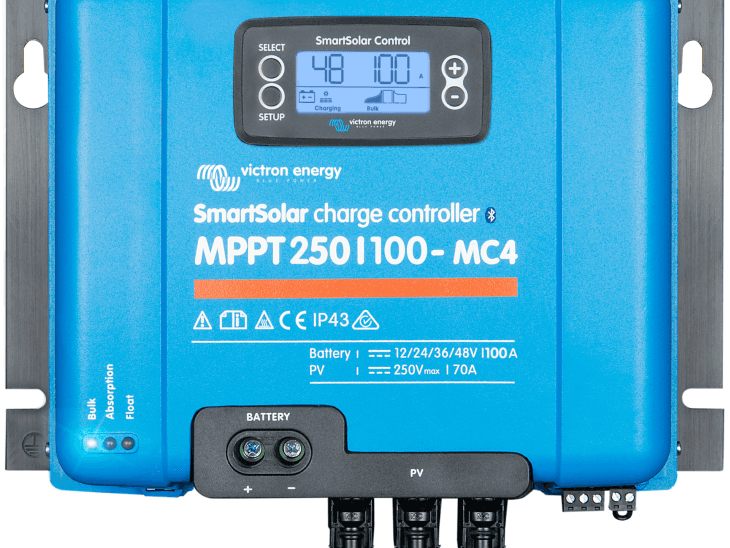
Justin Tyers • 04 December 2018
Important firmware update for SmartSolar Chargers
We recently released a firmware update for our SmartSolar Chargers. This fix is especially important for all 150V and 250V SmartSolar Charger models. The BlueSolar Charger range is not affected. The new v1.37 firmware fixes a problem that can, in certain cases, cause the device to fail. If you notice that your Solar Charger is no longer charging the batteries; or, in the case of larger models, it is behaving erratically – then the hardware has already failed and the unit will need to be replaced, as by that stage it will be too late to apply the firmware fix. This update will prevent the failure from occurring. How should I update my firmware? For systems on the VRM Portal; you can use the new remote firmware update feature. For details, see the VRM Remote Firmware Update manual . Using VictronConnect to do the update Standalone Solar Chargers can be updated with VictronConnect; the recently released version 5.1 will automatically update all solar chargers to v1.37. Here’s a video for that and documentation is available here . Conclusion Our apologies for any inconvience caused. In case a Solar Charger did fail; it will of course be replaced under warranty. It is not a guarantee that they’ll fail without this firmware update; nearly all SmartSolar Chargers have been happily charging and doing their work for years. But, they can fail; so therefore we strongly recommend dealers to inform their customers; and make sure everybody updates his or her SmartSolar Charger. Matthijs Vader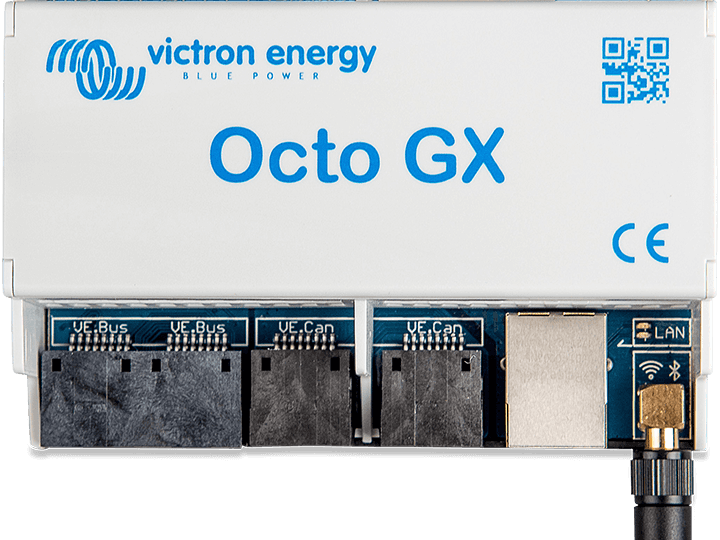
Matthijs Vader • 03 December 2018
Venus OS v2.22 – Octo GX & small fixes
Good morning, Just now we’ve released a new version of Venus OS – the software which controls the Color Control GX, Venus GX and Octo GX. Most importantly, Version v2.22 marks the completion of the new Octo GX. Further more it has a few small fixes: Fix that the ‘Inverter AC output in use’-setting was visible when it should not be; and the other way around. This bug was introduced in v2.20; and fixed thanks to Meisl in Germany. Venus GX & Octo GX: fix the Wi-Fi interface Mac addresses; now they no longer swap across reboots, which makes the IP address assignments stable. Fix a bug that occasionally caused for the VRM device-authorisation token to get lost during generation. This showed up to the user as a popup in VRM ‘Error, xx hours ago, data from an unauthenticated device has been received for this installation’. In such a case, VRM logging still worked, while MQTT based services such as remote firmware update & remote VEConfigure no longer worked. All sites that have that issue have been fixed; there is no need to worry about anything for your running system. Send the value of the Shared Voltage Sense setting (on/off) to the VRM portal, for diagnostics. New: GX Product Family Overview That is all when it comes to v2.22. I do have something else to announce, which is the GX Product Family document. All available Venus-devices are listed side by side in a table that compares them; and also all available accessories are listed. How to update You can find information about how to install this the new version of Venus OS here . For the full changelog, visit Victron Professional . Have a good day! Matthijs Vader
John Rushworth • 28 November 2018
VictronConnect now with Smart Lithium battery update
A short but essential blog. The recently released version of the VictronConnect App now includes an update for Victron Energy’s Lithium Smart batteries (12.8V & 25.6V) . The update (via the app) now wisely disables the charge when the battery cell temperature is below 5 degrees C, as charging at lower temperatures accelerates battery degradation. You will note the datasheet says: Operating temperature – Discharge: -20°C to +50°C and Charge: +5°C to +50°C. In other words +5°C is the minimum required temperature for charging. With the new VictronConnect, Lithium Smart batteries will now automatically be updated. Here’s a screenshot of what you will see, where charging is blocked below +5°C Disabling charging is done because Victron Energy tests and research have shown that lithium iron phosphate batteries charged below +5°C will start to damage the cells. If they were charged at that or lower – and whilst they may appear to be charging normally – permanent damage would be done. Lithium Smart Battery update (set to default) ensures that is not a possibility. Whilst some people may wish to charge below the default +5°C or in an emergency and although the app will allow such actions – this clearly voids any warranty you may have. In such a case you would see this: Charge disconnect when the temperature drops below 5°C (providing the VictronConnect update is in place) applies when using these products with Victron’s Lithium Smart batteries (12.8V & 25.6V) : VE.Bus BMS BMS 12/200 miniBMS John Rushworth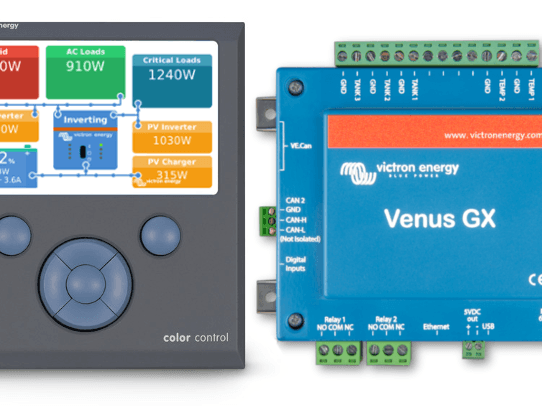
Matthijs Vader • 17 October 2018
Venus OS v2.20: Scheduled charging, Equalize and more
Today we have released a new version of Venus OS – the software which controls the Color Control GX, Venus GX and Octo GX. The highlights in v2.20 are the addition of Scheduled Charging for ESS systems, addition of the GX GSM, and a Start equalize button: no more toggling of the rocker switch back and forth on Multis and Quattros. Scheduled charging The features allows up to five schedules, during which the system will take power from the grid to charge the battery. Typically used to charge the battery during off-peak tariff time windows. For each schedule, configure a start-time, duration, and optionally set the percentage up to which you want the battery to be charged: Full change log General: Add support for the GX GSM; a 3G cellular modem accessory for Venus-OS devices; This is a new product, expected to be in stock in a few weeks. Add Start Equalisation button to the Multi/Quattro menu. See Device List -> Multi or Quattro -> Advanced. In this same change we have re-ordered the menus at the bottom of the VE.Bus page. Note that this only works for VE.Bus firmware version 400 and newer. Finally, no more flipping the rocker switch back and forth on the Multis & Quattros. ESS: Add scheduled charging. Configure up to 5 schedules during which the system will take power from the grid to charge the battery during off-peak tariff time windows. Increase maximum grid setpoint from 100kW to 1MW. ESS Systems with a grid meter, Fronius Inverters and Zero Feed-in enabled: no longer shut the PV Inverters down when there is a power failure. Instead; let the Multi/Quattro regulate them with frequency shifting. Thanks to Eon F. for reporting. ESS with DVCC enabled: fix a bug that prevented the Multi to discharge in some very specific conditions. Only seen with Lynx Ion battery systems. Introduced when launching DVCC, v2.12. DVCC: Improve (= reduce) LG and Pylontech max working voltage for DVCC enabled systems to eliminate over-voltage errors. LG: change from 57.5V to 57.3V, Pylontech: change from 53.2V to 52V Add shared temperature sense, and a switch (default on) for the feature. At present only a single configuration is supported: a BMV-702 or 712 with the temperature sensor accessory. When such a battery monitor is connected, and temperature sense is enabled, the Venus-device will send the battery temperature to the connected Solar Chargers and Inverter/chargers. Always show the Max Charge Current setting in the System Setup menu so it can also be used when there is no inverter/charger in the system. Sony/Murata: fix issue that occurred in off-grid three-phase systems with PV Inverters: the PV Inverters were throttled too much, causing the load to be powered from the battery instead of from the sun. Thank you Hubert D. for helping with this. ESS Auto-recharge (a feature introduced in v2.12 as a DVCC only feature): This feature now also works when DVCC is not enabled. Simplify the logic for starting an auto-recharge: start only when SOC <= minSOC – 5%, which Fixes auto-recharge not starting when BatteryLife-setting was disabled and minSOC set to 5% (0% wasn’t far enough below 5% to activate). Removes the ‘feature’ that would always start an auto-recharge when the BatteryLife-setting was enabled and SOC <= 0%. Thank you to Simon Hackett for reporting & getting to the bottom of this. GUI: Add WiFi and GSM GX status icons to the status bar: WiFi icon is only visible when WiFi is used to connect to internet. 3G/Edge/etc. icon only visible when modem is used to connect to internet. Modem signal strength icon is visible when there is a modem. Change the layout of the on/off & yes/no switch: no more text in the switch; more versatile and less translation issues. Reword several ESS-related menu items (remove the double negatives) Only show the SOC as reported by the inverter/charger when its actually enabled and configured in VEConfigure. Add notification to user that a VE.Bus system requires a reset after disabling DVCC. Not doing so will make the system go into pass-through after a while. CCGX Only: Fix display not working and backlight making noise on some units. (thank you to various people alerting us) Fix display brightness setting issue. Note that this might, only one time, increase the backlight setting on a CCGX during the update. ModbusTCP: Fix bug that caused stale values to be returned for disconnected devices. Instead of returning the last value, it will now return the error that means device not found: 0x0A – GatewayPathUnavailable. Other: Always connect to WiFi (when configured). Instead of only connecting to WiFi when ethernet is not plugged in. Add the “Hjelmslund Electronics USB to RS485 Iso converter” as a supported RS485 interface Add support for the Fiamm FzSonick batteries (connected via RS485) Change the demo mode data to ESS Add support for Murata batteries, and rename Sony batteries to Murata. Fix error in VRM Remote Firmware update mechanism when a “NMEA 2000<->0183 Gateway (NGW-1)” device was connected to the canbus. Thank you Charles P. for reporting it. Developer related: Add websockets to MQTT. This is on port 9001, there Mosquitto is running as a broker on Venus, see here for example usage: https://github.com/victronenergy/venus-html5-app Raspberrypis: update bootloader to v1.20180417, fixing issues with recent Raspberrypi2 hardware Raspberrypis: add device tree overlay for waveshare/ft5406 LCD screen Venus GX: update the Linux kernel from 4.1.44 to 4.9.113 Enable netfilter / iptables in the kernel config for all machines Debian packages: drop wheezy packages Update build environment (OE) from Jethro to Rocko, and also update Linux kernels for various machines Serial-starter mechanics have been reworked, see /etc/venus/serial-start.conf Add driver for the Bornay WindPlus MPPT. No GUI or VRM integrations yet. Thank you My gratitude to Simon H.; Hubert D.; Charles P.; Eon F.; and others for flagging-up and even contributing changes in the source code to help fix these and a number of other issues. Enjoy & how to update These are all that is in version v2.20. You can find information about how to install this the new version of Venus OS here . For the full change log, visit Victron Professional . Have a good day! Matthijs Vader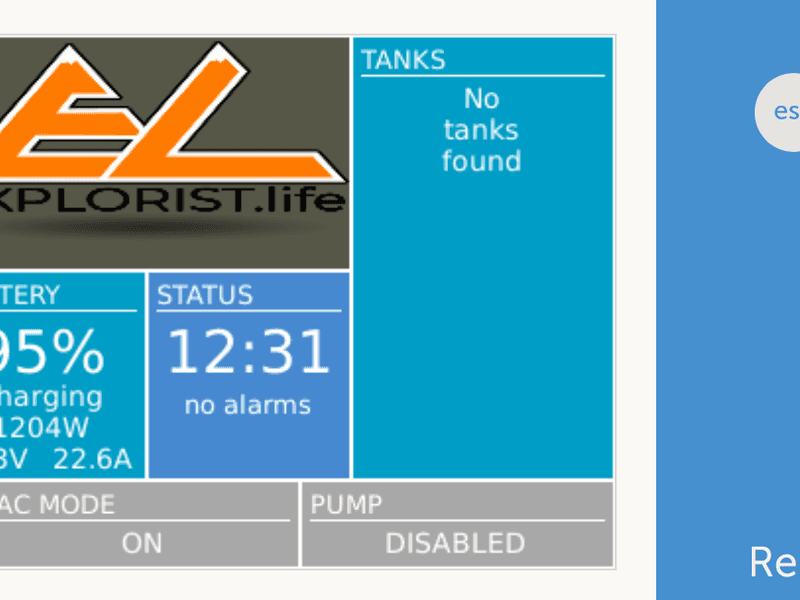
Justin Tyers • 11 September 2018
Venus OS v2.17 & v2.18 – just released!
The new version of Venus OS – the software which controls the Color Control GX, Venus GX, and Octo GX – has just been released. It includes some great new features, and also various bug fixes. v2.18 was released one day after v2.17; and contains one more fix; relating to ModbusTCP alarm registers 34, 35 and 36; see below. Remote firmware updates The old VE Power Setup has been replaced by one which is easier to use, and can be found on the VRM Portal. Besides easier to use, it also: adds remote updating VE.Direct devices, such as Battery Monitors and Solar Chargers. has all the latest firmware; no need to go look for the correct file in VE Power Setup. This is how the page looks: It can be accessed via two buttons at the bottom of the Device List page of an installation on VRM. Remote firmware update manual: https://www.victronenergy.com/live/vrm_portal:remote-firmware-update Remote VEConfigure Here’s a video explaining how to use the new VEConfigure feature, but first update to the latest Venus firmware and then go to – Device List –> Settings –> Services –> VRM two-way communication and set that to ON. Remote VEConfigure manual: https://www.victronenergy.com/live/vrm_portal:remote-veconfigure Customize the logo on the Boat & Motorhome page As shown in the headline image, you can now upload your own logo onto the Boat & Motorhome page. Great for motorhome builders, boat builders, and other OEMs that want to add their own touch to the system. How to change the logo Using this address as a template: http://[ip-here]/logo.php (inserting your device’s IP address between the square brackets) type that address into a connected browser – the IP address can be found by going to Settings > Ethernet or Wifi. From there you will see the screen above. Choose an image file from your computer. That’s it! ….but don’t forget to re-boot the GX device. Don’t forget to make sure your Venus device has upgraded to the latest version (v2.17). Improved digital input handling on the Venus GX Add a switch that allows inverting the alarm logic from Venus GX digital inputs. Fix bug where the alarm was not raised if the alarm signal was present on startup. Thank you to Greg S. for reporting & helping to fix these issues Other improvements Add a ‘reconnect’ button to the Remote Console on LAN. The names of new models have been added to the library – such as MultiPlus-II. Better support for USB-GPS dongles. The systems supported now include GPS, GLONASS and GNSS. Thank you to Malcolm H. for his work on this. Various other improvements and fixes Fix Generator start/stop issue in combination with the Lynx Ion BMS and Lynx Shunt VE.Can Fix bug relating to the VE.Can Tank Sender Adapter ; this fixes the issue with the latest batch of VE.Can Tank Sender Adapters. Improve compatibility with other NMEA2000 type fluid level senders; such as the Simrad Fluid Level Sender 000-11518-001. It fixes a bug where the GPS wouldn’t show up if it was connected whilst the Venus Device was already running. Hide the Fronius HTTP port setting which was causing confusion – and not required anyway. Lynx Shunt VE.Can: Fix bug in the “Zero current” & “Synchronize”; they didn’t always work; now they do. Lynx Shunt VE.Can & other VE.Can devices: Fix unknown temperature being recorded as 382C. Add High Charge Temperature & Low Charge Temperature alarms (Device List -> BYD -> Alarm Status) Improve format of Fischer Panda serial number Add (feature limited) support for connecting a second VE.Bus system, using a MK3-USB. Modbus-TCP: Add 32-bit integers for Grid meter forward & reverse energy Modbus-TCP: Restore the ModbusTCP VE.Bus alarm registers for High temperature (34), Low battery (35) and Overload(36). They were replaced by phase specific ones in version v2.20. Breaking the old registers should not have happened; and they are back in place now. (v2.18) Thank you Thanks to Greg S.; Malcom H.; Coen van L. and others for flagging-up and even contributing changes in the source code to help fix these and a number of other issues. Enjoy! These, together with a few more changes are all that is in version v2.17. You can find information about how to download the new Version of Venus OS here . For the full change log, visit Victron Professional . Thanks to Nate and Steph Yarbrough – whose logo I have borrowed to illustrate the head image in this post. Matthijs Vader
John Rushworth • 28 May 2018
Signal K: Embracing connectivity with Victron Energy
As a mariner you’ll know communication is key to a safe, well run vessel. Communication though can be difficult at sea, particularly when it comes to the marine electronics version with its multiple, different data standards. International Code of Signals (ICS), K for Kilo: ‘I wish to communicate with you’. What if there was the electronic equivalent of the K for Kilo code flag whose premise is that of the ICS – an international system of signals and codes for use by vessels to communicate important messages, regardless of the native language? There is such a beast – and not unsurprisingly it’s called Signal K. Introduction What exactly is Signal K? It’s a free, modern, Open Source, universal marine data exchange format. A more comprehensive description is the one on their website: “Signal K is the next generation solution for marine data exchange. It not only allows for communication between instruments and sensors on board a single vessel, but also allows sharing of data between multiple boats, aids to navigation, bridges, marinas and other land-based resources. It is designed to be easily used by Web and Mobile applications and to connect modern boats to the Internet of Things”. Announcement Digital Yacht were the first commercial manufacturer to embrace Signal K with their iKommunicate gateway and like them, we at Victron Energy are Open Source fans. Hence, Victron Energy MD, Matthijs Vader is pleased to announce his wholehearted company support for Signal K – the first by a business at Victron’s level in the marine industry to do so. But why do this? It’s about vision and doing – I asked Matthijs what that means for him. In principal he would like to help Signal K to grow beyond its small beginnings and the current community stage, to a point where the sailor doesn’t need to understand the inner workings of Signal K – to one where they have a solution without having to concern themselves with how it works. In fact I think an old English proverb captures the spirit of Victron Energy’s announcement well: ‘Mighty oaks from little acorns grow.’ Key Victron reasons to support Signal K It aligns well with Victron connectivity and gels well with Victron Energy’s Venus OS – used in the Color Control GX & Venus GX and in home brewed projects such as Izak Burger and Alan Major’s Raspberry Pi running Venus. It fits well with the Venus OS Beta program . No other major manufacturer is supporting Signal K at this level. Signal K is Open Source, so development, progress and usefulness in the field is fast. Plenty of scope for home brewed projects – in fact I have already installed a Signal K server integrated with a Color Control GX on my own boat using a simple Raspeberry Pi, with I may add fantastic support from the Signal K community to achieve that. Example installation using a Raspberry Pi My own Signal K node server (demo link in blog footer) uses a Raspberry Pi and is integrated with a Victron Color Control GX. A simple Raspberry Pi (top removed) running Signal K & the popular WilhemSK app running on my iPhone. Per the image above which shows the Pi being powered by USB and with a USB GPS & AIS attached. There are a number of apps and ways to show Signal K data – the one I’m using here is the popular and eminently configurable WilhelmSK. The app layout I’ve chosen shows a combination of my boat navigation instruments and Victron Energy monitors, which can be viewed locally on the LAN or via the Cloud. Raspberry Pi laid out on my chart table with USB GPS and AIS plugged in. Normally it lives out of the way behind the plotter but is just laid out here to show you how simple and small it all is. USB GPS is top left of photo with blue LED on. AIS USB goes from Pi via a BNC plug to a VHF aerial, in this case my emergency VHF antenna. Memory Map charts on an iPad showing GPS and AIS over Wi-Fi using NMEA via TCP/IP. Another view of Wilhelm SK showing Victron battery monitors, boat instruments, GPS position and AIS targets over Wi-Fi via TCP/IP using Signal K, viewed on an iPad. Victron battery monitors, boat instruments and AIS details with Wilhelm SK on an iPad. Many other layouts and screens can be configured. An easy way to try Signal K Need a quick and relatively easy way to get a feel for SK? Then one way is to try OpenPlotter on your Pi using their SD card image, which includes Signal K. OpenPlotter is a suite of open source nav software. I’ve tried it myself and whilst it lags a little behind the main SK development, it is easier than the way a layman like me did my install – but more of that in another blog. For now I’ll just leave you a link to OpenPlotter – http://www.sailoog.com/openplotter Signal K history – a Universal Data Model Around 2009 Robert Huitema was cruising the south pacific, experimenting and using an Arduino and Raspberry Pi with web browsers. However, things didn’t start in earnest until 2014 when Teppo Kurki began to solve the problems he encountered on his own yacht by bringing a number of different data standards and protocols from various sensors and instruments into one common format. Something neither Robert or Teppo could do with NMEA – as it wasn’t suitable for the internet and was also bound by licensing issues. Whilst Teppo’s vision was somewhat different to Rob’s they both realised they needed a common open communications protocol to make it possible for various open source efforts to interact well. As a result a core development team gravitated together and Signal K was born – culminating in a system able to display information on any device over Wi-Fi or the internet. In effect a universal data model freely available as Open Source software to anyone. Or to put it more simply – Recognise you can do something better than earlier industry standards, do cool stuff, make nice things happen, make it free and have fun with pleasant surprises along the way! Many software developers seem to be of the more shy, retiring type and so it is with Teppo. A software manager by day and a passionate developer by night. As Teppo told me – the Signal K vision may well have been his initial concept, yet he feels he simply stands on the shoulders of giants. Modest as well then it seems! Coming up to date – Signal K has evolved from a core team of 5 developers and 1 installer/writer to a community of around 350 actively involved people – which means Signal K can now best be described as a relatively small yet vibrant community. I’m no programmer so I won’t attempt to explain the software or how the SK development cycle works, suffice to say the current core group can review and accept development ideas and changes from a large number of small contributions by the community – which makes it easier to leverage standards and solutions. Conclusion It’s no wonder Victron MD Matthijs is sympathetic and supportive of the Signal K project and community – he’s a bit of a night owl programmer himself! That aside it also seems clear (at least to me) that there is great potential in this type of open source, common data standard for boats. Time will tell. Until then and my next blog about the more technical aspects, I’ll leave you with some key links for your own research and evaluation. John Rushworth Links & Resources Signal K Website – http://signalk.org An independent view & a range of blogs from Panbo – https://www.panbo.com/?s=Signal+K Signal K on GitHub – https://github.com/SignalK Signal K on Google Groups – https://groups.google.com/forum/#!forum/signalk Signal K demo node server – http://signalk.org/demo.html Signal K on Facebook – https://www.facebook.com/signalk.org Applications & Solutions with Signal K support – http://signalk.org/solutions.html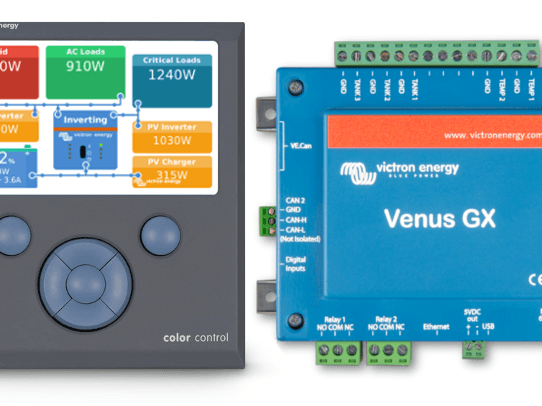
John Rushworth • 30 April 2018
Venus v2.15
Good morning! Just now we have released Venus OS v2.15. In the previous version, PV Inverters measured with an AC Current sensor were not visible anymore. This is now fixed. To explain a little further. In the previous version, systems with an AC Current sensor (not other methods measuring PV Inverter output) meant that solar yield was not visible on the VRM, nor the solar power on the CCGX/Remote Console. As stated above, Venus v2.15 fixes this. Updating Please refer to the update instructions for how to update. In the meantime; our team is already working hard on the features for the next version. Which might include scheduled charge & discharging for ESS systems, as well as much improved remote firmware updates and VEConfigure. More on that soon. Note that the full changelog is available for download on Victron Professional . Have a good day, Matthijs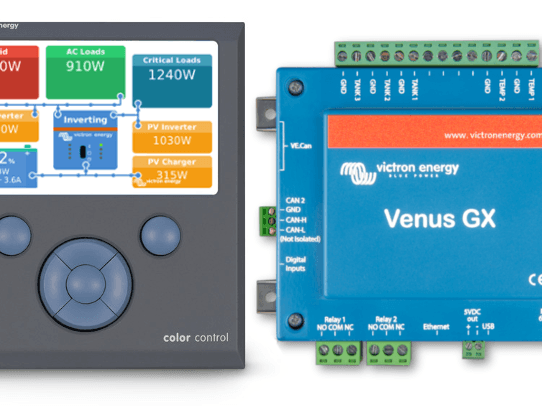
Matthijs Vader • 24 April 2018
Venus v2.14
Good afternoon! Venus OS version v2.14 was released just now. It brings various stability improvements and bug fixes. Fix the demo mode. It was broken in v2.12 Fix Multi/Quattro Input current limit reset bug. Firmware versions 415 and later were affected. When the Multi was switched “off” and switched back “on” within 10 seconds the input current limit settings would reset to a previous value. Bug was introduced in v2.09. Thank you Jeff and others for helping to pin this down. Fix sending the Fronius model name to VRM. Bug was introduced in v2.12. Fix VE Power Setup showing Error 30 in certain conditions during Remote VEConfigure operation. Bug was introduced in v2.12. Change the BMU firmware version as shown on VRM for BYD, Sony, LG, and other intelligent CAN bus connected batteries. The GUI and VRM now show the same version. Add HighChargeTemperature and LowChargeTemperature alarms; only relevant for some CAN bus BMS connected intelligent batteries. Add sending digital input and pulse meter data to the VRM Portal. Note that they are currently only visible in the download page; there is no proper visualisation made yet. DVCC enabled only: Improve BYD operation when the battery is full (CCL=0 behaviour). Venus GX only: Fix PV-Inverter scanning. Thank you Eon and others for helping to pin this down. Raspberry Pi only: Fix Restore backup firmware feature (Settings -> Firmware). Conclusion Please refer to the update instructions for how to update. In the meantime; our team is already working hard on the features for the next version. Which might include scheduled charge & discharging for ESS systems. As well as much improved remote firmware updates and VEConfigure. More on that soon. Note that the full changelog is available for download on Victron Professional . Have a good day, Matthijs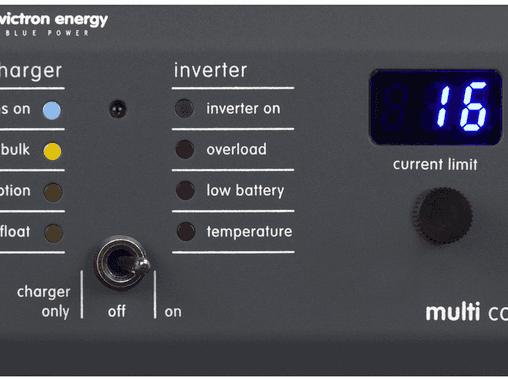
John Rushworth • 20 April 2018
MultiPlus & Quattro Inverter/Chargers: Improved Current Limits
Good news – a number of the MultiPlus, MultiGrid and Quattro Inverter/Chargers now have lower minimum input current limits for PowerAssist, particular the 120V American market models along with some of the 230V models. A quick recap on PowerAssist PowerAssist is the ability of Victron inverter/chargers to supply more power than is actually available from an AC supply – be that shore power for a boat in a marina, power hook-up for a motorhome, caravan, trailer tent or indeed any home, even a holiday cabin with only solar, batteries and an AC generator electricity supply. The power available from such AC supplies is the voltage times the current rating of the supply. For example a UK marina bollard is 230V and usually rated at 16A. That gives us 3.68kW of available power – but what if you want to keep that 2kW fan heater running and boil a 2.5kW kettle at the same time, requiring 4.5kW combined? If you tried to do that without PowerAssist you would trip the supply, but with PowerAssist your boat batteries supply DC power to the inverter side and an instantaneous fast transfer switch adds this DC to AC converted power to the marina AC shore power. Now you have this combined AC power total to run that heater and kettle, for the short time it takes to boil the kettle. Once boiled the kettle switches off, the inverter stops inverting and goes back to doing nothing – and the shore supply continues to run your AC fan heater as before. With just the fan heater running the available remaining AC power is 1.18kW (3.68kW shore supply – 2.0kW fan heater) which can be used for DC charging of your batteries and/or any small AC consumers up to that remaining 1.18kW of available shore power. Anything over that and PowerAssist can kick back in again as you choose, up to the specifications of the inverter side. If you don’t want to use any PowerAssist from your batteries, switch to charger only and now the AC shore supply will still be on and the inverter will be off, leaving that 3.68kW AC shore supply available for DC charging and AC power for any small AC consumers, such as laptops, TVs, a toaster etc. If you then set the current to zero the charger will be off, the AC supply will pass through and the inverter can’t kick in – handy if away from the boat and shore power fails, as then your batteries can’t be drained by the inverter whilst away. There’s even more sophistication and control if using a Color Control GX or Venus GX, but that is outside the scope of this blog. Why these lower minimum current limits matter Lower minimum input current limits means that PowerAssist is available from a lower current set-point than was previously available. Here’s an example: Previously the 120V Quattro 12/5000/120-2×100 model had a current limit of 19.1A, but now due to a new firmware release this has been reduced to 13.0A. The maximum current supply that a standard USA outlet gives is 15A, so there was no PowerAssist as the minimum set-point was 19.1A. In other words now you can use the PowerAssist feature from a 13.0A set-point with that model Quattro – compared to not being able to use it at all previously! Firmware upgrade required To achieve these improvements you will need a firmware version equal to or greater than #423 – available via Victron Professional: https://professional.victronenergy.com/downloads/firmware Warning As the required new firmware wipes all previous settings (back to defaults) during an update, this process is for those with expert Victron knowledge – not for end users. If in any doubt consult your Victron Energy dealer. Firmware update instructions: Updating VE.Bus firmware, using VEFlash Minimum shore current limits for different models The minimum shore current limits are listed in a spreadsheet, available via Victron Professional. If you are not already registered for Victron Professional please do so at: https://professional.victronenergy.com Then locate the VE.Bus (Multis, Inverters and Quattros) folder and the Excel spreadsheet at: https://professional.victronenergy.com/downloads/firmware Conclusion These MultiPlus, MultiGrid & Quattro Inverter/Chargers with their improved minimum current limits will clearly be of value to many, particularly those with an American 120V/15A supply at their camping ground or dock. On that note, we’d like to give a shout out to Victron aficionados Chris Dunphy & Cherie Ve Ard – in prompting/reminding us to introduce these changes for the American market. Here’s their take on boosting electrons , which even though it is dated now shows just how far Victron have been ahead of the curve over the years. You can learn more about their tech and fascinating adventures (be they by land or sea) at: http://www.technomadia.com John Rushworth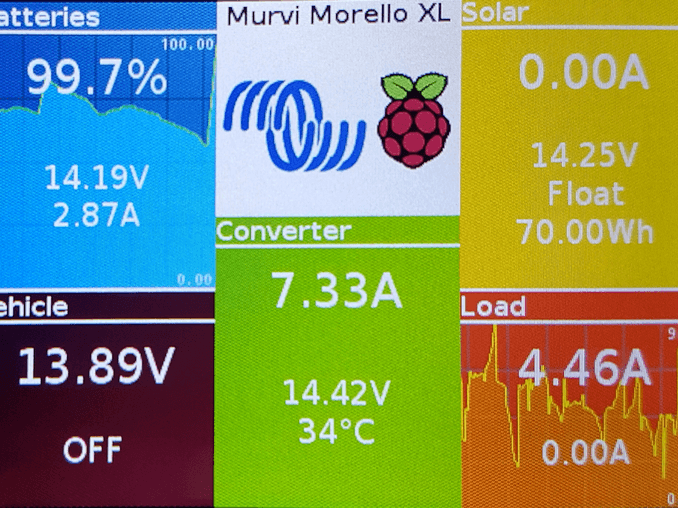
John Rushworth • 11 April 2018
Homemade Pi: Open source Raspberry flavour
At Victron we really like Open Source projects. Here’s one recipe from Alan Major, for his desirable camper van. Inspired by Izak Burger and his successful porting of the Venus software to a Raspberry Pi, Alan decided to investigate Victron’s open source software and communication protocols – to see what he could do to address his specific needs. In his own words, this is how Alan baked his homebrewed Pi. The origins of victronPi “In our first 7 years of retirement my wife and have been fortunate to be able to travel extensively in our Murvi campervan including visits to the Orkneys, Shetlands, the Faroe Islands and Iceland. During this time we developed a love of remote areas. Our ‘van is a ‘panel van conversion’, i.e. the standard steel van body is retained with cut-outs made where necessary for windows, hatches and skylights. This approach has amongst its advantages the fact that original vehicle dimensions and body integrity are retained, both of which are useful considerations given the nature of the roads in the areas we prefer to visit. When the opportunity came to replace our ‘van we decided without hesitation that it would be an almost ‘like for like’ replacement but with an updated specification taking advantage of the technological advances that had occurred since the purchase of our first ‘van. One such advance was in battery technology and more particularly LiFePO4 (LFP) batteries. Victron LFP batteries The benefits offered by LFP batteries seemed to match exactly what we needed if we were to enhance our ability to travel to and enjoy remote sites. The deeper discharge ability, more efficient recharging and lower weight helped greatly alleviate the compromises on space, weight and power reserves that were needed when deciding on the specifications for a campervan. We were lucky in that Murvi , a small independent UK based converter of panel vans, are very flexible when it comes to accommodating owner’s requirements. They were using Victron equipment within their battery systems and I had previous experience of the brand from our days of yacht ownership. So I began my research on the website of Victron Energy and very quickly concluded that they would be my preferred equipment manufacturer as the range of components offered seem to include everything I would need for my proposed installation. I felt that it was important that the system should comprise of components from just one manufacturer to avoid any conflicts which could occur if problems arose with components from multiple suppliers. On their website Victron publish datasheets, manuals and technical papers covering their equipment and data communication protocols. Using these reference sources I was able to design a system that I felt would be suitable for our ‘van. Ferry Meadows Caravan Club Site, Peterborough My requirements for the system were that it should be adaptable and easily serviced so as to reduce the inconvenience should a failure occur, have low self consumption and support our desire to be as self sufficient as possible. Particular challenges were the maintenance of the vehicle battery when in store while at the same time respecting the different charging profiles recommended for lead acid and LFP battery technologies, the control of cold weather charging and the minimisation of self consumption. I was able to find a way of addressing each of these requirements by exploiting the flexibility of the features offered by the Victron components. Although strictly speaking the approach I have taken has resulted in a certain amount of inbuilt redundancy I am happy to accept this and as a bonus it may even help prevent a trip being abandoned should a fault occur. Murvi were asked to install a system which comprised of: 2 x 12.8V 90Ah LFP-BMS batteries 2 x 100W solar panels BlueSolar MPPT 100/30 solar charge controller Blue Smart IP22 30A mains charger BMS 12/200 battery management system Buck-Boost DC-DC Converter 50A Cyrix Li-ct 12V/120A battery combiner BMV 702 battery monitor MPPT Control solar monitor Victron components For some a noticeable omission from this list is an inverter but we have learnt not to rely on mains powered equipment. In practice our most demanding power consumers are our 85 litre compressor fridge and diesel powered water/cabin heater. Over the course of our first year (132 nights away) with this system we have found that our power needs have been satisfied without recourse to additional mains or alternator charging in all but two situations. On both these occasions we had been stationary for 4 days or more and in the first we had sought shade to gain relief from the high summer temperatures in Spain and the second we needed heating to beat the cold of dull winter days in the UK. In each case our power needs were far in excess of our battery capacity and ability to harvest power from our solar panels so the convenience of an EHU (mains electric supply) was utilised rather than rely on the vehicle alternator. As time passed I grew frustrated by the inconvenience of the single line displays of the battery and solar monitors when trying to get an overview of the system’s performance so started to research what alternatives were available. The obvious choice was the Color Control GX but in the context of my system I felt this was too expensive and offered far more functionality that I needed. I then discovered the Victron supported Open Source project to port the Venus GX software that was at the heart of the Color Control GX to the inexpensive Raspberry Pi single board computer. After following the work of Izak Burger on the porting of the software through the victron-dev-venus forum and inspired by firstly Jan Inge’s recipe to connect a touch screen to the Raspberry Pi and Stefano Massone’s pictures of his Raspberry Pi running the Venus GX software installed in his campervan I experimented with a similar set up. However even with this setup I was still missing some data from my system. I wanted to be able to capture data from the Buck-Boost DC-DC Converter so I could have a complete overview of my system. Unfortunately this was the one area where Victron resources was not able to provide the information I needed, so I resorted to my own devices to find a solution. Thankfully the internet can be a great resource and some patience searching produced the guidance I needed to access the data produced by the Converter. So armed with this, Victron’s documentation on its VE.Direct protocol together with various other tools from the internet I was able to assemble a ‘victronPi’ to produce my desired complete system overview on a single display. The recipe link below for victronPi sets out the details of how I achieved this.” Fully baked Pi panel Alan Major Conclusion & Credits We thank Alan for the information and images used in this blog and wish he and his wife many happy travels in their Victron enhanced campervan. Maybe you’re inspired to create your own Pi recipe? If so here’s another to whet [ sic ] your appetite, maybe even literally – Markus Pauritsch and his Hydro Power Pi . Added to that – in the coming months I’ll be attempting an Open Source Pi project of my own with Victron products, utilising Signal K on my boat. Watch this space… More about Victron Energy & Open Source . More about battery choices: Lithium-ion vs AGM If you have an open source project you’d like to tell us about, please leave a comment in Disqus below. We’d love to hear from you! John Rushworth
John Rushworth • 22 March 2018
Voltage & Temperature Sense for Solar Chargers
Our range of solar chargers fitted with a VE.Direct port were lacking battery voltage and temperature charge compensation. Not now ! Also, today we announce the launch of Victron Energy’s Smart Battery Sense – a product to complement the new feature. New, simple, smart …and wireless. Why do we need voltage and temperature sensing? Improves solar yield Maximises battery capacity Increases battery life AGM & Gel (lead acid) batteries use charging algorithms based on a standardised temperature of 25°C. However – when they’re cold these batteries need a higher charge-voltage …and a lower charge-voltage when they’re hot. So, optimally, we should modify the charge-voltage by, typically, -16.2mV/°C. Also there can be a difference between the voltage measured at an MPPT solar charger’s terminals, and that measured at the battery terminals. For optimum charging that discrepancy needs to be taken into account, too. The Victron Toolkit app demonstrates how this voltage drop is brought about as a consequence of cable length and gauge; together with voltage and current variations. Good news though: Our MPPT Solar Chargers and accessories can figure all this out – so you don’t have to! Voltage and Temperature data – transmitted wirelessly to your MPPT The Smart Battery Sense is a wireless battery voltage and temperature sensor for Victron MPPT Solar Chargers. Perfect partners. Simple installation – attach the unit to any battery by its self-adhesive tape. Protected by an inline fuse. Voltage and temperature data is transmitted wirelessly to the Solar Charger. Monitor & configure the unit from your smart phone – via our free-to-use VictronConnect app . Transmitted data can be networked to one, two – or more solar chargers connected to the same battery bank. Works for 12, 24 and 48 volt battery banks Works for both Lithium and Lead battery banks Compatible with most BlueSolar and SmartSolar MPPT charger models: see VE.Smart Networking for compatible-models list. Learn more from the Smart Battery Sense product page or from the Smart Battery Sense Manual – together with the VE.Smart Networking manual . Or watch the Smart Battery Sense introductory video: More options for Voltage- and Temperature- compensated charging Besides the Smart Battery Sense there are other options too. We’ve listed all of them in price order: Do nothing with no voltage-compensated charging. The MPPT already has ambient temperature sensing – though that method has its limitations. Installing Smart Battery Sense offers the best value for money. Connection to your solar charger(s) is wireless. Installing a BMV-712 Smart together with its temperature accessory , will provide full-blown battery monitoring, too. Connection to your solar charger(s) is wireless. Installing a Color Control GX or Venus GX , wired with a VE.Direct cable, and having DVCC enabled. This is for more complex systems – one’s which include inverter/chargers for example. Note: you may still need a BMV – subject to the battery-monitoring method for your system. Conclusion I’m pleased to see the launch of charge-compensated MPPTs; and of Smart Battery Sense . I’ll be happier knowing that my batteries are getting exactly the right charge with optimal temperature and voltage compensation. No matter how you choose to instigate voltage- and temperature- compensated charging, make sure you do – it brings only benefits! I always say: There are many ways to skin a cat – and the choice is yours. But Smart Battery Sense certainly does make sense when it comes to simplicity and economics! John Rushworth
John Rushworth • 26 February 2018
MultiGrid now also certified for France, Belgium & Spain
MultiGrid smooths out the risk of grid instability and energy costs by utilising energy storage and self-consumption. With Anti-Islanding built in, this makes MultiGrid approved for countries such as Germany, Austria and others – which now includes France, Belgium & Spain, along with their related certification. New approved countries The new MultiGrid certificates for France, Belgium & Spain relate to the following models: MultiGrid 12/3000/120-50 MultiGrid 24/3000/70-50 MultiGrid 48/3000/35-50 The new country specific certificates for the models above can be downloaded from the MultiGrid product detail page on our website. Click downloads, and then select certificates. Below is a complete listing of all MultiGrid Certificates. 1 VDE-AR-N 4105:2011-08 Germany 2 IEC 62040-1:2008 + corrigendum September 2008 + A1:2013 + Australia & New Zealand-Differences to IEC 60950-1:2005 (Reference Document to IEC 62040-1), second edition (2011-06-06) IEC+Australia 3 IEC 62109-1:2010 IEC+Australia 4 IEC 62109-2:2011 IEC+Australia 5 AS/NZS 4777.2:2015 Australia (1) 6 NRS 097-2-1:2017 South Africa 7 UTE C 15-712-1:2013-07 France 8 RD1699/2011 (modification according to RD 413/2014) Spain 9 C10/11 – 06.2012 Belgium 10 G83/2 August 2012 UK 11 G59/3-2 September 2015 UK Note (1): Only for MultiGrid 24/3000/70-50 and MultiGrid 48/3000/35-50. The 12V model is not approved for Australia. Firmware The new and necessary firmware for the MultiGrid can be downloaded from Victron Professional: https://professional.victronenergy.com/downloads/firmware If you don’t currently have an account for Victron Professional please create one here: https://professional.victronenergy.com/accounts/login/?next=/ VEConfigure The latest version of VEConfigure is here: https://www.victronenergy.com/support-and-downloads/software#ve-configuration-tools-for-ve-bus-products John Rushworth
Matthijs Vader • 14 February 2018
Venus v2.12
Good morning! Just now we have released Venus OS version v2.12. It brings several new features and lots of small improvements and bug fixes. Lets start with going through the highlights. New: naming of VE.Direct devices Its now possible to give devices a name; making it much easier to separate one battery bank from another. To change the name of a device, go into its menu, scroll to the bottom where you’ll find the Device submenu. Go in, and look for the Name setting. New: monitor SMA & Solar Edge PV Inverters Add monitoring SMA & Solar Edge PV Inverters. Monitored information includes Output power, Status (Standby, Inverting, Startup, and more) and more. The connection is via LAN and uses the PV Industry ModbusTCP Sunspec protocol. See the Settings -> PV Inverters menu. Note that the Zero-feed-in feature that we have for Fronius inverters remains Fronius-only. A zero-feed-in system cannot be made with other brands & types of PV Inverters. And note that only Solar Edge models SE2200H – SE6000H (HD-Wave) were tested. Other models may or may not work. Since SunSpec ModbusTCP is a widely adopted standard, its very well possible that other brands of PV Inverters can now be monitored as well. New: use digital inputs for alarm monitoring as well as pulse counting On the Venus GX there is an RJ-11 socket that has 5 digital inputs. There was no functionality behind them, now there is! You can use them to monitor an alarm. There is a list of pre-defined types: Door alarm, Bilge pump, Bilge alarm, Burglar alarm, Smoke alarm, Fire alarm, CO2 alarm, and Generator (running / not running). Besides alarms, you can also wire the input to the pulse-output of a pump. For example a water pump; monitoring cubic meters pumped. Detailed information about available settings and how to set it up will be added later today to the Venus GX manual . Increase the maximum number of connectable devices This is going to be a half announcement; any marketeer would tell me not to do this, but I’ll do it anyway: in Venus v2.12 we have done various changes that increase the maximum number of connectable VE.Direct devices. Previously, the maximum for the CCGX was 5 devices, and for the Venus GX it was 6. Now its more, at least 8 for both device types. And hopefully (much) more. We are still completing tests to determine the new maximum. DVCC – Distributed Voltage and Current Control This is a new set of features which can be enabled and disabled under Settings -> System Setup. When enabled, the CCGX / Venus GX takes a more central role in the Victron system, which brings a series of changes and improvements. Most importantly: Add a maximum charge current setting that applies to the whole system. Imagine an Off-grid system with MPPTs, Multis and a diesel generator. The MPPTs are sized and configured such that they charge the battery with the maximum allowed charge current. Now, someone inadvertedly starts the genset in the middle of the day, while there are no AC loads. This would mean that the Multi also starts charging with its maximum configured charge current. Not anymore: the Multi will be limited, prioritising the MPPTs Various improvements for CAN-bus BMS connected batteries. Do note that testing and approval for each and every brand of lithium batteries has not yet been completed. See manual. Various improvements for ESS systems, which includes fixing the long-standing Keep batteries charged bug, an auto-recharge function and better indication of what the system is doing. Make sure to study the DVCC chapter in the CCGX manual before enabling DVCC. Rest of the change log ESS Fix oscillating battery current problems that happened on some systems using the EM340 meter. Fix bug where in systems with CAN-bus batteries the loads would under certain conditions be powered from the grid instead off from the battery. Fix bug in split- and three-phase systems where under certain conditions one of the phases would start charging or the MPPT would reduce its output power while it shouldn’t. output power, while it shouldn’t, in some specific conditions. Thank you Rainer and various other people in helping to fix this. Remove the limits on Max charge & Max discharge power settings User interface Fix overviews not being shown automatically after a reboot. Bug was introduced in v2.00. Fix overview showing half on the screen on ESS systems. Remove the Lynx Shunt ‘fused voltage’ item from the menu. Fix PV Inverter not being shown in the overview when connected to L2 or L3 Rename the MPPT `Parallel operation` submenu to Networked operation, as well as reword some of the items in that menu. Hide VE.Bus BMS submenu for systems that don’t have that installed. Other Add support for the GlobalSat MR-350PS4 (5Hz) Serial GPS Receiver – thank you MikeShipp! Venus GX: increase the maximum configurable tank volume to some insane high number Fix the reset option of the Generator start/stop runtime counters. This bug was introduced in v2.07. Fix the tank & temperature senders that show up on a Venus GX in disconnected state when they are disabled. My thanks for Warwick for reporting. Bus devices: show ‘not connected’ for the Active AC Input when in islanding mode (works for all VE.Bus firmware versions) ModbusTCP Add registers to read voltage and current from grid meters Add registers to read digital input status Add register to read the Active AC In status (Connected to AC IN1, Connected to AC IN2, Disconnected) from the system device, unitid 0. MQTT: Change port used to connected to mqtt.victronenergy.com from 8883 to 443: reduce the chance of being blocked by a firewall. Fix bug that caused MQTT to work only when internet was available. Now the local broker works also when the system is unable to push its mqtt updates to mqtt.victronenergy.com. Developers & community: Raspberrypi: increase rootfs size to 512MB and data partition to 768MB, allowing for easier self installing of extra software. Raspberrypi: Fix automatic swupdate Add pymodbus & pyserial packages to be standard installed Add touchscreen wake-up for devices with a touch-enabled screen. Add hooks to be run at startup, making customization easier Add & improve dbus-spy tool Add mqtt-n2k service And more changes, see the developer email list for full change log Conclusion Please refer to the update instructions for how to update. Have a good day, Matthijs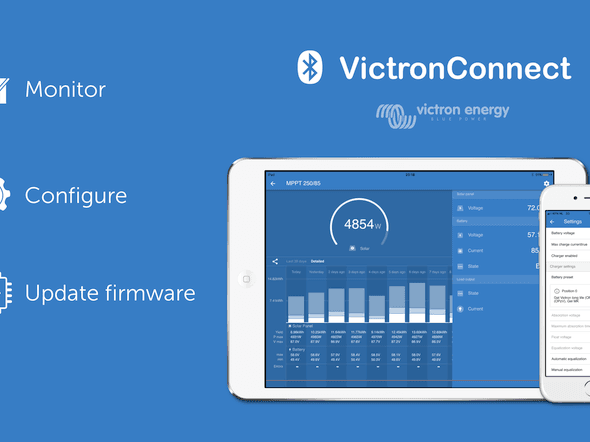
John Rushworth • 06 January 2018
VictronConnect v4.0 is now available
VictronConnect v4.0 has arrived! You only need look at the headline image above to gain an insight into how versatile this software is, not to mention the amount of midnight oil burned behind the scenes bringing it all to fruition. An exceptional job by software engineer Jesús Miguel Pérez. What’s different, what’s new – the key points are: Multilingual Faster Smoother New features Tablet layout On-screen help Easier for end users New features One of the new features is the battery presets library for Solar Chargers: Users can create a battery preset and that will be stored in the presets library. This way installers don’t need to input all the values again, each time they configure a new installation. Here’s some of the other new features below. Multilingual – Besides English, other languages such as German, French, Italian, Dutch and Spanish have now been added to the redesign. Tablet version ensures clear layout with additional information. Ease of use is improved along with onscreen help. What can VictronConnect do? Monitor, configure and update firmware of all Victron products with: built-in VE.Direct port, such as BMV Battery Monitors, MPPT Solar Charger Controllers and Phoenix Inverter VE.Direct 250VA – 500VA . built-in VE.Smart, such as the Blue Smart IP65 Charger and BlueSmart MPPT Solar Charge Controllers Connect to the product wirelessly using our VE.Direct Bluetooth Smart dongle on iOS, Android and Mac or connect using a VE.Direct to USB interface Teaser screenshots Out of the forty or so screenshots I have from v4.0, here’s two teasers before you download the software. Phone example: Tablet example: Before you do anything As with all software there are certain requirements and caveats. Minimum macOS version has been increased to macOS 10.10 (OS X Yosemite). Minimum Android version has been increased to Android 4.1 Android ARMv5 hardware is no longer supported. Windows XP & Vista are no longer supported. Minimum is now Windows 7. Note that the previous version of VictronConnect (v3.3) for Windows XP and Vista is still available for download on our software downloads page . VictronConnect software Blog update Sunday evening 7th January 2018 – Over the weekend several of our ever helpful users found some bugs, so versions 4.1 and 4.2 have been released also. Please update to the latest v4.2 having read the notes in the changelog first. You can download the latest software from: https://www.victronenergy.com/support-and-downloads/software#victronconnect-app Information links The links below relate to VictronConnect. VictronConnect Manual VictronConnect – MPPT Solar Charge Controllers Manual – VE.Direct to Bluetooth Smart dongle VictronConnect changelog and beta releases Instructional videos Whilst these videos below were made prior to v4.0 they will still give an insight into VictronConnect. VictronConnect: How to get a readout VictronConnect: How to change settings VictronConnect: Live data Enjoy the new version of VictronConnect and as ever feel free to post any comments in Disqus below. John Rushworth
Matthijs Vader • 04 October 2017
Venus v2.11 – Fixes BMV-712 compatibility issue
Good afternoon! Last night we released version v2.11 of the Venus OS. It contains only one fix, and no other changes. Fix compatibility issue with BMV-712 Smarts. There was a communication issue (only in some installations, not all!) that have the new BMV-712 Smart . Not anymore. See update instructions for how to update. Have a good day, Matthijs
Matthijs Vader • 26 September 2017
Venus v2.10
Good morning! Last night we released version Venus v2.10. It contains two fixes: Fix Remote VEConfigure not working with VE.Bus firmware version 418. Note that Remote VEConfigure does not work for 416 and 417, and also will never work. Have you recently installed or updated a system where you need the option to remotely change settings in the Inverter, Multi or Quattro? In that case do check if they are running 416 or 417, and if so update to 418. Fix rounding of battery ‘Time To Go’ and ‘Time since last full charge’ values for systems where the battery monitor is connected via VE.Can. Such as the Lynx Shunt VE.Can, the Lynx Ion BMS, or a BMV connected via a VE.Direct to VE.Can interface cable. The error caused the values to be rounded to full hours, losing the minutes. See update instructions for how to update. Have a good day, Matthijs
John Rushworth • 06 September 2017
Raspberry Pi running Victron’s Venus firmware
Ever wanted to run the Color Control GX/Venus GX firmware on a Raspberry Pi? Now you can thanks to Izak Burger whose guest blog below describes how this came to pass. For the geeks amongst you, please note that the port works on the Raspberry Pi revisions 2 and 3, but not on the original Pi 1, as it has a different CPU and floating point unit. John Rushworth Porting the CCGX firmware to new hardware This is the story of how I came to port the Color Control GX (CCGX) firmware — codenamed Venus — to the Raspberry Pi, but it is also part of a larger story that starts when I was but a young boy growing up on a Namibian farm. My interest in all things technical was inspired by my father – a remarkable man, one who is not afraid to try his hand at new technology. In 1987 he bought the first solar modules I had ever seen, and a year later the first locally-manufactured inverter showed up. Solar panels installed in 1987 Some years on, after I grew interested in hobby electronics in high school, a lightning-bolt destroyed most of the equipment and I got my first practical shot at creating something useful: A simple switching charge controller. Though I subsequently became a computer programmer, that passion for solar power remained, so that when our local power generation company in South Africa had supply problems in 2013, I ended up purchasing a Victron Multiplus to power my home office instead of doing what everyone else was doing, namely to buy a cheap petrol generator. The MultiPlus turned out to be a geek’s dream, with a well-documented communication protocol. It wasn’t long before I had my own python code for monitoring the inverter output. As always, one thing led to another and soon I was subscribed to the mailing list and involved in other activities. So when Matthijs asked in July 2016 if there was anyone who could do a port of Venus to the Raspberry Pi, I thought that it couldn’t be that hard. I had some prior experience with the build system anyway, and despite being down with the flu at the time, the first proof of concept version was booting by the end of the week. Here I am with my Raspberry Pi / Victron test rig It took another year of working weekends and nights to get it in sufficient shape to include in the official code base. During this time I learned to appreciate the care with which the team works in order to ensure that things remain stable, to review each other’s code, and to find the best solution to a problem. Some of the more interesting problems I faced were to make the bootloader work properly across the Pi 2 and the Pi 3, to pass options from the proprietary loader to the kernel, to fix screen blanking issues, and to make the mk3-usb work properly out of the box. In conclusion please see the links below which I hope will serve to inspire – in order that you too can integrate Victron equipment into your own projects. Izak Burger Links Installing Venus on a Raspberry Pi Open Source with Victron Energy Venus firmware The ‘Raspberry Pi Logo’ headline image used in this blog is courtesy of: http://www.raspberrypi.org/ Raspberry Pi is a trademark of the Raspberry Pi Foundation.
Matthijs Vader • 04 September 2017
Venus v2.09
Good morning! Just now we have released Venus version v2.09. For those not familiar with the term Venus: it is the name of the software on the Venus GX and the Color Control GX . In short, v2.09 adds several features that were missing in the Venus GX. More specifically, ModbusTCP and the second (not galvanically isolated!) CAN-bus port. Furthermore it contains a whole list of various small bug fixes and improvements. Last but not least, v2.09 marks the inclusion of the RaspberryPi family into Venus. RaspberryPi integration was made possible by Izak Burger – read all about it! – and information about integrating Venus with a RaspberryPi can be found here . Changes for the Venus GX only: Add various missing ModbusTCP definitions (VE.Direct ports, VE.Bus, Tank sensors, Temperature sensors) Fix bug, the tank level standards were swapped: a European style sender, 0-180 Ohm, required the American standard to be selected in the settings, and the other way around. Not any more. Add profile setting for the second CAN-bus port. Note that this port is not galvanically isolated. If the devices on the other end are not isolated either, both the Venus device and all other devices need to a common battery minus. Also, the minuses of those devices need to be connected first (and never disconnected with a switch!) as long as their CAN-bus ports are connected. We’ll look into using it for CAN-bus connected lithium batteries and document the options on the various Battery compatibility pages in the near future. Fix Wi-Fi not reconnecting after power cycling the access point. Thank you, Jan P. for reporting. Changes that apply for both the Venus GX and the Color Control GX: Fronius Zero feed-in: This feature can now control multiple Fronius inverters instead of just one. Fix the ‘200W is being drawn from the grid in certain situations’ bug, thank you, Dietmar, for your help. Increase the minimum Fronius firmware to 3.7.3-2 No longer supports Fronius IG Plus Solar chargers in an error state are now more easily recognized on the device list: the error number is visible. The Phoenix Inverters featuring a VE.Direct port can now be switched on and off from the menus. Add enable/disable ‘BMS controlled’ setting for solar chargers. This allows users to discard ‘Error #67’ from the solar charger. See the Solar Charger error codes list for more info on #67. Fix “Sync VE.Bus SOC” feature not working on systems that have no Assistants. Fix the overviews showing “Unknown” as the Multi state, when the system is switched off. This issue was introduced a long time ago: v1.28. Thank you, Owen for helping to fix this. Fix the BatteryLife state changing all the time in certain situations. This didn’t have any adverse affects on charging or discharging, but did cause lots of unnecessary data transmissions to the VRM Portal. Thank you, Andries for reporting. Remote Console on LAN: improve user interaction by implementing keypress repeating. A few months ago we had already added this same improvement to Remote Console on VRM. ModbusTCP: Add ESS Minimum SOC setting, read & write. Fix Grid meters & Tank senders not showing up properly on the VRM Portal device list. Rename various occurrences of “Hub-1” to “ESS”, in relation to Solar Chargers: there is no difference between the two for a solar charger, the indication just means that its remotely controlled (by the Multi/Quattro) instead of running its own charge algorithm. Fix overview glitch in the gui: in some cases, the overview page was misplaced after updating firmware on a ESS/Hub-4 system Oceanvolt Motordrive & Oceanvolt Valence battery service improvements. Internal changes: New serial starter (improves start-up efficiency and this was the last step of making RaspberryPi Venus images fully functional). Use new on/off and and AC input current limiter setting mechanism, as introduced since VE.Bus firmware 415 (no functional changes) Various performance improvements, which are part of a continuous effort to increase the maximum number of VE.Direct devices that can be connected. Note that the maxima have not been increased, yet. Conclusion See update instructions for how to update. Have a good day! Matthijs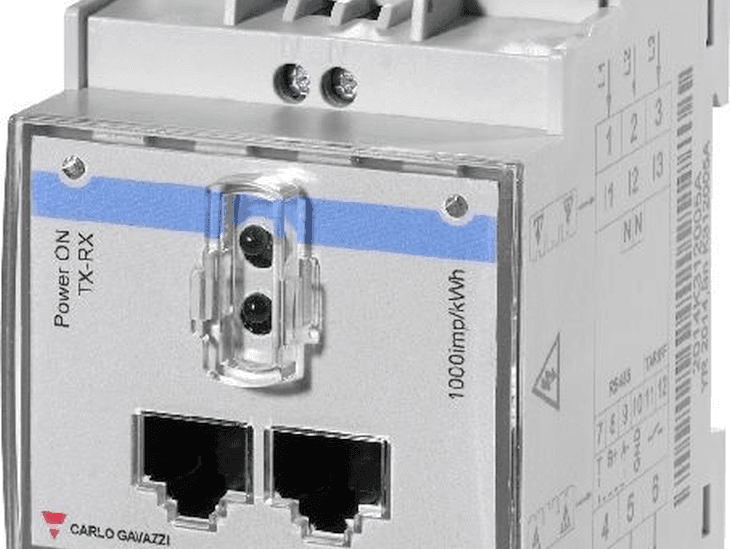
Matthijs Vader • 07 August 2017
Venus v2.08 – Fixes Energy Meter ET340 bug
Good day, just now we have released Venus v2.08. First let me explain what is Venus. Venus is the name of the software that runs on both the Venus GX and the Color Control GX . This software update is available for both devices. So, Venus is software, and the Venus GX is hardware. All Color Control GX-es and Venus GX-es that are part of an ESS install and which are using the ET340 meter must be updated to this version. v2.08 has only two changes: Fix bug related to the ET340 Energy Meter when used in an ESS System : the reported direction of the current and power measurements was always ‘buying’. Even when selling/feeding back to the grid. Thanks you Morten and Thomas for reporting this issue. When using the L2 of a three phase meter to measure the output of a single phase PV inverter, the device list would always show ‘Disconnected’. Even though it was connected and also all values were properly being shown. This has been fixed, thank you Anco for reporting. See update instructions for details. Have a good day, Matthijs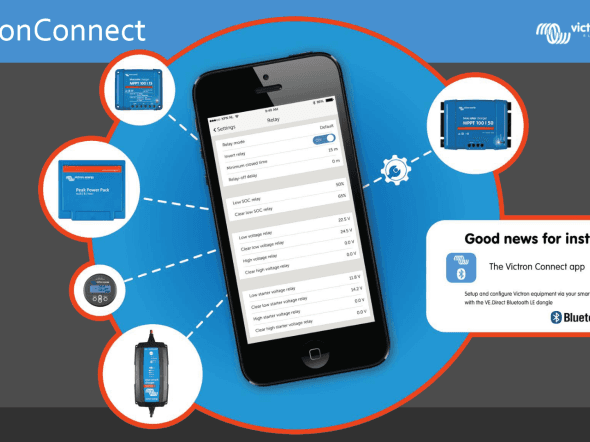
John Rushworth • 01 August 2017
VictronConnect v3.1 released – demo, save, share & load
VictronConnect just gets better and better, especially now with the release of v3.1 which includes a demo mode – absolutely ideal for those in a sales or supporting role – such as Victron Energy distributors, dealers, installers and Victron employees. Even if you don’t fall into any of those categories it’s very handy to discover what VictronConnect can do or simply to demonstrate it to friends. New features don’t stop there though. Demo, save, share & load The screenshots below are just a few examples of the options available in v3.1, which includes demonstration mode, saving, sharing and loading of saved product settings. Learn and demonstrate the options available for differing products. Create a specific setup, save that and send it to a customer so they can put it in their device. Besides loading products from the standard library, it is also possible to load it from a saved file. What else is new in v3.1? MPPT firmware update 1.27 which has the automatic voltage detection feature removed: it now only does it once, on first power-up when brand-new. For further information see Victron Professional -> Firmware folder -> MPPTs with a VE.Direct port – > Solar Charge Controller MPPT VE.Direct firmware changelog.docx Added a button to manually start Equalisation. (note this is not available for older models, see the VictronConnect changelog for details). Plus many more changes and improvements – again see the VictronConnect changelog history for details. VictronConnect software For Windows XP and higher, iOS, Mac OS X 10.8 and higher, Android ARMv7, Android ARMv5, Android x86 and VE.Direct USB driver downloads see: https://www.victronenergy.com/support-and-downloads/software#victronconnect-app The link above also includes details about the differing connection methods and products that can be used with VictronConnect. Choices for all! Information links VictronConnect Manual Manual – VE.Direct to Bluetooth Smart dongle VictronConnect changelog and beta releases Instructional videos VictronConnect: How to get a readout VictronConnect: How to change settings VictronConnect: Live data Enjoy all the new capabilities… John Rushworth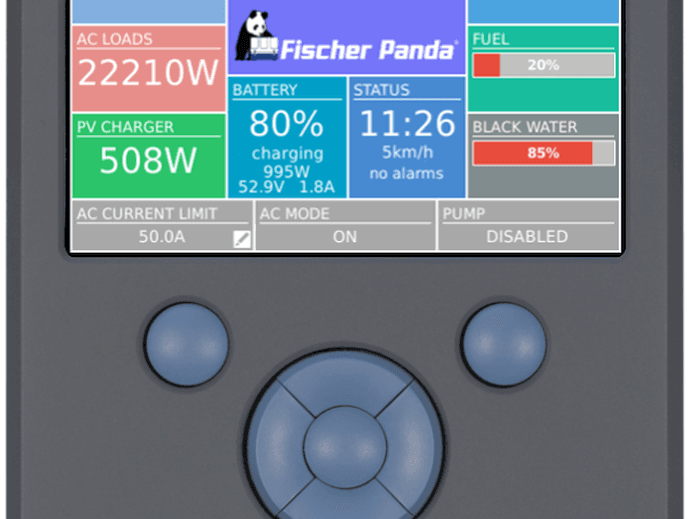
Matthijs Vader • 13 June 2017
CCGX v2.07: Fischer Panda, ESS and more
This release is primarily the result of the Marine Alliance with Fischer Panda , as this new version adds monitoring and control of Fischer Panda generators, and several other improvements. Let’s start with explaining more about the Fischer Panda integration: Fischer Panda generator integration The generator needs to be connected to the VE.Can port of the CCGX, which requires the Fischer Panda CAN module SAE J1939, part number 0006107. Once all wiring and setup has been correctly done, the Fischer Panda shows up in the device list: Entering that menu shows the details, like this: It features an on/off switch, as well as the status and the main AC parameters: voltage, current and power. Temperature, RPM and other details are available in the Engine sub menu. Besides manual start/stop and monitoring, there is also an automatic start/stop menu. Which has the same wide range of options as the Generator start/stop mechanism that has been available with the relay. New: Generator has not started alarm The auto generator start/stop function has been extended with an alarm feature. After starting the generator, it still monitor the Multi (or Quattro), to see if it connects to the generator. In case it does not it will cause an alarm. Which catches a wide array of possible problems, like a simple no fuel situation, but also a tripped fuse or other problem between the generator and the Quattro. Enable the ‘Detect generator at AC input’ setting in the Generator start/stop settings. More changes: Add new Lynx Ion BMS Add user option to clear historic values for Lynx Ion + Shunt fw v2.00 and onwards Improve canbus port selection. There are now four profiles to choose from: Existing CAN bus service settings are converted to the matching profile during the upgrade. Add Phoenix VE.Direct Inverters (logging to VRM Portal, ModbusTCP) Fix Remote Console not working now and then. A reboot used to fix that. Those reboots are no longer necessary. Improve VRM Portal logging security: add https which is a more secure transport protocol than http. Note that transmitting the data over https increase data usage. The https feature is not enabled by default on already installed systems, you have to manually enable it. It will be enabled by default for newly shipping units, later, once our stock has turned over. Device authentication: enabling https also enables device authentication: the CCGX, and Venus GX, authenticate itself against the VRM Portal. ESS Improvements Add grid-setpoint parameter. Change default grid-setpoint parameter from 0W to 50W Add ‘Inverter AC output in use” setting. Default enabled. Setting this to Disabled hides the AC-out box from the graphical overview; Use this in systems where there is nothing connected to the output of the Multi or Quattro, which is typical for certain grid-parallel systems in Western Europe. Bug fix: power from solar charger not fed back to grid if Minimum Discharge SOC is set to 100% and battery SOC is 100%. Bug fix: unable to fully discharge BMZ battery Bug fix: fix unexpected battery charge on low SoC. This bug occurs on systems with a multiple phase grid meter, and a single Multi/Quattro where the phase compensation setting is disabled. If the battery SoC is below the minimum SoC, the Multi/Quattro would be ordered to charge if there are loads on the phases not connected to the Multi (which are measured by the grid meter). Other changes ModbusTCP: Add Phoenix Inverter VE.Direct range ModbusTCP: Change unitid for a Lynx Ion and Lynx Ion + Shunt: use Unit-ID 1 for all battery registers < 1200, instead of Unit-ID 0. ModbusTCP: Add second register for ESS setpoint, with a different scale factor, allowing setpoints > 32kW Improved naming of CAN-bus BMS batteries (also look at canbus message 0x35E) Always show CAN-bus BMS firmware version when sent by the battery Improve handling around the SD card ejects and inserts Move MPPT parallel states to a submenu, reducing the clutter Have a good day! Matthijs Vader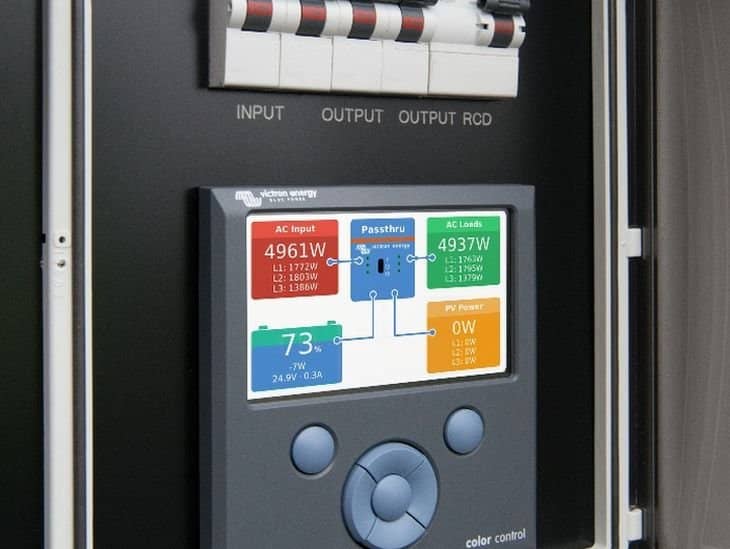
Matthijs Vader • 06 April 2017
CCGX v2.04 and v2.05: various small fixes
Good morning, Recently v2.04 and v2.05 have been released. Both contain various small fixes and improvements. v2.06 – 11 April 2017 Add support for USB-Wifi dongles to the Venus GX: its internal WiFi signal reception is not very good. v2.05 – 5 April 2017 Fix VE.Bus devices missing, in certain cases, after upgrading to v2.00 or later. This problem occurred when the CCGX was restarted, or its power had been cut, shortly after completing the upgrade. Thank you Bernd W. for helping to find and fix this. v2.04 – 30 March 2017 Fix VE.Bus maximum current limit . If the VE.Bus system was found only after the CCGX is already running (e.g. if it was off during startup of the CCGX, or connected later) the maximum current limit would be set to 40A, instead of the actual maximum. In such cases the current limit could not be set above 40A. Add the tank levels to the ModbusTCP register list. Fix bug in ESS: in (very) rare situations, systems with an MPPT Charge Controller, and no BMV, could get stuck at 85% SOC. Conclusion To update a CCGX that is already running v2.00 or later, see the update instructions . Note that most of those systems will automatically update themselves during the night. To update a CCGX still running v1.74 or earlier, you need to -manually- upgrade it. See the upgrade to v2 instructions . Have a good day, Matthijs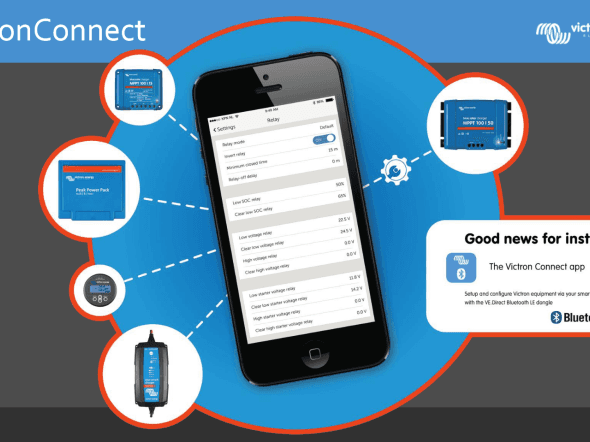
John Rushworth • 30 March 2017
VictronConnect v2.4 released
VictronConnect v2.4, plus an update to v2.41 for Android only, have recently been released. The change log details and essential links are given below. Change log v2.4 iOS, Mac OS & Windows released 2017-03-24 Download links: Windows XP and higher iOS: App Store Mac OS X 10.8 and higher Changes: VE.Direct Bluetooth Smart dongle: New firmware update v2.10 Improved communications robustness Add support for new VE.Direct dongle SmartSolar MPPT: Show the correct icon when updating bluetooth firmware Fix battery voltage can’t be set to 48V on some models New Bluetooth firmware update v2.10 SmartLitihum batteries: Fix cell numbering on live data page New firmware update v1.05 Phoenix Inverter: Fix a typo in temperature alarms Peak Power Pack: Rename “Mover” to “High current output (mover)” in live data page v2.4.1 Android only released 2017-03-28 Download links: Android ARMv7 Android ARMv5 Android x86 Changes: Improve firmware update robustness Links VictronConnect Manual Manual – VE.Direct to Bluetooth Smart dongle VictronConnect changelog and beta releases Victron Energy Software page John Rushworth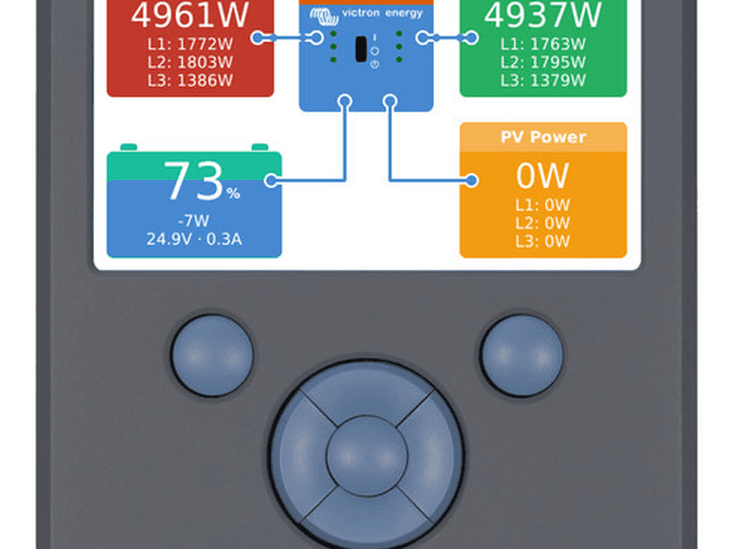
Matthijs Vader • 28 February 2017
CCGX v2.03: Fix short absorption time for lead batteries
Good day, Just now we released CCGX v2.03. This update fixes an issue with a (too) short absorption time for lead batteries. Note that this is really only for lead batteries. The issue does not apply to lithium batteries. The problem occurs when the charge type in VEConfigure is set to ‘Adaptive’, or ‘Adaptive + Battery Safe’. The latter is the default setting for lead batteries: GEL, AGM, OPzV, OPzS and Traction. Systems configured for Lithium batteries are not affected as then the charge type is set to a fixed absorption time. The problem was introduced in CCGX firmware version v2.00. What must be done? In systems where the CCGX has already been upgraded to v2.00 or later, I recommend you to update it to v2.03 . This includes all ESS systems , by definition. Systems that still have their CCGX running on v1.74 or earlier do not need to be updated. Unless running a Hub-1 Assistant, policy 1 and 3, that is. See below, system type C and D for details on that. Details of affected systems System type A (BMV & CCGX v2.00 or later) Multi/Quattro version 402 up to and including 413 Charge curve set to ‘Adaptive’ or ‘Adaptive + Battery Safe’ CCGX v2.00, v2.01 or v2.02 BMV or a Lynx Shunt VE.Can In systems with all four of the above components, the too-short absorption time occurs whilst charging from mains, genset or with a grid-tie PV Inverter. And, only for ESS systems, the MPPT Solar charger absorption time is also too short. Solution: update CCGX to v2.03 System type B (no BMV, CCGX v2.00 or later, ESS Optimize mode, and only MPPTs: no grid-tie PV Inverters) Multi/Quattro version 402 up to and including 413 Charge curve set to ‘Adaptive’ or ‘Adaptive + Battery Safe’ ESS, running in Optimize mode, either with or without BatteryLife enabled CCGX v2.00, v2.01 or v2.02 MPPT solar chargers In systems with those five properties, and no BMV installed, nor any grid-tie PV Inverters, the too-short absorption time occurs as well. Also the MPPT Solar charger absorption time will be too short. Solution: update CCGX to v2.03 System type C (Hub-1 Assistant with CCGX) Multi/Quattro, any firmware version Charge curve set to ‘Adaptive’ or ‘Adaptive + Battery Safe’ Running Hub-1 Assistant set to policy ‘1. Connected to mains, feedback’ or ‘3. Disconnect from the mains when possible’. MPPT Solar charger (either VE.Can or VE.Direct MPPTs) CCGX with any firmware version (v1.74 or earlier, or v2.00 or later) Solution: Update to CCGX v2.03, and make sure the Multi or Quattro firmware version is 402 or higher. System type D (Hub-1 Assistant without CCGX) Multi/Quattro, any firmware version Charge curve set to ‘Adaptive’ or ‘Adaptive + Battery Safe’ Running Hub-1 Assistant set to policy ‘1. Connected to mains, feedback’ or ‘3. Disconnect from the mains when possible’. MPPT Solar charger (either VE.Can or VE.Direct MPPTs) No CCGX Solution: Set the charge curve, in VEConfigure, to ‘Fixed’ instead of ‘Adaptive’ (default). Or; add a CCGX to the system, updated to v2.03 and make sure the Multi or Quattro firmware version is 402 or higher. More changes Besides that described above, there are a few more changes: Fix bug for systems with a canbus-bms lithium battery: BYD B-Box, LG Resu, et cetera. With a full battery, the MPPT was too limited, to the point of being disabled entirely. As a result, all loads were powered from the mains, and no power sold back to the grid. This bug was introduced in v2.02. Note that there still is a similar bug, relating to ESS mode ‘Keep batteries charged’. Which we’ll fix as soon as possible in a later release. Add 15K Quattro and MultiGrid product names How to update the CCGX? To update a CCGX that is already running v2.00, see the update instructions . Most of those systems will automatically update themselves during the night. To update a CCGX still running v1.74 or earlier, you need to -manually- upgrade it. See the upgrade to v2 instructions . Conclusion Many thanks to Martin G. for helping me get to the bottom of this problem. You are welcome to leave Disqus comments below. Have a good day, Matthijs
John Rushworth • 10 February 2017
Instructional video for VEConfigure 3
Today we have released another instructional video. This five minute video shows the basics of using VEConfigure 3; which allows you to program and update settings in VE.Bus products such as Phoenix Inverters, Phoenix Chargers, Multis and Quattros. Instructional Video Conclusion Thanks to Marianka Pranger for organising this and Claire for narrating the video. If you have any particular instructional videos that you’d like to see made, please leave a comment in Disqus below or email Marianka directly at: mpranger@victronenergy.com More information about VE Configuration tools for VE.Bus Products and other Software products and Apps can be found on our software downloads page. Additional videos in the instructional video series can be found at: https://www.victronenergy.com/blog/category/instructional-videos/ John Rushworth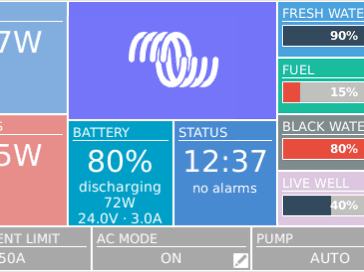
Matthijs Vader • 30 January 2017
Color Control GX v2.02
Good evening! Today we released CCGX v2.02. It contains various small fixes and improvements. Especially for the UK and other single-phase oriented countries: there is now a 100A single phase grid meter available! Add support for two new energy meters, the ET112 and ET340. More information here: https://www.victronenergy.com/live/energy-meters:start Add canbus-bms control of Solar Charger max charge current. Fix logging to the VRM Portal not working for systems that contain a Lynx Ion+Shunt. Fix “Synchronize VE.Bus SOC with battery” not always working. Several genset start/stop fixes: Fix overload/high temp conditions trigger loss of communication state. This bug was introduced in v2.00. Fix time zone issue related to silent times. Fix issue with configuring the quiet hours stop value. Updating To update a system that is already running v2.00, see the update instructions : Systems that still run v1.74 or earlier need to be -manually- upgraded. See the upgrade to v2 instructions . Conclusion That’s it. You are welcome to leave Disqus comments below. Have a good night, Matthijs
John Rushworth • 20 January 2017
Instructional video: Upgrade CCGX firmware to v2.00
This excellent instructional video gives clear, straightforward instructions to upgrade to the recently released Color Control GX firmware v2.00 – an upgrade packed with new features and improvements. Unlike previous updates, v2.00 cannot be installed from the internet. Instead it needs a one time manual upgrade . After this, future updates can be installed automatically via the internet once again. Instructional video Many thanks to Marianka Pranger for producing this professional video at short notice. John Rushworth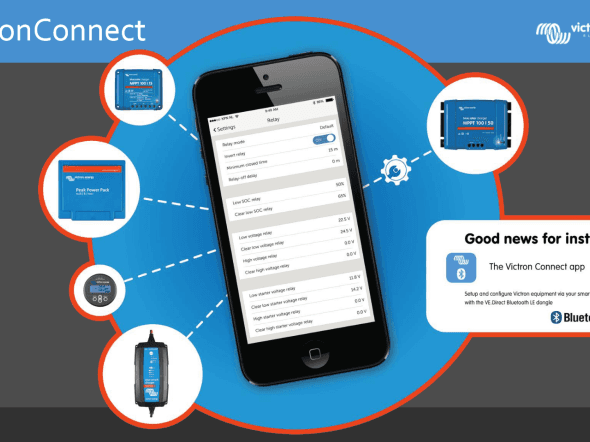
John Rushworth • 20 January 2017
VictronConnect v2.3 released
VictronConnect v2.3 software has been released today, with new batteries added plus a few fixes. Changes: SmartLithium batteries: Add new models (Note: more information about these new Victron SmartLithium batteries will posted on the blog and on the Vcitron website in the coming weeks). BlueSolar & SmartSolar MPPT: Streetlight: Increase time offset limits from 720 to 900 minutes Add absorption time limit setting Phoenix Inverter: Fix a typo in live data page Links VictronConnect Manual VictronConnect changelog and beta releases Victron Energy Software page John Rushworth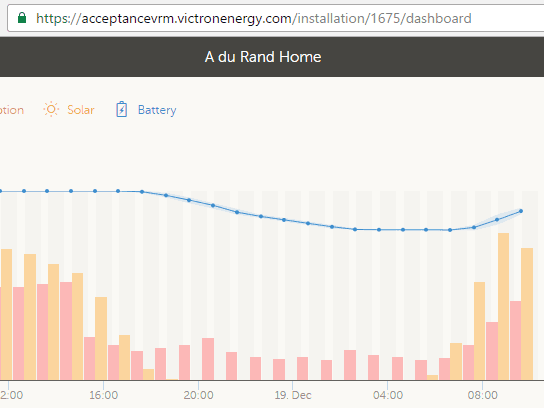
Matthijs Vader • 19 December 2016
New VRM Portal
Good morning! Faster, better graphs and better navigation. And a fresh set of colours. For all of us that are familiar with the old site, this new one might take a bit of getting used to. It did for me at least (smile). But, I promise you: it’s worth it. For me, the new speed, and also the integrated graph on the dashboard is what I like most. The screenshot above shows that graph. The red bars show the consumption, the yellow bars show the solar yield. With one bar per hour now, which is much easier to interpret than the two-hour bars we had in the previous version. Also, overlaid on the same graph, you can see the state of charge in blue. Lets go through a few screenshots, showing the new features and changes: More details on the main graph Hovering the mouse over a point in the graphs shows all the details of that hour. Including the range of the SOC for that hour. This is also visible in the graph and is shown by the light blue shade. Notes & photos New, it is now possible to add notes to every installation. Useful to keep track of installation dates and other dates, as I have done here for my own install: Photos can be added too, just as you can with the VRM App . New: system battery graphs on the advanced tab In a typical system, there are many devices measuring similar data. For example battery voltage is measured by almost every device in a system. The Color Control selects the best measurements, and shows them on its Overview. Now you can see those same graphs on the Advanced tab: System Battery SOC System Battery Voltage & Current System Battery Power I recommend to use these graphs and add them to the top of your advanced tab. Details & conclusion Facelift of the entire user interface: Google map is by default not shown, and not loaded. Still accessible: see globe icon on top right. Reduced number of tabs: consumption and solar yield tab are now integrated into the main tab, Dashboard. Navigation is now all in one place; the menu on the left. Improved loading & browsing speed. Improved the mobile version, used on smartphones & tablets. The default date ranges are now last 24 hours, last 7 days, last 30 days and last 12 months. Energy graphs show a bar per hour, instead of a bar per two hours. The graphing engine, jqplot, has been replaced with highcharts: the graphs look better. Ability to add written notes and also pictures to an installation. See icons on top-right when looking at the Dashboard tab. The images are the same as visible via the VRM App . The summary widget has been removed. Added the System battery widgets. Don’t forget to update to the new Android and iOS VRM app versions, which are needed to make the login work. There are no other changes to the app. That’s it, enjoy! You are welcome to leave any questions and suggestions in the comments below. Best regards, Matthijs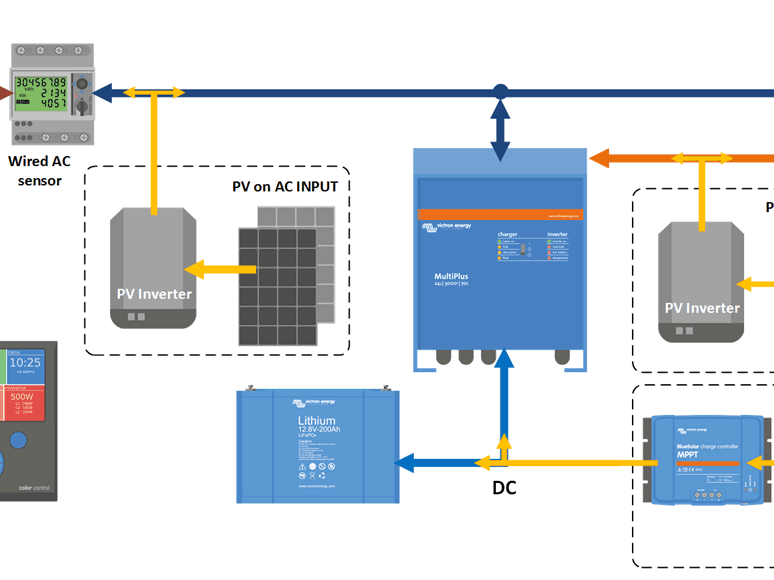
Matthijs Vader • 12 December 2016
CCGX v2.00: ESS and many more improvements
Good evening! After lots of hours designing, programming, testing by many people involved, I can now announce CCGX v2.00: an upgrade packed with new features and improvements. There are two highlights: First of all the user interface has been improved: the overview better adopts to the installed system. And behind each entry in the device list, you can now see the main parameters. Secondly, v2.00 marks the release of ESS. Short for Energy Storage System, it is the result of all experiences learned from the Hubs. We have combined all options in one, simplifying setup and configuration. Also, ESS has several new features, and it is much easier to understand how it works and why it is doing what it is doing. Most of the Hub-1 and Hub-2 policies are now deprecated for new installs, as is the Hub-4 Assistant. For exact details see the Comparison chapter in the ESS manual . Besides those two major changes, there is more: improved genset start/stop remotely restarting a Multi or Quattro system if it has locked out eliminating the need for a BMV in simply Multi + MPPT solar systems better LAN/WiFi network stability improved CCGX firmware update mechanism and still more Note that, unlike previous versions, v2.00 will not automatically install itself. This ‘one time’ upgrade procedure is explained here . Now with all that out of the way, get a coffee or tea and start reading. There is so much news that even after all the time spent writing this blog post, I am still not entirely sure if everything is covered properly! There has been a webinar around ESS. View the youtube recording . Improved overviews The overview can now show both MPPT Solar Charger power and PV Inverter power at the same time. Example of a system where all loads and PV Inverters are connected to the output of the Multi: Example or a grid parallel system, with all options: And the LEDs on the Multi in the middle blink now, mimicking the LEDs on the front of the unit. Improved device list In the device list you can now see the main state of each device, saving extra button presses: You may have noticed the temperature sensors and three fuel tanks: this screenshot has been taken from a Venus GX, a new product on which we’ll explain more next year. ESS Systems Short for Energy Storage System, ESS is a combination of standard multipurpose Victron products, together configured for ESS. In the system, there must at least be one inverter/charger and also the CCGX. The Multi or Quattro is configured with the ESS Assistant. ESS can: work with Energy Meter (like Hub-4 did), or without (like Hub-1 and Hub-2 did) feed power from MPPT Solar Chargers back to the grid (like Hub-1 did) or not, if you don’t want that. use (part of) the battery to optimise self-consumption. Or not, and just always keep the batteries charged. Here is a screenshot of the full menu: And here is one showing the four mode options: Next, a diagram of an ESS installation without Grid meter. Showing both possible locations to add PV into the system: And last, a diagram showing ESS including a Grid meter, which adds yet one more location to add PV into the system: Study the ESS Manual for more information. Overload or temperature alarm with phase information This is really handy when diagnosing issues on split and three-phase installations. The phase information is also visible on the VRM Portal and alarm emails. Also, the high DC ripple alarm is now shown per phase. Remotely restart a Multi or Quattro system after it locked out Use this option to restart a system once it has locked itself out. This means it’s no longer required to switch all units off one by one and then switch them back on again by using the rocker switches on the Multi or Quattro. Also, using Remote Console, this can now be done remotely! Further improved CCGX synchronisation options 1: removed the Synchronize VE.Bus SOC config option This user setting has been removed: there is no need to set it manually as the CCGX will now activate it automatically when it detects that there is a Multi or Quattro installed, and an external battery monitor. 2: eliminated the need for a BMV in a simple Multi + MPPT solar system To get proper state of charge reading for the battery, it used to be necessary to install a BMV for systems with MPPT Solar Chargers. Not anymore: the CCGX will continuously inform the Multis or Quattros about the MPPT charge current, which is then used in the SOC algorithm. It is not necessary to enable this feature: it is automaticall 3. Synchronisation mechanisms are now visible Above two explained mechanisms, as the Solar charger voltage control one (used by ESS and Hub-1), are now visible in the System setup menu: ESS – Zero feed-in with a Fronius PV Inverter The ESS system can control the Fronius Power Reduction feature, resulting in a nice zero feed-in system. Herewith, it is no longer necessary to use the Prevent feedback option of the Hub-2 Assistant. By staying connected to the grid, instead of switching back and forth to inverter mode, flickering of lights, and also the occasional (avoidable) overload shut down are now eliminated. Before I go on and explain how to set this up with a Fronius, first I’d like to discuss doing this for other brands of PV Inverters: I have come across several installations where Hub-2 with “prevent feedback” is used, and were having problems. Lately, I started to take a step back: instead of diving into the details; I first asked why the system is setup like that? Two often heard reasons are: “The utility doesn’t pay me for the feedback” Well, so what? If they do allow it, while not charging you for feedback and also not disconnecting you, please just let the PV Inverter do its feedback. The system will be more stable: no switching back and forth to inverter mode. “Even for small systems I prefer a PV Inverter over an MPPT Solar Charger” Though everyone is free to prefer one solution over another, I do recommend strongly to reconsider: technically, preventing feedback of a PV Inverter by going into inverter mode and starting to frequency shift, can be done. But the technologies used, switching back and forth to inverter-mode and altering AC frequency, are not ingredients that help in creating a stable and smooth running power system. While that (a stable and smooth running power system) is what the end-user of such a system is used to. This is how the settings on the Fronius need to look: Notes: Minimal required Fronius firmware version is 3.7.1-5 After boot of the CCGX, it might first charge the battery with ~500W for a minute or so. If the Int + SF setting is not available in the Fronius PV Inverter, you need to update its firmware to a more recent version. Contact Fronius. The feature can be enabled in the menu Settings -> Energy storage system. Once up and running, the Fronius entry in the Device list shows the actual power limit of the inverter: Generator start/stop improvements There is a new feature: “Do not run genset when AC 1 is in use”. It is intended for backup systems, with a Quattro, having mains on AC in 1, and Genset on AC in 2. When this option is enabled, the Genset will only be started after a mains failure. And in the case of a mains failure, the Genset will automatically be stopped again as soon as the mains is restored. Also, there are now multiple measurements for the AC load condition that can be selected. There are three options to choose from: “Total consumption” <- This is the value that was used in previous versions “Inverter total AC out” “Inverter AC out highest phase” <- Much better for split- and three-phase installations Improved CCGX firmware update stability It now updates the full file system, instead of bits and pieces. Fixed the issue that the device could be ‘bricked’ during the firmware update process: no matter when you cut the power, it will always recover. No more “my Color Control GX only shows the blue logo, what should I do?” complaints. Download updates via https instead of http: more secure. Better user interaction: the GUI now properly warns that a download and install has started. Also, it warns that the device has initiated a reboot. And there is more. Let me take you through the updated menus one by one. First of all the new Firmware update menu: It looks a bit different. The top two lines still show the currently installed firmware version and its build date. Going into the Online updates menu show this page: The first setting, Auto update, has three settings: Disabled Check only (New!) Check and update Taking a step back, there is another new feature: Offline updates. Use that menu to install a new version from a microSD card or USB stick. Simply insert the card or stick that holds the new file. Also, what needs to be placed on the card/stick is just one file, recognisable by the .swu extension. And one last new item, the Stored backup firmware: With this feature, you can go back to the previously installed firmware version at the flick of a button. More changes Modbus-TCP changes Added many new fields: all the fields of com.victronenergy.system, which are the values shown by the GUI. This makes it a lot easier to always obtain, for example, the system battery state of charge from the same registerid. System information is available at unitid 0. Add control of the relay, registerid 806, unitid 0 Add VE.Bus Overload, Overtemp & ripple alarms per phase Add VE.Bus disable PV Inverter (works with ESS Assistant and with PV Inverter Support Assistant) Add VE.Bus temperature and volt sense alarms VRM Portal: Add tank level data Add 9600 baud to the supported USB GPS baud rates. Fix a bug that made it impossible to switch the inverter on from the boat & motorhome overview. Add feature to GUI to manually control the relay, and do the same from ModbusTCP Fix motor drive temperature missing from the GUI and VRM Portal Fix motor drive RPM missing from the GUI Improved functionality in the Network page on Windows as well as other systems that use upnp: clicking the icon now leads to the Remote Console on LAN page. Add the new Multi models: 500VA and 800VA Improved Ethernet and WiFi Networking stability Improved Phoenix inverter page: Show AC power, Remove AC voltage decimals, Prevent displaying negative AC current. Notifications: Show the number of active notifications on the menu item Renamed Wired AC Sensors to Energy meters: Energy meter is our new name for the Carlo Gavazzi meters. GUI: also show VE.Bus temp. sense and volt. sense alarms Add Czech to the list of available languages. Thank you Jiri Zeman from Neosolar! More small stability improvements and other fixes How to update to v2.00 Unlike previous updates, v2.00 can not be installed from the internet. Instead it needs a one time manual upgrade . After this, future updates can be installed automatically from the internet once again. Conclusion That was it. Welcome to leave comments below in the Disqus system. Have a good night, Matthijs
Matthijs Vader • 22 November 2016
CCGX v1.74: Automatic pump starting and MQTT
Good afternoon, Color Control GX firmware version v1.74 has been released. It contains two principal changes: Pump auto start/stop Fixes the auto start/stop functionality. For more information about this feature, see the manual . MQTT Reduce load on authentication server for mqtt.victronenergy.com Add keep-alive mechanism: only send data when someone is listening. Reduces traffic as well as server load. Note : from now on it’s necessary to send a keep alive, as without it the CCGX will not send any data updates. More info in the dbus-mqtt/README.md on github . Installing the update By default, a CCGX will automatically download and install this new firmware version via the Internet. For a manual update, follow instructions here . In case of any questions or issues, please let us know in the comments below. Best regards, Matthijs
Matthijs Vader • 07 November 2016
CCGX v1.73 – Hub-1, BYD B-Box and more lithium batteries
Good evening! This release adds support of BYD B-Box, Sony fORTELION and Puredrive lithium batteries for Energy Storage systems using our Hub-4 Assistant. Also there is a improvement for installations running the Hub-1 Assistant in combination with our VE.Bus to VE.Can interface : that interface is no longer needed. Which -finally!- fixes the problem that the Solar yield and Consumption graphs on VRM were wrong for these types of systems. BYD, Sony and Puredrive lithium batteries After adding Pylon last week , this release adds even more batteries compatible with the Hub-4 Assistant: BYD B-Box Puredrive lithium batteries Sony The BYD B-Box and Sony fORTELIUM batteries are 19″ rackmounted and modular batteries. Here are some images. First the BYD B-Box cabinet: And the Sony fORTELIUM, also 19″rackable: The Pure Storage 48v 100Ah LiFePo4: Hub-1 with VE.Can MPPT Solar Chargers For such an installation, we used to recommend installing the VE.Bus to VE.Can interface cable. It acted as a middle-man, forwarding control parameters from the Multis, or Quattros, to the MPPT Solar Chargers. But that interface cable is now no longer necessary, since the CCGX will act as the middle-man. The steps needed to get the interface cable out, and working VRM Solar Yield and Consumption graphs in return, are: Update the firmware of the CCGX to v1.73 Find the RJ-45 cable that is between the Multis/Quattros and the VE.Bus to VE.Can interface. Unplug the end that goes into the that interface, and plug it straight into the VE.Bus socket on the back of the CCGX. Disconnect the other end of the VE.Bus to VE.Can interface as well. Reboot the Color Control GX There is now a direct connection between the Multis/Quattros and the Color Control GX: the VE.Bus to VE.Can interface cable has been taken out of the equation. Make these two checks to be sure everything is still functioning correctly: In the Device list, you should see the Multi or Quattro. In the Solar Charger menu, it’s state should say ‘Hub-1’. Customers that did not have the cable in the first place, and do have an installation with VE.Can mppts and a multi or Quattro configured with Hub-1 and a policy that requires active control of the MPPT, will see the system behavior improve as well. Above is for MPPTs with a VE.Can connection, what about VE.Direct? Since a while, v1.51 to be precise , the CCGX already took care of this ‘middle-man-function’ for VE.Direct connected solar chargers. This means that now, with v1.73, it does it for all types of Victron MPPT Solar Chargers. No more exceptions or caveats to worry about. Full change log Add forwarding of Hub-1 instructions from Multi to Solar chargers connected on the VE.Can port. Note that this same mechanism was already working for Solar chargers connected on the VE.Direct ports. This fixes the ‘Solar yield and Consumption tab not working’ problems. Add support for Sony, BYD-Box and Puredrive batteries. Stability improvement in the VE.Bus driver. Fix VE.Direct MPPT Solar chargers current being factor 10 too low. Installing the update By default, a CCGX will automatically download and install this new firmware version via the Internet. For a manual update, follow instructions here . That’s all for now, enjoy! And in case of any questions or issues, please let us know in the comments below. Best regards, Matthijs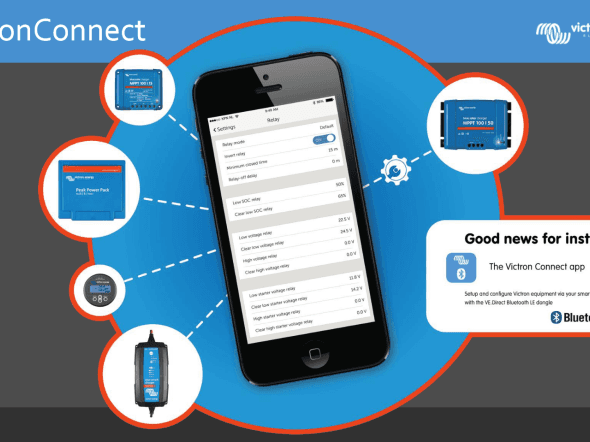
Matthijs Vader • 31 October 2016
VictronConnect v2.1
Good morning! Today we have released a new version of VictronConnect. General change: Increase robustness in case of VE.Direct communication errors. Android related: Fix serial port communication errors on Android 6 (OTG + VE.Direct USB cable) BlueSolar MPPT related: Fix a bug on streetlight settings page that made lights not switch off until sunrise when PWM is disabled and “At sunset, switch lights on for a fixed time” is selected. Add constraints to the day/night detection voltages to make sure that the night detection voltage is never below the minimum detectable voltage. Have a good day, Matthijs Vader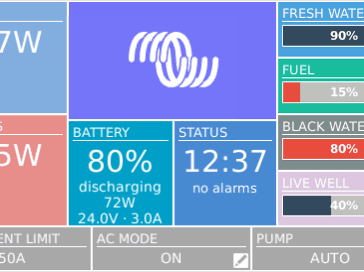
Matthijs Vader • 24 October 2016
Color Control GX v1.72
Good afternoon! Just now we have released Color Control GX v1.72 which contains several bug fixes and support for some new Victron products. Also it adds compatibility with the PylonTech lithium batteries, which we’ll explain more of in a later blog post this week. Changes Fix bug in the VE.Direct driver that caused unresponsiveness and crashes Add SmartSolar chargers and the new VE.Direct equipped Phoenix Inverters to the list of supported products Hub-4: Fix bug in the GUI: when the Minimum SOC level was set higher than the BatteryLife calculated SOC level, the ‘Actual State of Charge’ field showed a lower value than the real lower limit. Fix bug in the limit charge power and limit discharge power settings. When applying those limits, loads and/or PV Inverters connected to the AC-Out of the Multi were not taken into account. Now they are. CanBUS-bms battery driver: Always follow max charge- and max discharge-current limits as transmitted by the bms; no longer react on alarms. Affects all CanBUS-bms connected batteries. Fixed bug related to alarms and warnings coming from LG and Sony batteries. Alarms were interpreted as warnings, warnings as alarms. Added support for PylonTech batteries. Known issues: From the Mobile overview, it is not possible to switch an Inverter back on after switching it off. As a workaround, navigate to the Device list and re-enable the device from there. Installing the update By default, a CCGX will automatically download and install new firmware via the Internet, as soon as there is a new version available. For a manual update, follow instructions here . That’s all for now, enjoy! And in case of any questions or issues, please let us know in the comments below. Best regards, Matthijs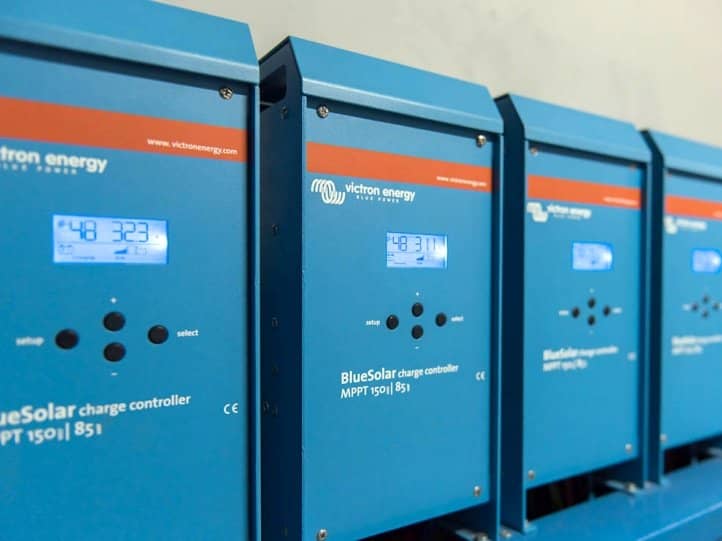
Matthijs Vader • 19 October 2016
BlueSolar MPPTs 150/70 and 150/85 VE.Can firmware v2.05
Good morning, v2.05 change log: Bugfix in the kWh yield counter: a negative power value occasionally caused an overflow in the yield counter. Guards are added to avoid adding a negative value to the yield counter, and at start-up the contents of the yield counter is checked: if it contains an excessive value the counter is reset. Setup/history menu: auto-exit to normal operation after 2 minutes idle. CAN network address can be checked in the setup menu (for identification), item 59 Only send/show persistent alarms. Fix automatic equalisation: in certain conditions it would stop too early with equalising. The new firmware files are available through Victron Professional . How to update There are two ways to update the firmware of these charge controllers: MPPT connected locally to the laptop. Requires the CANUSB adapter, ASS030532000. MPPT connect remotely, to a Color Control GX: Remote firmware update instructions That last option is often the easiest way, as there is no other use for the CANUSB and it is quite expensive. Best regards and have a good day, Matthijs Vader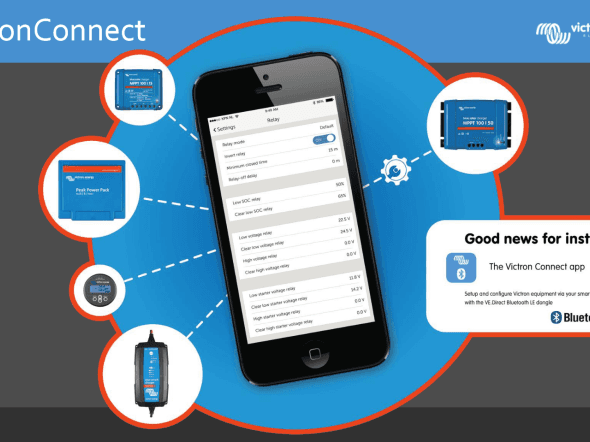
Matthijs Vader • 09 September 2016
VictronConnect v2.0
Good day! The highlights of this new version are the Bluetooth related Android 6.0 and Samsung Galaxy S5 improvements. Getting that right was quite a headache for our software designers, not to mention the number of phones we had to buy to test and figure out all the growing nuances. But, that is all water under the bridge now: I can report that most and hopefully all Android issues have been solved! Changelog General: New VE.Direct Smart Bluetooth dongle firmware version 2.09. Fixes issues with Galaxy S5 and likely many other phones. Improve updating and connecting for Android 6. Add reset PIN code by entering a PUK code. This option is accessible by doing a long press on the desired product on the discovery page on a phone/tablet, or right click on desktop. This feature is only available on some products. Color Control GX log to *.xlsx: Include units in column. BlueSolar MPPT: New v1.19 firmware update included as a mandatory update. Add a switch to enable/disable equalization, no need to set equalization values to zero anymore. Add temperature compensation setting. Check the VictronConnect manual to know how it works. Fixed a bug that made the streetlight functionality stop working after toggling the on/off switch. The problem was that the “Switch lights on at sunset” event is disabled when streetlight functionality is set to off but it is not enabled again till the “At sunset” setting is modified by the user. This fix also detects if the issue is present on the configuration and automatically fixes it when opening the streetlight settings page. Blue Smart Charger IP65: Improved page layout on desktop platforms. New v2.03 firmware included: Reduce connection problems, esp. in combination with Android 6. Fixes issues with Galaxy S5 and probably some other phones. Added identifications: LEDs blink for 2 seconds when connecting. Best regards, Matthijs Vader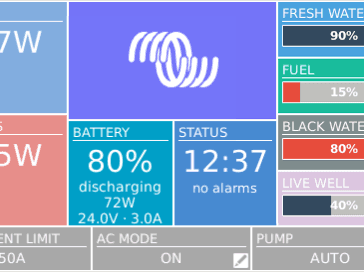
Matthijs Vader • 24 August 2016
Color Control GX v1.71
Good evening, Since v1.70, the On/Off/Charger only switch, as well as the input current limiter setting, used old values after a reboot. This problem is now fixed, with the release of v1.71. There are no other changes in v1.71. Our apologies for any inconvenience caused. Best regards, Matthijs Vader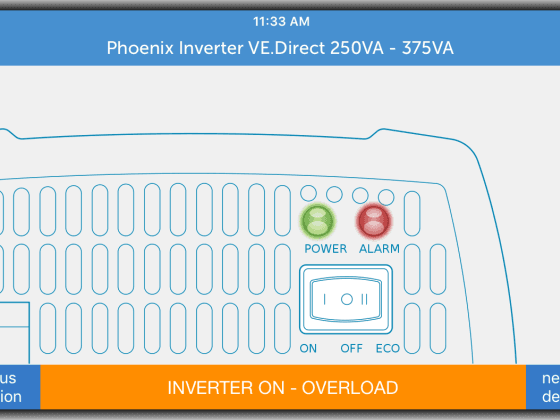
John Rushworth • 22 August 2016
Victron Toolkit app: Now supports even more products
The updated Victron Toolkit app version 2.3 has now been released. What’s new? Supports more products: MPPT (2 & 3 LED models), plus all Phoenix Inverters up to 1200VA. Improved the LED definitions functionality. Improved interface to help you find the correct LED definition quickly. Any changes to product definitions are retrieved/pushed to the app automatically on start up! Download the updated Victron Toolkit app Search for Victron Toolkit in the appropriate iPhone or Android app store on your phone, or go to the link below which also includes Android APK files: https://www.victronenergy.com/support-and-downloads/software#victron-toolkit-app What does Victron Toolkit do? For those not familiar with Victron Toolkit, here is what it can do: Calculate cable size and voltage drop. Easily select cable length, amperes and cable cross section to determine the voltage drop over the cable. Understand all LED codes from a range of Victron Energy products. Scroll through the list of all possible codes. The app contains normal operation codes, warnings, alarms and error codes. Temperature derating. Calculate output power derating for inverters and chargers for the expected ambient temperature. Includes a QR code (Quick Response code) scanner. Using the built in scanner you can read the QR code printed on Victron Energy products, which will take you directly to a webpage giving detailed product information. See this earlier blog for more: https://www.victronenergy.com/blog/2016/03/15/victron-toolkit-app-now-with-qr-scanner/ Example screenshots from Victron Toolkit: Cable calculations: Choose a product for LED definitions: Temperature derating: Feel free to post any feedback you may have below, and do enjoy the updated Victron Toolkit. John Rushworth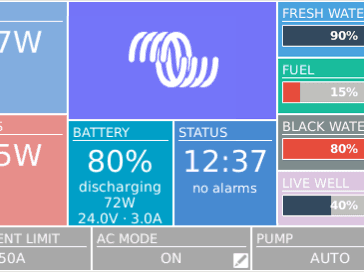
Matthijs Vader • 08 August 2016
Color Control GX v1.70
Good afternoon! A few hours ago v1.70 was made official. It has several very welcome new features, and the one that I’d like to highlight is the addition of a new overview. It is designed for Marine and RV applications, and gives direct access to the AC Current limit as well as the On/Off/Charger only settings. Also it can show up to four tank levels; for example a fuel tank, grey water tank, fresh water tank and control a pump, such as a water pump in an RV. See the headline image above for the end result. The new overview page can be enabled in the Settings -> Display & Language menu: Change log Multiple security updates: especially relevant for CCGXes connected to the internet without a firewall. Multiple GUI changes: Add a new overview for mobile/automotive Add automatic starting and stopping of pumps based on tank level. See the new section in the manual for details and more screenshots. Go to Settings -> Display & Language to enable the new overview. Add user defined system name, this name is visible on the tiles overview. As an alternative to the automatically detected Hub-1, Hub-2, etc. Show the last active view (menu or pages) after a reboot Show the last viewed overview page when switching between menu/pages Multiple Hub-4 related changes: Hub-4 settings are moved to their own dedicated menu, instead of being hidden in the Wired AC sensor menu Added two new user settings: max charge power and max discharge power Added hub-4 enable/disable setting. Intended for customers that want to use advanced mode 3 while also installing a grid meter at the same time The Minimum SOC setting in CCGX is now also used to stop discharging when BatteryLife is not enabled. We will soon remove the same feature, called ‘Stop on low SoC’, from the Hub-4 Assistant ModbusTCP changes: Added the Hub-4 BatteryLife enable/disable setting as a ModbusTCP register Added BMS battery parameters: Max charge voltage, Max discharge voltage, Max charge current, Max discharge current Added unit-id 100 as an alias for unit-id 0: some PLCs can’t work with unit-id 0, and now one can simply use 100 And more changes: Fix bug that made it impossible to set the Capacity of a tank connected with our VE.Can Tank Sender Adapter Hub-1 control combined with mppt firmware v1.18 or newer: don’t overwrite mppt state. When being controlled, mppt state will show “Hub-1” Added deleting the Multi/Quattro data cache to the actions taken by the Redetect System button: fixes rare problems which Redetect System did not fix before Changes relevant for customers developing software on the CCGX and Venus: Add mqtt. Enable disable the service in the Settings -> Services menu. Default disabled. For details on mqtt, first check the developers mailing list archive and of course you are welcome to ask your questions or share your plans on that mailing list. Various fixes to make the Raspbian packages compile again (thanks Izak!). See status here: https://github.com/victronenergy/venus/issues/36 Installing the update By default, a CCGX will automatically download and install new firmware via the Internet, as soon as there is a new version available. For a manual update, follow instructions here . That’s all for now, enjoy! And in case of any questions or issues, please let us know in the comments below. Best regards, Matthijs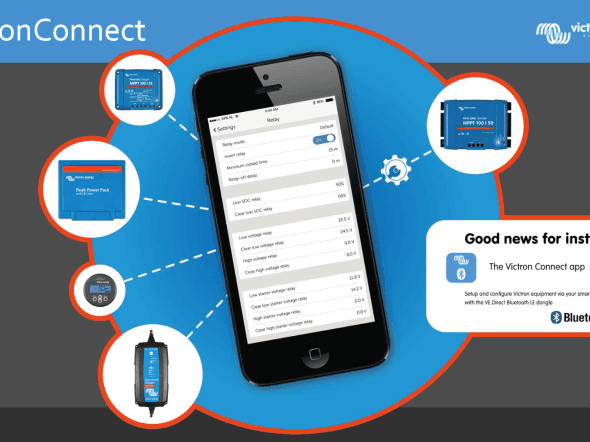
Matthijs Vader • 22 July 2016
VictronConnect v1.9
Good morning! A short post, as I should be spending my time swimming with the kids instead of writing blogposts. 😉 Change log v1.9: Phoenix Inverter: Hide “Low battery shut down” setting when dynamic cutoff is enabled. BlueSolar MPPT: Make possible to select 36 and 48V battery voltage on BlueSolar MPPT 150/35 rev2 BMV: Include BMV-70x firmware v3.08 update And the previous one, since I had not made a post about it yet: Change log v1.8: Include Phoenix Inverter firmware v1.03 update Fix Phoenix Inverter “Low battery shutdown voltage” setting is locked and showing “Dynamic” Best regards and have a good day, Matthijs
Matthijs Vader • 18 July 2016
Phoenix Inverters 250, 375 and 500VA – Dynamic Cut-off
Good afternoon! Recently released, but two weeks ago, is the new Phoenix Inverter VE.Direct firmware version v1.03, which besides a few internal changes, has a major new feature – the addition of Dynamic Cut-off. Some of you may know it from Hub-4. What it does is this: instead of using one fixed battery voltage as the low battery shutdown level, it also looks at the battery current. This makes sense, as we all know battery voltage drops when putting a load on it; caused by the internal resistance of a battery bank. Previously you had to pick one voltage and enter that as the low voltage shutdown level, which would never be right. For example setting it to 10.5 V will do fine while powering significant loads. However, when left like that for a couple of weeks, without high loads, the inverter will keep on drawing power from the battery until it hits 10.5V, by which time a lead acid battery will have suffered damage as it has now been discharged too deeply. And putting it at 12V, which would be a nice cut-off value for a battery without load, won’t work either because as soon as you do put a load on the inverter it will shut down almost immediately. Dynamic Cut-off fixes this issue by using not only the battery voltage, but also the discharge current to determine the battery empty condition. During configuration, choose the battery type and enter the capacity of the battery bank. The type is necessary to select the right charge curve as not all batteries have the same internal resistance. The capacity is necessary because the current drawn needs to be put in perspective in relations to the size of the battery or battery bank. Perhaps to understand this more easily imagine a huge battery bank; a football field full of batteries. Now picture one small 250 VA inverter in the corner. Even loaded to full power, this inverter will not make the voltage of that huge bank drop one iota, as the load is negligible compared to the size of the bank. Here are the new settings shown in VictronConnect : Note, that although possible, it is not necessary to change the four Voltages. They will be automatically set to the optimum for the chosen battery type. Only for installations without other loads Do not enable Dynamic Cut-off in an installation that also has other loads connected to the same battery: the battery voltage will drop because of the extra load, but the Dynamic Cut-off algorithm in the Inverter is not aware of that load: hence the Inverter will shut down too early; with an under voltage alarm. How to install the new firmware on your Inverter Use our VictronConnect software . Available for smartphones and tablets (iOS and Android) as well as Windows and Mac computers and laptops. Upon connection to the inverter, VicronConnect will automatically update the inverter to v1.03. Note that there is no need to first obtain the new inverter firmware file, as VictronConnect already carries that with it. More technical background The amount of voltage drop differs per battery type: OPzS and OPzV have a very high internal resistance, and therefore a large voltage drop; AGM and GEL batteries have a medium internal resistance, thus a medium voltage drop, and Lithium batteries have a low internal resistance: a small or even negligible voltage drop. This graph shows the curves used for each type of battery: To find the cut-off voltage to be used for a certain discharge current; first calculate the discharge ratio. It is defined as the battery current divided by the battery bank capacity. So for example, drawing 100A out of a 100Ah battery, results in a ratio of 1. Looking at the appropriate curve, this will result in a cut-off voltage of 12.3 V for a Lithium battery. And when the OPzS chemistry is chosen in the settings, drawing the same current will result in a much lower cut-off voltage: 10.4 V. For more details, see the Phoenix Inverter Dynamic Cut-off manual . Best regards, Matthijs Vader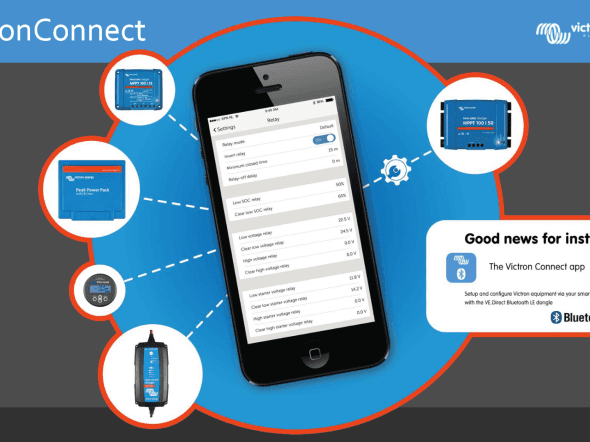
Matthijs Vader • 30 June 2016
VictronConnect 1.7 – Android 6 compatibility and more
Good morning all, Next step in making life easier: VictronConnect version v1.7 has been released. It includes three major improvements: Save the 30 day history of a solar charger as a CSV file Convert the data log that the Color Control GX saves on SD cards and USB sticks to an Excel file Fixed several Android 6 related Bluetooth connection issues Saving 30-day BlueSolar MPPT history as a CSV file Most of our solar chargers keep a 30 day history log. Visible in VictronConnect like this: Now there is a new feature: save this data as a CSV file, and review it later. This is how the file will look in Excel or another similar tool: Use VictronConnect to convert Color Control data logs to Excel In installations that have no internet connection, the Color Control GX can store the datalogs on an SD card or USB stick. VictronConnect can now be used to convert the file on that stick to an *.xlsx file. The procedure is quite simple: On the Color Control GX, navigate to Settings -> VRM Portal, and click the Eject function Take the SD card or USB stick out, and insert it into your computer Open the new feature in VictronConnect Select the file and then click the Start conversion button Done: open the file in Excel to see the result. Screenshot of the new feature (click to see the full screenshot): This feature only works on Windows and Mac OS X. It does not work on iOS and Android devices. The other way of analysing the data logs is by uploading the files to the VRM Portal and this is still available as well. The major advantage of the new way is that it is now possible to immediately analyse the data. No need to first travel back to a location which has an Internet connection. Fixed several Android 6 related Bluetooth connection issues To be honest, Android with all its versions and hundreds or thousands of different phones has proven itself to be quite a challenge. It is not at all straightforward to make VictronConnect work with all possible combinations, especially for anything related to Bluetooth Smart. We are managing quite well though, with only one handful of support cases, out of thousands of dongles sold. And now with these improvements in place we are down to only two real issues. What has changed? The first time you connect this new version of VictronConnect to a dongle, it will want to update the firmware in the VE.Direct Bluetooth dongle to a newer version (2.07). Once that update is in place, connections work better on most phones that had issues. We tested it on the following phones, all running Android 6: Sony Xperia Z5 Motorola Moto G 2014 HTC One M9 Samsung Galaxy S5 All of these work 100% now, with exception of the Samsung. It might still be necessary to click the device in the VictronConnect scan-list several times before it is able to connect or possibly disabling and then re-enabling Bluetooth. Note that the improvements only work after installing the new firmware in the dongle. Don’t use a phone that has a problem connecting for that. Use a phone from a friend or family member instead. iPhone 4S and all its successors work fine for example. The above are the highlights, read on for the full changelog, as well as the short changelogs for the previous two versions, as I hadn’t previously published them. Complete v1.7 changelog General: New functionality: Convert CCGX log files to *.xlsx Excel sheet (only Windows & Mac OS X) New functionality: Export 30-day BlueSolar MPPT history as CSV New functionality: “Create service report” option generates a diagnostics report for sending it to Victron Energy service in case of any issues. Improve dialogs, now all the dialogs are better centred on the screen Android: Shorten connecting time during updating Fix an issue that makes it necessary to scan several times before Peak Power Pack is shown in the devices list when using VE.Direct USB interface (issue introduced in VictronConnect v1.6) Fix issue that makes one of the Accept/Cancel buttons to sometimes not appear in iOS dialogs Remove some unused icons; now the install size is sightly smaller on iOS BlueSolar MPPT: Send local time to the MPPT when accessing to the streetlight settings and when switching on streetlight function. This makes the streetlight timer work more accurately prior to the synchronisation with the solar activity Streetlight: Don’t hide sunrise options when “Switch on till sunrise” is selected Load settings: Add boundaries for high and low voltage levels Battery settings: Make it possible to set equalisation voltage to 0V, which disables equalisation. Peak Power Pack: Fix size of the icon shown in the live data page Change log v1.6 General: List unrecognised Victron products in the device list page. Useful when running an outdated VictronConnect version with new products: you can at least see those products now, instead of them being hidden. BlueSolar MPPT: Fix “Use default charge settings” item behaviour when switching the rotary switch while battery settings page is displayed. (Only affects to MPPT with rotary switch and fw v1.17) Include BlueSolar MPPT firmware v1.17 as a mandatory update. ( MPPT v1.17 blogpost ) Change log v1.5 Fixed PIN code change function Conclusion That’s all; you are welcome to post any comments or questions in the Disqus system below. Wishing you a good day. Matthijs Vader
Matthijs Vader • 27 June 2016
Color Control GX v1.60
Good morning! Version v1.60 is now available. Containing one fix: When using Hub-1 Assistant, policy 4 “Prevent feeding back energy to grid”, in combination with VE.Direct MPPT firmware version v1.17 or later, the MPPTs stopped charging. The problem was introduced in the previous firmware version (v1.51) and is now fixed. Note that we have also changed our internal procedures to prevent issues like this from happening again. Installing the update By default, a CCGX will automatically download and install new firmware via the Internet, as soon as there is a new version available. For a manual update, follow instructions here . Best regards, Matthijs Vader
Matthijs Vader • 10 June 2016
Color Control GX v1.51
Good morning! Last night we released v1.51. A short release this time, containing two new features and one fix. Integrated Hub-1 for VE.Direct BlueSolar MPPT Charge Controllers With this new feature the Color Control operates as a communication bridge between Multis, or Quattros, running the Hub-1 Assistant, and Solar chargers with a VE.Direct port. It is no longer necessary to configure the absorption and float voltages in the MPPTs higher than the same in the Multi: the Multi now has full control over the MPPT. To maximize feed-in, it will tell the MPPT to keep operating at its Maximum Power Point, even though the batteries don’t need more charge. Which is the same functionality that was already possible with our VE.Can enabled solar chargers, using the VE.Bus to VE.Can interface cable . UPDATE 2018-07-13 : Note that most use of Hub-1 is now deprecated, in favour of ESS . Bit of background Let’s shortly recap what Hub-1 is, and why communication between a Battery Inverter/charger and an MPPT Solar Charger is a nice feature: Solar chargers will normally reduce their power when the batteries become full. Otherwise the battery would be over charged. In an on-grid systems you don’t want the solar charger to throttle back. Instead of reducing generated PV power, the system needs to prioritize it as the source to power the AC loads. There by reducing power draw from the mains. And, for certain countries, sell the rest of the available PV energy to the utility provider. To achieve this, the solar charger needs to keep operating at its maximum power point. While the Multi takes all available power that is not needed by the battery. And invert it into AC to power loss and sell it back. Tech details Works with all VE.Direct Solar Chargers fitted with a VE.Direct communication port The solar charger needs to run firmware version v1.17 or newer. To update your MPPT, use VictronConnect and a Bluetooth dongle or VE.Direct to USB cable. Today(!) we have released a new VictronConnect version that auto installs v1.17. This is Victronaconnect version v1.6. Added Russian See the headline image, we have Russian! No one in our Dutch offices can read that though. And it appeared that the translator that made these translations doesn’t know the difference between an inverter and a solar charger… Luckily this was spotted in time by Georgiy Shatalov from our Russian distributor Vega . Thank you for improving the translation! Hub-4 bug fixed Large steps in the load could cause the Multi to start charging or discharging at full power. Which is now fixed. Note that this change sets the minimum VE.Bus firmware version to be used in a Hub-4 system to 404. Note that we have also released VE.Bus firmware version 408, which fixes a similar issue. Most systems will work fine as is. But in case you do have similar issues, especially in systems with large loads, updating both the CCGX and the Multis or Quattros to their latest releases. Installing the update By default, a CCGX will automatically download and install new firmware via the Internet, as soon as there is a new version available. For a manual update, follow instructions here . Best regards, Matthijs Vader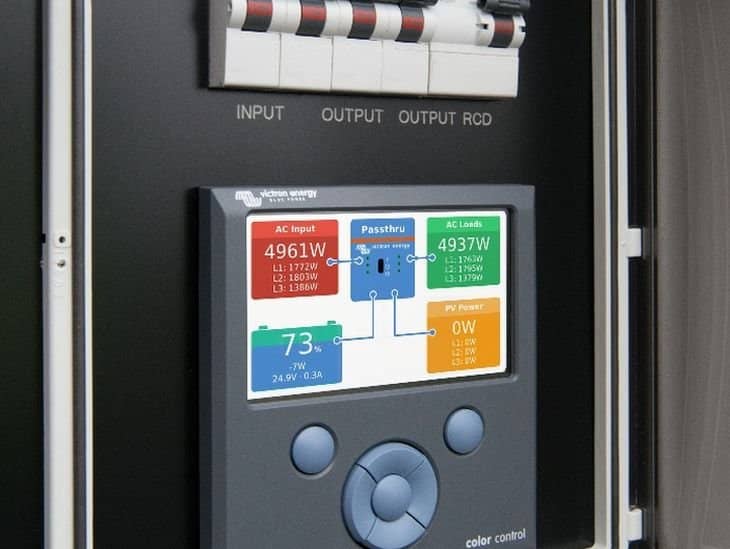
Matthijs Vader • 26 May 2016
Color Control GX v1.40 released
Good afternoon! Last night we released v1.40, with a long, long, changelog: many changes, fixes and improvements! So, please get a coffee or tea first, and then start reading. The first major change I’d like to explain is the improved data transmission to the VRM Portal : The option to choose between logging to SD Card and logging to the VRM portal has been removed. Instead, this is selection is now automatic: data is sent out via the Internet to the portal when possible, and the CCGX will fall back to non-volatile storage when there is a (temporary) Internet outage. The built-in non-volatile storage can contain 48 hours worth of data. To extend this period, insert a microSD card or USB stick. When using this external memory, the CCGX will still make use of an active internet connection to send it’s backlog. That means that even with months worth of backlog, once the CCGX reacquires an Internet connection, all of the backlog is sent out. And because of an enhanced algorithm, which includes compression, this takes considerably less time and traffic than before. When a CCGX is permanently without an Internet connection, one can choose to upload the backlog buffer manually. The first step is to select the eject the storage option in the menu; don’t just take out the SD card/USB stick(!). Once ejected properly the media can be removed from the CCGX and inserted into a computer or laptop and the data file on it can then be uploaded to the VRM Portal. Because of the aforementioned improvement in the sending data backlog, the data logging is now also highly resilient to bad internet connections. Lines of up to 70% permanent packet loss are still sufficient to get the data out, albeit a bit delayed sometimes. Note that we’ll soon add a ccgx-storage-to-Excel-file conversion feature to VictronConnect. Analysing the data can then be done without first having to update the files to the online VRM Portal. VRM Portal online configuration options: New: BatteryLife in Hub4 The self-consumption principle charges the battery with excess solar energy. This principle also uses power from the battery to power the loads when the available solar power does not meet the demand of those loads. This works well for systems which have plenty of solar power available. However, this doesn’t work so well for systems where the amount of solar energy harvested in a 24 hour cycle is less than the amount of energy used by the loads. In such a system, the battery will be empty most of the time. Let’s go through a 24 hour cycle to explain this in a bit more in detail: During the daytime, when there is a short period of excess solar power, the battery will be recharged a little. But clearly not fully charged as there is not enough solar energy available for that. And then, in the evening, it will be discharged again as consumption peaks and solar irradiation drops. Before nightfall the battery is now empty again, to be left empty all night and early morning as it waits for a little bit of excess solar energy the next day. This problem is solved with the introduction of BatteryLife! The lower state of charge limit, initially set at 10% for example, will automatically be increased on a day where there is not enough solar energy available to fully recharge the battery, so the next day it will discharge down to 15%. In case there still hasn’t been enough power to recharge the battery, the lower state of charge limit will be increased again, and so on. This continues until it has arrived at a point where it only discharges the battery to a point where the battery is able to recharge the following day. That lower limit will be decreased again on subsequent days when there is sufficient solar energy; automatically finding a balance, and adjusting for the seasons. For more details, please see the Hub-4 manual, BatteryLife section . The graphs below shows a system in the Spring and the battery state of charge graphed over time. As the week progresses you can see more solar energy becomes available, and therefore you can see the depth of discharge being increased. The red line shows how this system would operate without BatteryLife. User interface improvements All translations have been updated. Also a memory leak has been fixed, which caused the responsiveness of the GUI to reduce over time. A noticeable improvement! The time zone selection is improved: there are less double time zones listed, and they are ordered from East to West. Which saves a good deal of clicking when circumnavigating the globe or roaming North America in an RV: In some installations with a VE.Bus BMS or Digital Multi Control installed, it is not possible to use a CCGX to switch a Multi on and off. The is now explained to the user with a popup. Fixed a bug causing the screen to lock up when using Remote Console on a touch screen device, such as an iPhone. Bug fixes for WiFi and Automatic Generator start/stop Installing the recovery image of v1.36 would break the WiFi functionality. That is now fixed. Automatic Generator Start/Stop. In v1.36 we introduced a new feature: setting what the generator should do when the CCGX no longer receives data from the battery monitor or inverter/charger. The choices are to Stop the generator, Start the generator, or keep running in case it already was running. But there was a bug in the keep running option: once started, the generator would run forever. Even when there was still data received from the battery monitor and inverter/charger. Now fixed. More info about automatic genset start/stop in the manual . More changes Added the recently introduced Phoenix Inverters with VE.Direct connection to the list of compatible products. Added LG-circuitbreaker-trip detection. Several improvements related to Redflow ZBM battery: The maintenance needed and maintenance active signals are no longer shown as an alarm to the user. Maintenance is part of normal behavior of the battery, so there is no need to notify the user, even less to force him to acknowledge an alarm for this. Fixed bug: an air temperature sensor alarm was also reported as a state of health alarm. Fixed bug: sometimes the clear status register bit would not be reset properly. Add logging all individual Redflow batteries to the VRM portal Added more data to the modbustcp port: Redflow Battery data, LG Battery data, state of health, solar charger yield (kWh) The state of the relay on the CCGX is now logged to the VRM Portal. Handy when diagnosing a system with an automatic genset start-stop configuration. To see the log, download the csv or xslx file from the Advanced tab on VRM. Changed the way the CCGX responds to alarms and other data that triggers a near-immediate transmission of data to the VRM portal: it use to wait 5 seconds after an alarm occurred. And only then send data. This could cause VE.Bus Error 1 to miss in the sequence of errors: confusing when diagnosing VE.Bus issues. Now it sends the data immediately. See also this new page explaining VE.Bus errors: https://www.victronenergy.com/live/ve.bus:ve.bus_error_codes And there are even some more changes. To go through the whole list, go to the Victron Professional Portal and download the full changelog. Installing the update By default, a CCGX will automatically download and install new firmware via the Internet, as soon as there is a new version available. For a manual update, follow instructions here . That’s it for now. Enjoy the rest of the day! Matthijs Vader PS, a little bit of information for software developers: CI: we have start using a Continuous Integration server that automatically builds the whole CCGX image. CI is also being used for unit testing as well as functional tests. All this both saves time and increases the quality of the product. The work for the BeagleBoneBlack is progressing, see the porting venus page on the Venus wiki . What is Venus you might think? Venus is the name of all the software running on the CCGX. To make it easier to see what we are working on, we’ll be using the issue tracker on github/victronenergy/venus more intensively.
Matthijs Vader • 20 May 2016
BlueSolar MPPTs VE.Direct: v1.17 firmware available
A new firmware version! Bringing new features and also one, small, bug fix, related to an LED indication. And have you seen the latest addition to our MPPT BlueSolar charge controller range, the 150V/100A model , nearly 6kW (!) of charging power? 1. Improved Pay-As-You-Go options Pay-As-You-Go (PAYG) firms sell solar and/or backup power kits. Paid for by their customers by small monthly installments instead of a the usual lump-sum payment. PAYG firms often use technology that locks the functionality in the event of non-payment by the consumer. A great deal for the end-user: less risk, and less money to invest, while keeping risks for the provider within limits. In v1.17 we have added very simple method of disabling the load output. In a normal installation, the MPPT will power the loads as long as the battery has sufficiently stored energy. And it will shut them down in case of an endured shortage of PV power; protecting the battery against damage. With the new setting enabled, the MPPT will only enable the load output when both the battery has sufficient stored energy and the external control device permits the user to power their loads. 2. Improved history With its 30 day feature, combined with VictronConnect , our solar chargers already offer a wealth of historical information. Besides the 30-day historical data, there is also an overall record. This overall record contains highest recorded battery voltage, highest record PV voltage and more. In v1.17 these recordings have been improved by increasing the averaging function. They are now less sensitive to very short peaks. Also there is one new parameter added to the list: the minimum battery voltage. See below for a list of all available parameters. 3. Added load control to the models that do not have load-output Only our smallest MPPT solar chargers, up to 15A charge current, have a load output. They can disable that output when necessary, to protect the battery against over-discharge for example. Also it uses our BatteryLife feature, which makes sure that a battery is cycled at its top end, instead of the bottom part of the SOC scale thereby increasing battery lifetime. v1.17 adds these same features to our large models. Connecting an external relay or switch between the battery and the load. And let the MPPT control that relay by connecting it the the VE.Direct port. Victron Battery Protect , 12V and 24V models available from 65 to 220A. Also we have a 48V 100A model available. A DC/DC solid state relay to switch the load directly (not sold by Victron Energy). Configuration of these new features: use VictronConnect It has been mentioned before, but it can’t be mentioned enough 🙂 ! Use VictronConnect to configure and use all the features of our MPPT Charge Controllers. VictronConnect runs on smartphones, Android and iOS, but also on Windows and MAC PCs. See the manual for detailed information. A screenshot showing the added Virtual Load output option for the Tx port: Screenshot showing the new option to let the Load output be disabled by a remote control device. For example the Lumeter PAYG solution: Updating your MPPT Charge Controller to v1.17 In case you are in a hurry to update it, download the files from the Victron Professional portal , and then install them with VictronConnect. See this blog post for more information about installing a specific firmware file with VictronConnect. Or wait a few weeks as we’ll soon add this new firmware version into the default VictronConnect auto-install function: it will then automatically update your MPPT as soon as you connect to it. No need to download or otherwise take any manual action. Detailed change log – release date April 8th 2016 Changes all models Improved handling of the min/max parameters in the historical data logging (added additional averaging to be less sensitive for incidental peaks). Extended the overall historical log, it now monitors: Yield overall and user re-settable (kWh) Maximum PV voltage (V DC) Maximum battery voltage (V DC) Last four error codes, if any. (New) Minimum battery voltage (V DC) Automatic voltage detection improved: less sensitive to short temporary peaks during the detection phase. Changes for models with load output (75/10, 75/15 and 100/15) : By default, a jumper can be placed in the the VE.Direct connector socket to select a load output setting. It is now possible to configure two alternative functions for the VE.Direct RX pin: Remote on/off control (0V = charger disabled. Floating, +5V or VE.Direct communication = charger enabled). By using cable ASS030550300 this can be used with the VE.Bus BMS, just like the larger VE.Direct MPPT Solar Chargers already could. Load output on/off control (0V = switch load on. Floating, +5V or VE.Direct communication = switch load off). Bug fix in the led indications: when a jumper is placed on position 2, 3 of the VE.Direct connector, the green led could blink occasionally. Bug was introduced in v1.16 Changes for the models without load output Note that this feature is only useful for hardware revision 2 units: earlier units will completely switch off during the night. Added load control. The load can be controlled by hooking up an external relay or other switch to the VE.Direct connector. Use our VE.Direct TX digital output cable, ASS030550500. Conclusion With all that said, please put any questions/remarks or suggestions in the comments below. And I wish you a good weekend! Matthijs Vader
Matthijs Vader • 12 May 2016
Victron & Open Energy Monitor (EMON)
Guest post from Alp Tilev, CTO at Great Lakes Energy in Rwanda, about their work integrating the BMV-700 into EMON , an open source software project. Alp Tilev: “At Great Lakes Energy we love Victron products. Through 10 years of delivering off-grid solar power systems in Rwanda we have learned that the key to providing reliable energy in off-grid solar sites is remote monitoring. We’ve been using several tools to accomplish this task, including the Victron Color Control. However, sometimes we have to work with sites that have non-Victron equipment installed and for these sites we’ve found that the Open Energy Monitor (EMON) is a great tool. Picture shows our test installation, with the EMONpi being the aluminum box on the lower right. The EMON project is an open source, open hardware project that lets anyone use EMON equipment to monitor electrical equipment. However, the EMON doesn’t come with an off the shelf component to do DC monitoring. Since monitoring battery health is a critical component for off-grid applications, we thought the BMV-700 by Victron would be a perfect component to integrate with EMON. With help of Victron we added direct read-out of the BMV-700 to EMON – and that has now become standard EMON functionality! Screenshots This first screenshot show a graph of the battery voltage, over time: Second and third screenshot show the configuration: Tech details The BMV-700, like many other Victron products, uses the VE.Direct protocol to communicate with Victron equipment. EMON uses a Raspberry Pi minicomputer to take the data from the sensor node, parse it and pass it on to the EMON CMS. The key component that does this is called Emonhub which is a python server that runs on the EmonPi. The Emonhub has many types of interfaces which let it communicate with different type of sensor units. To get started you need to have an EmonPi, Isolated VE Direct to USB cable and a BMV-700 attached to a battery bank. Settings things up is quite simple and only requires changing the emonhub configuration. See github for further information: https://github.com/openenergymonitor/ Happy monitoring! Alp Tilev (CTO, Great Lakes Energy)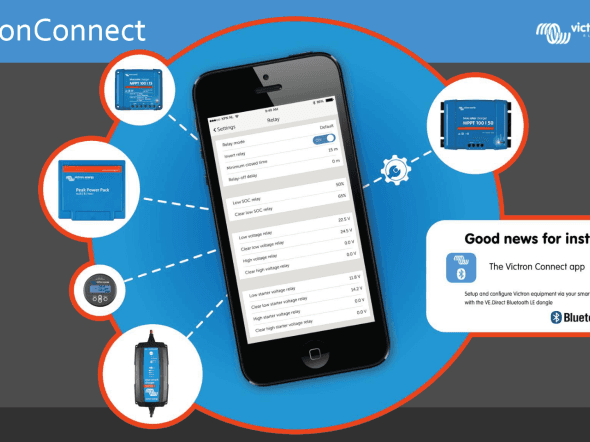
Matthijs Vader • 02 May 2016
VictronConnect 1.4: add user selectable firmware files
Goodmorning, (or afternoon/night), The previous release of VictronConnect already added fully automatic firmware updates. No need to do anything: when necessary, you’ll automatically be prompted to update firmware of a connected device. Now we have added a more fine grained option: select a specific firmware file to use, for example as received by email or downloaded from the Victron Professional portal. It works for Windows and Mac computers, but also Android and Apple iOS smartphones. See screenshot: Opening the firmware file in VictronConnect will automatically save it in VictronConnect. To then update firmware of a connected device, go to that device, then click the Setting icon in the top right, go to Product information, and then click the Update firmware button. Firmware files are available for download in our Victron Professional portal (new!). Only for special purposes It is good to know that VictronConnect will automatically trigger you to install the latest firmware on our products. This new manual firmware update feature isn’t necessary for that. It is only necessary for some special occasion. Which could be to install a recently released firmware version that is not yet embedded into VictronConnect. Such as now the latest VE.Direct MPPT v1.17 firmware, more on that in the next blogpost. Complete change log New feature: Manual firmware updates. Manual firmware update option available on the product info page. New firmwares included on this version: Phoenix inverter 250 and 375 VA fw: v1.02 (mandatory) VE.Direct Bluetooth Smart dongle fw: v2.06(mandatory) Fix issue when connected device firmware update was interrupted, resulting in device not being seen by VictronConnect Show both leds when there is no vedirect device iOS: Fix issues with dialogs displaying long messages. Download and manual VictronConnect will automatically update itself to the latest version. For more information see the download page , and the VictronConnect manual . Conclusion Enjoy, and please put any comments or ideas below in the Disqus commenting system. Matthijs Vader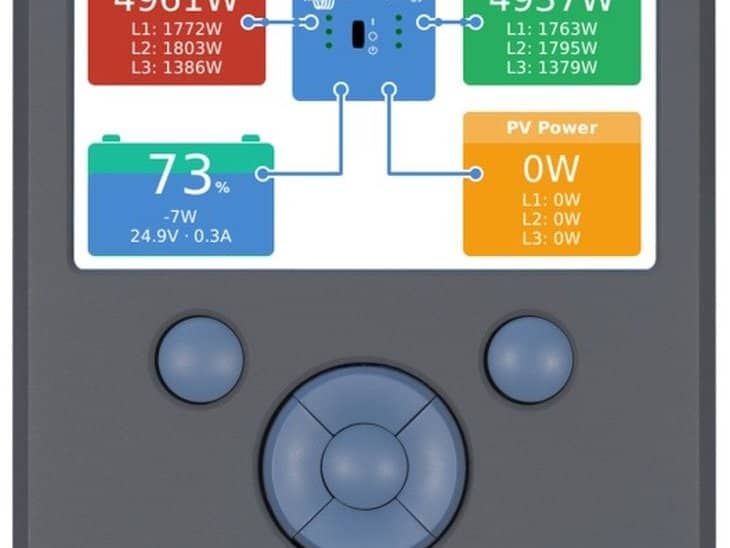
Matthijs Vader • 20 April 2016
Color Control GX v1.36 firmware released
v1.36 is now available. Several new features, including extra generator start/stop features as well as further battery integration options for Hub-4 systems: Genset start/stop, new features: Add option to reset daily run time Add option to manually change total run time Add “Run until battery is fully charged” option to the test-run condition Add “On loss of communication” setting that defines what needs to happen when the datalink between the CCGX and the selected battery monitor and/or vebus inverter/charger is lost. Options are: Stop, Start and Keep running. Add option to disable the autostart functionality Add new start/stop conditions: Inverter high temperature warning Inverter overload warning Genset start/stop: fix a very rare but still that-should-never-happen-type bug: something could go wrong, stopping the CCGX control over the genset. Which either caused the genset stop or for it to keep running while it should not. Hub-4: added dynamic derating based on actual max charge- and discharge-current limits coming from canbus connected (lithium) batteries such as the LG Chem Resu and BMZ ESS. For more information on those types of batteries, as well as the dynamic derating function, see the this (new) Battery Compatibility page on Victron Live. Especially the BMZ ESS page. Note that this new derating function only works for Hub-4. Added Redflow and LG Resu warnings to the data being logged to the VRM Portal Renamed the ‘LG Battery service’ item in the services menu to the more generic ‘CAN-bus BMS service’ Fixed bug in valence battery support (part of the Oceanvolt electric drive integration) Pressing a button while the display is off now only wakes the display up. Instead of not only waking up but also performing the action associated with that button press. How to install this new firmware? By default, a Color Control will automatically download and install new firmware via the internet, as soon as there is a new version available. For a manual update, follow instructions here . Thats it for now. Have a good night! Matthijs Vader
Matthijs Vader • 01 April 2016
VictronConnect 1.3: adds firmware updates
A new version of VictronConnect is out and its main new feature is the addition of automatic firmware updates. For both BlueSolar MPPT Chargers as well as the new Phoenix Inverters 250 and 375VA . It is not necessary to first download the right firmware file, or even select it: all arranged automatically by VictronConnect! Also, it is no longer necessary to take out your laptop, a VE.Direct USB interface and the VE Power Setup Software. Instead, update the products straight from your phone. Download and manual VictronConnect will automatically update itself to the latest version. For more information see the download page , and the VictronConnect manual . Changelog v1.3 New feature: Firmware updates. Firmware updates are included inside VictronConnect, when connecting to a product with a new firmware available the update page will pop up and guide the user through the firmware update. Included firmware on this version: VE.Direct Bluetooth Smart dongle v2.05 BlueSolar MPPT VE.Direct v1.16 Phoenix inverter 250 and 375 VA v1.01 Note that those firmware updates are all mandatory, meaning that you’ll need to start and complete the firmware update before it is possible to use VictronConnect to monitor and configure the device. Phones/Tablets Fix the app state handling, now VictronConnect disconnects from the product when the app is sent to the background or when receiving a call. Android Improved USB OTG support on Android 6 (Marshmallow) BlueSolar MPPT Added total yield (system and resettable) to the history page. Remove white space displayed on history records for MPPT without load output BatterySettings: Only supported voltages are displayed. Fix an issue that sends the voltage values automatically when entering to the battery BMV Correct maximum starter battery voltage on history page Phoenix inverter Fix wrong product name displayed (250VA was shown for a 375VA Inverter, and the other way around) iOS: Fix product info page doesn’t open Change power bar color to red when the nominal power is passed Display a warning box notifying that the “Store settings” button should be pressed to make the changes permanent Known issues: iOS: Wrong splash screen during launch Conclusion Enjoy, and please put any comments or ideas below in the Disqus commenting system. Matthijs Vader
John Rushworth • 15 March 2016
Victron Toolkit app – now with QR scanner
Many of you will be familiar with the handy Victron Toolkit app. This has now been updated for Android and iPhone to include a QR code (Quick Response code) scanner. Using the built in scanner you can read the QR code printed on Victron Energy products, which will take you directly to a webpage giving detailed product information. The app has been updated because we have now started to add QR codes to products, commencing with the new Phoenix Inverter VE.Direct 250VA – 375VA range, as demonstrated below. More QR coded products will follow in due course. All very handy to access data sheets and manuals, plus of course being able to show customers and friends more about a given product, both quickly and easily. Download the updated Victron Toolkit app . Victron Toolkit continues to be able to calculate cable size and voltage drop, understand all LED codes for Victron Energy Multi and Quattro inverter/chargers, plus calculate output power derating for inverters and chargers for the expected ambient temperature. John Rushworth.
John Rushworth • 04 March 2016
VictronConnect v1.2 released: Now includes Mac OS X & Windows PC
Great news! VictronConnect is now available for Mac OS X & Windows PC, plus there have been some upgrades in this new version for iOS and Android. If you are not familiar with VictronConnect and the range of possibilities see earlier blogs , but for those of you familiar with this software (and the hardware it connects to) you have probably guessed where this is all going – one easy to use application to configure and monitor many Victron Energy products, available on most devices and platforms. What more could you ask for? Download This new version of VictronConnect is available here: https://www.victronenergy.com/support-and-downloads/software#victronconnect-app Manual Before you rush into installing please read the manual and make sure it is compatible with your device/platform: https://www.victronenergy.com/live/victronconnect:start Please note the Windows version doesn’t include Bluetooth support. For use only with VE.Direct to USB interface . Bluetooth supported devices use the VE.Direct Bluetooth Smart dongle . Changelog v1.2 New platforms: Windows and Mac OS X versions are now available. Add action bar to iOS keyboard with a minus (-) button and a “Done” button Fix “Clear history” button on MPPT and BMV Use different name in each step during the bluetooth dongle firmware update. (VE.Direct BLE dongle (legacy) and VE.Direct BLE dongle 2 (legacy)) Show Bluetooth/VE.Direct icon depending on the connection type.(Android and MacOS) BMV Fix an issue that returns a wrong value by setting to zero the alarm/relay temperature settings Fix typo in temperature warning message shown on the live data page Improve max/min values handling on alarms/relay settings pages BlueSolar MPPT Show description of the selected load mode algorithm Fix “Clear history” button: it was partially hidden on the history page Auto scale yield and consumption unit on the history page from kWh to Wh Allow negative values for midnight-point shift on streetlight settings Add load current to the live data page Fix information box that warns the user that 30 day history is only available since firmware v1.16. Conclusion Hats off to the developers and have a great weekend! John Rushworth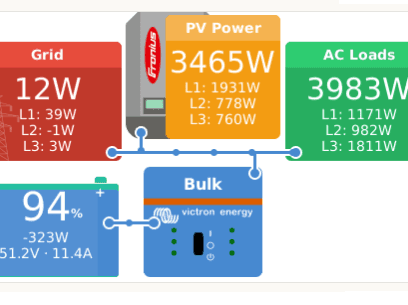
Matthijs Vader • 24 February 2016
Color Control GX v1.32 firmware released (includes v1.33, 1.34, 1.35 updates)
Update 3rd Mar – v1.35: v1.35 has been released, fixing a bmv related energy (kWh) calculation issue. Visible in the graphs on the Solar yield and consumption tab on the VRM portal. Update 1st Mar – v1.34: version v1.32 accidentally created problems in certain VE.Can installations. This has been fixed in v1.34, already released this morning. Update 25th Feb – v1.33: the update accidentally removed the Chinese fonts from the system. This has been fixed in v1.33, already released this morning. Original post: Color Control version v1.32 is now available. The main highlight is the expansion of Hub-4, our solution for grid-parallel energy storage: split- and three-phase systems are now also possible! Split- or three-phase Hub-4 – how does that work? In such a system, there is at least one Multi (or Quattro) installed on each phase. They will automatically charge or discharge, depending on the available PV power versus the power draw from the loads. Excess PV power available: When the system as a whole, ie. the sum of power on all phases, produces power (PV power exceeds consumption), the Multis on the phases with a net power production will be set to charge the battery. Multis on phases with a net power usage, Ppv < Pload, will be idling. Shortage of PV power (typically in the evening and at night): When the system as a whole consumes power, ie the consumption exceeds PV production at that moment, the Multis on the phases with a net power usage will discharge the battery to compensate for the shortage. And the Multis on phases with a net power production will be idling. Installation requirements and details: The Multis need to be configured as a three-phase system. Use VE.Bus Quick Configure or VE.Bus System Configurator for this. Update all Multis to firmware 406 or newer Install the Hub-4 Assistant in all units: all the phase-masters but also all slaves (if any) Three phase loads: it is possible to connect three-phase loads to the AC out of the Multis, also referred to as the `UPS-output` in a Hub-4 system. Those loads will be powered from the battery during a power failure. More information in the updated Chapter 3 of the Hub-4 manual . Note that it already was possible to use one Multi in a multi-phase installation. Use the three-phase energy meter, and enable phase-compensation in the Hub-4 settings on the Color Control GX. For details see the Hub-4 manual . Full change log of v1.32 Add three-phase support to hub-4 (requires VE.Bus firmware 406 or newer) Improve hub-4 algorithm when using wireless link to the AC meter Fix bug in kWh calculations: systems with a Multi/Quattro, MPPT Solar Charger, BMV (and DC System set to disabled) would report excessive solar consumption and feedback on the Solar yield and Consumption tab on the VRM Portal. And no, or very little consumption from the battery (blue bars). This bug was introduced in v1.30, released Dec 1 st Improve kWh-calculations: a BMV is no longer required to calculate kWh data for systems with a Multi/Quattro, Solar Chargers and no other DC chargers or loads. Improve kWh-calculations: in systems with a DC System (and that corresponding setting, Has DC System enabled) the energy used by DC loads is now added into the calculations. Show Fronius logo for Fronius PV Inverter, instead of a generic PV Inverter graphic Increase chance of having a connection for Remote Support and Remote Console: ssh tunnel script now tries port 22, 80 and 443, instead of only port 80. Improve translations How to install this new firmware? By default, a Color Control will automatically download and install new firmware via the internet, as soon as there is a new version available. For a manual update, follow instructions here . Thats it for now, enjoy and we’ll be working on more improvements in the meantime. Best regards, Matthijs Vader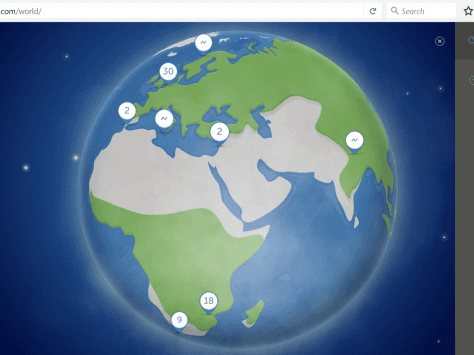
John Rushworth • 17 February 2016
VRM World: View shared VRM sites around the world
Ever wanted to show your clients, friends, colleagues how much solar energy your installation is generating or indeed any other data that you can see on your VRM site? Well now you can – using VRM World. VRM World Once your VRM site is up and running you may now choose to publicly share that information via VRM World . In order to do this see the VRM World manual on Victron Live in the first instance. If you are not familiar with VRM (Victron Remote Management) see: https://www.victronenergy.com/live/vrm_portal:start VRM World example Blog – Living off-grid in the UK: Lackan Cottage Farm – VRM now publicly shared on VRM World . Below is a screenshot of how a site looks on VRM World before you click to visit . Notes Some sites will have chosen to password protect their shares and that is up to a VRM site owner. An example of this is Drift Away which is a solar and electric powered Arviro 10 boat featured on the main Victron website. There are many more VRM sites around the world than are shown on VRM World as only those that choose to share will be shown. Access to your site configuration, precise location and any private details are excluded. We hope you enjoy VRM World and as ever we welcome your feedback in Disqus below. John Rushworth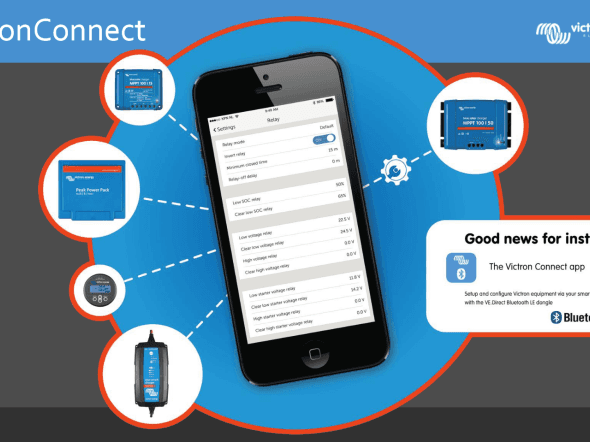
Matthijs Vader • 28 January 2016
VictronConnect: Good news for installers!
The new version of VictronConnect is now available, for both iOS and Android. Approximately a year ago we made our first Bluetooth baby steps: with the help of a VE.Direct Bluetooth LE dongle which is now called the VE.Direct Bluetooth Smart dongle , basic information could be seen, on a phone, using Bluetooth, from our MPPT Solar chargers as well as the BMV-700 Battery Monitor series . And I am happy to report that it can do much more: now you’ll be able to configure the Solar Chargers and BMVs straight from your phone. Doing is believing: configuring those products has never been so easy – fun actually! No longer balance a laptop at your knee while having it connected to a wall mounted MPPT with a USB cable that is just a little bit too short. I’ve been there and done that. Including almost dropping a laptop or having it running out of power… Being an installer, just plug-in the dongle which will be part of your standard kit. Then take out your phone and configure the product. You’ll be done in no time. Also, instead of only available for iOS, the Bluetooth function now also works for Android. The new App can also read all historical values, from both the BMV and the Solar Chargers. And that includes the Solar Charger 30-Day history: Note that there is more historical information available than visible in that screenshot: swipe a line to the left to see the rest. Here are number of screenshots showing the new functionality: For a full list of screenshots, showing all different functionalities and settings, see the VictronConnect manual . To install the app, upgrade it from your App store. The App will then automatically update the dongle firmware when using it the first time. Be warned that this dongle firmware update can be a bit of a hassle: all steps need to be followed patiently and accurately. More information, including screenshots of the whole process, can be found here . So… please install the app and use the comments to let us know what you think! In the meantime we are already working on the next versions, which will include Windows and Mac OS (!), as well as adding an option to update firmware of connected products, for example Solar Chargers. Have a good day and enjoy! Matthijs
Matthijs Vader • 01 January 2016
Dev: Raspbian packages for New Year!
While I have been busy playing with a BeagleBone Black, and running our CCGX software on it , Jeroen (one of the Victron developers working on the CCGX) decided to spend all of his free time and more on making Debian packages, containing the CCGX software. And the first version has been built and is available to install and test-run on your Raspberry Pi! With it, you can use your Pi to remotely monitor a VE.Direct product (MPPT Charge Controller and BMV Battery Monitor) on the VRM Portal , and probably other products as well. For those already dazzled with the different terms, a short glossary. And note that this blog post is directed to hackers and developers. The packages are not an official Victron product. Put differently: you are more than welcome to try it, and help building it further. But don’t expect this to be as simple as following a few instructions. Also you need to know your way around a Raspberry Pi, Linux and it’s terminal. The glossary: Raspbian is a free operating system, based on Debian (a popular Linux distro) running on a Raspberry Pi. See Google for more info A BeagleBone Black is a Single Board Computer, similar to the Raspberry Pi. And Raspbian packages are pre-compiled and easy installable and update-able pieces of software. To get started with the Raspbian packages read the introduction post and the latest post on the victron-dev-ccgx mailing list. Make sure to follow instructions from that last one. For any comments, please use that mailing list. The ‘Raspberry Pi Logo’ headline image used in this blog is courtesy of: http://www.raspberrypi.org/ Raspberry Pi is a trademark of the Raspberry Pi Foundation. Happy new year to all fellow tinkerers out there and all non-tinkerers that made it to the end of this post too! Matthijs
John Rushworth • 21 December 2015
New mpptprefs software: v1.14 now available
Apart from wishing everyone all the best for the festive period, here’s a quick blog to let you know that a new version of the mpptprefs software (v1.14) has been released. This software, which now allows fixed absorption times, does not require new firmware to configure BlueSolar MPPT Charge Controller settings. Changelog Added temperature compensation setting Added absorption time limit setting Updated hour entry notation (i.e. 3.5 hours can now also be entered as 3:30), applies to street lighting timer programs and absorption time limit Download mpptprefs.exe can be downloaded from: https://www.victronenergy.com/support-and-downloads/software#mpptprefs Manual To alter BlueSolar MPPT Charge Controller settings using mpptprefs, please read the manual on Victron Live first: https://www.victronenergy.com/live/ve.direct:mpptprefs All the best for the festive period, John Rushworth .
Matthijs Vader • 08 December 2015
Color Control GX v1.31 firmware released
A few small issues surfaced after last week’s release of v1.30 . They have been solved, in v1.31, which was released last Friday: Fixed bug: Phoenix Inverters were no longer detected. Fixed a very rare bug: VE.Bus devices were not shown, caused by old MK2 executable not being properly removed. See here to update a Color Control GX that is not connected to the Internet. That’s it. Wishing you a good evening, night, afternoon or morning! Matthijs Vader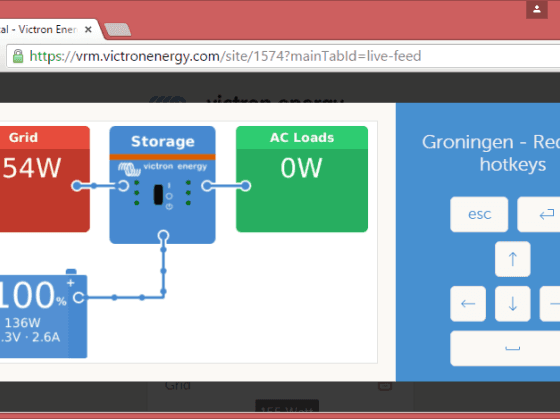
Matthijs Vader • 01 December 2015
Color Control GX v1.30 firmware released
Great news! Version v1.30 is out! And to be honest I don’t know where to start explaining all the new features, nor how to put them in order of priority. Therefore, to learn all, please bear with me to the end of this post. New: Grid-parallel storage system: Hub-4 Our Multis and Quattros can now be used as a Grid-parallel Storage System, called Hub-4. Wiring the storage system parallel to the loads and the PV power, instead of in series, has several advantages. For example that there is no maximum to the PV Array size. It is often the better choice in countries with a reliable grid. How does it work? An Energy Meter is installed at the distribution box of the house or office. This meter connects to the CCGX, either with a wired or wireless connection. The CCGX will then control the storage system: whenever there is excess solar power available, it is used to charge the batteries. And shortages of solar power are supplemented with power from the battery. In the test phase, dozens of these systems have already been successfully installed in the United Kingdom, Germany and Italy. We are working hard on certification, to include the anti-islanding functionality into the Multis and Quattros. This will reduce the cost and complexity meaning it will then no longer be required to install an external Anti-islanding device. Most of our Multis and Quattros have already been certified for the relevant UK standards, and other countries are following as soon as possible. All available certificates are here for Multis and here for Quattros . More information about Hub-4 is in its manual . New: Automatic generator start/stop A super powerful automatic start/stop feature. It can start and stop based on Battery State of Charge, Voltage and Load, as well as AC Load and even more. Also a periodic test run can be configured and it keeps track of running hours. And it has the long awaited clock function: a special set of rules can be configured to enable quiet times. More information is in its manual . New: Synchronize BMV and VE.Bus SOC When enabled, the CCGX will continuously copy the State of Charge from the selected Battery monitor to the VE.Bus system (Multi / Quattro). So, now the Multi always knows the SOC from the BMV. This can be quite useful with Assistants, for example: Hub-4 Assistant (stop discharging on xxx % setting) Generator Start/Stop Assistant Also it prevents the eternal question: why is the SOC as calculated by a BMV different from the VE.Bus SOC? Important : do not use this feature in combination with Hub-2. Hub-2 uses the VE.Bus SOC for its operation, and enabling this new Synchronize SOC feature will affect and confuse Hub-2 operation. New: Remote Console Yet another cool new feature! And not only cool, there is more: it has already been an enormous time-saver for me, and I can imagine that it will be for many of you as well: Remotely control a CCGX from anywhere in your home from your phone/tablet or laptop. And also control it remotely, straight from the VRM Portal! No special software is necessary as a modern browser and a good internet connection is sufficient. For configuration, there is a new menu called Remote Console, which besides setting a password will give access to the two main on/off functions: Enable on VRM: remote control is possible via the VRM Portal. Look for the new green icon, on the top right of the page. Enable on LAN: navigate to the Local IP of your CCGX in a web browser: you’ll be able to remote control it! When saving the Remote Console password on VRM, note that it is saved for all users that are set to Full Control for that site. Also only those users can access the Remote Control feature. Other users, set to ‘Monitoring only’ can’t. When enabling this for the first time, make sure to either set or disable the password. And then reboot the Color Control after all is set as you want it to be. Very useful to help customers and installers remotely. Note that manually adding VNC support to the GUI run script, as was previously explained on Victron Live, is no longer necessary. Also it will no longer work. New: LG Chem Resu 6.4 lithium battery A very interesting battery, mainly for (home) energy storage applications because it is low cost, has a wall mounted enclosure and long cycle life. For more information on the LG Resu 6.4, look on the internet . Features: Connect the LG Chem Resu 6.4 to the CCGX using a using a slightly modified RJ-45 cable, which then goes into the VE.Can port on the CCGX. The specifications of which will be added to the CCGX Manual All operational parameters (see above screenshot) can then be monitored, as well as any alarms Use these parameters in operation: enable the Synchronize VE.Bus SOC feature, and make the Hub-4 Assistant use the State of Charge as reported by the LG battery New: Redflow ZBM battery Another interesting new battery technology: a zinc-bromide flow battery, the Redflow ZBM. Not as much affected by heat as Lithium and Lead, and also it can be discharged to 0%, and then left at this discharged state, without damaging it! More information on the Redflow website: http://www.redflow.com.au/ . Features: Connect the CCGX to the battery via Modbus-RS485, (our RS485 to USB interface is needed for that, ASS0305700xx). Monitoring the battery: battery voltage, current, state of charge, temperature and many more ZBM specific alarms and flags. Control the battery: set it to run mode, initiate a maintenance cycle, clear the alarms and more. Configure the battery: the CCGX will automatically give each battery a unique Modbus address. Just make sure to connect them, slowly, one by one. After connecting one, wait for it to show up on the CCGX, and then connect the next one. Additionally, it is possible to manually change the Modbus address of the battery. More fixes and improvements Configuring a Lynx Shunt VE.Can now works for all firmware versions, including its latest firmware which is v1.08. Note that v1.09 had briefly been available, but was then removed since it contained a bug. Increased the maximum amount of AC Current Sensors from 4 to 9. Make sure to also consider other ways of displaying PV Inverter output on a CCGX . Several ModbusTCP improvements: Fixed bug in the Exception response (thanks to Tonyrog). VE.Bus SOC is now writeable, making it possible to get the same advantages the (new) Sync VE.Bus SOC feature. Do not use this in combination with Sync VE.Bus SOC feature! And also not in combination with Hub-2. Add registers for charge and discharge limits in Hub4 control loop. Add registers for system serial (MAC address) and grid meter serial. Add registers for charge allowed and feedback allowed flags of VE.Bus. Wired AC sensors (PV and Grid) device instances, linked to the modbus tcp unit-ids, are customizable, and their defaults have been fixed instead of depending on USB instance. Fixed bugs in the VE.Bus driver that caused problems on the Overview pages for the following models: Quattro 24/5000/120-50/30 (2642) Quattro 48/5000/70-50/30 (2652) Quattro 48/8000/110-2×100(2655) Quattro 48/5000/70-2×100-S (2657) Fixed bug in rendering the password box for the Access level: the screen was messed up when you tried to change access level from User to User & installer or back. Not anymore. Fixed spurious ‘Color Control didn’t respond to command’ error message in VE Power Setup / VRM Two way communication. Fixed the Oceanvolt Motor drive service enable/disable button. Fixed bug in Remote VEConfigure that could trigger Error code 61 (incompatible VE.Bus settings). Fixed problem of random CCGX-es getting stuck during a reboot. Fixed a bug in the AC Current Limit when used in combination with a VE.Bus to VE.Can interface: max set point was limited 1A, now it is limited to 100A. Known issues (new) When the screen is asleep, pushing the Pages button to wake it up also triggers the page change animation. Better would be to have the first button push discarded when waking up the screen. Support of recovery from USB sticks does not work on all sticks. Finding a USB-GPS might take a while The Tiles page will show ‘HUB-1’ in case there is an MPPT in the system, even when there is no HUB-1 Assistant loaded into the Multi: confusing. How to get v1.30 https://www.victronenergy.com/live/ccgx:firmware_updating Conclusion So, I wish you lots of fun and pleasure while installing v1.30 and using its features. In the coming days we’ll be updating the manual and other documentation. After that there are still many ideas and improvements planned. Of which adding support for three phase VE.Bus systems to the Hub-4 functionality is the most urgent one. Note that it is already possible to use Hub-4 in a three phase installation, just not with a three-phase Victron system. A single Multi or Quattro can be installed, combined with the three-phase energy meter and then enable Phase Compensation in the Hub-4 menu. Matthijs Vader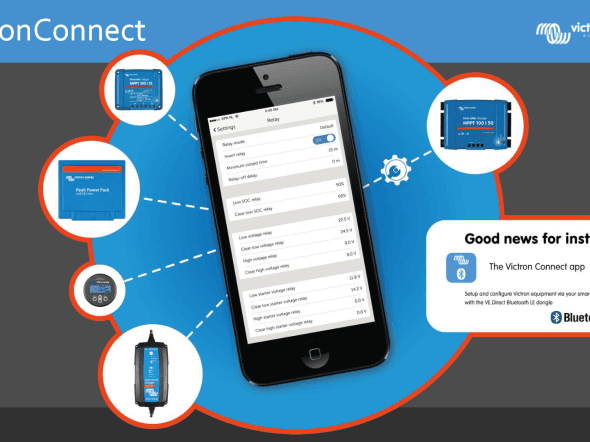
John Rushworth • 27 November 2015
VictronConnect for Android: now in the Google Play store
The VictronConnect app has been available for iOS for a while and as of today it is also available for Android. This app lets you monitor and configure BMV Battery Monitors and MPPT Solar Charger Controllers. Other products will be added in due course, such as those shown in the headline image above. One of the great features with the new Android app are the ‘Configuration screens’. This functionality will be included for iOS at a later stage. More on configurable settings in a moment, but for now let’s get started with this cool new Android app. Getting started Software: Download the VictronConnect app via our Support & Downloads –> Software page Manual including supported Android phones and tablets: See the VictronConnect manual on Victron Live for a list of supported Android phones. Connectivity: The current Android version only supports connection via USB OTG (On-The-Go). A Bluetooth version for use with the VE.Direct Bluetooth LE dongle is in our labs and will be available soon. To see an image of how an OTG cable and VE.Direct to USB cable interface to an Android phone and BMV-702 click here . Configurable settings As mentioned previously there are a range of settings that can be configured directly from the app. Below is an example of these. Very useful for installers! Click image to view a larger version. App screens Screens within the BMV battery monitor app include: Live data Battery settings Display settings Relay settings Product information Screens within the BlueSolar MPPT Charge Controller app include: Live data Battery settings History Settings Streetlight settings Here’s an example of the ‘Live data’ screens for each of the products above. Click the image below to view a larger version. Conclusion Although I personally use the iOS version of the app, this Android one is a great addition to the ever expanding range of Victron Energy software products. We welcome your feedback on this great new app, in the Disqus comments section below. John Rushworth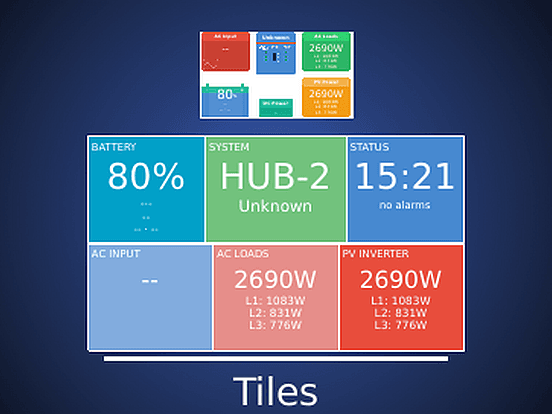
John Rushworth • 16 October 2015
Color Control GX v1.29 and VE Power Setup 5.2
Since we released v1.28 for the Color Control GX with the rotating views shown above, some of you (if you have auto update on) will have noticed there has been an incremental version 1.29 in the last weeks. Also you may have noticed updates for VE Power Setup. Here are the belated details for these updates: Color Control GX v1.29 Changelog – 22 September 2015 Recovery image: http://www.victronenergy.com/feeds/ccgx/images/CCGX-v1_29-recover.zip Fixed bug causing the VE.Bus firmware version not to show on the VRM Portal. Fixed bug in the MicroSD/USB eject button. Fixed bug in the Lynx Shunt Clear history button. Fixed bug in the Fronius Port number edit-box. Known issues: (new) the password entry box, which is shown when changing access level from user to user/installer or back, doesn’t render properly. The functionality still works though. (new) Hub-4: The calculations behind the solar yield and consumption tab, for hub-4 systems, don’t work 100% yet. Support of recovery from USB sticks does not work on all sticks. Finding a USB-GPS might take a while. The Tiles page will show ‘HUB-1’ in case there is an MPPT in the system, even when there is no HUB-1 assistant loaded into the Multi: confusing. VE Power Setup updating After starting VE Power Setup it will check online for updates and if there is a new version available it will update automatically. To manually install the new version, see the software section on our downloads page . Version 5.2 – 2015-10-13 Changelog Fixed Windows XP compatibility issues (See also this new page ). VE.Can: Fix crash when querying non Victron devices. VE.Can: Fix unnecessary error message that appeared after updating a device without migration settings. Version 5.1 – 2015-10-07 Changelog Fixes in detection of expiration of messages related to remote operations, fixing spurious ‘Color Control didn’t respond to command’ errors. Requires Color Control Firmware 1.30, which is coming soon. Have a good weekend! Matthijs Vader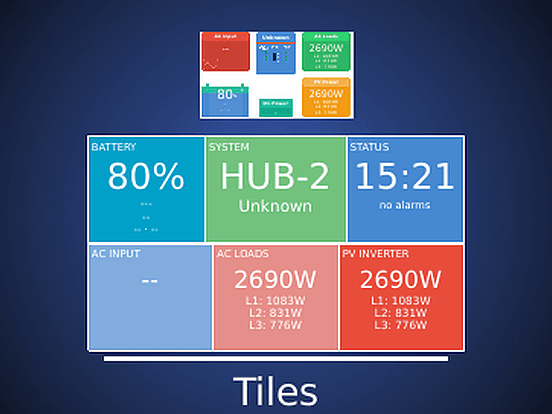
Matthijs Vader • 15 September 2015
Color Control GX v1.28 and VE Power Setup 5.0
Yes, you read that right, two releases in one! Why is that you may ask? Well, because they are related: updating firmware of a Victron product with VE Power Setup no longer erases its configuration: any configuration made is preserved during the update. Both when updating a product connected to your laptop, as well as updating firmware remotely (using the Remote Firmware Update feature ). A good improvement, making firmware updates less of a hassle. And there is more to come, as this change also leads to the next step: automatically updating firmware of products connected to a Color Control GX. Primarily for MPPT Solar Charge Controllers , and in case we have any improvements we could do the same for BMV Battery monitors . But for now fully automatic updating is still day dreaming, not reality yet. So more on that later. In this post I will explain the details of both new releases. Rotating overviews Besides the settings being preserved, there is another new feature: rotating overviews. After the update, try and press the upper left button on the Color Control GX: you can now select the overview from a rotating selection, while keeping all the options you have in view. A cool feature when you have two overviews, the tile type, and the schematic type. But it will prove far more useful when, further in the future, we add more overviews. For example add the commonly used features such as On/Off/Charger only, as well as the current limiter to a dedicated Multi overview page. Pushing the more text oriented device menu further to the background, it will only be necessary to set the system up. Those were the highlights, please continue reading to see the complete change logs: Change log VE Power Setup 5.0 – 15 September 2015 VE Power Setup now preserves settings both when updating firmware of a device connected to your laptop as well as when updating products remotely, connected to a CCGX. A quick recap for those not yet familiar with VE Power Setup: it is the PC application used to do a firmware update on VE.Direct products and VE.Can products. It can update firmware for products connected to your computer, using a VE.Direct to USB interface cable, or a CAN USB cable. But that is not all, it can also do a ‘remote firmware update’: update firmware on an MPPT Solar Charger 500 km away from you. Updating to v5.0 After powering up, VE Power Setup will check online if there is a new version available. To manually install the new version, see the software section on our downloads page . Change log Color Control GX v1.28 – 15 September 2015 Recovery image: http://www.victronenergy.com/feeds/ccgx/images/CCGX-v1_28-recover.zip Added rotating overviews: very cool feature! And this helps users to have a good overview of the navigation. Improved remote firmware updates: it now preserves the settings. Note that this also requires VE Power Setup 5.0 or higher. Fixed grid parallel hub-4 stability bug in the regulation, when used with the wireless ZigBee link. Added an option in the GUI to disable the Alarm relay. Added eject option in the VRM Logger menu when logging to SD Card or USB Stick Fixed bug in Solar 30 day history related to Time in bulk, absorption and float. When the CCGX was set to certain time zones, the shown durations were wrong. Fixed bug in Fronius PV Inverter support: sometimes it would say ‘Unkown Fronius type’. Not anymore. Added some missing translations in the GUI. Known issues: (new) The VE.Bus firmware version is missing on the VRM Portal. This will be solved in v1.29, expected in the week of September 21st. Support of recovery from USB sticks does not work on all sticks. Finding a USB-GPS might take a while. The Tiles page will show ‘HUB-1’ in case there is an MPPT in the system, even when there is no HUB-1 assistant loaded into the Multi: confusing. Updating to v1.28 If your CCGX is connected to the internet and set to update automatically, it will do so tonight. If you need to do an update with a USB-stick or microSD-card (if your CCGX is not connected to the internet) the recovery image is here: http://www.victronenergy.com/feeds/ccgx/images/CCGX-v1_28-recover.zip . Wishing you a good evening, and you are welcome to post any questions in the comments below. Matthijs Vader
Matthijs Vader • 28 August 2015
VE.Bus firmware 400: A major step forward
Update 4 sept 2015: Latest version is currently 401. Version 400 had an issue with the virtual switch/ignore ac input, fixed in version 401. Great news: we have released VE.Bus firmware 400! A major step forward in simplifying working with Multis, Inverters and Quattros. Virtual Switch and Assistants functionality are now combined in one firmware version. Choosing between the two is now a simple selection instead of uploading a new firmware. To use the Assistants, disable the Virtual Switch: Delivery of products with Version 400 The new version will be introduced in production in the coming weeks. As soon as the existing stock has been sold, our Multis and Quattros will be shipped with firmware Version 400 installed which can then be used with Assistants out of the box. This means that the first models with 400 will be shipped to customers within a few months. Other models, with more stock compared to the monthly shipped quantity might take longer. Change log (compared to 307) Added loss of mains detection, certain models are already certified in the UK! See the PDF declarations of conformity on this page Virtual Switch and Assistants functionality combined in one: no more changing of firmware with VEFlash to work with Assistants Fixed bug that caused shutdowns on certain 3 phase Hub2-v3 systems Re-added dip switch configuration Fixed bug: during battery charge, the Multi regularly switched to Bypass for a few seconds. (Bug was introduced in 26xx308) Completed support for Hub-4 type installations From then till now A bit of history to explain where we came from and why the 400 firmware is such a major step forward: In the beginning, many, many years ago, our Multis were already quite flexible in their configuration. Battery type, output frequency and much more could be configured with VEConfigure, the PC application. But we wanted more and quite early on we added the ‘Virtual Switch’. A configurable potential free contact that can, for example, be used to automatically start and stop a generator based on the battery state of charge and AC load. Besides controlling the potential free contact it is also possible to control the behaviour of the inverter/charger, for example force it to inverter mode in certain conditions. The Virtual Switch was, and still is, a huge selling point to choose and use our inverter/chargers. Several years back we wanted to do even more but the Virtual Switch could no longer do all that we wanted. This is why we came up with the ` Assistants `. A very powerful mechanism that added more flexibility and control. Used for self-consumption systems, and also for many other more complex installations, the Assistants often reduce the cost and complexity because they eliminate the need to add an external PLC or another control device. One drawback though: to use Assistants, one had to change the firmware in the unit. And that is where technical names came in: 1xx firmware versions were used for Virtual Switch, and 2xx firmware versions were used for Assistants. There is even a whole document, to explain about all the different firmware types and when to use which one: VE.Bus firmware versions explained . And the same story continues: a little bit later on we wanted to do more with Assistants. That could be done, but only on recently manufactured units since they had a newer microprocessor which allowed for more code and logic to be programmed into the unit. For this we added yet another firmware version: 3xx. So this is how we ended up: 1xx firmware versions are with virtual switch, available for both old and new microprocessor 2xx firmware versions are with Assistants, available for both old and new microprocessor 3xx firmware versions are with Assistants, available for new microprocessors only Quite powerful, though complex to explain, understand and a lot of hassle when you want to change a configuration from Virtual Switch to Assistants. Simplified solution This complexity detailed above is now solved and improved in version 400, as both options are possible in the same firmware. Therefore we can use it in manufacturing and as a consequence save a lot of time during installations, as it is no longer necessary to always use VEFlash for installations that require Assistants. For new installations, one can forget all about 1xx, 2xx and 3xx: only 4xx firmwares will be used. Note that most of the advantages will only become apparent once we start shipping our products with firmware version 400. Dip switches re-added for simple installations without using a laptop Early on when we started with Assistants, we had to take out the dip switch functionality to create space for the Assistants. Most more complex configurations are made using laptops anyway. But still now and then it can be very convenient to configure a Multi in a simple installation without having to bring a laptop. With the release of firmware version 400 we have re-added a -simplified- version of the dip switch configuration back in to the firmware. They can be used to configure these settings without the use of a laptop: Input current limit AES Inverter output voltage Inverter frequency Charge Current Absorption voltage Float voltage Absorption duration Charge curve Dynamic current limiter UPS function (will not have any effect if a grid code is active) Other compatibility notes Digital Multi Control is compatible The Color Control GX is compatible (use latest firmware ) Victron Global Remote and Victron Ethernet Remote are compatible, but the MK2 used does need an upgrade. See this document for instructions . Blue Power Panel 2 is not yet compatible with version 400. Use the latest 1xx version instead VE.Bus to NMEA2000 interface is compatible, note that it requires firmware version v2.10 or later VE.Bus to VE.Can interface is compatible, note that it requires firmware version v2.10 or later There are three Assistants that need an update before they can be used on 400 firmware versions: the PV Inverter Assistant, the VE.Bus BMS Assistant and the Lynx Ion BMS Assistant. These will be ready next week. After that there are no reasons left to revert to the 2xx firmware, other than when working with older systems having the old microprocessor. So to conclude this rather lengthy text, version 400 is a good step out of what I have jokingly called our ‘firmware swamp’. And it is part of a larger process to simplify easy of use and configuration of our products, without having to sacrifice the enormous flexibility we can offer. I wish you a good weekend! Matthijs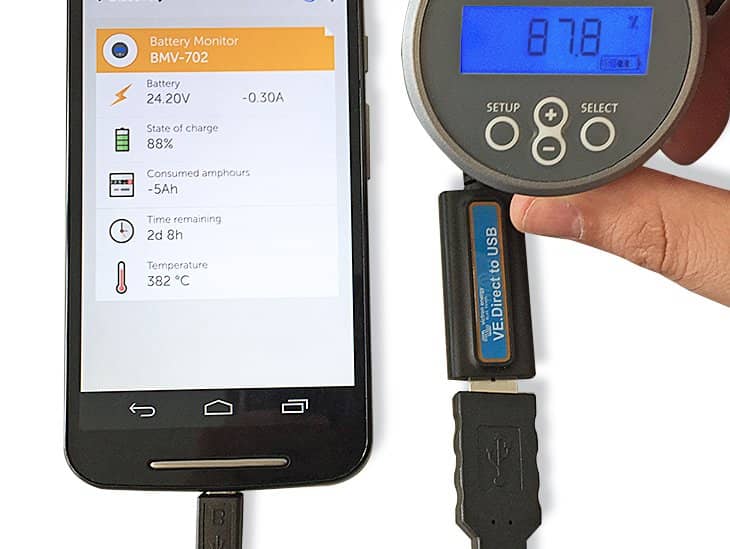
Matthijs Vader • 25 August 2015
BMV displayed on Android phone via USB
Update 27 nov: the app is now out of beta. See this blog post. Update 2 sept: a beta version is now available, see comments below. Update 9 sept: beta two is now available, including a version for Windows! See comments below. How cool is this?! The picture above shows a BMV battery monitor , connected to the USB port of an Android phone. All that was necessary to do this was to use our standard VE.Direct USB interface and a readily available USB On-The-Go cable . The App that you see running on the phone above is the new version of our Victron Connect App . When the developer, who has been working on this App, came into work this morning he looked rather tired and not without reason; as yesterday he found a shop that sold a USB On-The-Go cable. This resulted in him working for most of the previous night on his current project; the new version of the Victron Connect App and getting it to work straight from the USB port of his phone. The resulting outcome is that it all works well, which will be very handy when installing a BMV or MPPT Solar Charger. For those of you with an iPhone, like myself, this probably won’t work. Though we haven’t thoroughly checked yet, Apple usually does not support these types of connections. At least not without first having to go through a design review and licensing program, that is so lengthy and time consuming that it is not worth the effort. Back to the Victron Connect App: though not quite finished yet, I can tell you a little more of what is coming in this soon to be released version: Added Android version. Add changing settings of BMVs and MPPT Solar Chargers with VE.Direct port. Read-out of MPPT solar charger 30 day history. Here’s another photo, showing what happens when you insert the USB cable: In conclusion please be patient as this new App is coming soon. And, for the tinkerers among you, there is also good news: the App will be Open Source. Have a good day! Matthijs.
John Rushworth • 24 August 2015
VRM App updated for iPads and iPhones
The updated Victron Remote Management (VRM) App (v2.1.3) for iPads and iPhones has now been released. This updated release responds faster than earlier versions. It is available in iTunes now. The updated App for Android devices and phones is not yet available. We’ll let you know when it is. What’s New in v2.1.3 iOS Improved data loading, making the app quicker especially when switching between different screens and reducing data traffic. Included a timestamp when data is updated for the last time. Giving a better overview on when a site has uploaded data for the last time. Improved login mechanism, reducing the startup time and quicker loading of overview screen. John Rushworth
John Rushworth • 16 August 2015
Color Control GX v1.27 firmware released
Firmware v1.27 is now available for your Color Control GX (CCGX). If your CCGX is set to update automatically, it will have done so. The headline image above shows the Historical data page of the VRM App . A few CCGX versions back we accidentally broke its functionality. The good news it that this release restores the correct order. In systems with only one BMV, the historical data of that BMV will be used for the Historical data page. In systems with multiple BMVs, use the Battery monitor setting on the Color Control GX which you will find in the System setup menu. Changelog: v1.27 – 14 August 2015 Fixed bug that caused the information behind the orange Historical data button in the VRM App to be empty. Fixed bug in Hub-4 reporting: solar yield kWhs, used in the Solar yield and Consumption tab on VRM were not calculated. Fixed bug that occurred on systems that were updated from an old CCGX version: The Available updates menu entry would keep showing ‘1 update available’. Remote VEConfigure did not work in certain cases, giving an in VE Power Setup while trying to update. Update Oceanvolt motordrive services. Send more settings to VRM, to make it easier to help customers with CCGX related questions. Stability improvements: fixed a memory leak that that would cause the CCGX to have a sluggish response and finally be rebooted by the watchdog. ModbusTCP has support for fixed length string and signed and unsigned 32 bits integers. New registers: 2800-2807: GPS data 303: battery time to go, previous register (301) conflicted with discharged energy 789: solarcharger yield 2609: grid meter serial Updating to v1.27 If your CCGX is connected to the internet and set to update automatically, it will have done so. If you need to do an update with a USB-stick or microSD-card (if your CCGX is not connected to the internet) the recovery image is here: https://updates.victronenergy.com/feeds/venus/release/images/ccgx/venus-upgrade-image-ccgx.zip Firmware history For a history of previous firmware updates you can view the ‘Firmware & Software’ category of this blog: https://www.victronenergy.com/blog/category/firmware-software/ Additional information For additional information about the Colour Control GX, see the following sections on Victron Live : Manual Frequenty asked questions ModbusTCP frequently asked questions Updating CCGX firmware Remote VEConfigure As ever we look forward to your Disqus comments. John Rushworth
John Rushworth • 06 August 2015
Windows 10 & Victron Energy Software
Good news! If you are considering the free upgrade to Windows 10, Victron Energy software is compatible with it. Windows 10, according to the Microsoft News Center is available as a free upgrade in 190 countries. More information can be found at: http://www.microsoft.com/en-us/windows/windows-10-upgrade Victron Energy Software compatibility Johannes Boonstra , who you often see helping out and commenting here on the blog, and others have already upgraded their work computers and tested Victron Energy software with Windows 10. The only hiccup Johannes encountered was that auto-update for VEConfigure didn’t work and he had to reinstall VE Configuration tools to get auto-update working again. Please do the same. Once done everything will work as it should. Other than that there have been no other reported issues. John Rushworth
John Rushworth • 22 July 2015
Color Control GX v1.26 firmware released
Blog post update 23rd July: It is not recommended to change the firmware ‘Update to’ setting. Leave that setting on its default, which is ‘Latest release’. When changed to ‘Latest release candidate’, the Color Control will participate in test programs, also known as beta versions. Of course you can set this, but we recommend to certainly not do it in every system you install, and not in normal customer installations. What for example might happen (worst case) is that there is a bug in the release candidate which can only be recovered by first performing a fresh software install from an SD card and then reconfiguring everything manually: not the right thing to happen in normal customer installations. Start of original post Firmware v1.26 is now available for your Color Control GX (CCGX). If your CCGX is set to update automatically as shown in the image above, it will have automatically updated in the early hours of this morning. If you need to do an update with a USB-stick or microSD-card (if your CCGX is not connected to the internet) the recovery image is here: https://updates.victronenergy.com/feeds/venus/release/images/ccgx/venus-upgrade-image-ccgx.zip For a history of previous firmware updates you can view the ‘Firmware & Software’ category of this blog: https://www.victronenergy.com/blog/category/firmware-software/ Here is the current Changelog: v1.26 – 22 July 2015 Fixed bug in ‘Log to storage’ option Fixed all known bugs in the Remote VEConfigure functionality Added wireless support (ZigBee) for Hub4 Minor fixes in the Fronius service, one of them could cause the PV inverter to be reported as instance 0 Log the error code and status code of the Fronius PV Inverters on change, instead of on the fixed interval And more stability fixes Fixed BMV alarms when no alarm is active Fixed BMV temperature when no sensor is connected As ever we welcome your comments in Disqus below. John Rushworth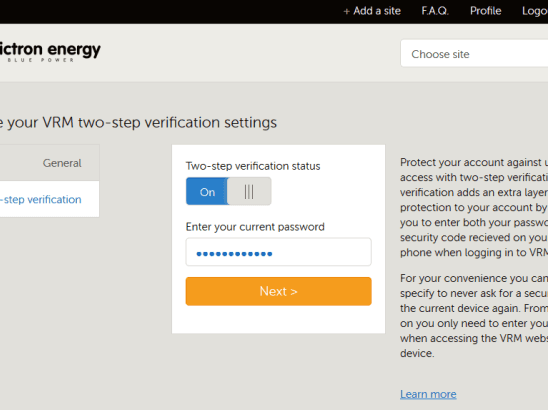
John Rushworth • 20 July 2015
VRM Portal: Two-step verification for your VRM site
Two-step verification is now available for your VRM (Victron Remote Management) site. What is Two-step verification? Two-step verification is another level of security in the user validation process when logging into your VRM site. This further protects your account against unauthorized access by adding an extra layer of protection to your account, which will then require you to enter both your password and a security code (which is sent to your mobile phone) when logging into your VRM site. Please see the ‘Two-step verification’ manual on Victron Live for further information. For additional information about the VRM portal see the Victron Live start page or choose from the menu below: VRM (Victron Remote Management) Portal Getting started with VRM Alarms and monitoring Frequently asked questions Troubleshooting CCGX to VRM Portal connectivity Two-step verification Juice JSON API notes John Rushworth
John Rushworth • 14 July 2015
VE Power Setup v4.4 released
VE Power Setup v4.4 has now been released. See the headline image above for how the program is used. If you run an earlier version prior to v4.4 it will auto update when you launch the program. This release relates primarily to the use of Remote VEConfigure with a Color Control GX. If you wish to download v4.4 directly, go here: https://www.victronenergy.com/support-and-downloads/software#ve-power-setup What’s new in v4.4? Improve handling of network timeouts. Support for firmware and remote VE Configure files with non-ASCII characters. Stability fixes. Remote VEConfigure Notes Please note that this release fixes several more remote VEConfigure issues, but not all. A Color Control GX update is coming to fix the remainder. If you are not familiar with Remote VEConfigure it is important you read the information at the links below first: CCGX Remote VEConfigure and firmware updates https://www.victronenergy.com/blog/2015/06/04/color-control-gx-v1-23-firmware-released/ https://www.victronenergy.com/blog/2015/06/18/ve-power-setup-v4-3-released/ John Rushworth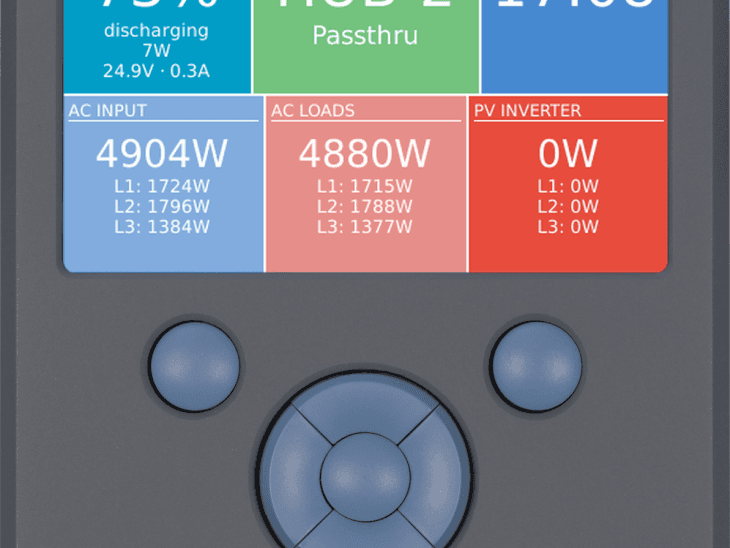
John Rushworth • 30 June 2015
Color Control GX: Minor firmware release v1.25
A minor firmware update v1.25 for the the Color Control GX (CCGX) is available. The incremental differences or changeleog when compared to v1.24 are detailed below. v1.25 – 30 June 2015 Recovery image: https://updates.victronenergy.com/feeds/venus/release/images/ccgx/venus-upgrade-image-ccgx.zip Changelog: Fixed an internet connectivity related bug in Remote VEConfigure / Remote firmware updates. Internal changes in communication to VE.Bus ports (updates internal MK2 version) in preparation for the upcoming VE.Bus firmware 309. Known issues: Support of recovery from USB sticks does not work on all sticks. Finding a USB-GPS might take a while. The Tiles page will show ‘HUB-1’ in case there is an MPPT in the system, even when there is no HUB-1 assistant loaded into the Multi: confusing. Log VRM Portal data to storage (sd-card / usb-stick) does not work. Several Remote VEConfigure bugs, that result in errors when opening VEConfigure (“Grid code,???,???,???,???”) and/or unable to communicate/send/download files. Please note we are still some experiencing some issues with Remote VEConfigure. This does not lead to incorrectly configured systems, but some users are unable to connect and/or have not been able to download or upload settings. For some systems and people Remote VEConfigure works just fine, for others it doesn’t. Naturally we are working to fix this issue. As ever we welcome your comments in Disqus below. John Rushworth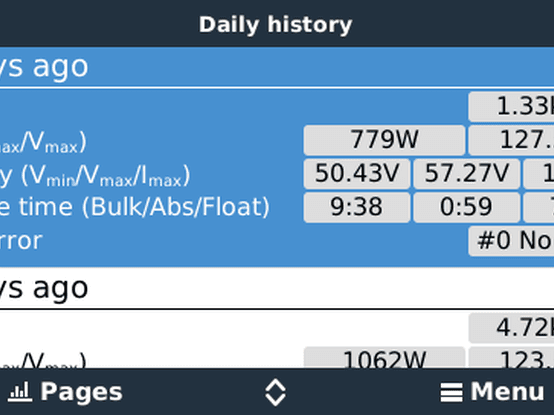
John Rushworth • 22 June 2015
Color Control GX: v1.24 Firmware released
As of today v1.24 Firmware has been released for the Color Control GX (CCGX). The incremental differences or changeleog when compared to v1.23 are detailed below. One of the key features is shown in the headline image above, which shows day 5 which is part of a full 30-day history readout for VE.Direct MPPT Solar chargers. I’ve tried it on my own CCGX – it is a very nice feature! v1.24 – 22 June 2015 Recovery image: http://www.victronenergy.com/feeds/ccgx/images/CCGX-v1_24-recover.zip New: VE.Direct MPPT Solar chargers 30-day history readout. Fixed bug which was introduced in v1.22 and 23: in certain installations, the CCGX no longer showed the Inverter, Multi or Quattro. Updating to v1.24 will automatically show the Inverter, Multi or Quattro again. (see CCGX FAQ if it remains off). Fixed: Live-feed on VRM now also uses AC input type settings (Genset / Grid) and the Battery monitor selection made in CCGX System Setup. Fixed access level that was too strict: switching Multis and Skylla-is on/off and changing current limit can be done by users also. Also setting time is now possible with access level user. Increase max length of Wi-Fi password to 35. Preliminary version for Hub-4. Known issues: Support of recovery from USB sticks does not work on all sticks. Finding a USB-GPS might take a while. The Tiles page will show ‘HUB-1’ in case there is an MPPT in the system, even when there is no HUB-1 assistant loaded into the Multi: confusing. Log VRM Portal data to storage (sd-card / usb-stick) does not work. This firmware release is an incremental one. The previous release upon which this version builds is v1.23 which included some significant new features such as Remote VEConfigure. You can read about that in the previous CCGX blog: https://www.victronenergy.com/blog/2015/06/04/color-control-gx-v1-23-firmware-released/ As ever we welcome your comments in Disqus below. John Rushworth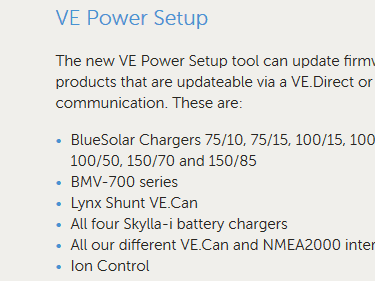
John Rushworth • 18 June 2015
VE Power Setup v4.3 released
VE Power Setup v4.3 has now been released. See the headline image above for how the program is used. If you run an earlier version prior to v4.3 it will auto update when you launch the program. VE-Power-Setup updating If you wish to download v4.3 directly, go here: https://www.victronenergy.com/support-and-downloads/software#ve-power-setup What’s new in v4.3? Interface properly blocks when performing remote VE Configure, to prevent inadvertently stopping an operation. Fixed hanging Remote VE Configure commands when Power Setup has been open for a long time. Fixed problems with Remote VE Configure and Chinese characters in site name. Small corrections in “Need help connecting?” guide. Remote VEConfigure In the image above you will note 3 options for updating a product, one of which is ‘Connected to a Color Control on VRM’. This is the functionality for Remote VEConfigure via a Color Control GX which has a site on the VRM (Victron Remote Management) portal. What is Remote VEConfigure? It simply means you can adjust product settings remotely! See the documentation here: CCGX Remote VEConfigure and firmware updates . Here is the principal functionality: Remote VEConfigure: changing settings in VE.Bus Inverters, Multis and Quattros. Both for single unit systems as parallel and three phase systems. Remotely update firmware of VE.Can products (note that this will erase the configuration. It is not possible to configure a product remotely!) Be careful Before you rush in and try ‘Remote VEConfigure’ functionality, please first read this blog: https://www.victronenergy.com/blog/2015/06/04/color-control-gx-v1-23-firmware-released/ This blog gives further information and an example. If you have any questions you can comment with Disqus below. John Rushworth.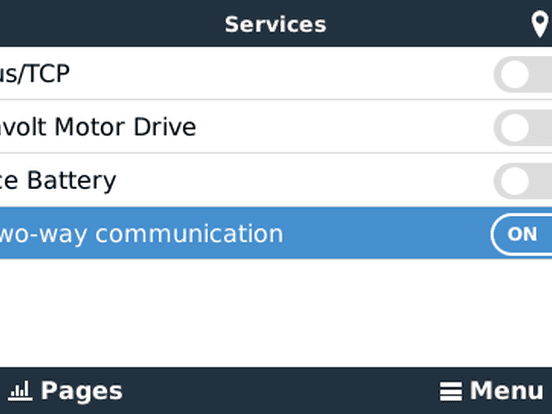
John Rushworth • 04 June 2015
Color Control GX: v1.23 Firmware released
In the headline image above you will note a new setting highlighted, named ‘VRM two-way communication’, and that it is on. What does this mean? It means Remote VEConfigure is here – and now you can adjust product settings remotely! See the documentation here: CCGX Remote VEConfigure and firmware updates . Here is the principal functionality: Remote VEConfigure: changing settings in VE.Bus Inverters, Multis and Quattros. Both for single unit systems as parallel and three phase systems. Remotely update firmware of VE.Can products (note that this will erase the configuration. It is not possible to configure a product remotely!) Before you rush in and try the excellent new ‘Remote VEConfigure’ functionality, please first read up on the most recent firmware releases prior to v1.23 by going through these two change logs: https://www.victronenergy.com/blog/2015/05/27/color-control-gx-v1-22-firmware-released/ https://www.victronenergy.com/blog/2015/02/20/color-control-gx-v1-21-firmware-released/ Now we can look at the change log for v1.23 : Added Remote VEConfigure. FINALLY! It took quite a while and wasn’t easy. Documentation is here: https://www.victronenergy.com/live/ccgx:ccgx_ve_power_setup . The version of VE Power Setup which you’ll need is here: VE Power Setup 4.1 . The differences between the CCGX version of Remote VEConfigure and the version which some of you might be familiar with from the VGR2 are: CCGX Remote VEConfig supports changing/adding/removing assistants on a distance. VGR2 version does not CCGX Remote VEConfig uses its internet connection to listen for commands. VGR2 version used SMS mobile text messages Added remote firmware update via VE Power Setup. Right now this works only for VE.Can products (Skylla-i, MPPT 150/70, MPPT 150/85 and Lynx Shunt VE.Can). Important: most or even all of those products will lose their settings during an update! And it is not, yet, possible to remotely configure those products. This is (obviously) being worked on at our end. Several stability improvements and other changes. Future releases Future firmware release plans are many, but one to whet your appetite in the meantime is a 30 day history readout for VE.Direct MPPTS. Current firmware v1.23 recovery image – 04 June 2015 Recovery image: http://www.victronenergy.com/feeds/ccgx/images/CCGX-v1_23-recover.zip Remote VEConfigure example Firstly make sure you follow these instructions: CCGX Remote VEConfigure and firmware updates In my case I’ve adjusted my AGM battery inverter bank from the standard AGM charge settings to the fastest AGM charge settings, as shown below. Adjusted and saved settings Sending and writing the updated settings CCGX to VRM communication Whilst we all use different methods to connect to our CCGXes to the VRM, here is my recently upgraded 3G/4G router. It is a Dlink 4G 921 with direct SIM Card insertion slot. I’m very pleased with its auto reconnect ability and the stable connection it gives me. I also like the direct SIM card insertion, as opposed to using a 3G USB Dongle which I had to use with my previous router. The best price I found in the UK was from: http://www.dabs.com/products/d-link-4g-lte-router-9662.html?q=D-Link%20DWR-921&src=16 It is all working well, including dynamic IP updating and I have been able to remove the AC power supply as its output supply is 12 volts DC, so I now run direct from the 12v supply on my boat which is a stable 12v using an Orion DC-DC Converter . The 3G/4G aerials are also removable, so you could extend them for better mobile reception. For me they work fine attached directly to the router. Conclusion I’m privileged to be able to test firmware whilst it is being developed and I have to say there is a great deal of hard work that has gone into this release, which I think you’ll agree is a further major step forward. For this a big thanks must go out to Matthijs Vader and his hard working team. What say you? John Rushworth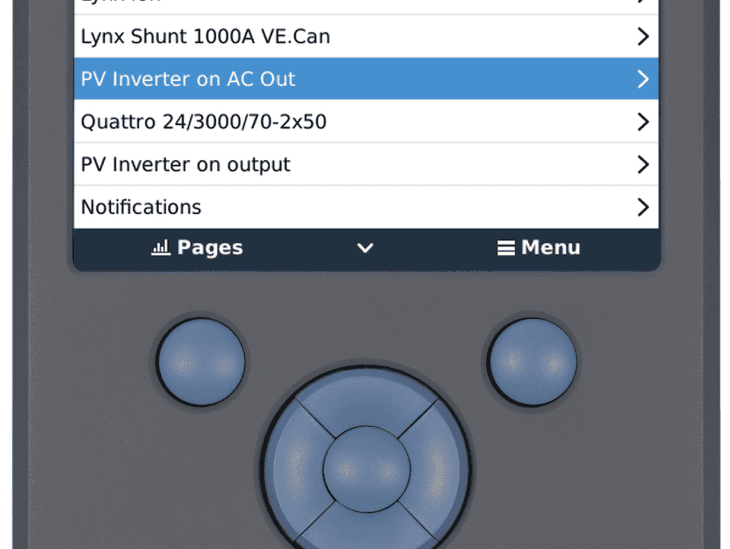
Matthijs Vader • 27 May 2015
Color Control GX: v1.22 Firmware released
Good afternoon, Yesterday evening we released version v1.22 of the Color Control GX firmware. New features include support for products from two of our partner companies: Fronius PV Inverters and Oceanvolt marine electric motors. In the background we are also testing the long awaited Remote VEConfigure (which also allows you to change Assistant setup!), more on that in the coming weeks. The manual is available at https://www.victronenergy.com/live/ccgx:start and it is currently being updated to include all the new functionality. Have a good day, Matthijs Vader Change log Added support for Fronius PV Inverters. For more information, see link: https://www.victronenergy.com/live/ccgx:ccgx_fronius Added support for Oceanvolt marine electric motors . (defaulting to off) Added support for latest MPPT solar charger models Battery menu: improved layout, show V/I/P in a single item Battery menu: show mid-point deviation in alarm notification Do not show negative Power for the Wireless AC Sensor, show 0 instead. Added VEConfigure3 detection: the CCGX will automatically stop communication with a VE.Bus system (Multis/Quattros) when it sees VEConfigure3. Communication will be restarted once the MK2 used with VEConfigure3 is disconnected from the system. Restarting can take 30 to 60 seconds after disconnecting the MK2. Note that this also solves the 1100kWh peaks on the consumption and solar yield tab. Added the name of the active input (Shore/Grid/Genset) on the overview and tiles page. Added pages for Lynx Shunt VE.Can configuration (requires Lynx Shunt VE.Can v1.09 or higher) Fixed bug that caused ‘ghost BMVs and MPPTs’ to show, when using the USB to VE.Direct interface. Fixed bug that caused a Multi/Quattro to remain invisible when the following sequence of events had occurred: First a Digital Multi Control or VE.Bus BMS is connected Then these are disconnected or powered down Then the Multi is switched off And there after the CCGX is rebooted Fixed bug in battery status text on the tiles Fixed bug in reboot message size, so translations also fit Fixed bug in the data transmission to the VRM Portal: ‘you need to pay’ or ‘you need to login’ type http responses from (cellular) gateways were not detected. These pages would make all seeming normal on the CCGX, while there is no data coming in on the VRM Portal. Fixed bug in the data transmission to the VRM Portal: added sending of Time to go & State of charge for the selected battery monitor in systems with multiple battery monitors (System Setup -> Battery monitor). This change makes the related selection box on the VRM Portal obsolete, it will be removed. Updated Modbus-TCP gateway: added reg. 301 and 302: battery energy charged and discharged (data originates from a BMV) 1030, 1034 and 1038 (PV Inverter kWh): changed scale from 1 to 100, to align with all other kWh parameters. Updated all translations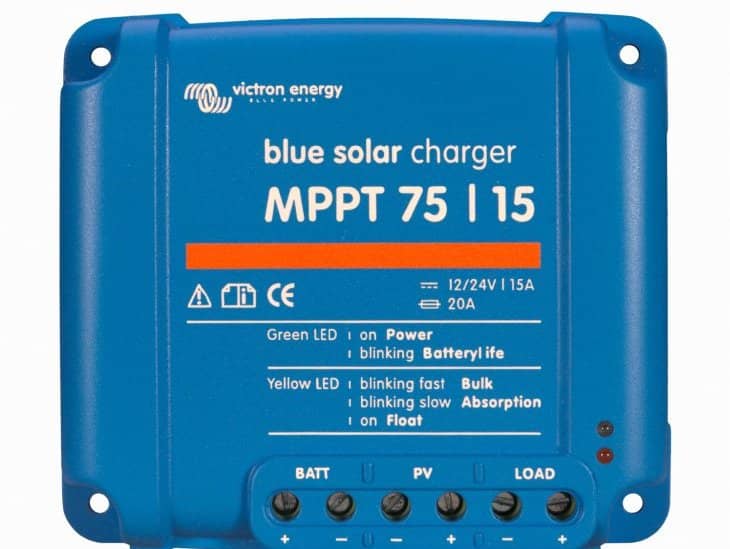
John Rushworth • 07 May 2015
BlueSolar MPPTs: v1.16 VE.Direct firmware available
MPPT VE.Direct firmware v1.16 is now available for BlueSolar MPPTs 75-10, 70-15, 75-15, 100-15, 100-30, 75-50, 100-50 and 150-35. v1.16. changes include streetlight control improvements, 30-day history logging and more. Please note that read out improvements are planned for a pending CCGX firmware release. Here is the change log: v1.16 – 1 May 2015 For configuration, make sure you use the latest version of mpptprefs, available from: https://www.victronenergy.com/support-and-downloads/software#mpptprefs Changes for all models mentioned above are: Added 30 day historical data logging: the parameters below are stored for every day, for up to 30 days previously. A read-out is already possible with mpptdump.exe; see BitTorrent Sync. In mid June we plan to release the CCGX firmware version that supports the 30-day history readout. Yield (kWh) Consumed (kWh) – only available on units with load output Minimum and maximum battery voltage (V DC) Time in each charge phase: bulk, absorption and float (minutes) Maximum PV voltage (V DC) Maximum PV power (W) Maximum battery current (I DC) Last four error codes, if any Extended the overall historical log, it now monitors: Yield overall and user resettable (kWh) New: Maximum PV voltage (V DC) New: Maximum battery voltage (V DC) New: Last four error codes, if any Added automatic equalization mode. Automatic equalization mode can be configured to perform equalization once every few days. Use mpptprefs.exe for configuration. The premature end of absorption (charge current below 1A for the 15A models and 2A for the larger models) additionally checks that the MPPT tracker is not active (so the current drop is not caused by lack of irradiance, but by a full battery). Changes for models with load output (75/10, 75/15 and 100/15): Lighting controller (timer) functionality updates: Panel voltage levels for night/day detection are adjustable, so the system can be tuned to match the panel configuration. Gradual dimming can be used to mask the effect that individual units may switch on/off at different moments in time (due to different panel mountings/shading). Gradual dimming feature defaults to off. How to update? Update using VE Power Setup. This program is available for download at https://www.victronenergy.com/support-and-downloads/software Special hardware, the VE.Direct to USB interface (part number ASS030530000), is required. What version do I have? There are several ways to see the firmware version: Check the number written on the part- and serial number label on the back Look with VE Power Setup, this is a software application available for download at https://www.victronenergy.com/support-and-downloads/software Look on the Color Control GX. Look at the System-overview page on the VRM Portal John Rushworth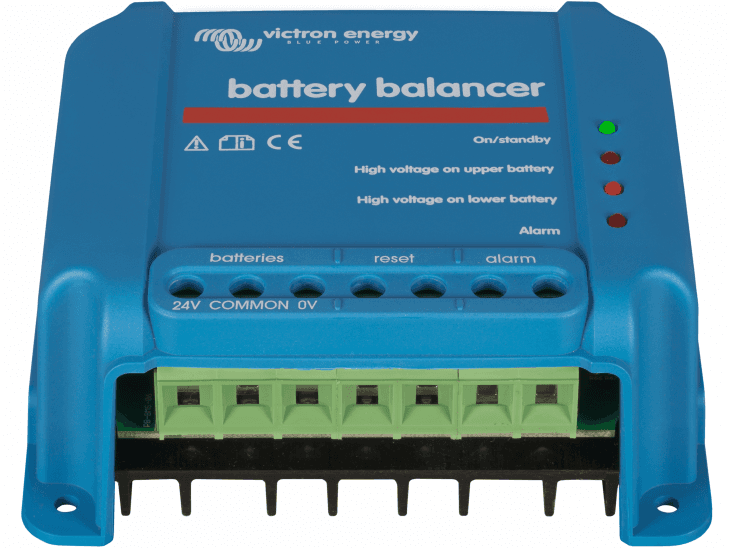
John Rushworth • 20 April 2015
Battery Balancer: Demo web-app
In the blog post “ New Battery Balancer launched: Not all batteries are created equal ” we introduced you to the Victron Energy Battery Balancer, which equalizes the state of charge of two series connected 12 V batteries, or of several parallel strings of series connected batteries. Now there is a web-app to help you visualize the balancer in action. The image below is taken from the web-app. For instructions on how to install the web-app on your tablet or phone see the Battery Balancer demo web-app page on Victron Live . For more information on the Victron Energy Battery Balancer see: https://www.victronenergy.com/batteries/battery-balancer John Rushworth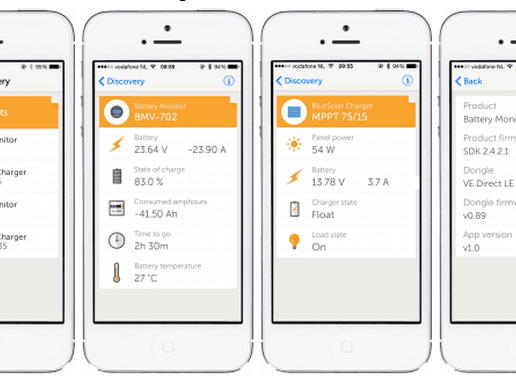
John Rushworth • 31 March 2015
Battery and MPPT Solar charge state: Bluetooth Low Energy dongle & App has arrived!
Put simply, and you’ll need to be quick to get some of the initial limited stock: Killer product + Killer app = Happiness. The VE.Direct to Bluetooth Low Energy dongle has arrived! When I very first chose to use Victron Energy products, I knew I wanted a wireless read out of the battery and/or MPPT solar charge controller state . Hence I joined the Victron Energy protocol mailing list, a few years back to drop some hints. Not being a programmer, I could only hope such an app (and product) would be developed. And now here it is. Simple and effective. What does it do? Using the VE.Direct to Bluetooth Low Energy dongle you can display your BMV or MPPT information on iOS and Android devices, using the VictronConnect app. View information wirelessly such as battery status and solar panel power, plus other useful data. VictronConnect app, supported devices and products VictronConnect app Download for iPhone and iPad: https://www.victronenergy.com/support-and-downloads/software#victronconnect-app The release of the Android app will be announced on the blog as soon as it is available and download links will be shown on the software page. Other Victron apps and software are currently available at: https://www.victronenergy.com/support-and-downloads/software Devices iPhone 4S and later (due to Bluetooth Low Energy support) Requires iOS 8 or later Android app expected in 2016-Q1 Battery Monitors BMV-700 BMV-702 BMV-700H BlueSolar MPPT Charge controllers MPPT 75/15 MPPT 100/15 MPPT 100/30 MPPT 150/35 MPPT 75/50 MPPT 100/50 Installation Installation is a snap. Here’s a photo of me testing it using a BMV 702. I’ve unplugged the VE.Direct plug to the Color Control GX and simply plugged in the dongle’s VE.Direct plug to test. Pairing is straightforward and when done the LED is lit, as shown. If you use a BMV-702 you have choice of one of three things you can do with the second input from the battery shunt: measure starter voltage measure mid-voltage (and give a warning if the battery string is getting out of balance) measure the battery temperature In this case I want to measure temperature which requires the temperature sensor accessory ASS000100000, in order to show the battery temperature as below and in the VictronConnect app, as shown in this blog’s headline image. Product Manual To learn more about installation, pairing and to join in with the DISQUS discussion for this exciting new product, see the manual on Victron Live. https://www.victronenergy.com/live/ve.direct:ve.direct_to_bluetooth_low_energy_dongle Conclusion I’m thrilled with this low cost product. We hope you will be too. Don’t forget initial stocks are limited so you might need to get an order in quick. If a dealer/distributor and you have the P&A App, see the Remote panels & monitoring section to check stock. John Rushworth
John Rushworth • 05 March 2015
VRM Screensaver
Here’s a nice new feature for your VRM site. The VRM Screensaver can be enabled in your user profile and set to display after some minutes . This can be handy when demonstrating your site on say a large wall mounted display in an office, or at home. How does the screensaver work? How is the displayed state determined? For further information on this see the appropriate section on Victron Live Give it a try now Why not give it a try now by pressing the ‘s’ key twice, whilst logged into your site. The screensaver displayed will be based on what your site is running on. See the Victron Live link above for the criteria. Enjoy! John Rushworth
John Rushworth • 20 February 2015
Color Control GX: v1.21 Firmware released
Firmware version v1.21 for the Color Control GX has now been released. Changelog The changelog from v1.20 to v1.21 is: Fixed bug ‘Power (W) and energy readings (kWh) incorrect for parallel systems’. See below for full a description. Fixed bug, introduced in v1.20: after switching off a Multi via the CCGX, and then rebooting the CCGX, the Multi would no longer be visible on the CCGX. And because it was no longer visible, it was also impossible to turn it back on again. The known issues are: Support of recovery from USB sticks does not work on all sticks. Finding a USB-GPS might take a while. Reconfiguring a VE.Bus system with VEConfigure, while leaving the CCGX connected to the system, can result in kWh peaks on the VRM Portal. Note that doing this (using VEConfigure without disconnecting the CCGX) might result in many other problems too! The Tiles page will show ‘HUB-1’ in case there is an MPPT in the system, even when there is no HUB-1 assistant loaded into the Multi: confusing. When VE.Direct products (BMVs, MPPTs) are connected via USB, their device instance might change. This causes double entries in the device list on the CCGX. And it messes up the graphs in the advanced tab on the VRM. Note that this does not happen in all such installations. It might be related to long USB cables. Full description for bug: ‘Power (W) and energy readings (kWh) incorrect for parallel systems’ Affected systems: VE.Bus systems with units running in parallel: in single phase installation (2 or more units), split-phase (4 or more units) and three phase (6 or more units). Description: The reported Power (W) and Energy readings (kWh) are wrong while connected to the AC input, for example during charge and pass-through operation. The bug was in the VE.Bus firmware, and has been fixed in VE.Bus firmware version xxxx159, xxxx209, xxxx306. That firmware was released on February 17 th . CCGX version v1.21 and newer work around this bug by checking the VE.Bus firmware version when it detects a parallel system. When the VE.Bus firmware version contains the fix for the Power and Energy readings, it does nothing special. When it detects an older VE.Bus firmware, it activates a work around: 1) It uses the real power from each phase-master, and multiplies that with the number of slaves. 2) It no longer reports kWh readings for the VRM solar yield and consumption tab. Recovery image v1.21 : http://www.victronenergy.com/feeds/ccgx/images/CCGX-v1_21-recover.zip John Rushworth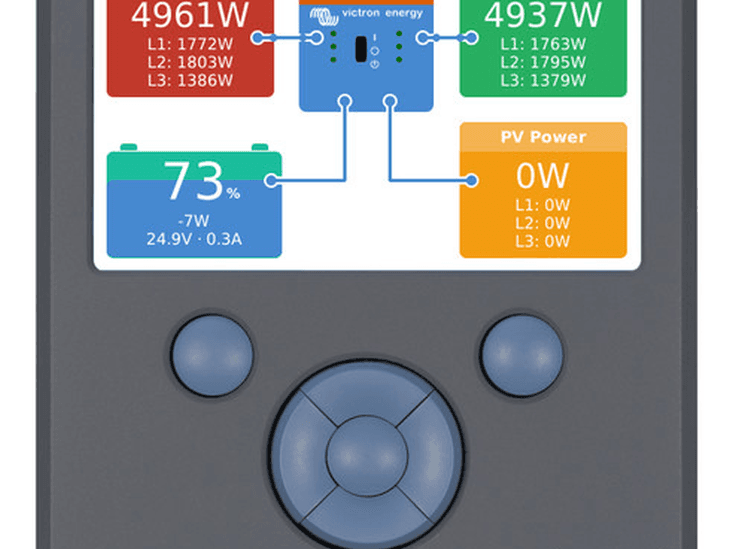
John Rushworth • 11 February 2015
Color Control GX: v1.20 Firmware release
As of today, the firmware version v1.20 for the Color Control GX has been released. What’s new in Firmware v1.20? The SOC source is now selectable from the GUI. See the System setup menu. Useful for systems with multiple BMVs. Note that this setting is not yet linked to the same setting on the VRM website! Both need to be set. See ‘Selectable SOC example for the Overview screen’ later in this post for more information. Fixed bug: “Setting up manual IP configuration is difficult on networks without a DHCP server” Fixed bug: “In a Hub-2 system, when no BMV is connected (so exactly as recommended), the VE.Bus State of Charge is not visible on the overview page on the CCGX.” Fixed bug: “In a Hub-1 system, where the Multi or Quattro(s) is/are connected to the CCGX through a VE.Bus to VE.Can interface instead of directly on the CCGX-VE.Bus port, the AC in and AC out powers are not being shown. No workaround.” Fixed bug: “Even when nothing is connected to the CCGX-VE.Bus ports, there will be an empty entry ‘Multi’ in the device list.” Made basic mouse/touch navigation work: using VNC on your phone a bit easier! See: https://www.victronenergy.com/live/ccgx:ccgx_vnc Known issues: Support of recovery from USB sticks does not work on all sticks. Finding a USB-GPS might take a while Reconfiguring a VE.Bus system with VEConfigure, while leaving the CCGX connected to the system, can result in kWh peaks on the VRM Portal. Note that doing this (using VEConfigure without disconnecting the CCGX) might result in many other problems too! The Tiles page will show ‘HUB-1’ in case there is an MPPT in the system, even when there is no HUB-1 assistant loaded into the Multi: confusing. When VE.Direct products (BMVs, MPPTs) are connected via USB, their device instance might change. This causes double entries in the device list on the CCGX. And it messes up the graphs in the advanced tab on VRM. Note that this does not happen in all such installations, it might be related to long USB cables. Ongoing issue with Multi/Quattro power values. This is likely only in parallel systems and is still being investigated. v1.19 Note that v1.19 is not being used for general release, as although v1.19 was previously released to testers with a view to becoming a general release, a bug was then found. Good programming/software practice is to increment the build version (to save any confusion) for the release version. Hence v1.20 is the release version. Selectable SOC example for the Overview screen In the image below you can now see a range of selectable choices for the SOC values that will be shown in the main Overview screen. Previously there was no choice if you had multiple BMVs (for example) in a system and other SOC options, as shown below . In the image above we have chosen the Automatic setting. When automatic is selected, the System setup screen for this example will then report as in the image below. The “Automatic” function uses the following logic: First try to use a battery service (BMV or Lynx Shunt VE.Can). If there is more than one battery service, just use a random one. If no battery service is available, check there are no solar chargers and no normal chargers. If there are none present, assume that there are no other DC chargers or loads, and that it is therefore safe to use the VE.Bus SOC ( more info on BMV vs VE.Bus SOC ). The “No battery monitor” choice Use the “No battery monitor” choice in systems where there is only a Multi connected to the CCGX, and no battery monitor, even though that system does have other DC loads or other chargers connected to the same battery, making the SOC from the Multi incorrect. Recovery image v1.20 : http://www.victronenergy.com/feeds/ccgx/images/CCGX-v1_20-recover.zip We hope you like these changes and improvements. As ever feel free to post your comments below. John Rushworth
John Rushworth • 28 January 2015
BlueSolar PWM-Pro 12 / 24 Volt: New PC software
New PC software is now available to program the BlueSolar PWM-Pro series. A BlueSolar PWM-Pro to USB interface cable is required. Part number: SCC940100200 Downloads Software (scroll to bottom of page): https://www.victronenergy.com/support-and-downloads/software Manual for BlueSolar PWM-Pro setup and monitoring software: https://www.victronenergy.com/upload/documents/Manual-BlueSolar-PWM-Pro-setup-and-monitoring-software-EN.pdf John Rushworth
John Rushworth • 27 January 2015
Color Control GX: v1.18 Firmware release
As of today, the latest firmware (v1.18) for the Color Control GX has been released. What’s new in Firmware v1.18? Change log : General: Completed the final language translation of Dutch. All available languages are now complete. Fixed a bug that caused the CCGX to check and install updates even when Automatic updating was set to disabled. Added battery charged- and discharged-energy parameters (from the BMV-700) to the data being sent to the VRM Portal. Visible in the CSV download only, for now. Fixed bug in the mechanism sending the backlog to VRM. It would send 4 items per minute maximum. Now it sends one line, and sends the next line as soon as the previous transmission is completed: a significant improvement. Fixed bug that in some systems caused the PV Inverter data measured by an AC Current Sensor to disappear until the CCGX was rebooted. Known issues: Support of recovery from USB sticks does not work on all sticks. Finding a USB-GPS might take a while. Reconfiguring a VE.Bus system with VEConfigure, while leaving the CCGX connected to the system, can result in kWh peaks on the VRM Portal. Note that doing this (using VEConfigure without disconnecting the CCGX) might result in many other problems too! In a Hub-2 system, when no BMV is connected (which is exactly as recommended), the VE.Bus State of Charge is not visible on the overview page of the CCGX. The problem is only on the CCGX: the VE.Bus SOC is still visible on the VRM Portal. Manual IP configuration on networks without a DHCP server Setting up manual IP configuration is difficult on networks without a DHCP server: when a CCGX has not yet obtained an IP address from a DHCP server, switching the IP configuration to Manual and setting the IP address is not possible. Workaround: first leave the setting to Automatic, and wait for it to self-assign a 169.254.xxx.xxx address. It might take a minute or even longer. When you see that address show up, change the IP configuration to Manual and set the addresses. How to update? See https://www.victronenergy.com/live/ccgx:firmware_updating for update instructions. Note that a Color Control which is connected to the internet, either via LAN/Ethernet or USB Wi-Fi, will automatically check for updates every day, at 02:00 UTC. When new updates are found, it will automatically update itself. This feature can be switched off in the setup menu. What firmware version does my Color Control GX have? After power-up, you can find the firmware version in the Setup menu. The version is also visible on the VRM Portal: Settings -> System overview. Recovery image v1.18 : http://www.victronenergy.com/feeds/ccgx/images/CCGX-v1_18-recover.zip Advanced users only For some users that have multiple sites without an internet connection and wish to monitor a number of CCGX screens remotely, they can now do so. Please take special note of the security warnings and see: Using VNC to remotely access a CCGX: https://www.victronenergy.com/live/ccgx:ccgx_vnc John Rushworth
John Rushworth • 19 January 2015
VRM Portal update: Do we speak your language?
New languages added Here are the new languages that have been added to the VRM Portal: German Spanish French Italian Portuguese To select one of the above languages, choose the drop down arrow that you can see in the top right of the headline image above on your VRM site and select your language of choice. We hope you like the continuing improvements. If you have ideas you’d like to see implemented, please comment below. If you are not familiar with the Victron Remote Management (VRM) Portal you can always try the Demo (now with differing languages too), accessed from this page: https://vrm.victronenergy.com John Rushworth DISQUS Tips To receive updates about conversations and comments on particular Victron posts, click the ‘Subscribe’ button at the bottom left of the page, in the respective blog post.
John Rushworth • 15 January 2015
VRM Portal: Share your VRM site with a read only URL
Share your VRM site Now you can share your Victron Remote Management (VRM) site with your friends on a read only web address, so only those you share the web address with can view (but not change) your site. Here is how. In the image above you can see a green ‘Share’ button at the top right. Click that button in your site. Choose the green ‘Copy’ button in the pop up box which will follow. This copies the address to your clipboard, so you can paste it with your mouse or keyboard into an email, for example. Future developments As explained in a previous post, the VRM site evolves by a process of continuous integration . There are many ideas being worked on. One we may see in the near future is a public map, giving users the option to publicize their site on it. More ideas by Andreas Kriwanek, are shown on the Victron Live ideas page: https://www.victronenergy.com/live/drafts:proposal_vrm_portal We hope you like the ongoing improvements and if you have ideas you’d like to see implemented, please comment below or on the Victron Live page above. If you are not familiar with Victron Remote Management you can always try the Demo, accessed from this page: https://vrm.victronenergy.com John Rushworth DISQUS Tips To receive updates about conversations and comments on particular Victron posts, click the ‘Subscribe’ button at the bottom left of the page, in the respective blog post.
John Rushworth • 05 January 2015
Color Control GX: v1.17 Firmware release
Hot on the heels of the significant firmware release v1.16, firmware v1.17 was made available right before Christmas. What’s new in Firmware v1.17? v1.17 mainly adds and updates language translations, along with a few small fixes. Some of the languages available Note that the Dutch translation unfortunately wasn’t finished in time to make it into v1.17. The analogy goes something like the painter that never paints his own house. There will be a new release that includes the Dutch translation soon. The list of updated and added languages is: English Dutch (not yet up to date) Chinese German Spanish French Italian Swedish Turkish Arabic Other changes include: Bugfix in the kWh calculation for the Solar yield tab Hub Data: fix the DC current / power sign without a battery monitor. Fixed several BMV/battery related ModbusTCP parameters: battery temperature, deepest discharge, last discharge, average discharge and total ah drawn. The VE.Bus alarms now default to generate a notification on a real alarm, such as a shutdown in low battery or overload) only. Instead of already on warnings. Example HUB-2 secondary screen Tip: The secondary screen may have more information than shown. Press the right –> button on your CCGX to check. The example shown below is from scrolling the bottom half of the secondary screen, by scrolling it to the right with the right arrow button, which reveals the additional information. John Rushworth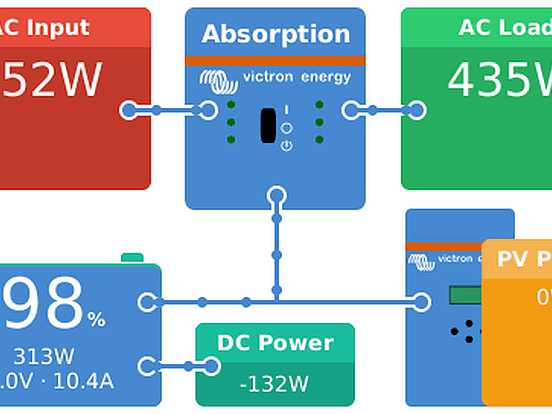
John Rushworth • 11 December 2014
Color Control GX: Significant firmware release v1.16
With the advent of this significant firmware release, it seems safe to say that v1.16 heralds a new era in the ever increasing capabilities of the CCGX and the VRM portal. v1.16 for the Color Control GX (CCGX) went live earlier today. And there is even more to come. In fact some of you may have had a glimpse of the devices, apps and Assistants in development, if you were at METS. More of that in a future blog. For now though, let’s look at this new CCGX firmware release. What’s new in Firmware v1.16? It is said that a picture paints a thousand words, so here are some example screenshots from the new release. Your own system may differ from the images shown. A detailed changelog follows these images. The blog headline image above is of the primary or main CCGX page. Secondary CCGX page. Settings – Top of screen Settings – Bottom of screen System setup Wi-Fi VRM online portal New capabilities and devices As can be seen in the images above there is increased capability, plus support for a number of new devices such as Wi-Fi and Wireless AC Sensors. We’ll cover such accessories in another blog later this week, along with some additional tips and suggestions. In the meantime, we’ll let you get familiar with the new firmware and the changes detailed below. CCGX firmware changelog from v1.15 to v1.16 General: There is now a manual: https://www.victronenergy.com/live/ccgx:start GUI has a new look and feel, including a change of how the buttons work: this will take a bit of getting used to by users that are familiar with the old style. But a big improvement overall. Read Watts from VE.Bus products instead of VAs. Note that to read Watts instead of VAs, a recent firmware in the VE.Bus products (Multis/Inverters/Quattros) is required. See the Bus firmware explained PDF for more information. Improved the information sent to the VRM Portal for the Consumption and the Solar yield tabs: it now also works with MPPT solar chargers, and all known calculation errors, also for AC-coupled PV systems, are fixed. See https://www.victronenergy.com/live/vrm_portal:faq#what_are_the_requirements_for_the_solar_yield_and_consumption_tab for information on supported system types and all firmware requirements to get good functioning kWh calculations. Improved first time configuration: it is no longer necessary to set system profiles or hub-types. Added a new setting ‘Has DC system’. When enabled, a DC system tile is shown on the overviews. For systems without an internet connection, system data can now also be saved on USB stick and sd-cards. To analyze the files, take them home to a place with internet, and manually upload to the VRM Portal for further analysis. Added access levels to the GUI, including locking them. Useful for OEMs to prevent end users changing settings. New products supported: Added support for Skylla-i battery chargers, including switch on/off and setting input current limit. Added support for NMEA2000 tank sensors. Note that they can also perfectly be used in non-marine systems. Developed and tested with this product: http://osukl.com/adaptors/tank-sender-adaptor/ , which is also the current candidate to put in stock. It will then be modified to have a dual VE.Can socket and also work on 48V battery systems instead of only 12 and 24. Note that the tank level info is not yet sent to the VRM Portal. Added support for the Lynx Ion + Shunt 350A and the Lynx Ion + Shunt 600A. (the successors of the previous Lynx Ion that needed a separate Lynx Shunt). Added support for Wireless AC Sensors. The system consists of two parts: all small Ethernet-DECT gateway, and one or more Wireless AC Sensors. They use the wireless DECT protocol to communicate, which is known from phones. A three-phase system will need one gateway and three sensors. They are an alternative to the already available AC Current Sensor. The Wireless AC sensors are more accurate and easier to wire: often the PV Inverter is under the roof, and the Multi is somewhere in the basement, making the already available wired AC Current Sensor a hassle. The wireless AC sensors are also more expensive. Fixed Lynx Ion bug from v1.14: dependency on Ion Control, see v1.14 known issues for more information Added support for Quattros: active input is visible in the menu, and names of the active inputs can be configured to Grid, Generator or Shore power. Note that this is not (yet) used in the overviews and the tile view. Networking: Added support for Wi-Fi USB sticks. Victron has two types in stock, one very small one (Zyxel NWD2105), and one bigger one that has two real antennas (Startech USB300WN2X2D). Although some other types that can be bought elsewhere might also work, we only support the two mentioned ones. Added option to manually configure ip address, dns and gateway. Both for Ethernet and Wi-Fi connections. Previous versions only supported DHCP (automatic ip) configuration. Added full modbustcp gateway functionality. Modbustcp is an industry standard protocol used for PLCs and Scada systems, a PLC can now easily read for example information from a Multi via the CCGX. See our data communication whitepaper for more information. The version of modbustcp shipped with the CCGX is v0.6.2, in which all known problems in the version shipped with the CCGX v1.14 version are fixed. Also ModbusTCP can now be enabled from the menu, it is in the services menu. When auto-updates is off, the CCGX now also doesn’t check for them anymore. To save bandwidth. Changed the url to which it sends data from http://vrm.victronenergy.com to http://ccgxlogging.victronenergy.com . Backlogging (buffering data while no internet is available) to local disk is now limited to 2 days. Was infinite. Other bug fixes: Known issue “Remote support on/off setting will be changed from On to Off after a manual firmware update with recovery image” has been fixed. Known issue “For some PV Inverters, the power and current readings measured with the AC Current Sensors stick to 50 to 140 Watts during the night, instead of showing 0 Watt.” has been fixed with an Assistant update. See https://www.victronenergy.com/blog/2014/10/13/ac-current-sensor-assistant-no-more-pv-power-at-night/ . All ModbusTCP related issues have been fixed Known issues: Support of recovery from USB sticks does not work on all sticks. Finding a USB-GPS might take a while When ModbusTCP was used on v1.14, this update disables it again, and possible also some unit-ids have been changed. See https://www.victronenergy.com/live/ccgx:modbustcp_faq#i_had_modbustcp_working_on_ccgx_v114_and_now_in_v116_is_stopped for more information. Reconfiguring a VE.Bus system with VEConfigure, while leaving the CCGX connected to the system, can result in kWh peaks on the VRM Portal. Note that doing this (using VEConfigure without disconnecting the CCGX) might result in many other problems too! How to update A Color Control which is connected to the internet, either via LAN/Ethernet or USB Wi-Fi, will automatically check for updates every day, at 02:00 UTC. When new updates are found, it will automatically update itself. If not connected to the internet, it can be updated with an SD-card. See Victron Live for instructions: Color Control – how to update firmware with a USB-stick or SD-card Conclusion What can I say? v1.16 – it rocks! I say that having been involved throughout the testing phase. Now it is your turn to enjoy the benefits of this new firmware. As ever we welcome your comments and ideas below. PS. Have you discovered Victron Live yet? John Rushworth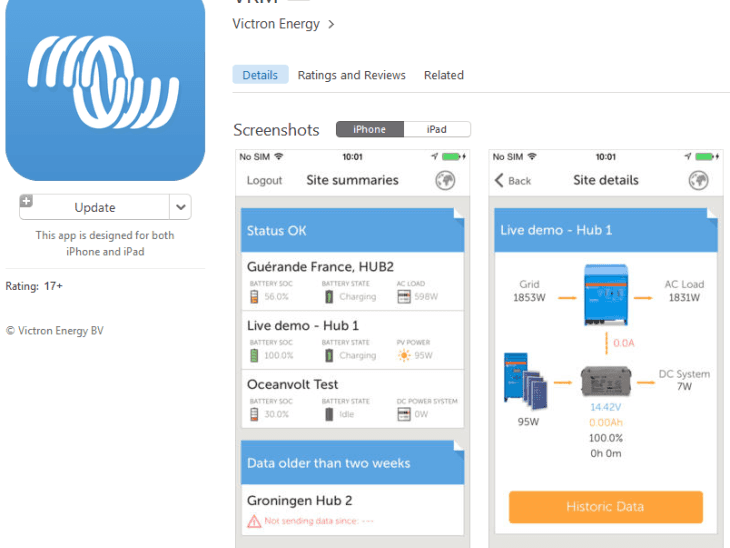
John Rushworth • 03 December 2014
VRM App: Bugfix updates for iOS and Android
The updated Victron Remote Management (VRM) app (v2.1.2) for Android devices and phones and iPads and iPhones, has now been released for publication. This is a bugfix update. It will be available in iTunes and on Google Play in the coming hours, subject to your time zone. Android versions may take a little longer to become available than iOS. Check back later if you see v2.1.1 and/or October 2014. What’s New in v2.1.2 Fixed the bug where the spinner/egg-timer would not disappear when trying to open the VRM website from within the app Changed Historic data to Historical data so now grammatically correct Changed the color of the active page of the page indicator in the site widgets to blue, so it is the same as on Android Time to go and State of charge are now hidden if they are not available Site example John Rushworth
John Rushworth • 01 December 2014
VRM Portal updates: MPPT state chart and more…
As most of you may be aware, the VRM Portal is updated by a process of continuous integration. If you don’t know what that is, here is an explanation in an earlier blog post: VRM Portal enhancements: Continuous Integration What’s new? MPPT state As you can see in the headline image above there is now an MPPT state chart in the ‘Advanced’ tab, assuming you have set this up as an ‘Active advanced widget’ in ‘Settings –> Advanced tab setup’, as shown below. Setting up the widgets, you wish to see in the ‘Advanced’ tab screen, is now easily achieved by dragging the ones you choose to be active to the left and to the right if you wish to delete an active widget. Don’t forget to click ‘Save all settings’ when done. Note that widgets can also be dragged up and down the list, so the ‘Advanced’ tab screen displays your graphs and information in the order you choose. Values displayed in ‘Alarm rules’ If you have alarm rules other than the default monitoring settings, values such as voltage and temperature will be displayed. You’ll note in the image below that a negative value is shown for a starter battery. In this system there is no starter battery and that functionality is being used to setup a high water bilge alarm in this case, by simply using a voltage above that shown to trigger an alarm from a float switch, should the bilge water rise. This will be explained in a later blog post and can be useful for all sorts of single and multiple alarms, such as RV/boat/home intrusion detection, tank levels and just about anything else you can think of. Spreadsheet downloads These are now available in both *.csv and *.xls format, as you can see on the right below. Improved documentation With the advent of Victron Live , there is also improved VRM Portal documentation. Victron Live is a living and growing website, which is a constantly evolving information store. It is a place where you can find manuals for VEConfigure3, Assistants and other software and software products. Check the Victron Live VRM links out below: Account setup Alarms and monitoring Frequently asked questions Troubleshooting CCGX to VRM Portal connectivity Other updates These include fixing widgets in the phone apps so they don’t scroll, such as BMV history. There are a number of general improvements in the ‘Advanced tab setup’ which you may already have noticed. And for users managing 100+ installations, there are apparently some rather special additional features, but I never told you that 😉 John Rushworth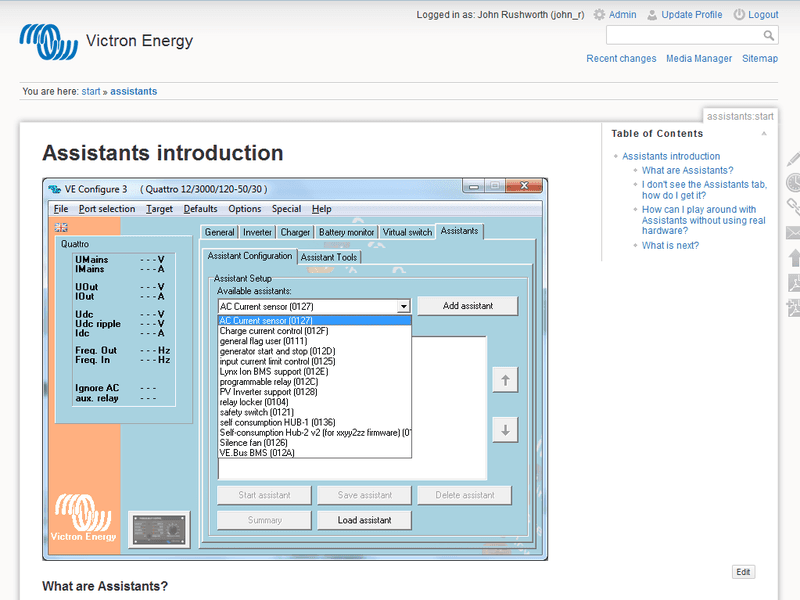
John Rushworth • 23 October 2014
Victron Live: Guides to Assistants and more
Victron Live The new Victron Live website is a living and growing information store, where you can find additional documents and manuals, for Victron Energy’s products. Here are some of the key topics currently covered: Assistants Introduction to Assistants How to add and configure an Assistant How to update an Assistant Overview of available Assistants Ignore AC Input using the Generator start/stop Assistant Solar System with Assistants Three Phase Grid Converter Assistant AC-Coupled PV A PV inverter connected to the output of a Multi or Quattro General info on AC Coupling and the factor 1.0 rule Using a Fronius PV Inverter together with Victron DC-Coupled PV Multi or Quattro combined with one or more solar chargers. How to prioritize solar in a dc-coupled system Configuring MPPT Solar chargers via VE.Direct (using mpptprefs) Firmware updating To update VE.Bus products (Multis, Inverters, Quattros, EasySolar and the EcoMulti), use VEFlash To update VE.Direct and VE.Can products, use VE Power Setup. Available for download from our software page VRM Portal Account setup Alarms and monitoring Frequently asked questions NMEA2000 and VE.Can Changing NMEA2000 instances Victron Live comments Below each page, you will notice a place for comments. Please do add comments and ask questions, below the technical information in the Victron Live pages. If you scroll to the comments at the bottom of the Changing NMEA2000 instances page for example, you’ll get an idea of what we have in mind. Based on your comments and questions, we can then add and improve upon the documentation content for all. For those of you that are interested to learn more and contribute directly, below is a little more info about the new Victron Live site. What does this mean for you? It means that the Victron Live is a place where all Victron Energy staff, distributors, dealers and even end users of Victron Energy’s products can contribute to and improve upon, any information in the documentation pages. You can even add new pages. Whilst you can edit and add pages yourself, we appreciate not all will have the time or possibly the inclination to do so. However if you leave a comment that warrants an update, then those of us that enjoy editing and improving the documentation will do so on your behalf. How do I start? At the risk of sounding obvious, you go to the start page , and read the introduction in that page. Victron Live is based on DokuWiki . It may seem daunting at first but do spend a little time experimenting, as it doesn’t take long to get the hang of it. If you can use Microsoft Word, you can use the Victron Live editor. Feedback We want to know what you think, so please leave us your comments below. Thanks in advance and we hope you enjoy creating even better information, that we can all share. I know I have. John Rushworth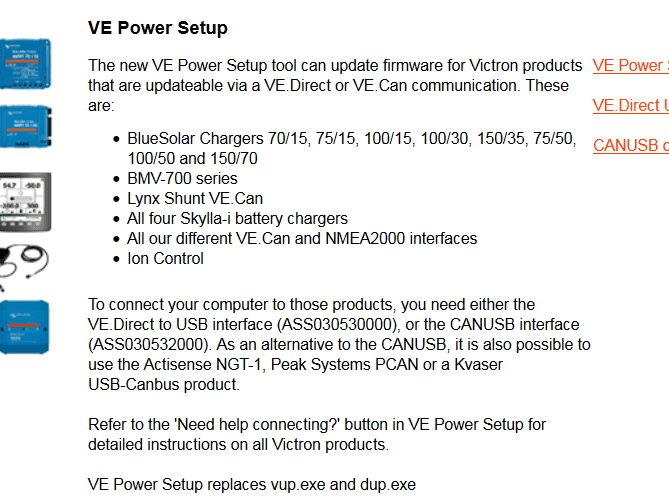
John Rushworth • 20 October 2014
VE Power Setup: Version 3.0 released
Version 3.0 of VE Power Setup is now released and will automatically update, when you use the software. It can also be downloaded from our Software Page . VE Power Setup is utilized as described in the headline image above. Changes Changes made in preparation for a major update of the MPPT 75/15 and 100/15 firmware, that is coming: updated VE.Direct search mechanism. It now also finds MPPTs that have been set to perform LED dimming or another function with their VE.Direct TX port. Small GUI improvements If you have any questions, please don’t hesitate to ask in the comments below. John Rushworth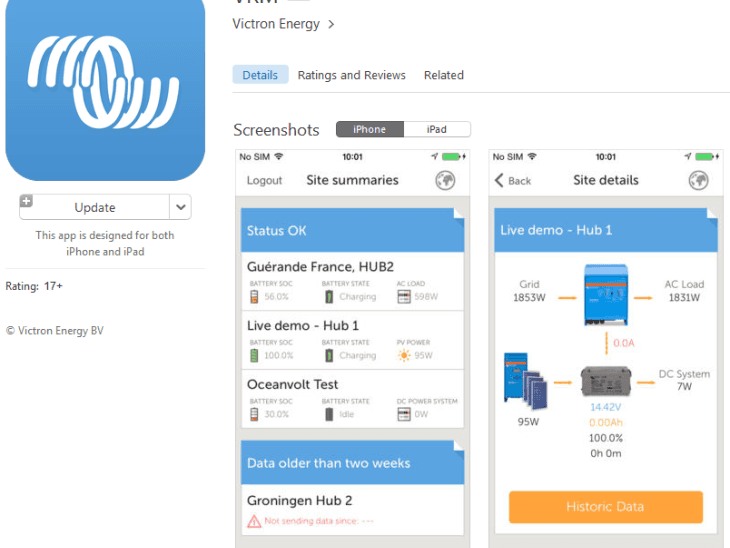
John Rushworth • 17 October 2014
VRM App updated for iOS and Android
The latest updated VRM app for Android devices and phones and iPads and iPhones, is now available. What’s new? Added “horizontal sliding widgets”: in the Sites List, it is possible to scroll the property lists (Battery SOC, Battery State etc). Added the option to add photos to a site. Admins can now add photos of a site underneath the Site details. Regular users can view the photos. Site example Here you can see I have uploaded three photos to my site on an iPhone. Image explanation Here’s a little additional information for those of you who might be curious about the small numbers in the image above. On my Color Control GX, my AC limit in for my Multi is currently set to zero with the MultiPlus set to Charger On, as I don’t want any further charge in my house batteries. This still provides AC onboard in ‘Pass Thru’ mode, to boil a kettle for example. The 16 Watts DC is running my 3G+ router and GPS dongle which is connected to the CCGX, so the information can be uploaded in real time (1 minute logging intervals set at present) to the VRM Portal . As you can see today, there is little solar harvest from my 2 x 30W panels, wired in series, for my 24V system. It’s a late autumn afternoon and overcast with no sunshine. We hope however, the new features in the updated app brings you a little sunshine 😉 John Rushworth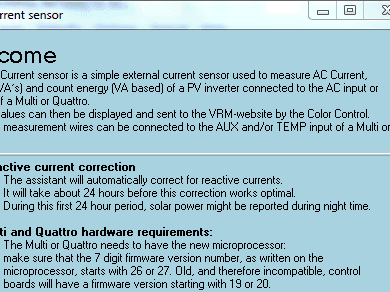
Matthijs Vader • 13 October 2014
AC Current Sensor Assistant: no more PV power at night
The AC Current Sensor Assistant has been updated: it no longer reports PV power at night. To update, see our guide on Updating an Assistant . During the first 24 hours, you might still see PV power at night. During these hours, the algorithm is calibrating. After the first 24 hours, calibration is finished and those currents at night are filtered out. Note that it will need to recalibrate after power cycling the Multi later on. For those interested, the power shown was the result of the X capacitors that are present in all PV Inverters. These cause a reactive current, and together with the low cost measurement type we use (current instead of power), this resulted in the power shown at night. As a side note, on our latest pricelist you can already see the Wireless AC Sensors. These are an alternative to the AC Current Sensor. It consists of a gateway, that connects to the Color Control GX via Ethernet. And to that gateway you can connect one or more single phase max 25A wireless sensors. These sensors and the gateway communicate via DECT. All this will be supported in the next Color Control GX version, which I expect to be available in 4 to 6 weeks. If you have any questions, please use the comments below. Best regards, Matthijs
John Rushworth • 02 October 2014
Victron Toolkit: A new app for Android and iPhone users
Victron Toolkit enables you to: Calculate cable size and voltage drop. Easily select cable length, amperes and cable cross section to determine the voltage drop over the cable. Understand all LED codes from Victron Energy Multi and Quattro inverter/chargers. Scroll through the list of all possible codes. Or tap each LED until all of them blink exactly like the code you see on the product. The app contains normal operation codes, warnings, alarms and error codes. Temperature derating. Calculate output power derating for inverters and chargers for the expected ambient temperature. What’s New Victron Toolkit replaces the old Victron LED app and the old VictronEnergy app. It also incorporates a completely new design, as shown in the images above. The Pricing & Availability feature of the old VictronEnergy app is now available in the separate Victron P&A app. Victron Toolkit is distributed as an update to the Victron LED app. If enabled on the user’s phone, the LED app will automatically update to the new Toolkit. Downloads Please see the Software page in the Support & Downloads section of our website, for the new Victron Toolkit, other apps and software: https://www.victronenergy.com/support-and-downloads/software or download the new Victron Toolkit directly from the appropriate app store below: iPhone Android Here are some example screenshots from the new Victron Toolkit: Cable calculations LED definitions Temperature derating Feel free to post any feedback you may have below, and do enjoy the new Victron Toolkit. John Rushworth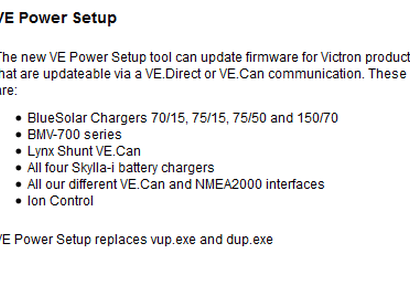
John Rushworth • 08 September 2014
VE Power Setup: Version 2.0 released
Version 2.0 of VE Power Setup is now released and will automatically update, when you use the software. VE Power Setup is utilized as described in the headline image above. It can be downloaded from our Software Page . Changes – Improved error messages. For example, when trying to upload firmware for an MPPT 75/50 into a 150/35, the error message gives clear details of the problem, instead of something incomprehensible such as ‘Unknown DUP error occurred (exit code 33)’. – Fixed bug. Loading VE.direct firmwares from network paths now works properly. – Updated the ‘Need help connecting’ information. – Updating the firmware of VE.Direct products takes a little longer, but as a consequence the process is now more stable. If you have any questions, please don’t hesitate to ask in the comments below. John Rushworth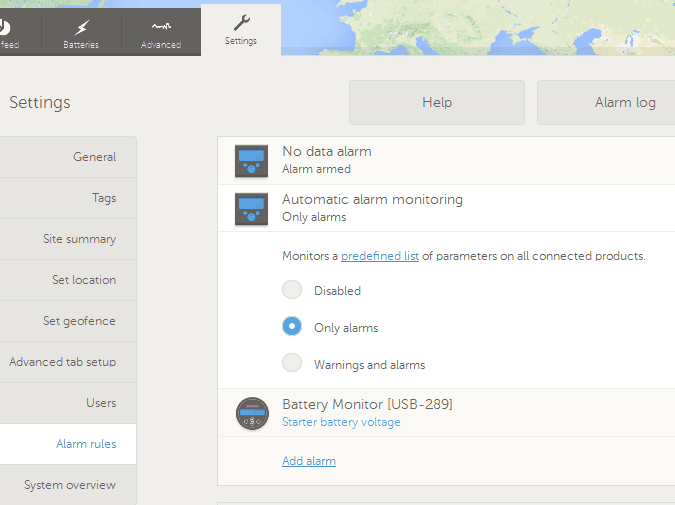
John Rushworth • 05 September 2014
VRM Portal updates: Alarms and automatic monitoring
VRM Portal alarms and automatic monitoring Automatic alarm monitoring is a new feature which monitors a predefined list of parameters on all connected products. Now, it is no longer necessary to manually configure alarm rules for all the differing parameters, so saving VRM users time. To read more on this subject click here or click ‘Help’ when in the Settings tab > Alarm rules, when logged into the VRM portal. A screenshot of that page is in the featured image at the beginning of this blog. Here is the full VRM Portal alarms and monitoring information page. VRM Tips Did you know that it is very easy to add another person to a VRM site account, by using the ‘Invite user’ option? This is particularly useful for dealers. After setting everything up, you can create an account for the owner of the installation. In Settings > Users, click the blue ‘Invite user button’ and you will see the screen below. Simply fill in the details, giving admin rights and a personal message if you wish, and then click the orange ‘Send invite’ button. There are now even more VRM enhancements in place too, but I’ll leave them for another day. There is no point in information overload just before the weekend! As ever we hope you like the enhancements and welcome your comments below. John Rushworth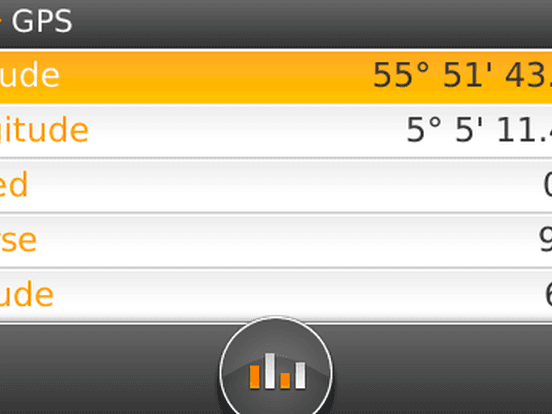
John Rushworth • 27 August 2014
VRM Portal enhancements: Continuous Integration
The other day I stumbled across a new VRM feature. ‘Download the GPS tracks’. More of that in a moment, but first you may wonder why I say ‘stumbled across’. Most of you are probably familiar with the VRM (if not, do try the demo account ) but you may not be aware of how new VRM features and enhancements come into being. This happens by a process called ‘ Continuous Integration ‘. Effectively this means the VRM is a real time, continuous development software platform. So, unless you are one of the developers, you may miss both the subtle and obvious changes which are discussed and implemented using GitHub . There is a reason for telling you all this, but for now let’s get back to what is new, whilst reminding folks that Victron recently won a top award for the VRM . Download the GPS tracks First of all, you’ll need a USB GPS connected to your CCGX (as shown at the top of this blog) with a mobile broadband router connected via the ethernet port on the CCGX, to log your data to the VRM. Note the CCGX GPS screenshot shows knots for a boat. This can be in kph or mph too, if for example you have an offroad vehicle or an RV, such as Victron equipment users UNICAT and Technomadia . In this instance I’m using a BU-353 USB GPS from GlobalSat for my boat. Once connected and logging, go to the ‘Advanced tab’ in your account and provided you have enabled GPS in ‘Settings > Advanced tab setup’, you can click the link referred to in the image above and download your GPS tracks. Other VRM data above is just shown for interest. And, if you wonder why my small 60 Watt Victron panel (which is just enough to run my router) is not outputting much recently, I can confirm it has been raining heavily . Usually in summer though I’ll get an average harvest of 3 times my panel rating per day, at my latitude. This equates to 180Wh. The worst I’ve seen is around x 1 and the best x 6. It would be less, were I not using a Victron MPPT . Once you have downloaded your GPS tracks, which is in the *.kml file format, you can open it in Google Earth. Here is an example below from a sail last week. Note that in the ‘Advanced tab’ you can also set specific dates for the tracks you want, rather than downloading all. This is handy feature, if for example you have a hire RV or boat and wish to show your customer their journey. You could also show them a Geofence alarm, if they have gone outside the agreed hire area! Change or update your VRM Gravatar This is accessed from the ‘Profile’ link at the top of the VRM screen. An example is shown below. More features and improvements in the coming weeks As I said at the beginning of this blog, the VRM is a process of continuous integration. Rather than make this a too lengthy post, I’ll come back to further enhancements in a new blog post. For now though, we’d like to ask you to get involved, as ideas and comments improve the breed. Two simple things you can do rather than emailing Victron direct (where just one person sees your idea or comment) is to register a Disqus and Gravatar account. This way we all get to share ideas and see their progress, by you commenting on the Victron blog. Looking forward to your participation. John Rushworth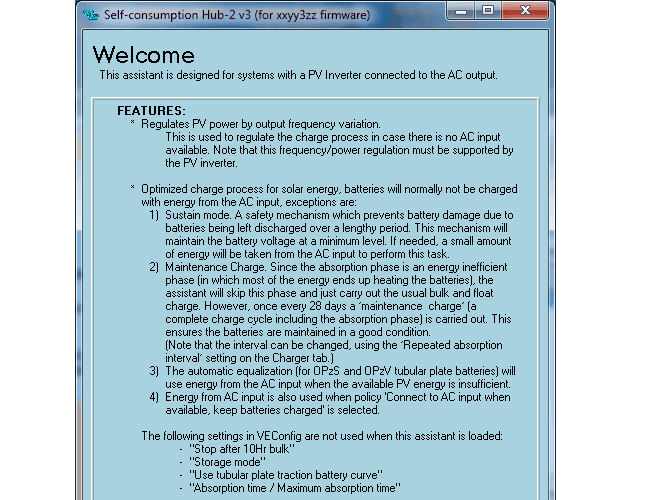
Matthijs Vader • 29 July 2014
Self-consumption Hub-2 v3 Assistant – a major update
Important update to this blog post: 15th August 2014 Issues discovered with this release We have underestimated the differing number of combinations and interactions with the Assistant release for the Self-consumption Hub-2 v3, as originally detailed below. It has been released too soon, which has caused several issues and I wish to personally apologize for that. A number of the problems are already fixed. Further fixes are being implemented and a lot of testing is being done as we speak. What we will do now The Assistant has been updated just now (late Friday), and it is now clearly marked as a Beta release. Please use this beta to improve systems that have already been configured with the hub-2 v3 Assistant. I recommend to wait a bit if using it on new installations, as it is quite certain that you will need to update anyhow in the coming weeks. We will inform you here, just as soon as we can, when all issues are solved. Problems solved in the updated release today – VE.Bus BMS problem: balancing started at the wrong conditions – Sustain mode could (falsely) be triggered when a large load switches off – VE.Bus State of charge would drop because Sustain mode was falsely triggered – Absorption was always skipped, except during a maintenance charge of course. Now it is only skipped when connected to the grid, and when feeding back to the grid is allowed. In other words: it will always use the available solar energy for absorption, when in inverter mode. – In some situations the system would keep inverting, instead of switching to the grid, and the other way around. Problems which are not yet solved – If the battery voltage drops below the pre-alarm level, because of a high load in combination with grid assist, the state of charge is falsely set to a minimum, which activates the ‘low SOC recovery’ mechanism: loads will temporarily be powered from the grid, the battery will be charged from PV only, low battery alarm LED is blinking. The low SOC recovery mechanism stops when the state of charge reaches the release condition. The default release percentage varies per battery type, and is between 30 and 60%. How to install the updated Assistant Follow these instructions: https://www.victronenergy.com/documentation/assistants:how_to_update_an_assistant Yours sincerely, Matthijs Vader Original post: 29th July 2014 A major overhaul of our self-consumption Hub-2 assistant is now complete. It is available for download using VEConfigure3, as of last night. For those new to Hub-2 and AC-coupled systems, find more reading material here: Hub-2 Assistant notes Victron wiki page on AC-coupling Victron wiki page on Assistants The two wiki pages above are new and still being improved every day. There will be more information about this in a future blog post. Now, back to the updated Hub-2 assistant. The new welcome screen is shown below. Read it, and the policy selection screen below, carefully to learn about all the options and features. New: policy based selection After selecting the battery type, the Assistant will ask which policy you prefer: With these new policies, the old PV Inverter support assistant has become almost obsolete. New features and changes Improvement: Sustain mode does not pulse-charge any more. Improvement: Less PV power is fed back to grid whilst charging the battery. In the previous version this leakage was minimum 50 to 200W per unit. Now it is almost zero watts. New option: Prevent feedback to the grid. New option: Load shedding (by using the Aux AC output or another relay)) New option: Make use of an off-peak or night tariff. New option: Winter mode. Connect a simple toggle-switch to one of the digital inputs. When switched to winter mode, the battery will be kept fully charged, and the loads are powered from the grid, and of course PV power when it is available. New policy: Connect to the mains when available, keep batteries charged. Use this for a PV-powered backup system, where you want to keep the batteries fully charged in case of a power outage. Hardware and firmware requirements The Multi or Quattro needs to have the new microprocessor: Make sure that the 7 digit firmware version number, as written on the microprocessor, starts with 26 or 27. Old, and therefore incompatible, Multis and Quattros have a firmware version starting with 19 or 20. We have a swapping program for recently installed units that still have the old microprocessor. Contact your Victron representative for more information. The firmware of all units in the VE.Bus system needs to be upgraded to xxxx302. See our PDF VE.Bus firmware versions explained for more information and instructions. Note: Besides these new developments, much time and energy has also been invested in the texts and explanations in the assistant pages. Covering all the possibilities in easy to read text is not easy! Nonetheless, if you have suggestions for improvements, please let us know via the comments below. Have a good day! Matthijs.
John Rushworth • 12 July 2014
VictronEnergy stocklist app: Updated to the new P&A App
The price & availability (P&A) of products has until now, been available in the VictronEnergy app seen in the mobile phone screenshot above. This app included a full stocklist with pricing, plus a handy cable sizing and charger/inverter temperature derating tool. This has now been superseded and updated with the new Victron P&A app. This separates out the price, availability and stock holding of products from the handy tools mentioned, which will come in a separate app in due course. For now though you can continue to use the tools in the old app, as the new P&A app will sit alongside the old VictronEnergy app, quite happily, as you can see. What’s new in the Victron P&A app? – improved search – copy & paste the product item code and description easily into an email, which makes life easy – crisper look & feel – now uses the full screen size on the iPhone 5 Download the app Victron P&A for iPhone We hope you enjoy the new app. John Rushworth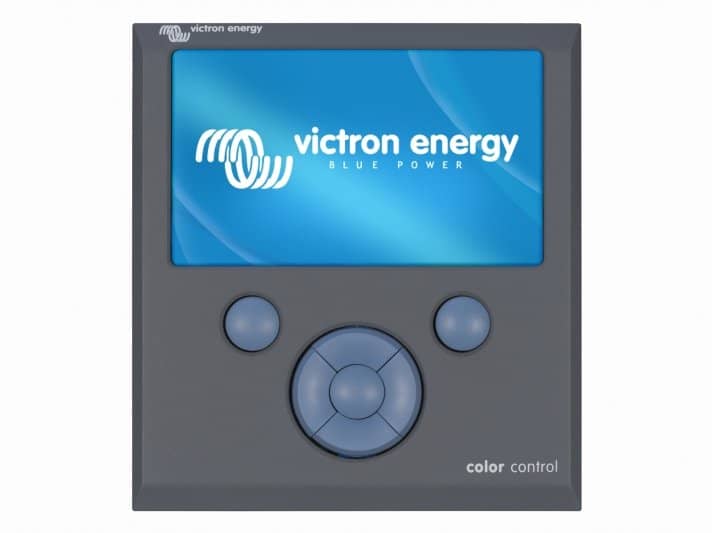
Matthijs Vader • 31 May 2014
Color Control GX v1.14 released
Updated 5th of June 2014: added fix of autoupdate bug and known issue on Lynx Ion Last week, v1.14 firmware for the Color Control became available. If your Color Control is set to receive automatic updates it will now be updated. If not, you can choose to update it now. To update via its internet connection, simply use the check for updates and update now functions on the display. For an offline update, download the latest images here: https://updates.victronenergy.com/feeds/venus/release/images/ccgx/venus-upgrade-image-ccgx.zip And follow these instructions: Color Control – how to update firmware with USB-stick or SD-card (pdf). Changes Added MPPTs 100/30, 100/50 and 150/35. Note that the other new BlueSolar MPPT charge controller, the 150/85 was already supported. See our website for an overview of all available MPPT and PWM charge controllers . Fixed all known internet and LAN connection problems: when connected to some specific brands of routers, and especially in combination with an unreliable internet connection, the Color Control could lose its internet connection and would need a reset to get back online again. I am glad to report that all known issues are now fixed, and verified at the customer installations where they were found. Of course there can be new issues, so please do let us know if you encounter any. Added Modbus-TCP gateway functionality: this is a great improvement for customers that integrate our equipment into their own monitoring and control systems, for example SCADA and/or PLC systems. Since Modbus-TCP is a widely used international standard, available on almost all PLCs, this will make it very easy. And when we launch new products, we’ll make sure that they are supported by the Color Control, and with that they’ll be available via the Modbus-TCP gateway automatically. Read our whitepaper on data communication for more information. Fixed bug “after leaving the menu in the User type selection screen for a long time, the interface crashes and you are left with a white display” Fixed “Remote support on/off setting will be changed from On to Off after a manual firmware update with a recovery image”. It will now stay in the same mode after the recovery, just like all other settings. Fixed bug in Auto-update mechanism: the mechanism would get stuck in a small percentage of systems. And there are more internal stability improvements and bug fixes. Known issues Finding a USB-GPS might take a while Recovery from USB sticks: does not work on all sticks. For some PV Inverters, the power and current readings measured with the AC Current Sensors stick at 50 to 140 Watts during the night, instead of showing 0 Watt. Almost all data from the Lynx Ion is missing if there is no Ion Control in the network. Only data shown are some cell voltages. This bug has been in the code since the beginning. Up next Now, with these internet issues out of the way, we have a whole bunch of almost finished projects that can be released in the coming months. They include: Support for the Skylla-i Support for USB-WiFi sticks Add wireless AC sensors, as an alternative to our AC Current Sensor Add Remote VEConfigure for VE.Bus products Wishing you a good remainder of the weekend! Matthijs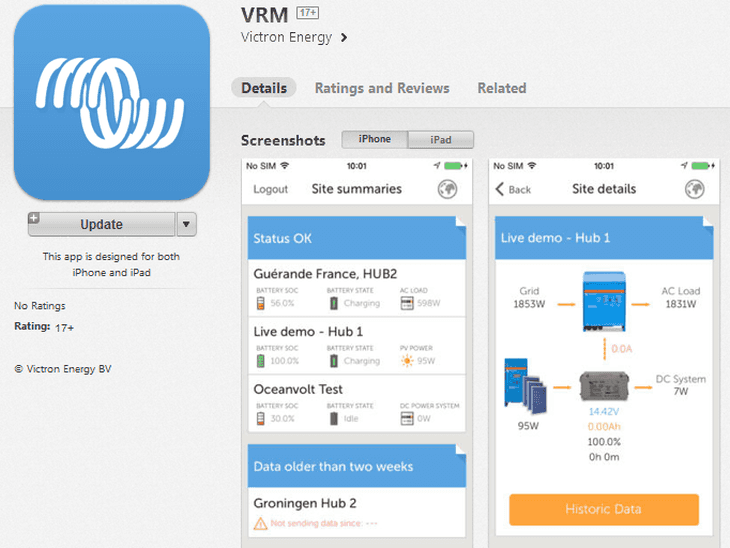
John Rushworth • 30 May 2014
VRM version 2.0 App released for tablets and phones
The latest VRM app for Android tablets and phones , iPads and iPhones is now available. What’s new in Version 2.0? Tablet support New interface design Site widgets Overall stability and performance improvements As tablets have a better screen resolution than most phones, Victron have been able to present additional information with this format. Here is an example screenshot from an iPad, which shows the sites on the left (both active and inactive with a site summary) plus the ‘Site details’ of the chosen installation on the right, that has been selected from the ‘Site summaries’ list. Taking the example above, here is how the same VRM ID looks on the iPhone 5 below. The information is now shown on two separate screens instead of one, due to the mobile phone’s screen resolution. Site Summaries on iPhone 5 Site details on iPhone 5 To view further information about the chosen site, you click the orange ‘Historic Data’ button shown above. An example from an iPhone 4 is shown below. The iPhone 5 can display a longer list than this due to a better screen resolution. i.e. iPhone 4 is 640×960 and the iPhone 5 is 640×1136. Further information can be seen in both cases by simply scrolling down. iPhone 4 Historic Data Also new in this release is the ability to add site widgets. Here is an example of a site with an IO Extender that measures windspeed. IO extender widget showing windspeed Overall stability and performance improvements As I was lucky enough to pre test this new VRM app release, I have noticed a crisper look and improved performance and of course there is always the ability to click direct from the app and open the full VRM portal site if you want even more detailed information. We hope you like the VRM 2.0 app and as ever more than welcome your feedback and any comments, here on the Victron blog. John Rushworth
John Rushworth • 09 May 2014
Color Control GX v1.13 firmware released
As of Wednesday 7th May 2014, v1.13 firmware for the CCGX became available. If your CCGX is set to receive automatic updates it will now be updated. If not, you can choose to update it now. Here is what is new in this latest release. Changes: – Fixed VE.Direct communication bug that could cause values from MPPTs and BMVs to jump up and down every second – Fixed VE.Direct communication bug that could cause communication from MPPTs and BMVs to halt – Plus additional internal changes Known issues: – Finding a USB-GPS might take a while – Remote support on/off setting will be changed from On to Off after a manual firmware update with a recovery image. – Support of recovery from USB sticks does not work on all sticks. – Internet and LAN connection problems. The Ethernet connection crashes when connected to a Cisco/Linksys WAP300 access point running a DHCP server. And also problems with Wifi-to-Ethernet devices have also been reported. – After leaving the menu in the User type selection screen for a long time, the interface crashes and you are left with a white display. – For some PV Inverters, the power and current readings measured with the AC Current Sensors stick to 50 to 140 Watts during the night, instead of showing 0 Watts. Priorities for the next release are: · Fix the internet communication problems that some specific installations have. We are pleased to report though, that this is only a handfull. · Add MPPT 100/30, 100/50 and 150/35 · Add modbustcp protocol (CCGX will act as a gateway, making life for people with PLCs that want to read data from Multis or MPPTs very simple). Personally speaking, and having tested the pre-release v1.13 version on my own CCGX, I have noticed that my 3G connection seems more stable. We welcome your own comments too. John Rushworth
Matthijs Vader • 25 April 2014
VE Power Setup v1.3
Last week we released version 1.3 of VE Power Setup. The most important change is a fix to an issue when connecting to VE.Direct products on non-English versions of Windows. Furthermore there are some small GUI and connection assistant improvements. Right before v1.3 we also released v1.2. The changes in v1.2 were: Improved VE.Can communications Improved the connection assistant Drivers for both the CANUSB interface and the VE.Direct USB interface are available on our software downloads page What does the future hold? The next major improvements planned are: Configuring the MPPT Solar chargers, such as all the new models that are coming soon: 100/50, 150/35 and 150/85. Some are already on their way by air as we speak, so they available from stock next week or the week after! Remote firmware updates: update firmware of VE.Direct and VE.Can products connected to a CCGX somewhere far away, simply from your desk, using VE Power Setup. To make this same feature available for Inverters, Multis and Quattros is unfortunately a lot more work, so that will take a lot longer. Updating these would also need to be treated with more care: you don’t want to shut down a system remotely without any warning if there are people using it. And, last but not least, adding versions for Linux and Apple OS X. Yes I read those comments of the last post . Glad it didn’t turn out into the typical my OS is better than yours war :). Have a good weekend! Matthijs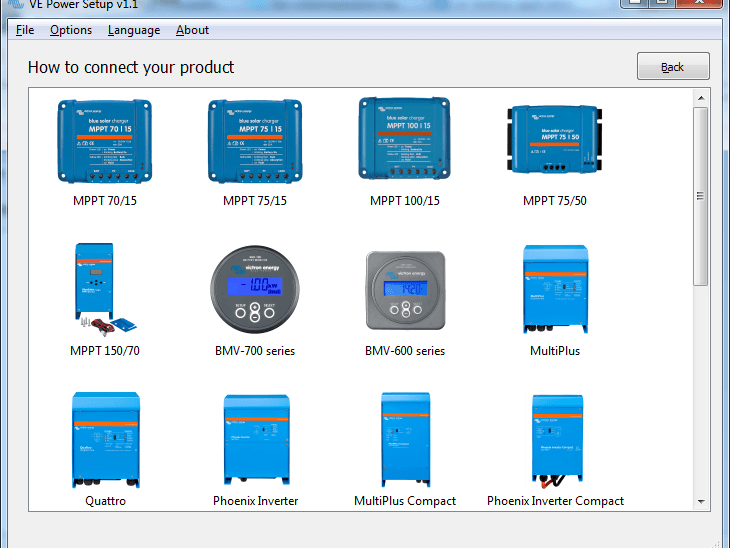
John Rushworth • 09 April 2014
Updated software: VE Power Setup v1.1 released
The new VE Power Setup tool has been updated. If you already have VE Power Setup installed it will update automatically. If installing for the first time, you can download the latest version (v1.1) from our software downloads page. In this new version: When your system is scanned but a product is not detected, you can click a ‘Need help connecting?’ button in the home screen. A ‘How to connect your product’ screen, just like the headline picture above, of all Victron products that can be updated using various methods and protocols will be shown. More of that in a moment, but first let’s re-cap what VE Power Setup can do and which products can be updated with it. VE Power Setup updates firmware for Victron products that are update-able via a VE.Direct or VE.Can communication. These are: BlueSolar Chargers 70/15, 75/15, 75/50, 100/15 and 150/70 BMV-700 series Lynx Shunt VE.Can All four Skylla-i battery chargers and Skylla i-Control All our different VE.Can and NMEA2000 interfaces Ion Control Please note that VE Power Setup replaces vup.exe and dup.exe For products, such as the MPPT 75/15, that are update-able via a VE.Direct or VE.Can communication (but have not been found on a scan) you may click on an image in the ‘How to connect your product’ screen. Once done, a guide of how to resolve the issue will be presented. Here’s an example for the MPPT 75/15 For products that use the VE.Bus protocol or other methods for firmware updating, these will also be shown in the ‘How to connect your product’ page. By clicking on a product image, such as the MultiPlus Compact for example, a guide of how to update the product will be shown. We hope you like the updated software and that it makes your life easier! John Rushworth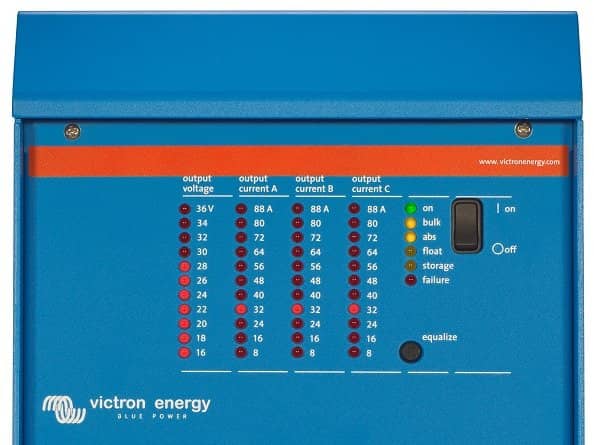
Matthijs Vader • 29 March 2014
Skylla-i charger and control panel firmware v2.01
First a short introduction to these chargers. The Skylla-i chargers are our high power and can-bus enabled 24V chargers. There are four models: 24V 80A – 1 output 24V 80A – 3 outputs 24V 100A – 1 output 24V 100A – 3 outputs And there is a remote control panel, the Skylla-i Control GX: Read the datasheet for more details about all the different features. Firmware version v2.01 brings one big improvement, suggested to us by Alan Peng, owner of Shenzhen Royal Technology Co , Ltd, our main distributor in China. Besides seven pre-defined battery modes such as gel, agm and lithium, it has two modes where you can set the absorption voltage, float voltage and maximum charger current with three potentiometers. While adjusting one of these, the voltage will now be indicated by the LED bars on the Skylla-i, and on the numeric display (blinking) on the Skylla-i control panel. You really have to try it yourself to see how simple and fast it is to set up. This is a huge improvement over the old way, thank you again Alan! The other changes include: Lithium float voltage changed from 13.35v to 13.5v Improved stability of parallel charging algorithm when disconnecting and reconnecting chargers to the network. Contact your Victron representative for the necessary files. Updating both the charger and the control panel can be done with VE Power Setup, available for download on our software and downloads page . More information on VE Power Setup is available in the VE Power Setup blog post . Have a good weekend, Matthijs Vader
Matthijs Vader • 28 March 2014
VRM Portal: video, faster and more…
Good afternoon, Since the last update on February 28th , there have been many improvements to the VRM Portal. Improved performance. The database has been moved to a better hosting provider so the VRM Portal is now much faster, and more stable throughout the day. This change did have an unfortunate side effect, causing the VRM Portal to be down for 8 hours last night. The good thing is that no data was lost. Such down time should obviously never happen, and it is taken very seriously. The 24/7 monitoring and response team that was already in place should have noticed the problem, but they didn’t. Measures and fail-safes are being taken to prevent this in future. My apologies for any inconvenience caused. Lis t view. There are more and more users that manage tens or even hundreds of sites. Two new features have been added to make that easier. The first one is to see a list of all sites, and their alarm status, instead of the tile view. Toggle between the two views with the slider on the right: This list view will be further improved in the near future, by adding some columns with for example battery state of charge and voltage. The second improvement is filtering with tags. In this example I have arranged my sites in three groups, depot North, South and East. Adding a tag can be done on the settings page: After that, filter the sites you want to see by selecting one or more tags on the home page: Date selection on advanced tab improved. We added a simple date picker. Use the slider on the right, called Custom date, to select the type of date picker to use. This is the new simpler date picker: And this is the advanced version: Geofence is finished! Say you have a rental yacht or RV/motorhome and wish to ensure your customer stays within a certain area. You can now do this and receive an email alarm if the agreed boundaries are broken. Or you may simply want to set an area with a destination, to send an email to friends and family to let them know when you have arrived. Handy when traveling alone. A blue geofence shows the area as active and a grey geofence shows it as inactive. The above shows an active Geofence using an irregular shape. You can also use a simple circle or rectangle. Grey shading above denotes an inactive Geofence that can be switched on and made active when ready. To sum up. Geofence will generate an alarm + email when: moved from inside the geofence to outside the geofence geofence active while outside geofence data coming in without GPS position. e.g. someone has unplugged the GPS, or no reception, or mobile data comms to the VRM are down. Also it will cancel the alarm (and send a short email) when there is data coming in that indicates that unit is inside the geofence, whilst an alarm was active. VRM Bug fixes and small improvements: fixed a problem which made the VRM Portal look bad on a Samsung Galaxy 3 and 4. fixed a problem with the weather item. the circle graphs on the Consumption tab now show the summary for Grid, Genset and Battery as well. Future improvements. Many of the future improvements listed in the previous post are still in the works: drastic improvement of data update rate when looking at an installation in a browser or mobile App. It will become almost real time! adding support to upload data saved by a CCGX to an SD card or USB stick, instead of uploading through a CCGX internet connection improved ‘Help’ for the VRM site. That is all for now, wish you a good morning, afternoon, evening or night! – Matthijs.
Matthijs Vader • 14 March 2014
New: VE Power Setup
A couple of months ago, we started on something entirely new: VE Power Setup. The first version, available for download here , can update firmware for Victron products featuring a VE.Direct or VE.Can port. Products update-able with a VE.Direct port are: the BlueSolar Chargers 70/15, 75/15, 75/50 the BMV-700 series Products with a VE.Can are: BlueSolar charger MPPT 150/70 the Lynx Shunt VE.Can all four Skylla-i battery chargers all our different VE.Can and NMEA2000 interfaces the Ion Control display This makes the previous tools, vup.exe and dup.exe, redundant and they will be removed from the Software and downloads page on our website. No more little black nostalgic DOS windows when updating a Victron VE.Direct and VE.Can product! Instead a very simple to use and fast program. The next small updates of VE Power Setup will include more product specific instructions. For example when updating a MPPT 75/50 it needs to be powered from its PV power connections. After that we will bring out a major update, which will add configuration for all of our small MPPTs. You can then change charge parameters such as the absorption voltage and more. Note that it is already possible to change those parameters with a small command line tool, called mpptprefs. Contact your Victron representative to get mpptprefs and its instructions. In the long run we want to do much more with VE Power Setup. For example, bringing out versions for Linux and Apple OS X. Another very useful feature will be the option to configure and update firmware remotely: you are behind your desk, on a laptop connected to the internet, and can update an MPPT solar charger on the other side of the world, through a Color Control GX . Wishing everybody a good weekend! Matthijs
Matthijs Vader • 11 March 2014
VEConfigure3 updated
Good morning! Almost two weeks ago, we released an update of VEConfigure3 . This post is to inform you of the changes. And on top of those changes, there is something else: all the text in the ‘Assistants’ has been translated to Spanish, German and French. These translations will be available later today. Just start VEConfigure3 whilst connected to the Internet, and it will download the updated files automatically. One exception: the translation of the Hub-1 assistant will be finished later this week. VEFlash included VEFlash is the program to use for updating firmware in a VE.Bus product (Multis, Inverters and Quattros). VEFlash is now included in the whole VEConfigure package. The big advantage being that it is then also included in the auto-update function that keeps all your VEConfigure tools up to date. It is therefore no longer needed to keep VEFlash somewhere separate on your computer. Please also don’t do that! Take the time now and remove all copies that you can find on your computer. Using an old version of VEFlash can get you in all sorts of trouble. To find out more about the different firmware versions available for VE.Bus products, see the Updating your Multi and Computer to VEConfigure3 PDF , available on our software and downloads page . Warning when starting VEConfigure Above warning is added to the start-up screen. I do realize that it can be annoying to have to disconnect these products before starting VEConfigure3. But please do make the effort. You can get all kinds of weird problems if you don’t. For example a very strangely responding current limiter. And there are many more small improvements in VEConfigure3, Quick configure and System configurator. They include: several error messages have been reworded and simplified small usability improvements have been made Best regards and wishing you a good day from Johannesburg, where we are exhibiting at the Power & Electricity Africa exhibition today and tomorrow. Matthijs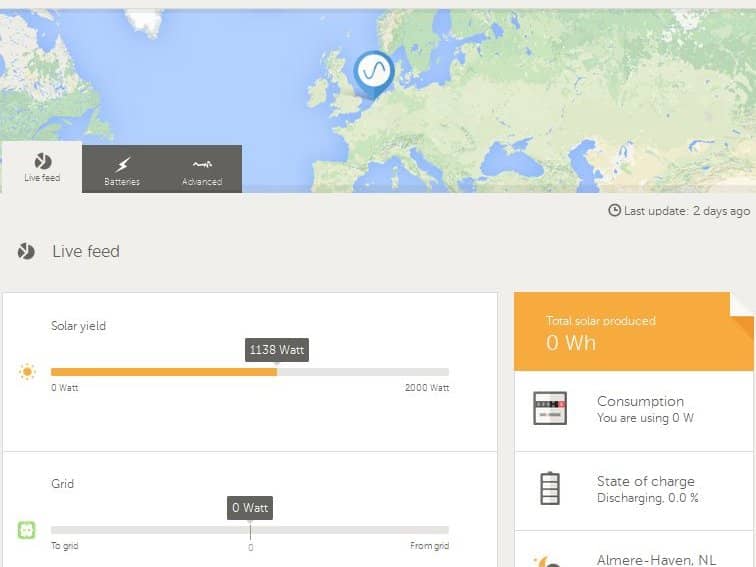
Matthijs Vader • 07 March 2014
Hub-1 available!
Update Monday December 12th 2016: all polices except policy 3 (Disconnect from mains when possible), have been deprecated in favor of ESS . Update Monday November 7nd 2016: removed all mentions of the VE.Can to VE.Bus interface, since it is no longer required. Update Saturday March 8th 2014: added FAQ item about interface price So, as everyone has been able to witness, this was quite some more work than we anticipated. But now, in a little rush before the weekend, I have the honor to bring the good news: it has been done! What is Hub-1? Solar chargers will normally reduce their power when the batteries become full. Otherwise they would overcharge the batteries. Solar power is obviously wasted when reducing the output power. For off-grid systems one could start a pump, or a heater, or do something else that uses this ‘excess’ power. And in on-grid systems in countries with a feed-in tariff it would pay to keep converting at the Maximum Power Point, and then have the Multi feed that surplus back into the grid. And that is exactly what we call a Hub-1 system: as soon as batteries are becoming full, the solar charger will keep operating at the maximum power point and ‘push’ as much power as possible on to the DC. The Multi, in constant communication with the Solar charger, will take that excess power and feed it back into the grid. More background information about Hub-1 can be found in my previous blogpost about Hub1 , and in my father’s excellent brochure about Self-consumption and Energy Storage . Hub-1 allows several selection policies, as explained on this page of the Assistant: Requirements The Multi or Quattro needs to have the new microprocessor: make sure that the 7 digit firmware version number, as written on the microprocessor, starts with 26 or 27. Old, and therefore incompatible, Multis and Quattros have a firmware version starting with 19 or 20. The Multi or Quattro needs to be updated to the atest xxxx4xx firmware. The MPPT needs to be a Victron BlueSolar MPPT 150/70 , and updated to the latest firmware version. Download it from our Professional Portal . Update instructions here . v2.01. The VE.Bus to VE.Can interface is needed to connect the Multi or Quattro to the MPPT 150/70. Partnumber ASS030520105. Minimum firmware version is v1.18. Update 2016-11-07: it is no longer needed, see the CCGX v1.73 blogpost for details . Terminate the VE.Can network with VE.Can RJ-45 terminators. They come with the Color Control, and are also available separately in a package of two. It might be necessary to install an anti-islanding in front of the Multi/Quattro to make sure that the system complies to local regulations. FAQ Can I make an Hub-1 system with the other Victron solar chargers (75/15, 75/50, … )? Yes. What about Multi Compacts, can they be used? Yes, they can be used. There is a disadvantage though: when inverting, and therefore disconnected from the Grid, the Multi Compact cannot quickly switch back from Inverter mode to the grid in case of an overload. This means that it is not possible to use Multi Compacts for systems with a possible load higher than the maximum inverter power. Where can I find an Anti-Islanding device? Ask your Victron representative. The regulations differ per country, see also Google and search for ENS and/or Anti-Islanding device. Conclusion I am sure there are many more questions, please use the comments. Early next week I’ll add a schematic that shows the system. Have a good weekend! Matthijs
John Rushworth • 28 February 2014
VRM Portal Enhancements
As an avid end user of Victron’s products, I’m always delighted to hear of new and exciting developments. This week, ‘Things’ have certainly ramped up in that department! It seems the programmers and developers have been very busy behind the scenes, working on both current and future enhancements to the VRM Portal and connected equipment. But how best to describe what they have been up to? The quote below will hopefully help to set the scene for you, in the first instance. “Add to that, intelligent systems integration whether it be for a smart house, boat, automotive, off grid, solar application et al., local and remote monitoring can be further enhanced using the Color Control GX via the online VRM portal. In choosing Victron today, The Internet of Things (IoT) just got that little bit smarter.” The Internet of Things? Whilst this notion may be new to you, it is certainly applicable to the VRM Portal and the endless possibilities of what can be monitored and connected. There are many ‘Things’ we haven’t even thought of. Indeed ongoing development will also open up this area by moving toward the use of Open Source software, where end users, dealers and distributors can contribute to the projects. In other words we are only limited by our collective imagination and actions. More on that later, but for now here are the latest enhancements. GPS widget (Implemented) This is how the live GPS widget looks in the main ‘Advanced’ tab of the VRM site when you have a USB GPS connected to your CCGX, such as a BU-353. Below shows the on/off slider in the main ‘Settings’ tab under the sub menu ‘Advanced tab’. Note – by default the on/off slider shows closer to the bottom of the options on the VRM site, but for the purposes of a smaller image here I have simply dragged and dropped the slider closer to the top for this screenshot. GPS positioning can be switched on or off to display a real time position for a vehicle or boat. Static sites without GPS can simply manually pin their position on the map. Another area that is currently being worked on is to make GPS tracks downloadable. Geofencing (Beta Testing) A geo-fence is a virtual perimeter for a real-world geographic area. This can be useful for boat or RV rental companies to ensure the hire vessel or vehicle stays within owner designated boundaries. In the example above we could ensure a boat stayed within inland waterway boundaries and did not venture out to sea. VRM System overview improvements (Implemented) This page has been much improved. Connected equipment now clearly shows the product name giving what, where, when and how the product is connected to your CCGX. Update on Oceanvolt and Victron collaboration (beta) This widget is a result of the symbiotic two-way relationship between Victron and Oceanvolt and shows data taken from the electric motor controller for the Oceanvolt electric propulsion system pictured below. The test system in the Oceanvolt office can be seen on the VRM Portal by clicking the Try now button on the home page of https://vrm.victronenergy.com/. Note that logged in users need to log out first. A slight side step: Victron is moving the source code of the Color Control into the public domain: Open Source. More about that in a later post, for now I juste wanted to link to the page on Github where Oceanvolt and Victron are working on the Color Control GX software that reads the data from the electric motors. Other recently implemented VRM improvements – several bugs in the presentation of IO Extender data which have now been fixed – when zooming in on a graph in the main ‘Advanced tab’, all the other graphs now zoom in to match: click and hold left button of your mouse somewhere in a graph, and drag to select the part to which you want to zoom. – in the main ‘Settings tab’, you may also notice a ‘Tags’ sub menu which can put tags to sites. This is in preparation for some new functionality and will be explained in a later post. Future VRM improvements These are the major items being worked on: – finishing the geofences – drastic improvement of data update rate when looking at an installation in a browser or mobile App. It will become almost real time! – adding support to upload data saved by a CCGX to an SD card or USB stick, instead of uploading through a CCGX internet connection – improved ‘Help’ for the VRM site. This is a Javascript (*.js) overlay on the VRM site which can be activated from a button, and will toggle help on and off for any given area of the site. It will look something like this. Conclusion As you can see there is plenty of in-house development going on to enhance the VRM Portal, but of course end users and indeed partners such as Oceanvolt have an important part to play too. This is where you – the end users, dealers and distributors and Open Source software (such as the Oceanvolt project ) come in. In conclusion and on that basis, we would like to extend an invitation to all VRM users to post their ideas and wishes below . Maybe you can come up with even smarter Internet of Things (IoT) ideas for the VRM Portal, that we haven’t even thought of? We look forward to hearing more…. John Rushworth
Matthijs Vader • 07 February 2014
VEConfigure3 Assistants update
Almost all VEConfigure3 Assistants have been improved last week. This post summarizes all changes made. The starting point for more documentation about a certain Assistant is the Assistant itself. Start VEConfigure3 , go to Port selection and then choose ‘Fake target with full options’ to get access without having to connect to actual Victron hardware. For more information on Assistants in general, and how to obtain the necessary firmware for a Multi, refer to the Updating your Multi and Computer to VEConfigure3 document on our software downloads page . Wishing you a happy weekend, and some distraction free time and concentration to read all information below! Matthijs / Victron. AC Current Sensor Changes: Lots of textual changes Added an extra option: you can now define that the PV Inverter is connected to AC Input 1 or 2. Instead of just ‘AC Input’. This will be used in a future Color Control GX release to automatically configure the layout of mobile apps and live system diagrams. Fixed a bug: running this assistant in the Fake target mode of VEConfigure3 resultant in an error. For more information about the AC Current Sensor, see the manual . Generator start and stop Changes: added the option to select the ACout2 relay to start/stop the generator Input current limit control This is a rather new Assistant, which we have never fully announced: Here it is! See the text in the image above for its operation. Fire Trucks in Australia use this to make the input current limiter automatically switch between 10A and 25A, based on which socket on the side of the truck is connected to the public grid. Lynx Ion BMS Support Use this Assistant to make Multis and Quattros listen to our Lynx Ion BMS, that come with the 24V/180Ah batteries . It is also possible to use this Assistant in combination with a non Victron BMS. See our manual: combine our Multis and Quattros to Lithium systems from other manufacturers . Changes: Prevent accidental combination with the Self-consumpion Hub-2 Assistant. Added an option for BMSes that only have a high-cell / battery full alert. We added an extra page to select the options supported by the BMS: Programmable relay Changes: new function: when no switch condition is selected on below screen, it will always close or open, as set on the Action page Added State of charge (%) to the list of possible switch conditions PV Inverter support (formerly named Grid Converter Support) Update August 2014: For systems running on recent hardware, see our updated Self-consumption Hub-2 assistant . This is the Assistant to use with AC-Coupled PV: PV Inverters connected to the output of a Multi or Quattro. Even in inverter-mode, the solar power can flow from the output back into the batteries. In case you are not familiar with this concept: Yes! it is possible to have an inverter running from a battery, and at the same time make that inverter charge the battery instead of discharge it. Changes: Renamed Assistant to PV Inverter support. Output frequency regulation is already included in the Hub-2 Assistant, and it can therefore not be combined with the PV Inverter support assistant. If they are accidentally combined, VEConfigure3 will show an error message: Safety switch The Safety switch Assistant is another assistant that has been released in the last couple of weeks. No changes made this week. Self consumption Hub-2 Update August 2014: For systems running on recent hardware, see our updated Self-consumption Hub-2 assistant . This is the Assistant which is used for systems where batteries, Multis and Quattros are used to increase the Self-consumption in a PV installation. For example in a typical home with all residents working during the day: Instead of feeding energy back to the grid during the day and taking it back in the evening, the excess day time energy will be stored in the batteries. And in the evening and over night this energy will be used to power the house. Note that this is not the same as an off-grid system. The self-consumption Assistants are for systems where, without the Multis and Quattros, the excess energy would be fed back to the grid. Changes: Prevent accidental combination with the PV Inverter support, Lynx Ion BMS support and the VE.bus BMS support Assistants Improved the sustain mechanism. Fixed a bug where the inverter frequency could stay high when frequencies other than the default were chosen. State of charge calculation will no longer jump to 100% when the absorption voltage is reached. Note that you need to run the recently released xxxx206 firmware for this. See the other blogpost . Silence fan For those who misses the previous post, also new is the Silence fan assistant. VE.Bus BMS This Assistant is used to combine Multis and Quattros with the VE.Bus BMS. The VE.Bus BMS comes with our 12.8V Lithium blocks . Changes: Prevent accidental combination with the Self-consumpion Hub-2 assistant. This is the same as in the PV Inverter Support and the Lynx Ion BMS Assistant.
Matthijs Vader • 03 February 2014
Silence please!
Last week we started and also completed the development of a small but very useful assistant: ‘Silence fan’. The fans in certain models of our Multi and Quattro Inverter/Chargers can be quite noisy, especially in the dead of night in your motor home, RV or boat; very annoying, we know. And since you have all night, it isn’t necessary for the Multi to charge at maximum amperage . I am happy to present a solution! Wire a simple on/off switch to an input of your choice: the Auxiliary input or to the Temperature sense input. And add and configure the ‘Silence fan’ assistant. The motor home owner can then enable and disable the fans with that switch. During charge, the charger will reduce its output current. Not immediately, but only after the internal temperature has increased over the threshold. And when inverting, the Multi will have a reduced maximum inverter power. It will switch off and reach the temperature alarm faster. Because many people might be OK with a reduced charge, but still like to run the coffee machine without first having to remember the switch, we have added an option to only disable the fans in charge-mode. Many thanks to our German distributor Transwatt , for their suggestions! Details Herewith the screenshots of the new assistant. The first one explains what it is for, and the consequences of disabling a fan: This second one will only be shown in systems with multiple units connected in a parallel, split-phase or three-phase system. And this last one lets you select, if you wish, to disable the fan only during charging, or also when in inverter mode. It also lets you select the input you used, and if you want to use it as normally open, or normally closed. How to install VEConfigure3 will automatically download and add the new assistant to its library: To use it, the Multi or Quattro needs to be updated to firmware version xxxx206, which was also released last week. See the ‘Updating your computer and Multi to VEConfigure 3 PDF’, available from our Software downloads page for instructions on obtaining the necessary files and the update process. Make sure to use the latest version of VEFlash. Download link also available on the Software downloads page. Older versions will give an error: If you have any questions or other suggestions, you are welcome to put them in the comments below. Matthijs – Victron Energy.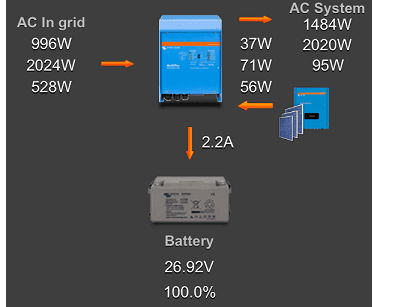
Matthijs Vader • 16 January 2014
New version of VRM app available
A new version of our VRM app has been released yesterday, both in the Apple app store, and the Google Play store for Android. An overview has been added: you can now see the solar yield from a PV Inverter. Another nice improvement is that we show kWs per phase, instead of just L1. And there are some more smaller fixes and changes. The screenshot on the right shows the new overview with the PV Inverter. The PV Inverter is connected to the output of the Multi, also known as AC-coupled PV. The overview will show you Watts per phase. For the curious: the values shown at AC System are actually the values measured by the Multi on its AC output minus the PV Inverter power. Which brings me to the AC Current Sensor; many of you might be wondering: and how can I measure and show the power of my PV Inverter? The answer to that is a new product called the AC Current Sensor. All requirements are listed in its manual . One of them is that you need to have a Color Control GX . The VGR2 and VER can, unfortunately, not forward these values to the VRM Portal. Picture of the AC Current Sensor: Nice to know: one of our software developers is working hard on a wireless version, the Wireless AC sensor. Besides being wireless it is also more accurate. And it interfaces directly to the Color Control GX. With that, we eliminate the requirements on Multi and Quattro hardware that you will find in the manual of the wired AC Current Sensor . The new Wireless AC Sensor is expected early in the second quarter of 2014. The next new feature is hiding the DC System. Some Victron installations have other DC loads, or DC chargers connected to the batteries, and others don’t. There is now an option on VRM Portal called ‘Has DC system’, to let you customize the shown diagram: Enable this setting when you have DC loads or chargers that are not connected to the CCGX. The system will then take the battery current as reported by the BMV, correct it for the DC currents reported by the Multi’s, Solar Chargers and also Skylla-i’s, and then show the difference under DC System. As shown in this screenshot: Note that the DC System shown is not very accurate, especially when having very fluctuating loads. This is because the currents being used are not measured at exactly the same time. There have been some more smaller changes. There is one I like a lot :). I hate it to have to retype my email address in a forgot password screen. Especially on a phone. So now, when you click forgot password, the used email address will be copied into the forgot password screen, making it all very easy. If you have any questions or ideas welcome to put them in the comments below! Matthijs Vader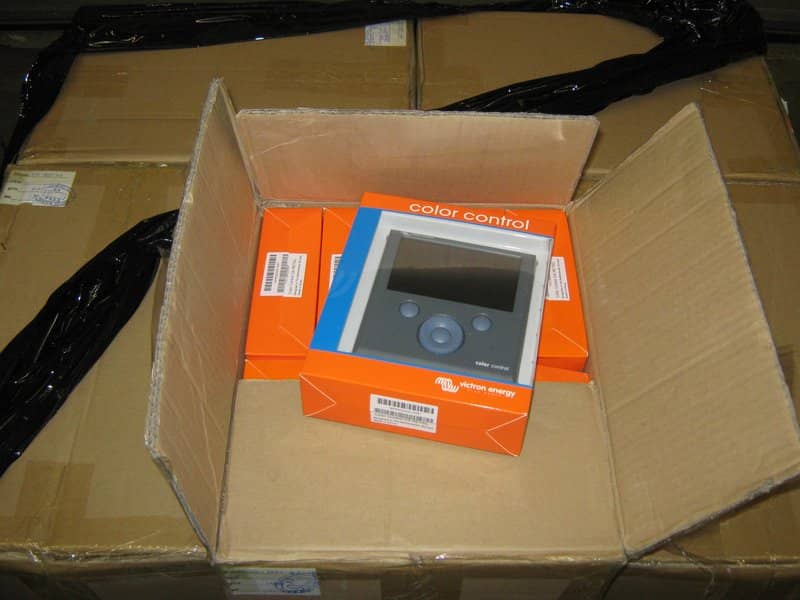
Matthijs Vader • 13 January 2014
New firmware for the Color Control GX – v1.11
Finally! I am happy to announce the new firmware release for the Color Control. It was completed last week. There is more good news – the photo above shows the long-awaited batch of 200 pieces. Also, the back-orders (of more than 100!) were shipped last Friday, which still leaves stock to fulfill new orders. Changes The most important change is a bug fix: the connection between a BMV and the Color Control GX (CCGX) would get lost after a random time. The only way to restore the connection was to power cycle the BMV itself. This is now fixed. The next one is support for the VE.Bus BMS: a CCGX can now be combined with a VE.Bus BMS. When you are planning such an installation, please take good note of the requirements and instructions. They are in the FAQ in the CCGX Datasheet . Some other interesting improvements are: – Added support for USB-GPS. After connecting a USB-GPS to the CCGX, you have to wait a little while, which can take up to one minute. After that the CCGX will automatically recognize the GPS. The GPS data will be forwarded to the VRM Portal , where it is used to update the location on the map. In the coming months we will add more tracking features to the portal. Besides sending the location to the portal, this is also shown in the setup menu. GPS units tested for compatibility: Globalsat BU353-W SiRF STAR III 4800 baud Globalsat ND100 SiRF STAR III 38400 baud Globalsat BU353S4 SiRF STAR IV 4800 baud Globalsat MR350 + BR305US SiRF STAR III 4800 baud – Added support for the AC Current sensor. The AC Current sensor is a simple external current sensor used to measure AC Current, Power (VA) and calculate the energy of a PV inverter connected to the AC input, or output, of a Multi or Quattro. These values will be shown on the CCGX, and forwarded to the VRM Portal. The two measurement wires can be connected to the AUX and/or temperature sense input of a Multi or Quattro. For more information, see the AC Current sensor manual . – Added support for the Lynx Ion, the BMS of the 24V / 180Ah LiFEPO4 batteries There is more and the full change log can be read here: Color Control – firmware changelog . How to update The easiest way to update is by connecting the CCGX to a LAN that has internet access. Manually updating is also possible: Color Control – how to update firmware with USB-stick or SD-card . Future Below will give you some insight into our intended direction with future releases, over the coming months: – Tank monitor (NMEA2000) – Improve the overview page – Remote VEConfigure: upload and download VEConfigure settings remotely – Modbus-tcp , so customers that use PLCs can far more easily read data from Victron products – Wireless AC power sensors – Support the VGR2, and later also lower cost GPRS modems, as the internet connection – USB-Wifi sticks – Integrate with Oceanvolt electric drives And finally we want to make as much as possible of the project open source and put it on GitHub .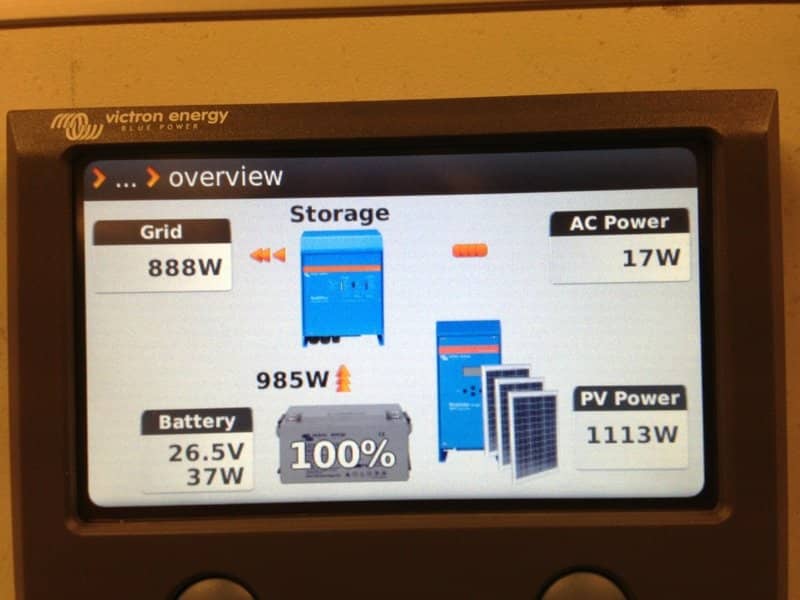
Matthijs Vader • 16 November 2013
Hub-1 working!
Look carefully at above image. What do you see? You see a Multi connected to mains. Its charger is in storage mode: the batteries are full. And you see a MPPT Solar Charger 150/70 putting 1113 Watts on the DC bus. The Multi is converting it back into AC, and since there are no significant loads, it is being backfed into the grid. This system, with DC coupled PV and the ability to backfeed into the grid is what we call Hub-1. As opposed to Hub-2 and Hub-3 which are installations where the PV is AC-coupled using PV grid converters. More information about the three hubs, part of home storage and self-consumption. And all of it is very nicely displayed on the Color Control GX . Look at the small video and see what happens when I turn a heater on. You’ll see that grid usage is kept at a minimum, battery power is used instead. At the end of the video the heater is off again. PV power is used to recharge the batteries and the surplus is backfed into the grid. Note that this is in R&D, and that this functionality is not yet commercially available. It is expected to be available by the end of the year. More details on what hardware, firmware and settings are needed will follow soon. For now just an enthusiastic Hurray! Posted by Matthijs Vader – Victron Energy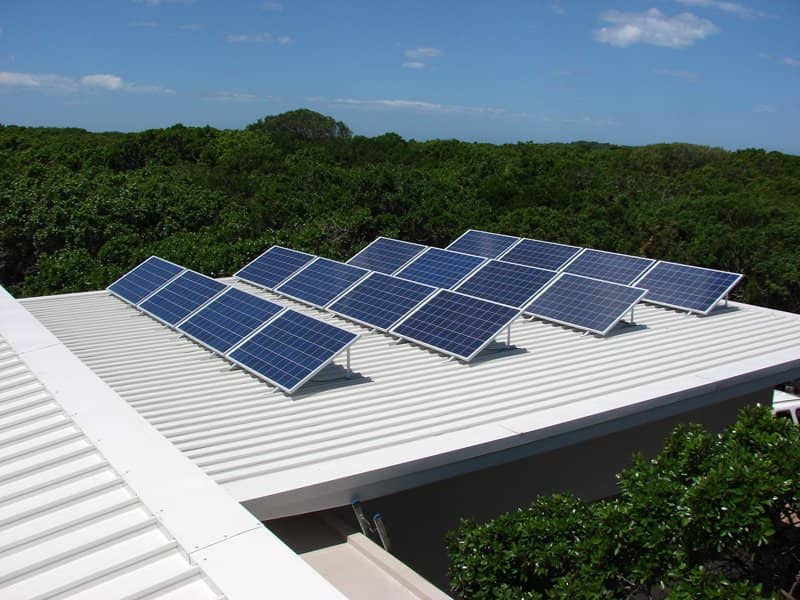
Matthijs Vader • 15 November 2013
Synchronizing multiple MPPT 150/70 charge controllers
Synchronizing multiple BlueSolar charge controllers MPPT 150/70 is now possible! Synchronizing chargers, also known as paralleling, has several advantages: Don’t waste solar power: all chargers will always be in the same state, no risk that one of them switches to float to early Simple wiring: connect only one temperature sensor and one voltage sense Run synchronized equalisation charges Monitor them as one big charger on the Color Control GX And, a couple of weeks from now, also on the VRM Website What you need to know, and how to do this First of all make sure that all chargers are running firmware version v2.00 or newer. At the time of writing these post, we are still shipping chargers with older firmware versions. A special USB to VE.Can interface is needed to update the firmware. Contact your distributor or Area manager for this. Also ask for the latest firmware file for the MPPT 150/70. Then see VUP on our software and downloads page for detailed instructions. After having all of them running the right firmware version, make sure that all charger related settings, such as battery type, absorption voltage and equalise settings are the same on all chargers. Relay configuration does not need to be the same. Verify that each MPPT is connected to its own PV strings, otherwise it won’t work. Note that having one MPPT tracker for each smaller string is also bring a much better MPP efficiency. And then do the magic: Connect them together with a network cable. Use the VE.Can communication ports for the cable, and don’t forget the VE.Can terminators. That is all! No pc configuration or any special settings needed. To check that you have successfully linked them up, look at the network icon in the display: It should be on and blink shortly every couple of seconds. Just being on indicates that there is VE.Can communication. The short blink indicates that it runs in synchronisation with other chargers. In case the icon does not come on, make sure that you have not forgotten the terminators. And make sure to use a high quality and straight RJ-45 utp cable. In case the icon comes on, but does not start blinking, first verify that the firmware is v2.00 or higher. And if all else fails, check that the device instances are the same on all chargers. The factory default for device instance is always 0. See last section of this post for more information on device instances. The maximum number of chargers that can be synchronized is 25. Note that this includes other types of chargers in the same group, such as the Skylla-i . And the Multi in case of a Hub-1 configuration . When working with synchronized chargers, these are the typical error messages: Error 65: charger disappeared during operation The charger showing this error has lost communications with one of the other chargers in the group. All chargers will still continue to charge. Error 65 can be fixed by restoring communication between the chargers. Or by entering the setup menu and leaving it again. Error 66: Incompatible device The charger is being paralleled to another charger that has different settings or an incompatible charge algorithm. Make sure that all settings are the same and update firmware on all chargers to the latest versions. Connecting them together without synchronizing It is also possible to connect MPPTs together without making them synchronize. This is necessary when chargers are connected to separate battery banks, and also connected together on VE.Can to be monitored on one Color Control GX . This is where the device instance is for. Think of it as a group number. It is a number between 0 and 255, and chargers will form a group and synchronize with other chargers that operate on the same group. The factory default for the group number is 0, which is what makes it is so easy to set this paralleling up. The device instance is in the menu with the name DI. Other questions you might have How does this work? Is there a master? How is that master selected? And what if it fails? There is no dedicated master. On power up, the master selection algorithm will appoint a master. This algorithm elects the charger with the newest version of our charge algorithm. In case the master fails, or gets disconnected from the group, another charger will take over the master-role: no interruptions. Error 65 is shown on the displays when this happens, to indicate that there is a problem. Can I see which one currently has the master role? No, why would you want to do that? I am doing protocol implementation, do I need to communicate to the separate chargers? And how do I do that? Can you provide some more details? Each charger will have its own network address on VE.Can. To keep things simple for control panels, and also for customers doing protocol integration, we have chosen to have all the combining functions implemented in the master-role. The master communicates with all the slaves, adds all information together, and broadcasts it as NMEA2000 PGNs. The slaves will not broadcast any NMEA2000 PGNs. They are communicating with the master through proprietary VREGs. See the datacommunication whitepaper for more information. The end If you have any questions, please post them below.Need advice? Our highly trained dealers are happy to help with questions, small or large.
Find a dealer near you
Check our support resources or contact your original dealer for dedicated support, repairs or warranty requests.
Support
Read more about our industry-leading 5-year standard warranty and global repair service.
Warranty


©Victron Energy 2026
